Best Employee Training Software in 2026: 8 Platforms Compared
Compare the best employee training software for onboarding, compliance and skills, with pricing, free plans and honest trade-offs for teams of all sizes.
- Editor's choice
 TalentLMS
Growing teams that need a simple LMS
Starts at$119 per monthVisit talentlms.comFull review - Great alternative
 iSpring Learn
Teams that train from PowerPoint content
Starts at$6.91 per user per monthVisit ispring.comFull review - Also consider
 360Learning
Companies that want collaborative learning
Starts at$8 per user per monthVisit 360learning.comFull review
TL;DR:
- TalentLMS is the simplest paid start, with a free plan for up to 5 users and paid plans from 119 dollars per month.
- iSpring Learn is the value pick for PowerPoint heavy teams, with pricing from 6.91 dollars per user per month and a 30 day free trial.
- 360Learning starts at 8 dollars per user per month and suits companies that want employees to help create courses.
- Docebo, Absorb LMS, LearnUpon and Litmos are quote based, so budget for a sales conversation and check how each vendor counts a user.
- The cheapest seat price is not always the cheapest contract, since implementation, content migration and user counting rules change the total.
Quick comparison
| Tool | Best for | Starts at | Free plan? | |
|---|---|---|---|---|
| TalentLMS | Growing teams that need a simple LMS | $119 per month | Yes | Visit |
| iSpring Learn | Teams that train from PowerPoint content | $6.91 per user per month | Free trial | Visit |
| 360Learning | Companies that want collaborative learning | $8 per user per month | No | Visit |
 Docebo | Large companies training many audiences | See website | No | Visit |
 Absorb LMS | Enterprise teams wanting fast implementation | See website | No | Visit |
 LearnUpon | Combined employee and customer training | See website | No | Visit |
 Litmos | Frontline and fast rollout training | See website | No | Visit |
 Cornerstone Learning | Large enterprises with full talent programs | See website | No | Visit |
The best employee training software
We compared official pricing, course authoring, compliance tracking, reporting and integrations to find the best employee training software for different team sizes.
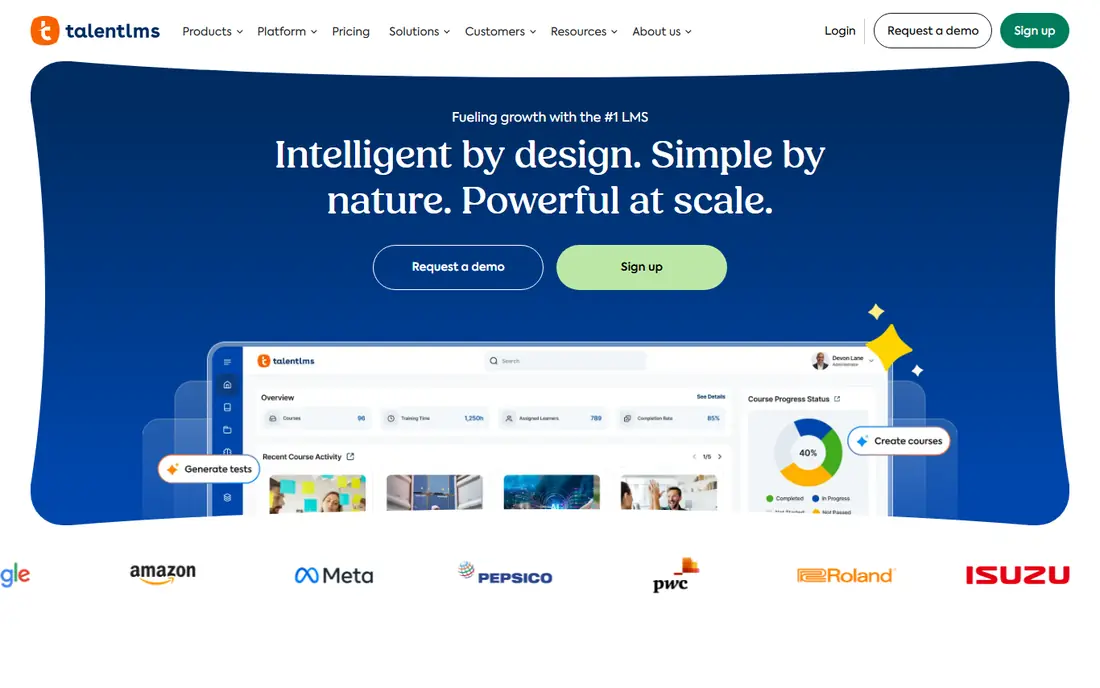
TalentLMS is our pick for a team buying its first learning platform. Setup is fast, course creation is straightforward, and the free plan for up to 5 users lets a small team test real courses before paying. Paid plans start at 119 dollars per month billed annually for the smallest user band, with Grow at 229 dollars and Pro at 449 dollars per month. It covers SCORM courses, quizzes, certifications, branches for different teams, and integrations with HR tools such as BambooHR and Salesforce.
The limit is scale and depth. Very large enterprises with complex compliance workflows may need more reporting and automation than basic TalentLMS plans offer. For most small and mid-sized companies, though, TalentLMS covers onboarding, compliance refreshers and skills courses without a long implementation project.
- Free plan for up to 5 users
- Easy course building
- Built-in course store
- Advanced enterprise features sit on higher tiers
- Reporting depth is limited on basic plans
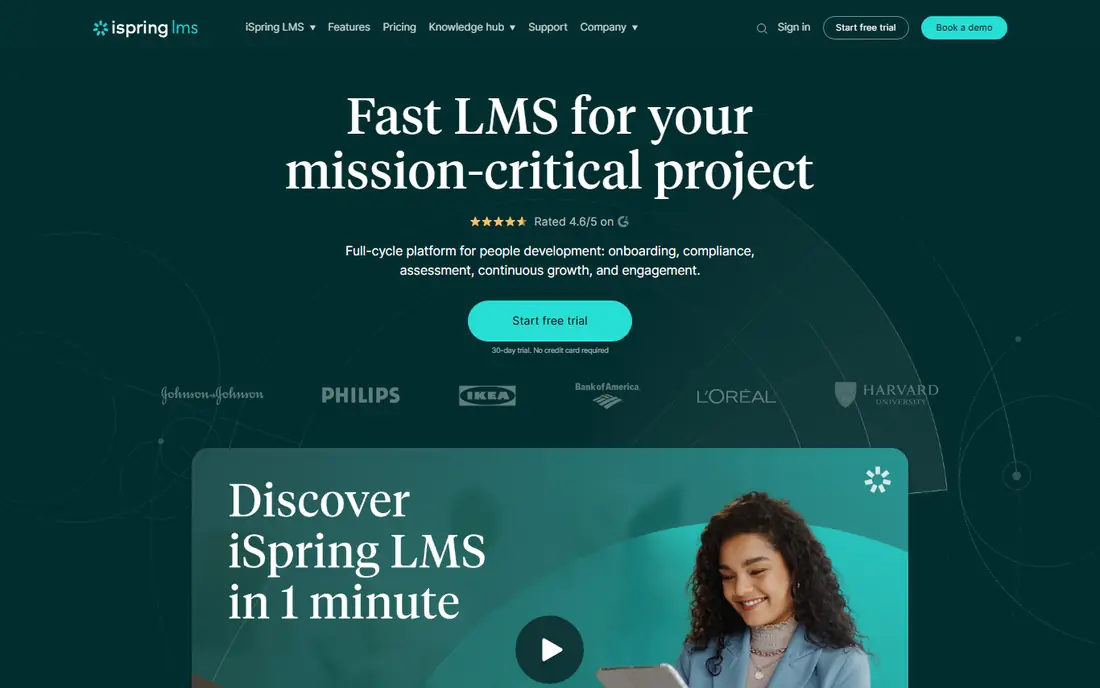
iSpring Learn, now often called iSpring LMS, is a strong value choice for companies that already have training material in PowerPoint. Its authoring tool converts slides into courses with quizzes, video and interactions, and pricing starts at 6.91 dollars per user per month, which is easy to compare with rivals. A 30 day free trial lets you test the full flow with a real course.
It is less of a fit for a global enterprise that needs many separate learning portals for employees, customers and partners. For a mid-sized company that wants clear pricing, fast course creation and solid compliance tracking, iSpring Learn is one of the most practical options here.
- Clear per user pricing
- Authoring tool included
- 30 day free trial
- Less suited to large multi-audience enterprise programs
- Design feels corporate rather than playful
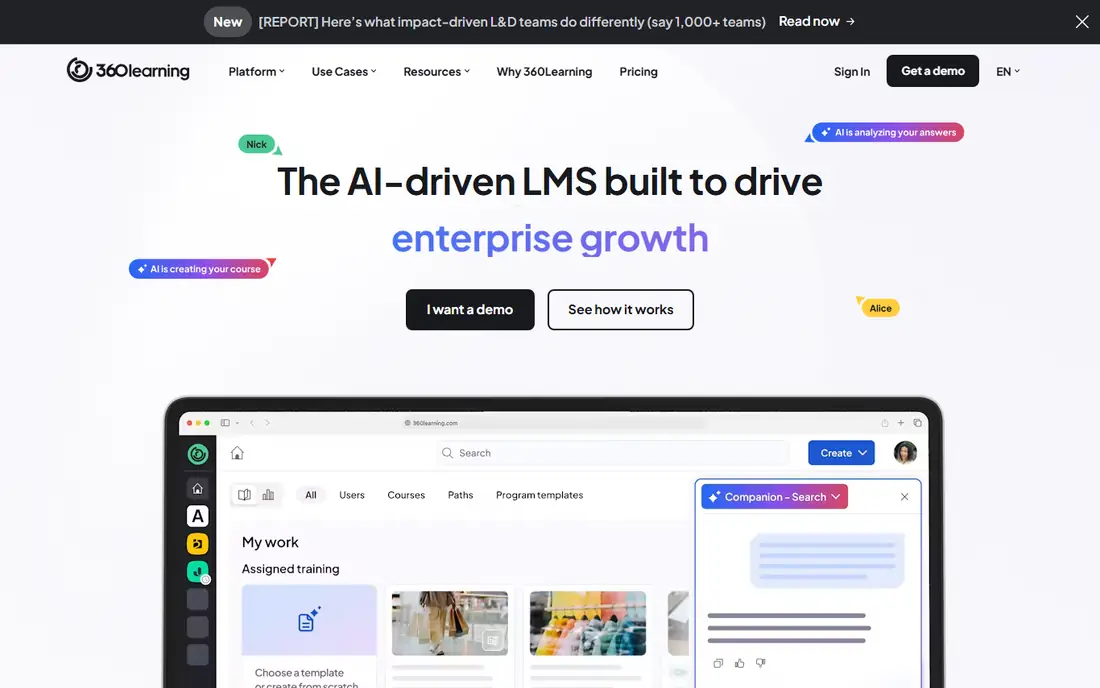
360Learning takes a different approach: instead of training being produced only by a learning team, subject experts inside the company create short courses with help from the platform. That model works well for fast changing topics, such as product updates or sales playbooks, where waiting for a central team would slow everyone down. Pricing starts at 8 dollars per user per month.
The catch is cultural. Collaborative learning only works if managers give experts time to create and review courses, and if someone owns quality. Without that support, the platform can fill with uneven content. With it, 360Learning can keep training current in a way that a top-down LMS struggles to match.
- Employees can co-create courses
- Strong social learning features
- Good analytics
- Pricing can rise with add-ons
- Needs internal champions to work well
Docebo is an enterprise learning platform built for companies that train employees, customers and partners from one system, with separate portals and branding for each audience. It offers AI assisted course creation, skills tools, content marketplace access and more than 400 integrations, including Salesforce, Microsoft Teams and HR systems. That breadth suits a company with a large, distributed workforce.
Pricing is quote based, with a one year minimum contract in many cases, and how Docebo counts users, by monthly active, yearly active or registered users, changes the total. Get that definition in writing before you sign. For enterprise scale, Docebo is a leading choice. For a 50 person team, it is usually more platform than needed.
- Multi-audience portals for employees, customers and partners
- Broad integrations
- AI course tools
- Quote based pricing
- User counting rules need careful checking
Absorb LMS is an enterprise learning platform known for a clean interface and relatively fast implementation compared with older enterprise systems. It covers course delivery, certifications, automated enrollment rules, reporting and integrations with HR systems such as Workday, ADP and BambooHR. Recent versions add AI agents for admin tasks and skills tracking.
Absorb does not publish prices, and quotes are based on learner count, from small bands up to 25,000 or more learners. Ask for implementation, migration and support costs separately, since those can be a large share of year one cost. For mid-market and enterprise teams that want a polished LMS without a painful rollout, Absorb is a strong contender.
- Clean admin experience
- AI agents and skills tools
- Strong HR integrations
- No published pricing
- Implementation costs can add up
LearnUpon is a learning platform that handles employee training and customer education in one system, with separate portals, branding and reporting for each audience. That suits SaaS companies that must train both staff and customers, or associations that train members alongside employees. It publishes minimum user floors rather than prices, with 100 users for the employee product and higher floors for customer education.
Those floors mean a very small team may not be a fit, even with budget to spare. For a company above that threshold, LearnUpon offers a focused, well supported platform without the sprawl of a full talent suite. Check reporting and integration needs in a demo, since those are where LMS choices usually succeed or fail.
- Separate portals for different audiences
- Strong reporting
- Good customer training features
- Minimum user floors can exclude very small teams
- Quote based pricing
Litmos, from SAP, is built for speed, especially for frontline, retail, hospitality and field teams that need training on a phone, not a desk. It offers course delivery, assessments, certifications and a content library, with integrations for HR and CRM systems. Companies that need to roll out compliance or product training to thousands of distributed staff often choose Litmos for its short time to launch.
Pricing is quote based, with older published references pointing to foundation plans around 8,000 dollars per year, but you should request a current quote for your learner count. Litmos is less suited to a company that wants deep custom learning paths for every role. For fast, mobile, compliance driven training, it is a practical pick.
- Fast deployment
- Mobile friendly for frontline staff
- Built-in content library options
- No published pricing
- Advanced customization is limited on basic plans
Cornerstone Learning
Best for: Large enterprises with full talent programs
Cornerstone Learning is part of a broader talent management suite covering learning, performance, recruiting and HR. That matters for a large enterprise that wants training data connected to performance reviews, succession planning and compliance reporting in one system. It handles complex global requirements, multiple languages and large learner counts.
The trade-off is cost and implementation time. Cornerstone is an enterprise purchase, sold by quote, and rollout often involves consultants and change management. A mid-sized company will usually get faster value from TalentLMS, iSpring or 360Learning. A global enterprise that already uses Cornerstone for HR will find the learning module a natural fit.
- Part of a full talent suite
- Deep compliance and reporting
- Global scale
- Quote based and enterprise priced
- Implementation can be long
How we picked these
We compared official pricing pages, product documentation and public feature lists, focusing on course authoring, compliance tracking, reporting, mobile access and HR integrations. We included both published price tools and quote based enterprise platforms, and we marked unpublished prices as "See website" rather than inventing a figure. We did not claim hands-on testing, and we favored tools that exist and are actively sold in October 2026.
What to check before you buy employee training software
Start with who must be trained and how they work. Desk staff, frontline staff and customers need different mobile access, offline options and language support, and a platform that works for one group may fail for another. Next, check how the vendor counts a user, since active, registered and contracted user models produce very different bills for seasonal or part-time workforces.
Test course creation with your own material, not a vendor demo course, and check SCORM and xAPI support if you have existing courses to migrate. Review compliance features that matter to you: certification expiry, automated reminders, audit trails and completion reports. Finally, get implementation, migration and renewal terms in writing, including what happens to your courses and records if you leave.
FAQ
What is the best employee training software for a small business?
TalentLMS is a strong start, with a free plan for up to 5 users and paid plans from 119 dollars per month. iSpring Learn is also good value if your training material starts life as PowerPoint slides. Both let a small team launch real courses without an enterprise contract.
How much does employee training software cost?
Published prices range from 6.91 dollars per user per month for iSpring Learn and 8 dollars per user per month for 360Learning, to 119 dollars per month for TalentLMS. Enterprise platforms such as Docebo, Absorb, LearnUpon, Litmos and Cornerstone are quote based, and totals depend on learner count, implementation and add-ons.
What is an LMS, and do I need one?
An LMS, or learning management system, delivers, tracks and reports on training. You need one when you must prove who completed compliance training, manage certifications, or train many people consistently. A simple course tool or shared drive may be enough for occasional, informal training.
Can employees access training on a phone?
Most platforms here offer mobile access, and Litmos and TalentLMS are particularly focused on mobile and frontline use. Check offline access and app support if staff work in areas with poor connectivity, since web only access can be a problem.
How long does it take to launch a training platform?
A simple platform such as TalentLMS or iSpring Learn can launch in days or weeks with existing content. Enterprise platforms such as Docebo, Absorb or Cornerstone often take weeks to months, especially when content migration, HR integration and compliance reporting are involved.
Should I buy courses, or create my own?
Most companies do both. Use a content library or marketplace for generic topics such as safety or software skills, and create your own courses for company specific processes, products and values. Check what content is included in the price, since libraries are often an add-on.