The 5 Best Employee Scheduling Software for Schools in 2026, Ranked
5 products for the best employee scheduling software for schools, ranked by fit, with starting costs and free tiers. The catches are listed up front. No filler.
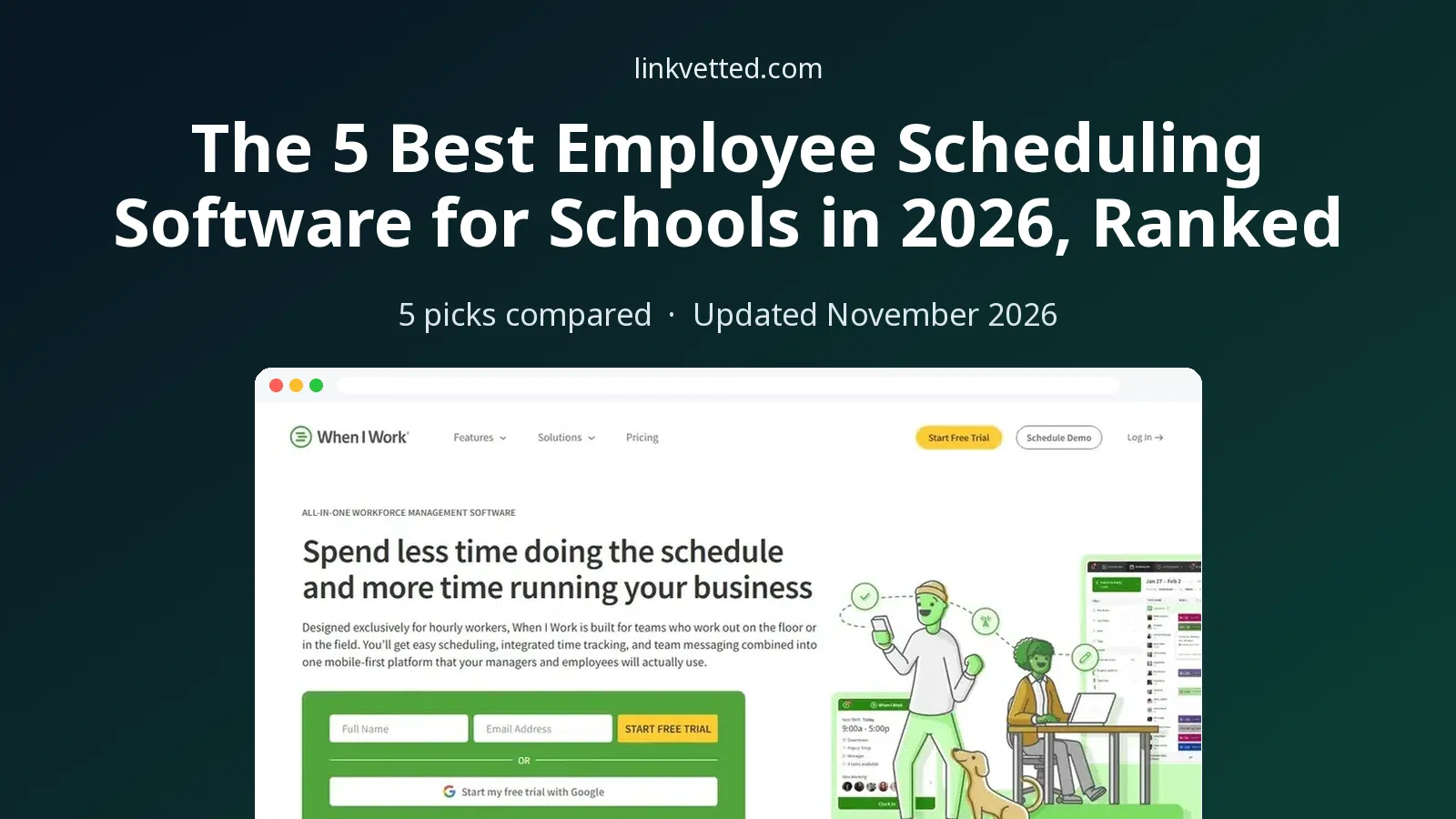
- Editor's choice
 When I Work
Straightforward shift scheduling and team messaging
Starts at$2.50 per user a monthVisit wheniwork.comFull review - Great alternative
 Homebase
Small teams needing all-in-one tools
Starts at$30 per location a monthVisit joinhomebase.comFull review - Also consider
 Sling
Free shift scheduling and communication
Starts at$1.70 per user a monthVisit getsling.comFull review
Direct answer
When I Work is the first pick on this list for straightforward shift scheduling and team messaging. Listed starting prices: When I Work from $2.50 per user a month, Homebase from $30 per location a month and Sling from $1.70 per user a month. Homebase is better for small teams needing all-in-one tools, and Sling is better for free shift scheduling and communication. The other 2 tools in the list cover narrower or pricier cases.
TL;DR:
- Number one here is When I Work, a fit for straightforward shift scheduling and team messaging.
- Free plans exist at 2 of 5 tools (Homebase, Sling).
- The lowest published monthly entry price here is $1.70 per user per month, from Sling.
- Check the limits for Frontline Absence Management before you commit: may be overkill for small schools.
Last checked November 2026. Prices and plan details were read from the vendors' own pages in November 2026; vendors change plans often, so confirm the current price on the vendor site before you buy.
Quick comparison
| Tool | Best for | Starts at | Free plan? | |
|---|---|---|---|---|
| When I Work | Straightforward shift scheduling and team messaging | $2.50 per user a month | Free trial | Visit |
| Homebase | Small teams needing all-in-one tools | $30 per location a month | Yes | Visit |
| Sling | Free shift scheduling and communication | $1.70 per user a month | Yes | Visit |
| Frontline Absence Management | K-12 absence and substitute management | See website | Not stated | Visit |
 Deputy | Scheduling with HR and payroll integration | $5 per user per month | Free trial | Visit |
Employee Scheduling Software for Schools profiles
LinkVetted compared 5 employee scheduling software for schools. The goal is a practical shortlist: published prices, free plan facts, best-fit use cases and honest limits for every entry.
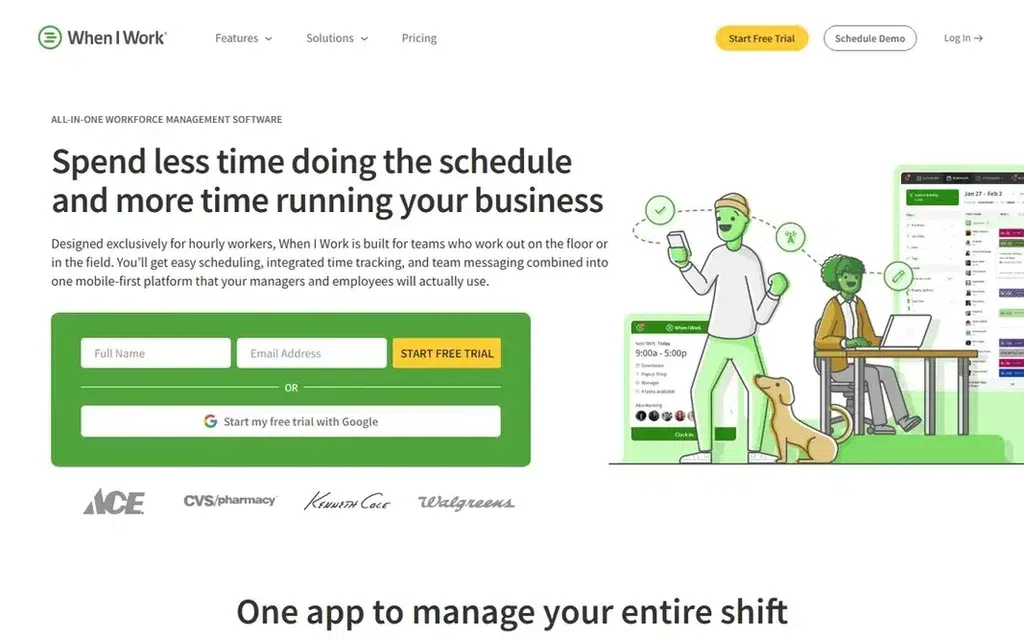
When I Work targets straightforward shift scheduling and team messaging. When I Work is an employee scheduling and management app that lets you produce shifts, track time, and message your team in one place. It is built to be straightforward and mobile-friendly, making it a solid fit for schools that require an adaptable scheduling tool without a steep ramp-up time.
What to check first: Not school-specific.
It can deal with schedules for teachers, aides, and support staff. Worth adding: pick When I Work for simplicity and team communication. Also, Whereas When I Work is versatile, it is not designed for schools, so absence management and substitute coordination may need workarounds. Price to start with When I Work: $2.50 per user per month. On free options: Free trial.
- Simple to use mobile app
- Merges scheduling and messaging
- Advanced features may need upgrades
Homebase makes the most sense for small teams needing all-in-one tools. Schools with small staff teams, like private or charter schools, might find Homebase handy for entry-level scheduling and time tracking.
Where Homebase stands out: Hiring features included.
It is not school-specific and may lack features for substitute coordination. On cost, Homebase starts like this: $30 per location per month. You can start on Homebase without paying. Where it falls short: Targeted at small companies.
- Simple app for hourly teams
- Time clocks, payroll
- May lack advanced school features
In short, Sling is for free shift scheduling and communication. It is built to be simple to use and accessible for small teams. Schools looking for a no-cost scheduling option for staff shifts might find Sling a practical choice, notably for straightforward scheduling needs.
As a free tool, Sling may lack advanced features like absence management or payroll integration. It is not aimed at schools, so it may not accommodate complicated scheduling rules. Sling pricing: $1.70 per user per month. Sling offers a free plan.
Where it falls short: Restricted advanced features.
- Simple shift planning
- Comes with team communication
- Not tailored for schools
Frontline Absence Management
Best for: K-12 absence and substitute management
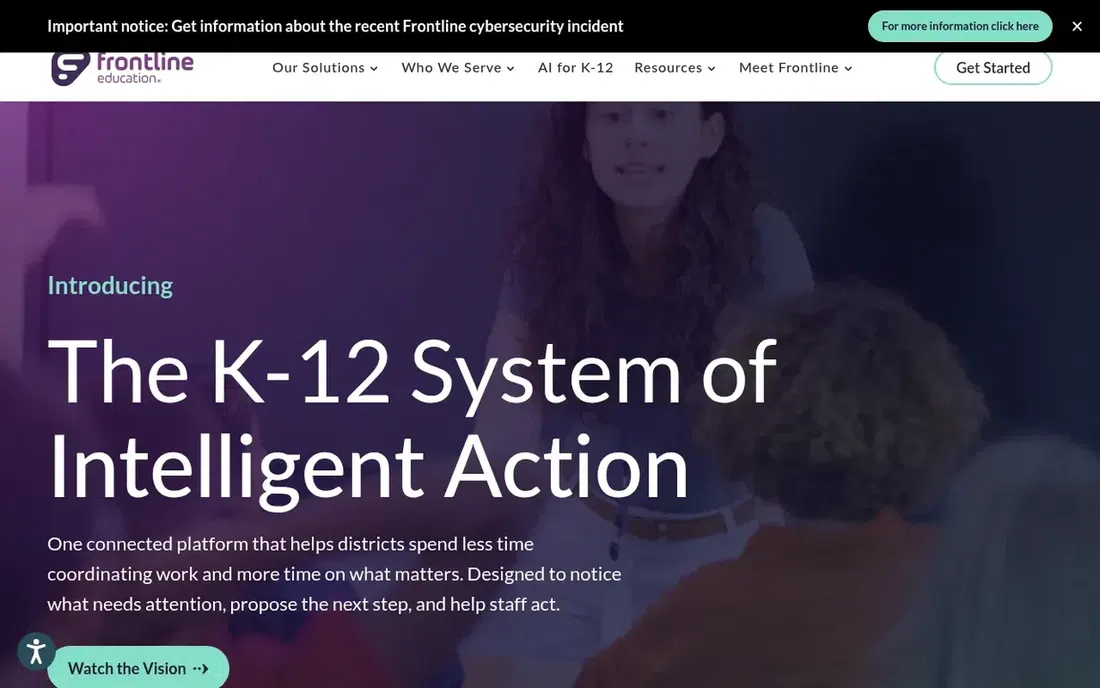
Where Frontline Absence Management fits: K-12 absence and substitute management. It helps schools run teacher and staff absences, coordinate substitutes, and keep daily operations running smoothly.
Honest limits: Restricted general shift scheduling.
Frontline Absence Management does not show a starting price in this comparison, so check the vendor site for current pricing. On free options: Not stated.
- Centralizes staff absence workflows
- Tailored for school administration
- May be overkill for small schools
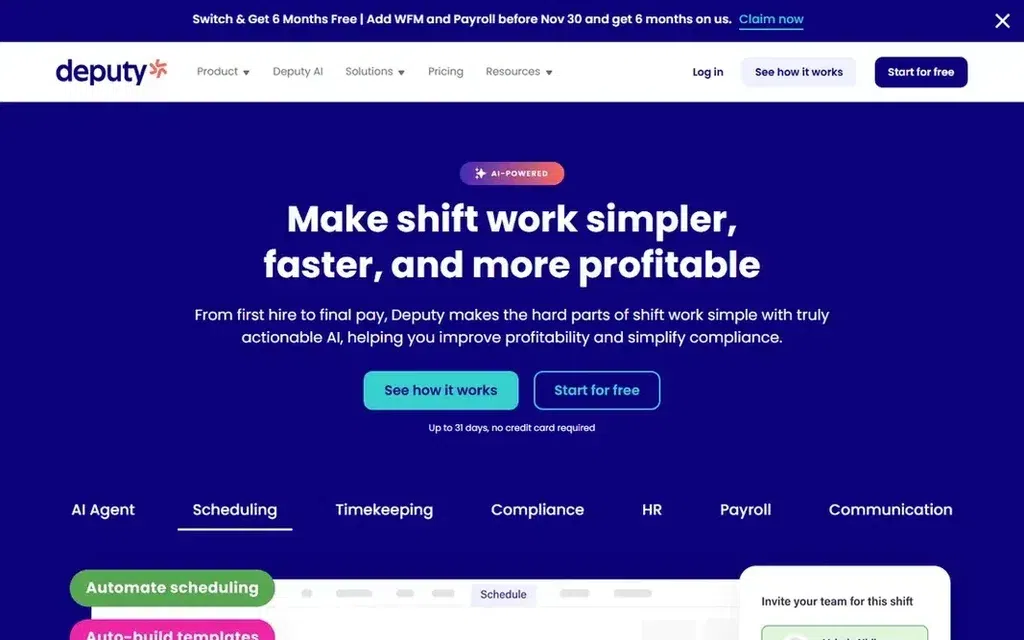
Deputy is built with scheduling with HR and payroll integration in mind. This tool fits schools that want a broader HR and payroll solution alongside scheduling, notably for managing diverse staff roles.
The main drawbacks: May be complicated for entry-level needs.
Consider Deputy if you need an integrated approach to scheduling and payroll. Deputy pricing: $5 per user per month. Free options: Free trial.
- AI labor forecasting
- Contains HR and payroll features
- School-specific features not highlighted
What went into this list
Before you commit
- Get a written quote from Frontline Absence Management; the list shows no starting price for them.
- Check what the free option really includes: Homebase and Sling offer a free plan, and usage caps differ.
- Run a trial of When I Work and Deputy with real work before paying for a year; your own workflow is the best test.
- Read the limits listed for When I Work first: not school-specific.
- Run a one or two week pilot of When I Work with the people who will use it every day.
- Check how data leaves Homebase: formats, limits and whether exports are available on every plan.
FAQ
Are there free choices for school scheduling?
Homebase also gives you a free choice for small teams. These can work for straightforward needs, but may lack advanced school-specific features.
How are the tools for employee scheduling software for schools ordered?
The order follows typical fit for employee scheduling software for schools, with When I Work first and Deputy last, then price clarity and free access. It is editorial judgement, not a score, so another team could rank the tools differently.
Can I try these tools before paying?
Often, yes. Homebase and Sling have a free plan and When I Work and Deputy offer a free trial. Use your own data and a real task during the test, and check what the free tier or trial limits before you rely on it. Each of the 5 options in this employee scheduling software for schools guide has its own card above with the price, free plan and limits.
Do these tools publish their prices?
Not all of them. Frontline Absence Management publishes no starting price, so expect a quote request for it. The rest, When I Work included, show a starting price, though seats and billing terms still change the final cost.
Is When I Work the right pick for everyone comparing employee scheduling software for schools?
No single tool suits every team. When I Work comes first because it fits simple shift scheduling and team messaging, while Homebase suits small teams needing all-in-one tools and Sling suits free shift scheduling and communication. Match the tool to your own size, budget and workflow before deciding.
Sources
- https://wheniwork.com
- https://www.joinhomebase.com
- https://getsling.com
- https://www.frontlineeducation.com
- https://www.deputy.com