The 5 Best Employee Scheduling Software for Coaches in 2026, Ranked
Compare 5 best employee scheduling software for coaches, with prices, free plans and who each fits. Where a tool struggles is spelled out. Read the profiles.
- Editor's choice
 Connecteam
Frontline teams in one management app
Starts at$29 a monthVisit connecteam.comFull review - Great alternative
 Sling
Straightforward shift scheduling and planning
Starts at$1.70 per user a monthVisit getsling.comFull review - Also consider
 Homebase
Small hourly teams needing an all-in-one app
Starts at$30 per location per monthVisit joinhomebase.comFull review
Direct answer
For frontline teams in one management app, Connecteam is where this list starts. Listed starting prices: Connecteam from $29 a month, Sling from $1.70 per user a month and Homebase from $30 per location per month. For a different need, Sling covers straightforward shift scheduling and planning and Homebase covers small hourly teams needing an all-in-one app. All 5 tools are compared below on price, free plan and limits.
TL;DR:
- Number one here is Connecteam, a fit for frontline teams in one management app.
- One limit worth knowing about Connecteam: wide feature set takes time to explore.
- Deputy fits scheduling with HR and labor forecasting.
- Starting prices begin at $1.70 per user per month with Sling.
Last checked November 2026. Prices and plan details were read from the vendors' own pages in November 2026; vendors change plans often, so confirm the current price on the vendor site before you buy.
Quick comparison
| Tool | Best for | Starts at | Free plan? | |
|---|---|---|---|---|
| Connecteam | Frontline teams in one management app | $29 a month | Yes | Visit |
| Sling | Straightforward shift scheduling and planning | $1.70 per user a month | Yes | Visit |
| Homebase | Small hourly teams needing an all-in-one app | $30 per location per month | Yes | Visit |
 When I Work | All-in-one shift scheduling and messaging | $2.50 per user a month | Free trial | Visit |
 Deputy | Scheduling with HR and labor forecasting | $5 per user per month | Free trial | Visit |
Employee Scheduling Software for Coaches profiles
Choosing employee scheduling software for coaches usually comes down to price, fit and limits. This LinkVetted guide sets 5 tools side by side on those three points, with the facts kept short and checkable.
Connecteam works best for frontline teams in one management app. Connecteam presents itself as an employee management app aimed at frontline teams, letting you schedule, track time and communicate with clarity and control.
Where Connecteam stands out: time tracking and communication together.
Where it is weaker: Wide feature set takes time to explore.
As for the details, coaches coordinating on-site staff for example trainers, assistants and desk teams can use it to consolidate multiple everyday tasks. Choose Connecteam when you want scheduling, time tracking and communication unified for frontline staff. Connecteam pricing: $29 per month. You can start on Connecteam without paying.
- Scheduling
- Aims to replace scattered tools
- May be more than a small coaching team needs
Sling is designed for straightforward shift scheduling and planning. Sling stays close to scheduling and communication, so companies needing integrated payroll or HR may need another tool alongside it.
Upsides: Employee communication built in.
The main drawbacks: Fewer adjacent payroll features. As for the details, pick Sling when straightforward shift planning and staff messaging are the central goals. What you pay to start with Sling: $1.70 per user per month. Sling includes a free tier.
- Easy-to-use approach
- Straightforward
- Narrower scope than full HR suites
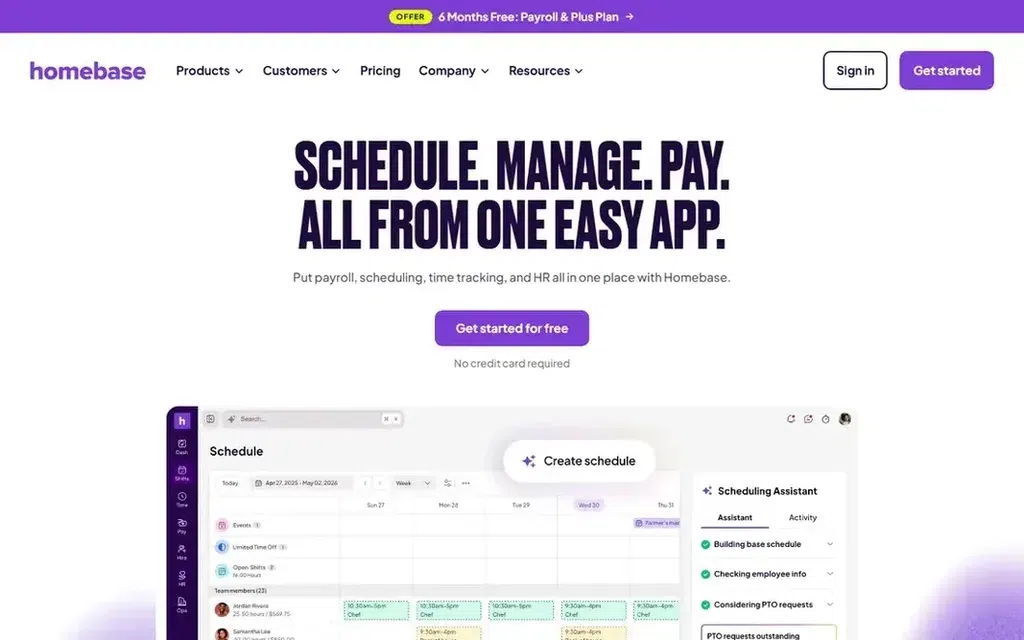
In short, Homebase is for small hourly teams needing an all-in-one app. Bigger or multi-location operations may want more specialized depth. In daily use, coaches who handle hourly staff at a studio or facility can keep scheduling and timekeeping together, which helps when staff clock in for classes, sessions or front-desk shifts.
It is designed around the needs of small hourly teams instead of large corporate workforces. Choose Homebase when you want scheduling and timekeeping for an hourly coaching team in one place. The all-in-one approach means some features may go unused if you only need a schedule builder. Homebase pricing: $30 per location per month. You can start on Homebase without paying.
Where it shines: Hiring tools included; Designed for hourly teams. Honest limits: Breadth of features may be more than needed.
- Schedules
- Time clocks and payroll together
- Geared toward small firms, not large operations
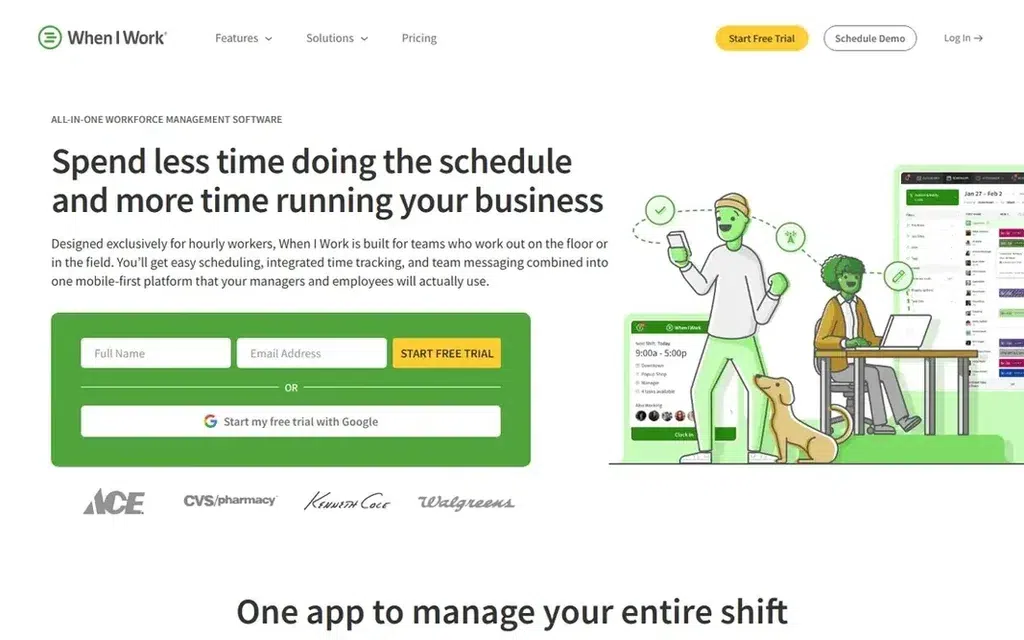
Pick When I Work if this describes you: all-in-one shift scheduling and messaging. For coaches who coordinate multiple staff members across sessions, classes or front-desk coverage, it keeps the schedule and communication in a single place. On top of that, choose When I Work when shift coordination and fast team messaging are the priority.
Watch-outs: Payroll and HR depth is restricted.
From a buyer's view, coaches with very simple, fixed weekly schedules might find a lighter tool sufficient. As for the details, the product centers on scheduling and time tracking, so companies needing deeper payroll or HR administration may outgrow it. When I Work pricing: $2.50 per user per month. On free options: Free trial.
- Employee scheduling and management focus
- Schedules shifts and tracks time in one app
- Best suited to hourly shift teams
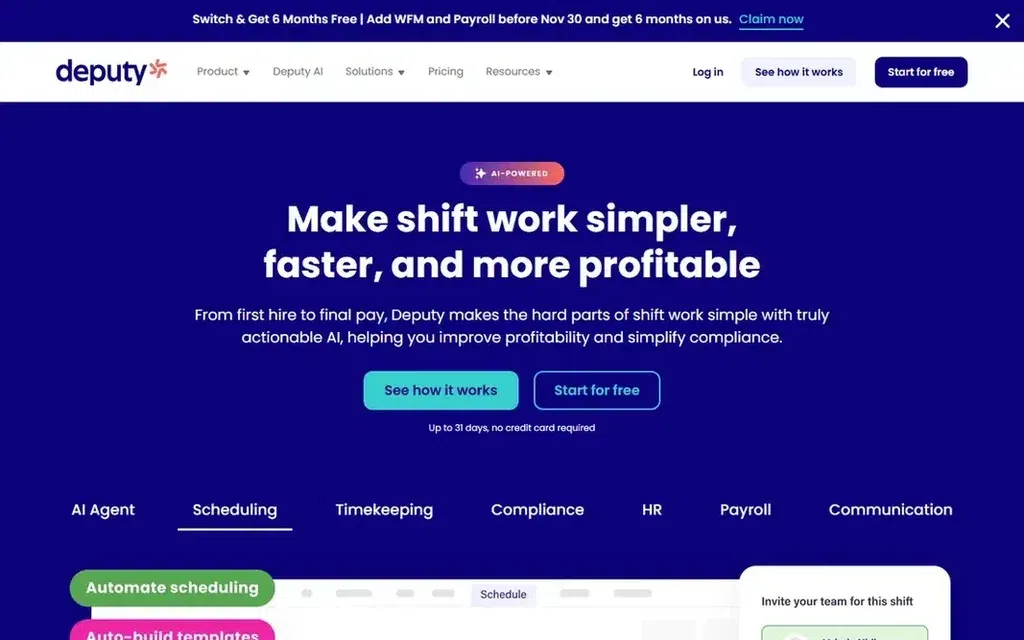
Choose Deputy for scheduling with HR and labor forecasting. Deputy describes itself as easy-to-use employee scheduling, HR, AI labor forecasting and payroll software.
As for the details, teams wanting only an entry-level shift calendar could prefer a more straightforward choice. In daily use, since Deputy spans scheduling, HR and payroll, smaller coaching companies may not need every module. The starting price for Deputy: $5 per user per month. Trial and free access: Free trial.
Where it is weaker: Setup can take more effort for small teams.
- Payroll software included
- Employee scheduling and HR in one system
- Feature set may exceed straightforward needs
How we chose
We compared the tools on published pricing, free plan or trial availability, feature coverage for employee scheduling software for coaches, and the limits each vendor documents. Treat prices as a snapshot: vendors change plans often, so check the vendor site for the figure that applies today. Order on the page follows fit for the typical buyer first, then price transparency and free access. Your own requirements should decide the final pick.
Pre-purchase checklist
- Prices are a starting point; Sling shows $1.70 per user per month to start, so verify what your seat count would cost.
- Check what the free option really includes: Connecteam, Sling and Homebase offer a free plan, and usage caps differ.
- Run a trial of When I Work and Deputy with real work before paying for a year; your own workflow is the best test.
- Before choosing Connecteam, weigh its main limit: wide feature set takes time to explore.
- Work out what Connecteam costs with your real seat count, add-ons and usage, not just the entry price.
- Confirm minimum seats and billing terms with Deputy before you commit to an annual plan.
FAQ
Which options for employee scheduling software for coaches have a free plan?
Connecteam, Sling and Homebase offer a free plan in this list. Free plans usually cap users, projects or features, so check the limits on the vendor page. Several others offer a trial instead.
How are the tools for employee scheduling software for coaches ordered?
The order follows typical fit for employee scheduling software for coaches, with Connecteam first and Deputy last, then price clarity and free access. It is editorial judgement, not a score, so another team could rank the tools differently.
Do these tools publish their prices?
Yes. Every tool from Connecteam to Deputy shows a starting price, though seats, add-ons and billing terms still change the final cost.
Can I try these tools before paying?
Often, yes. Connecteam, Sling and Homebase have a free plan and When I Work and Deputy offer a free trial. Use your own data and a real task during the test, and check what the free tier or trial limits before you rely on it.
Which tool is a good match for a small coaching business?
The first pick on this list is Connecteam, because it suits frontline teams in one management app. Sling is better for straightforward shift scheduling and planning, and Homebase for small hourly teams needing an all-in-one app. Check price and limits against your own needs before choosing.
Sources
- https://connecteam.com
- https://getsling.com
- https://joinhomebase.com
- https://wheniwork.com
- https://www.deputy.com