Best HR and Scheduling Software for Retail in 2026: 8 Tools Compared
Compare the best hr and scheduling software for retail, with Deputy, Homebase and When I Work pricing, compliance, payroll and POS integrations in 2026.
- Editor's choice
 Deputy
Multi-site retail with compliance needs
Starts at$5 per user per monthVisit deputy.comFull review - Great alternative
 Homebase
Small single stores starting free
Starts atFreeVisit joinhomebase.comFull review - Also consider
 When I Work
Simple scheduling for hourly teams
Starts at$2.50 per user per monthVisit wheniwork.comFull review
TL;DR:
- Homebase is the cheapest start for a single store, with a free Basic plan for up to 10 team members at one location.
- When I Work starts at $2.50 per user per month, which suits small teams but scales with every hire.
- Deputy starts at $5 per user per month and leads on forecasting and compliance controls for multi-site retail.
- 7shifts suits food retail and restaurants, with a free plan and point-of-sale integrations.
- Per-location pricing favors large teams at few sites, while per-user pricing favors small teams at many sites.
Quick comparison
| Tool | Best for | Starts at | Free plan? | |
|---|---|---|---|---|
| Deputy | Multi-site retail with compliance needs | $5 per user per month | Free trial | Visit |
| Homebase | Small single stores starting free | Free | Yes | Visit |
| When I Work | Simple scheduling for hourly teams | $2.50 per user per month | Free trial | Visit |
 7shifts | Food retail and restaurants | See website | Yes | Visit |
 Sling | Budget teams wanting free scheduling | See website | Yes | Visit |
 Connecteam | Deskless teams under 10 users | Free | Yes | Visit |
 Workforce.com | Larger retail chains at scale | See website | No | Visit |
 Planday | Retailers needing working-time rules | See website | No | Visit |
The best hr and scheduling software for retail
Retail scheduling is a weekly puzzle of opening hours, peak demand, staff availability and labor law. The eight tools below all build schedules, run time clocks and message teams, but they differ on pricing model, HR depth and compliance strength, so count your sites and staff before comparing prices.

Deputy is our pick for retailers with several sites, mixed teams or complex compliance duties. Scheduling starts at $5 per user per month on the Lite plan, with Core at $6.50 and Pro at $9 in recent comparisons, and a $30 monthly minimum. Demand forecasting, labor cost controls and fair workweek features sit on higher plans, which helps managers build schedules around sales patterns rather than guesswork.
Per-user pricing is the catch for large part-time teams, since every scheduled person adds to the bill. A store with 40 part-timers will pay far more than on a per-location tool such as Homebase. For a multi-site retailer that needs forecasting, compliance automation and consistent controls across stores, Deputy is worth that premium.
- AI demand forecasting on higher plans
- Strong compliance controls
- Scheduling plus time and HR tools
- Per-user pricing scales with headcount
- $30 monthly minimum
- Higher plans needed for forecasting
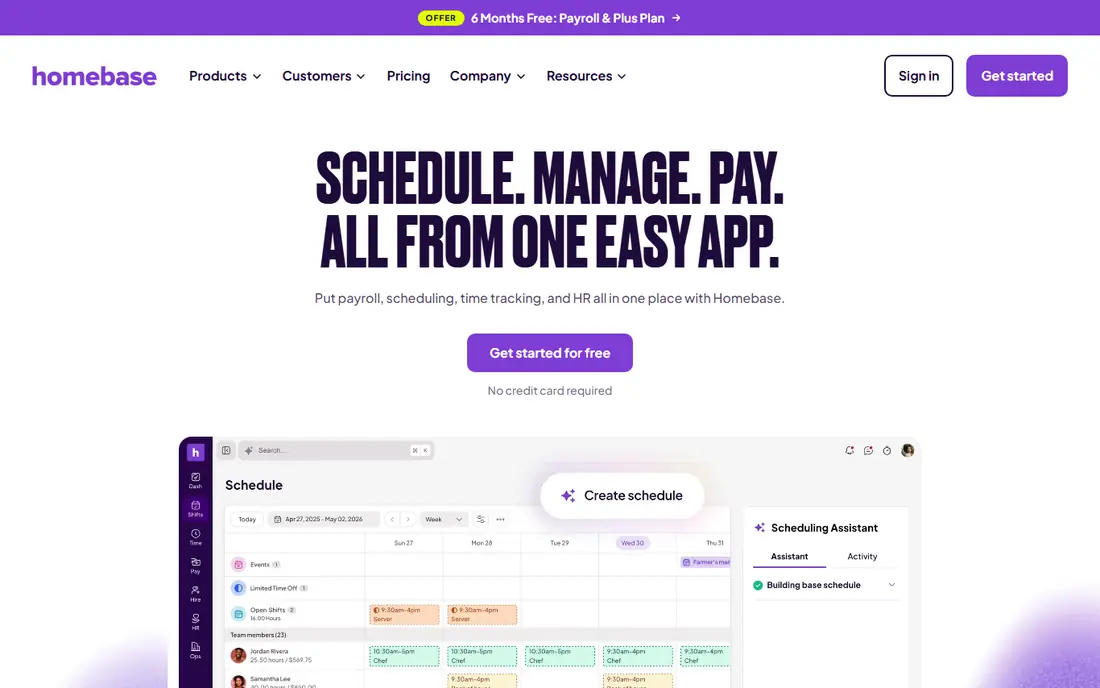
Homebase is the cheapest way for a single store to start with proper scheduling, time tracking and team messaging. The Basic plan is free for one location with up to 10 team members, and paid plans are priced per location, starting at $24 per month on annual billing for Essentials, $56 for Plus and $96 for All-in-One in recent published comparisons. Payroll is an add-on at $49 per month plus $6 per active employee.
Per-location pricing is a major advantage for a store with many staff at one site, since the cost stays flat as the team grows. The trade-off is tier gating, with GPS tracking, AI scheduling and HR advisor access sitting on higher plans. For a single store or a small chain starting out, Homebase is the first tool to test.
- Free Basic plan for one location and up to 10 staff
- Per-location paid pricing
- Payroll and HR add-ons
- Paid features are gated by tier
- Payroll costs extra
- Multi-site pricing needs a quote for larger estates
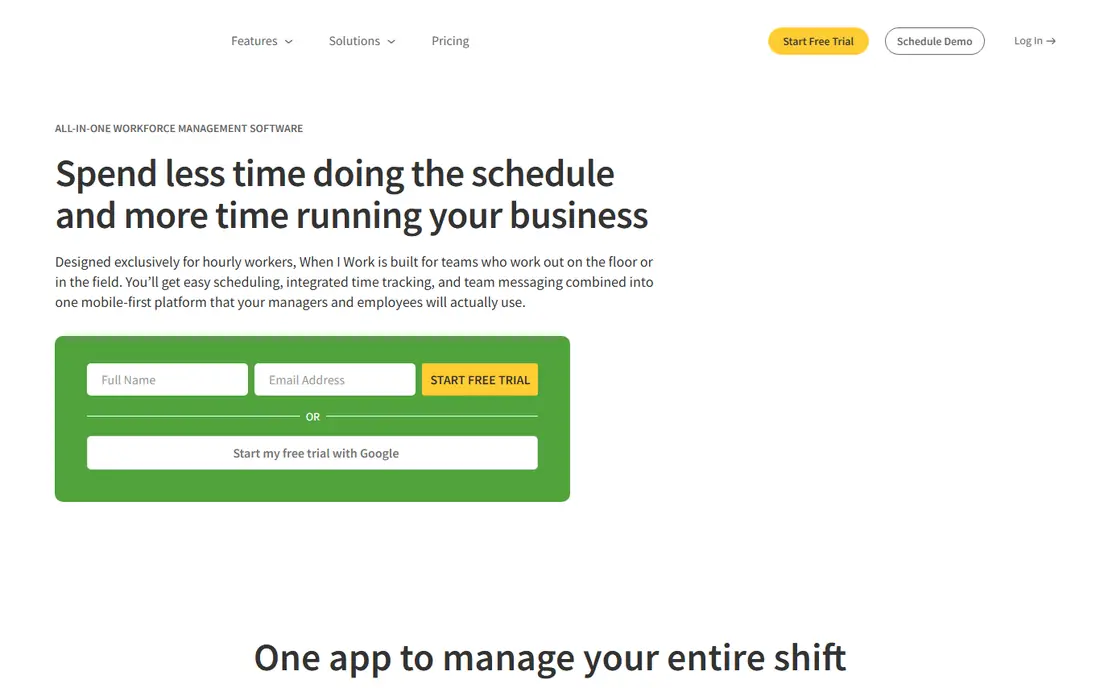
When I Work suits hourly retail teams that want scheduling live quickly without a long setup. Essentials starts at $2.50 per user per month, with Pro at $5 and Premium at $8, and every plan includes scheduling, time and attendance and messaging. The mobile app is straightforward for staff to check shifts, swap shifts and clock in, which matters for deskless retail teams.
There is no free plan, only a 14-day trial, and per-user pricing means a 40-person team on Premium costs $320 per month, far more than a per-location tool. HR features are also lighter than Deputy or a full HR suite. For a small team that values simplicity and clear pricing, When I Work is an excellent fit. For a large team, compare Homebase per-location pricing first.
- Transparent per-user pricing
- Fast setup
- Scheduling, time and messaging in every plan
- No free plan, only a 14-day trial
- Costs scale with every hire
- HR depth is lighter than Deputy
7shifts is built for restaurants and food retail, where scheduling, tip handling, labor cost and point-of-sale data must work together. A free Comp plan covers a single location with a small team, while paid plans start at $39.99 per location per month for Essentials and $79.99 for Pro in recent comparisons, with a discount for annual billing. Point-of-sale integrations let managers build schedules around actual sales data.
General retail outside food will find less tailored value here than with Deputy or Homebase, and paid features are tiered by plan. For a cafe, bakery, grocery deli or restaurant retail site, 7shifts is a natural shortlist pick, especially when sales-based scheduling matters. For a clothing or general store, test Deputy and Homebase first.
- Free plan for a single location
- Restaurant and food-retail focus
- Point-of-sale integrations
- Paid pricing is per location and tiered
- Payroll and advanced features need higher plans
- Retail outside food gets less fit
Sling suits budget-conscious retail teams that want free scheduling plus team messaging without a complex HR suite. The free plan covers scheduling essentials, and paid plans add time tracking, labor cost tools and integrations. Setup is quick, and the messaging tools help managers fill shifts and share updates without a separate chat app.
Paid pricing transparency is weaker than with When I Work or Deputy, so budget planning needs a vendor check. HR depth is also limited, with payroll handled through integrations rather than built in. For a small retail team that mainly needs a schedule, a clock and a message thread, Sling is a solid free starting point.
- Free scheduling essentials
- Strong team messaging
- Simple setup for small teams
- Paid pricing is not published on the homepage in some comparisons
- Advanced HR features are limited
- Payroll needs integration
Connecteam gives deskless retail teams scheduling, communication, training and HR tools in one employee app, free for teams under 10 users. That combination suits a small store that wants more than a schedule, including onboarding forms, checklists and team updates, without buying several tools. Support availability is also cited as a strength in recent comparisons.
Above 10 users, pricing is less transparent on the homepage, so a growing team should get a quote before assuming the free value continues. The broad feature set can also feel heavy for a team that only wants scheduling. For a small retail team that wants one app for staff, Connecteam is a strong free trial candidate.
- Free for teams under 10 users
- Scheduling, communication and HR in one app
- 24/7 support reputation
- Pricing above 10 users is less transparent on the homepage
- Broad features can overwhelm
- Payroll needs integration
Workforce.com, formerly Tanda in some markets, serves larger retail chains that need enterprise scheduling, time tracking, HR and labor optimization across many sites. Forecasting, demand-based scheduling and multi-site controls help head office manage labor cost and compliance at scale, with integrations for payroll and point-of-sale systems. That depth suits chains where labor is a major cost line and small schedule improvements pay for the system.
Quote-only pricing and enterprise implementation make it a poor fit for a single store, where Homebase or When I Work will start faster and cheaper. For a growing chain with dozens of sites, Workforce.com deserves a demo against Deputy, with a focus on forecasting accuracy and payroll integration quality.
- Enterprise scheduling, time and HR for chains
- Forecasting and labor optimization
- Multi-site controls
- Quote-only pricing
- Implementation takes planning
- Overkill for a single store
Planday suits shift-based retailers that need working-time rules, rest periods and contract compliance built into scheduling. Managers can build schedules that respect employee contracts, availability and labor rules, with payroll integrations to carry approved hours through to pay. Multi-site retail and hospitality teams are the core audience, and the platform handles complex shift patterns well.
Pricing is quote-based in many markets, and Planday's strongest compliance coverage is European, so US retailers must confirm state and local rule coverage during a demo. Setup also needs planning around contracts and payroll. For a retailer where working-time compliance is the main scheduling risk, Planday is a specialist pick worth testing against Deputy.
- Strong working-time and compliance rule support
- Scheduling plus payroll integrations
- Multi-site retail fit
- Quote-based pricing in many markets
- European strength means US rule coverage must be checked
- Setup needs planning
How we picked these
We compared official pricing pages, scheduling and time-tracking features, HR depth, payroll and point-of-sale integrations and public reviews for tools used by retail teams. We favored tools with proven hourly, shift-based retail use, and we noted where pricing is per user versus per location, since that choice changes the total more than feature lists. Prices are shown only where vendors publish them, and quote-only tools are marked as such. Confirm compliance coverage for your state and your payroll provider during a trial.
What to check before you buy
Count sites and staff, then price both models
Per-user tools such as Deputy and When I Work are cheap for small teams and expensive for large part-time teams. Per-location tools such as Homebase and 7shifts are the reverse. Model your real headcount and site count on both models, including seasonal hiring, before choosing. A tool that looks cheap for 10 staff can be the most expensive option at 50 staff.
Test the mobile app with real staff
Retail scheduling lives on phones, through clock-ins, swap requests, shift reminders and messaging. Have a few employees try the app during the trial and listen to their complaints before signing. A schedule that managers love but staff ignore will fail in the first busy week.
Confirm payroll, POS and compliance coverage
Check that timesheets flow into your payroll provider without manual retyping, and that sales data from your point-of-sale system can inform forecasting where offered. Confirm break, overtime and predictive scheduling coverage for your state, since rules vary widely. Deputy and Planday lead on compliance automation, but every vendor should be tested on your specific obligations.
FAQ
What is the best HR and scheduling software for retail?
Deputy is a strong pick for multi-site retail with compliance and forecasting needs, while Homebase is best for a single store starting free. When I Work suits small hourly teams that want simple, transparent pricing. The best choice depends on site count, staff count and whether HR and payroll are also needed.
How much does retail scheduling software cost?
Homebase starts free for one location with up to 10 staff, When I Work starts at $2.50 per user per month and Deputy starts at $5 per user per month. Homebase paid plans start at $24 per location per month on annual billing, while 7shifts paid plans start at $39.99 per location per month. Per-user and per-location models produce very different totals at scale.
Is Homebase really free for retail scheduling?
Yes, Homebase Basic is free for one location with up to 10 team members, covering scheduling, time tracking, team messaging and point-of-sale integrations in recent published terms. Paid plans add GPS tracking, AI scheduling, HR tools and payroll. A single small store can run on Basic, but growing teams will need a paid tier.
Which retail scheduling tool handles labor law compliance best?
Deputy and Planday lead on compliance automation, with forecasting, working-time rules and fair workweek features on higher plans. Homebase All-in-One adds compliance resources and HR advisor access. Confirm coverage for your state and local rules during a trial, since no tool covers every jurisdiction automatically.
Does retail scheduling software include payroll?
Some tools include payroll as an add-on, while others integrate with a separate payroll provider. Homebase payroll costs $49 per month plus $6 per active employee in recent published terms, and 7shifts offers payroll on higher plans. Deputy, When I Work and Connecteam focus on scheduling and time, with payroll through integrations.
Can retail staff swap shifts in these apps?
Yes, shift swaps, availability updates, time-off requests and team messaging are core features across Deputy, Homebase, When I Work, 7shifts, Sling and Connecteam. Manager approval rules vary by plan, so check whether swaps need approval and how notifications reach staff. Test swaps on the mobile app during the trial.