8 Best Cloud-Based Employee Scheduling Software in 2026
We compare the best cloud-based employee scheduling software for hourly teams, covering shift planning, time tracking, mobile apps, and payroll links in 2026.
- Editor's choice
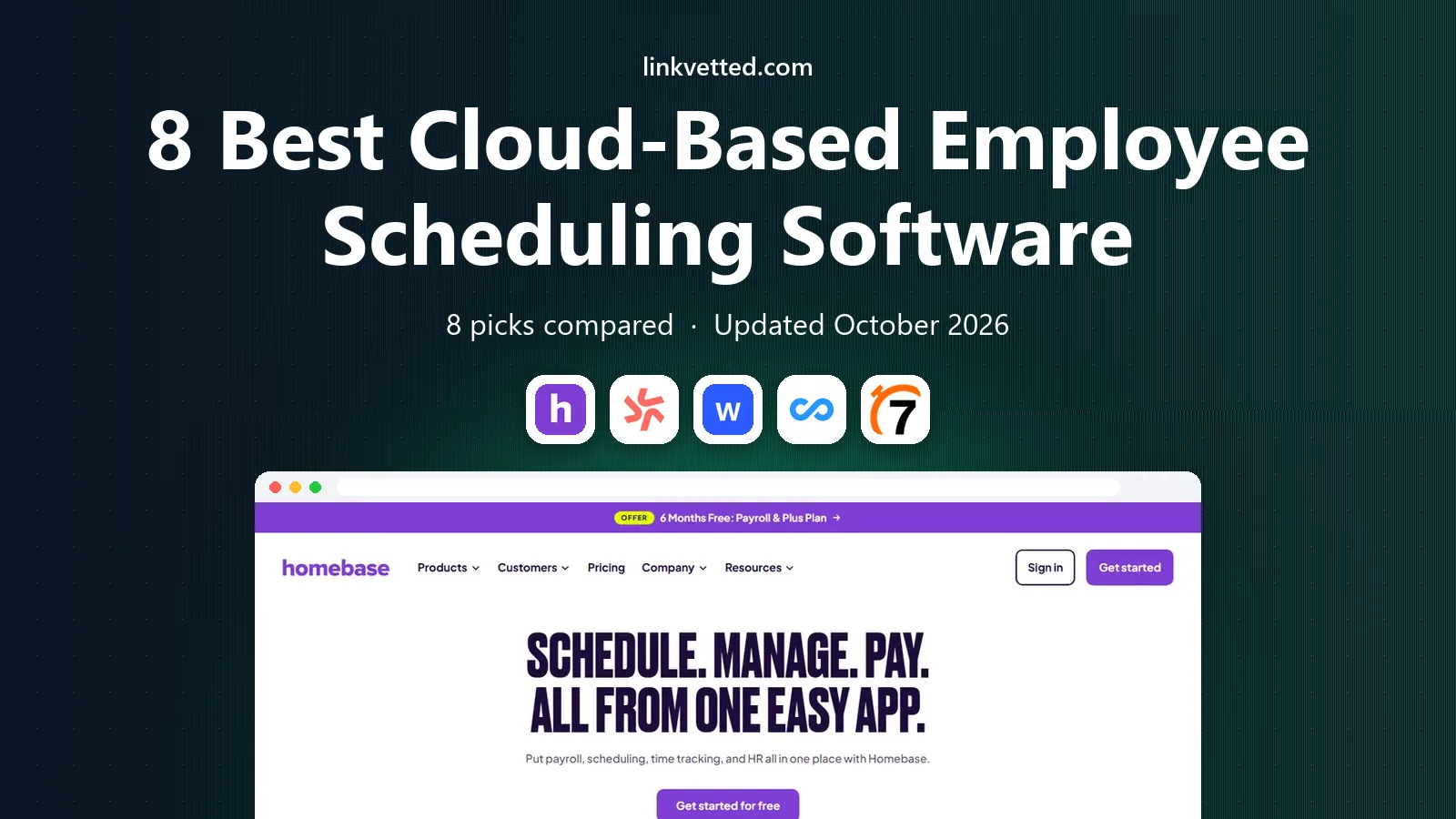
 Homebase
Small hourly teams that want scheduling plus payroll
Starts atFree, then $30 per location per monthVisit joinhomebase.comFull review - Great alternative
 Deputy
Multi-location teams with compliance needs
Starts at$5 per user per monthVisit deputy.comFull review - Also consider
 When I Work
Simple shift scheduling for service teams
Starts at$2.50 per user per monthVisit wheniwork.comFull review
TL;DR:
- Per-user pricing suits small teams, while per-location pricing can suit larger teams at one site.
- Free plans are real, but limits on users, locations, and features matter once a team grows.
- Mobile apps, shift swaps, and messaging decide daily adoption more than advanced forecasting.
- Payroll and point-of-sale integrations cut weekly admin when timesheets flow cleanly.
Quick comparison
| Tool | Best for | Starts at | Free plan? | |
|---|---|---|---|---|
| Homebase | Small hourly teams that want scheduling plus payroll | Free, then $30 per location per month | Yes, one location and up to 10 employees | Visit |
| Deputy | Multi-location teams with compliance needs | $5 per user per month | No free plan, free trial available | Visit |
| When I Work | Simple shift scheduling for service teams | $2.50 per user per month | No free plan, 14-day trial | Visit |
 Connecteam | Frontline and field teams in one app | $29 per month for the first 30 users | Yes, up to 10 users | Visit |
 7shifts | Restaurants with labor forecasting needs | From $39.99 per location per month | Yes, one location | Visit |
 Sling | Budget-minded teams that want free scheduling | Free, then $2 per user per month | Yes, up to 30 users on the free plan | Visit |
 Planday | Shift businesses with working-time rules | See website | No free plan | Visit |
 Shiftboard | Large hourly workforces and complex coverage | See website | No free plan | Visit |
The best cloud-based employee scheduling software

For buyers who want an all-in-one app for small hourly teams, this is a strong place to start. Homebase combines scheduling, a time clock, team messaging, hiring, and an optional payroll add-on. Its free Basic plan covers one location and up to 10 employees, which makes it easy for a small shop or restaurant to start without a budget discussion. Open shifts and shift trades happen inside the app, so managers spend less time chasing replies in group chats.
Per-location pricing means costs climb as sites are added, and payroll and some scheduling controls sit on paid tiers. For a single site or a small chain, that structure is clear and predictable. Larger multi-site groups should model the total across all locations before committing.
- Scheduling, time clock, and payroll add-on in one app
- Per-location pricing rises with each new site

If compliance and multi-location scheduling matters most to your team, this option deserves a close look. Deputy is built for teams across many sites, with scheduling, time tracking, and labor forecasting that accounts for demand and compliance rules. Its integrations with payroll providers such as QuickBooks, Xero, ADP, and Gusto help timesheets move into payroll without retyping. Managers can set rules for breaks, overtime, and qualifications, which matters in regulated or multi-state operations.
Pricing is per user with a monthly minimum, so a large part-time workforce can cost more than a per-location plan. Some advanced controls also sit on higher tiers. For a business where compliance and forecasting drive the schedule, that depth is worth the per-user model.
- AI forecasting and strong compliance controls
- Costs rise with headcount and some features need higher tiers
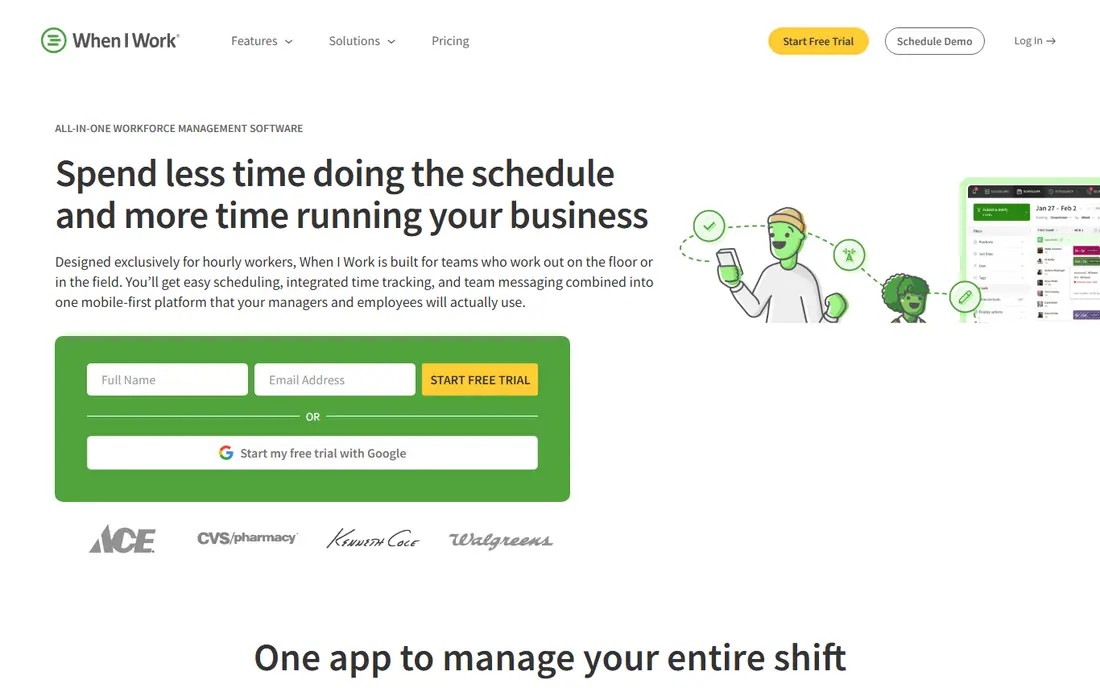
This option stands out when simple, affordable shift scheduling is the main deciding factor. When I Work keeps scheduling straightforward, with drag-and-drop shifts, availability, shift swaps, and team messaging in a clean mobile app. Its per-user price is easy to budget, and integrations with Gusto, Paychex, QuickBooks Online, and Square cover common payroll and point-of-sale needs. Small service teams often adopt it quickly because staff need little training to use it.
Time tracking is an add-on rather than a core included feature, and forecasting tools are lighter than those on enterprise platforms. For a team that mainly needs reliable shift coverage and clear communication, that focus is a strength rather than a gap.
- Simple scheduling with clear per-user pricing
- Time tracking is a paid add-on
Teams that put a full frontline app beyond scheduling first will find a lot to like here. Connecteam pairs scheduling with timesheets, chat, forms, tasks, and training, which suits field and frontline teams that need more than a rota. Managers can build schedules, share updates, and collect forms in one app, and the free plan for up to 10 users lets a small team test the full workflow before paying. Integrations with QuickBooks, Xero, and ADP help with payroll.
Pricing combines a base fee with user tiers, so costs need careful modeling as headcount grows. Some scheduling depth is lighter than specialist tools for very large shift operations. For a frontline team that wants one app for daily operations, the breadth is the appeal.
- Scheduling plus forms, chat, and training for frontline staff
- Base fee plus per-user costs can rise as teams grow
When restaurant scheduling and labor forecasting drives the decision, this service makes a clear case for itself. 7shifts is built only for restaurants, with scheduling, team communication, tip pooling, and labor forecasting tied to sales data. That focus shows in features such as break compliance, labor budgets, and point-of-sale integrations, which help a restaurant manager schedule to expected demand rather than to guesswork. Its free plan for one location gives a single restaurant a low-risk start.
Per-location pricing means a growing restaurant group pays for each site, and payroll is a separate product. For a single restaurant or a small group, the restaurant-specific workflow is a clear advantage over a generic scheduling tool.
- Restaurant scheduling with sales forecasting and tip tools
- Paid plans are per location, so multi-site costs add up
Buyers focused on free scheduling for small teams should put this one near the top of the shortlist. Sling offers scheduling, time tracking, messaging, and shift swaps with a free plan for up to 30 users, which is generous for a small team. Its interface is straightforward, and staff can request swaps, check availability, and receive shift reminders on mobile. That combination makes it a practical first tool for a business moving off spreadsheets.
Paid features, integrations, and deeper reporting sit behind the paid tier, so larger or more complex teams may outgrow the free plan. For a budget-minded team that needs solid scheduling and communication without a monthly commitment, Sling is a strong starting point.
- Free scheduling with messaging and shift swaps
- Some integrations and reports need paid tiers
This pick earns its place through working-time compliance for shift teams, rather than through size alone. Planday serves shift-based businesses in retail, hospitality, and care, with scheduling, time tracking, payroll links, and communication in one cloud system. Its strength is handling working-time rules, contracts, and payroll data for teams where compliance and accurate hours matter every week. Managers can build schedules around availability, skills, and labor costs.
Pricing is by quote, so a team cannot compare it to a published per-user price without a sales conversation. Implementation and payroll setup also take time. For a shift business that needs compliance depth and payroll accuracy, that investment can pay back in fewer errors.
- Scheduling with payroll and compliance tools for shift work
- Pricing is by quote and varies by market
For a practical choice built around large workforce scheduling at scale, this is hard to ignore. Shiftboard is designed for large hourly workforces where coverage, qualifications, and compliance rules make scheduling complex. It supports bidding, shift swaps, time tracking, and reporting at a scale that smaller tools struggle to match, and it integrates with common workforce and payroll systems. Hospitals, manufacturers, and large service operations are its natural audience.
Pricing is custom and implementation is an enterprise project, so it is not a quick pick for a small team. For an organization with hundreds or thousands of hourly staff, that scale and control matter more than a low entry price or a simple free plan.
- Scheduling for large, complex hourly workforces
- Enterprise pricing and setup suit larger operations
How we picked these
We compared official pricing pages, feature pages, and public reviews, and we gave extra weight to published pricing, mobile apps, shift swap tools, and payroll integrations. We favored cloud tools that work fully on mobile, since hourly staff rarely sit at a desk. Prices shown are from vendor pages and October 2026 comparisons, and custom quotes are marked as See website.
How to choose a cloud-based employee scheduling platform
Count people and places first. Per-user pricing favors a small team, while per-location pricing can favor a large team at one or two sites. Model the paid tier you will actually land on, not only the free plan. Test the mobile app with staff. Ask a few employees to clock in, swap a shift, and check a schedule during a trial, and listen to their complaints before signing. Check compliance for your region. Breaks, overtime, and predictive scheduling rules vary by state and country, so confirm the tool covers your obligations. Confirm payroll and point-of-sale links. A schedule built without sales data is guesswork, and timesheets that do not flow into payroll create weekly admin.
FAQ
What is the best cloud-based employee scheduling platform?
The best platform depends on team size and industry. Homebase and Sling suit small teams that want a free start, Deputy suits multi-location compliance needs, and 7shifts suits restaurants. Start with your headcount, locations, and payroll provider, then shortlist two tools for a trial.
Is there really free employee scheduling software?
Yes, but with limits. Homebase offers a free plan for one location and up to 10 employees, Sling offers free scheduling for up to 30 users, and Connecteam offers a free plan for up to 10 users. Check which features stay in paid tiers, since payroll and advanced forecasting are often paid.
How much does employee scheduling software cost?
Published entry prices range from free to about $2.50 to $5 per user per month, or about $30 to $40 per location per month, depending on the model. Enterprise tools quote by headcount and modules. Model your full team and locations to get a true monthly figure.
Does scheduling software replace payroll software?
Not always. Some tools include a payroll add-on, while others integrate with payroll providers such as QuickBooks, Gusto, or ADP. Confirm whether timesheets flow cleanly into your payroll system, since that link saves the most weekly admin time.
Can staff swap shifts in these apps?
Yes, most tools in this guide support shift swaps, open shifts, and manager approval inside the mobile app. That feature alone cuts a large share of scheduling messages, and it helps fill gaps faster than a group chat or a paper rota.
Sources
https://joinhomebase.com https://www.deputy.com https://wheniwork.com https://connecteam.com https://www.7shifts.com https://getsling.com https://www.planday.com https://www.shiftboard.com