Best Janitorial Time Tracking Apps in 2026: 8 Apps Compared
Compare the best janitorial time tracking apps for GPS clock-ins, multi-site crews, schedules, payroll exports, and proof of service visits daily in 2026.

- Editor's choice
 Homebase
Hourly teams at few locations
Starts atFreeVisit joinhomebase.comFull review - Great alternative
 Connecteam
Dispersed crews and messages
Starts atFreeVisit connecteam.comFull review - Also consider
 Clockify
Free time tracking for small teams
Starts atFreeVisit clockify.meFull review
TL;DR:
- We found GPS clock-ins and geofencing matter most for janitorial crews, since staff work across many client sites rather than one office.
- Homebase and Connecteam suit small to mid-size cleaning firms that also need scheduling and team messages in the same app.
- ClockShark, Janitorial Manager, and Clockify suit firms that need job costing or full cleaning operations beside time tracking.
- Pricing models differ sharply: some charge per location, others charge a flat fee for a set number of users, so count sites before you compare prices.
- Offline access matters in basements and large buildings, so test clock-ins where your crews actually work before you commit.
Quick comparison
| Tool | Best for | Starts at | Free plan? | |
|---|---|---|---|---|
| Homebase | Hourly teams at few locations | Free | Yes | Visit |
| Connecteam | Dispersed crews and messages | Free | Yes | Visit |
| Clockify | Free time tracking for small teams | Free | Yes | Visit |
 ClockShark | GPS job costing for field teams | See website | Free trial | Visit |
 Hubstaff | Distributed teams and reports | See website | Free trial | Visit |
 Janitorial Manager | Full cleaning operations | See website | No | Visit |
 EZClocker | Budget clock-ins for small crews | See website | Free trial | Visit |
 QuickBooks Time | QuickBooks payroll users | See website | Free trial | Visit |
The best janitorial time tracking apps
We focused on tools that handle mobile clock-ins, multi-site work, and payroll-ready timesheets, since those are the daily needs of a cleaning business.
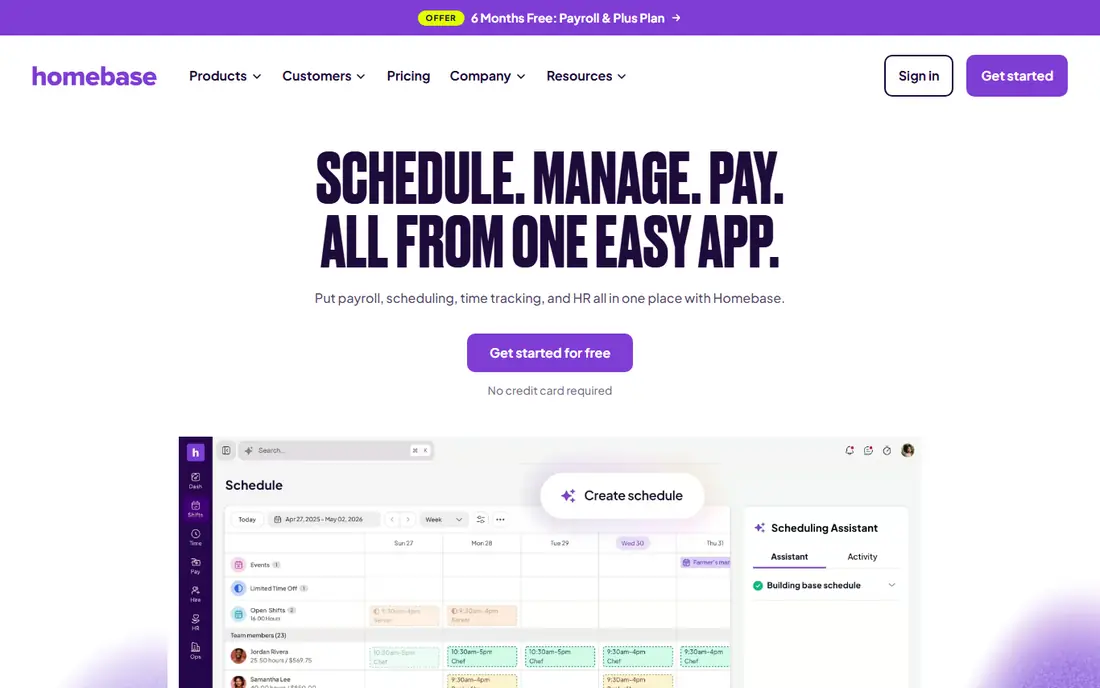
Homebase is our pick for small cleaning firms with hourly staff at one or two locations. The free basic plan covers up to ten employees at a single location, with scheduling, time tracking, and team messages, which is enough to replace paper timesheets without an upfront cost. GPS snapshots at clock-in and photo capture help confirm who was on site, and timesheets can flow toward payroll.
The catch for janitorial firms is pricing by location. A firm with twelve client accounts faces twelve location charges on paid plans, which can add up quickly compared with a flat-fee tool. Paid tiers, listed from $30 per month per location in vendor listings, add more GPS, break, and payroll features. For a firm with few sites, Homebase is simple and strong. For a firm with many sites, compare the total site count first.
- Free basic plan for small teams
- GPS clock-ins
- Scheduling and payroll links
- Pricing is per location, so many sites raise cost fast
- Built for retail and restaurants as well as cleaning
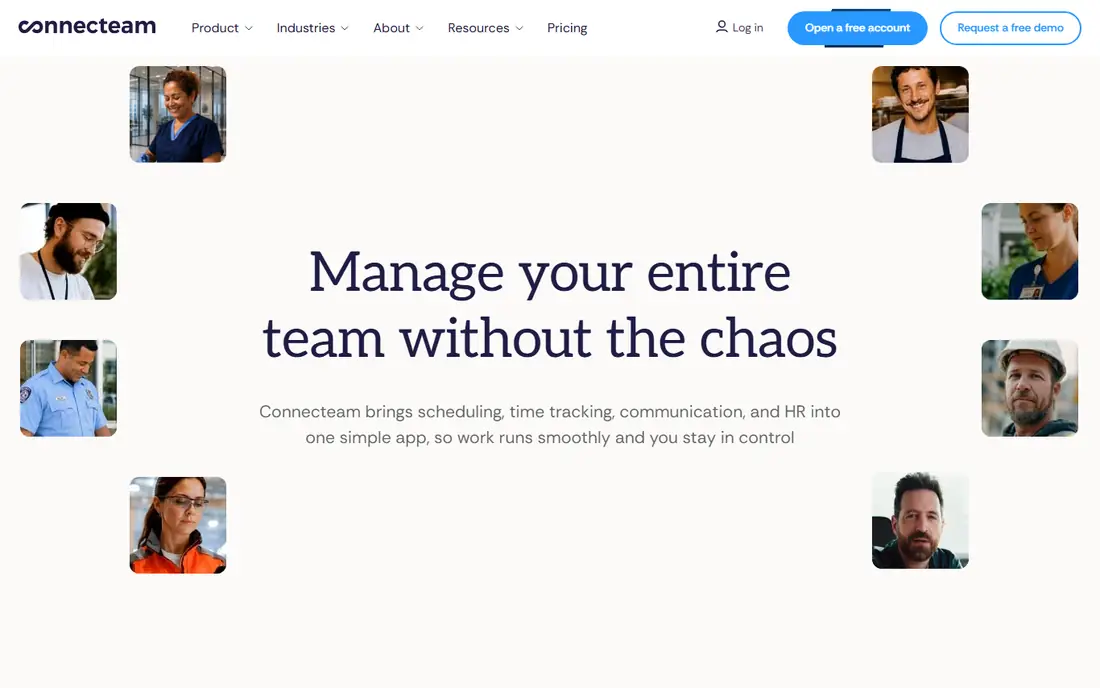
Connecteam suits cleaning crews spread across many sites who also need messages, checklists, and schedules in one place. The free plan covers up to ten users, and paid Operations Hub tiers, listed at $29, $49, and $99 per month for the first thirty users on annual billing, add GPS, geofencing, and job costing. That flat-fee model can beat per-location pricing for a firm with many small accounts.
The honest limit, noted in vendor help docs and cleaning reviews, is offline use: Connecteam states its app cannot be used offline on mobile in some modes, which matters for crews in basements or buildings with weak signal. Test clock-ins in your hardest buildings before rolling it out. Where signal is reliable, Connecteam combines communication and time in a way few rivals match.
- Free plan up to ten users
- Geofencing
- Checklists and team chat in one app
- Offline mobile use is limited in vendor docs
- Geofencing sits on higher tiers

Clockify is the best free starting point if you only need hours recorded cleanly. Unlimited time tracking is free for small teams, with timers, manual entries, reports, and exports that make payroll preparation simpler than spreadsheets. The interface is plain and fast, which helps crews who need to clock in and out without learning a large system.
GPS tracking, scheduling, and advanced approvals sit behind paid plans, priced on the vendor site, so a firm that needs proof of site visits will need to pay or pair Clockify with another tool. For a small crew that trusts its staff and mainly needs accurate hours, Clockify is hard to beat on cost. For a firm that needs location proof for clients, ClockShark or Homebase may fit better.
- Free unlimited time tracking
- Simple timers
- Reports and exports
- GPS features need a paid plan
- No built-in scheduling or cleaning checklists
ClockShark is built for field teams that move between jobs, and that focus shows in janitorial use. Crews clock in against a specific job or site, GPS records the location, and hours flow into job costing, so you can see which accounts are profitable and which take longer than quoted. Scheduling and payroll exports keep the office side tidy as well.
Pricing is on the vendor site, with a trial rather than a lasting free plan, so we list it as See website. For a solo cleaner or a two-person crew, ClockShark may be more than needed, and Clockify or EZClocker could suffice. For a growing firm with many sites and tight margins, job costing is the feature that pays for itself by exposing unprofitable accounts early.
- GPS clock-ins tied to jobs
- Job costing
- Scheduling and payroll exports
- No lasting free plan
- Pricing rises with team size
Hubstaff suits cleaning firms with distributed teams that also need detailed reports, payroll links, and invoicing. Time tracking, GPS, and activity data feed reports that show hours by client, site, and staff member, which helps with billing disputes and client proof of service. Payroll and invoicing integrations reduce manual entry at month end.
Pricing is on the vendor site, with a trial, so we list it as See website. The activity features need careful handling: tell crews what is tracked, why, and when, and use location and hours for payroll and client proof, not for constant surveillance. Used openly, Hubstaff gives a larger firm the reporting depth that simpler clock apps lack.
- Time tracking with GPS and activity reports
- Payroll and invoicing links
- Detailed reporting
- Activity monitoring can feel intrusive if misused
- Setup takes time
Janitorial Manager is the only tool here built specifically for janitorial firms, and it shows in features beyond the clock. Time tracking sits beside inspections, quality checks, bidding, work loading, and client communication, so a firm can manage operations, not just hours, in one system. That depth suits mid-size to large contractors with supervisors, inspections, and many accounts.
Pricing is on the vendor site and is higher than a simple clock app, with no free plan, so we list it as See website. A small crew with two sites will find it heavy and costly, while a firm with supervisors and quality audits will use more of it. If time tracking is one part of a larger operations need, Janitorial Manager is the most purpose-built choice here.
- Built for cleaning firms
- Inspections, bidding, and time tracking
- Client proof tools
- Higher cost and learning curve
- Overkill for a very small crew
EZClocker is a budget-friendly clock app for small crews who want mobile clock-ins, GPS, and basic scheduling without a large system. Staff clock in from a phone, managers see who is on site, and timesheets export for payroll. The simple design means a new cleaner can learn it in minutes, which matters when turnover is high.
Pricing is on the vendor site, with a trial, so we list it as See website. Advanced job costing, inspections, and deep reporting are thinner than in ClockShark or Janitorial Manager, so a firm that needs those will outgrow EZClocker. For a small crew that needs reliable clock-ins at a modest cost, it is a practical, low-friction pick.
- Simple mobile clock-ins
- GPS and scheduling
- Low learning curve
- Fewer advanced job costing features
- Smaller feature set than Homebase or Connecteam
QuickBooks Time, formerly TSheets, is the natural pick if your firm already runs QuickBooks for accounting and payroll. Mobile GPS clock-ins, schedules, overtime rules, and approvals flow into QuickBooks Payroll without retyping hours, which removes a common source of payroll errors. That link is its main advantage over a standalone clock app.
Pricing is on the Intuit site, with a trial, so we list it as See website. If you do not use QuickBooks, the standalone cost is harder to justify against Homebase or Clockify, and you will still need a separate payroll step. For a QuickBooks firm, though, the time saved on payroll alone can justify the choice.
- GPS time tracking
- Syncs with QuickBooks Payroll
- Overtime and approvals
- Best value only inside QuickBooks
- Standalone cost is higher
How we picked these
We compared official feature and pricing pages and cleaning industry reviews for time tracking tools that still operate in October 2026, and we favored apps with mobile GPS clock-ins, multi-site support, and payroll exports. We included free, budget, and full operations tools, since janitorial firms range from a solo cleaner to a large contractor, and we noted pricing models clearly, since per-location and per-user pricing change the total cost a lot for multi-site firms.
How to choose a time tool for a cleaning crew
Count sites, staff, and payroll steps before you compare features. A firm with two sites and ten staff has different needs from a firm with forty sites and sixty staff, and a per-location price that looks cheap for one firm can be costly for the other. List your must-haves: GPS proof, offline clock-ins, scheduling, checklists, and payroll sync, then shortlist only tools that meet all of them.
Test in real buildings, not just in the office. Have two cleaners clock in from a basement, a large warehouse, and a client site with weak signal, and check that times, GPS, and photos record correctly. That field test reveals offline and signal problems that a demo never shows, and it saves a painful rollout later.
Tell crews what is tracked and why
Time tracking works best when crews know what is recorded and how it is used for pay and client proof. Explain GPS use, break rules, and overtime handling in plain terms, and give staff a way to flag a missed clock-in or a wrong site. A tool that feels fair gets used correctly, while a tool that feels like surveillance gets bypassed or resented.
FAQ
Which janitorial time tracking app is best for a small cleaning business?
Homebase is best for a small firm with few locations, thanks to its free basic plan, while Connecteam suits dispersed crews with many sites. Clockify is best if you only need free hours tracking, and EZClocker is a good budget mobile clock for a small crew.
Do these apps prove a cleaner visited a site?
GPS clock-ins, geofencing, and photo capture in Homebase, Connecteam, ClockShark, and QuickBooks Time provide site evidence, but coverage and accuracy vary by phone, signal, and plan. Test GPS in your actual buildings, and pair clock data with checklists or photos for client proof where a contract requires it.
Can crews clock in without internet?
Offline support varies, and Connecteam vendor docs note limits on offline mobile use, so do not assume offline clock-ins work. Test offline or weak-signal clock-ins in basements and large buildings during a trial, and choose a tool that records and syncs correctly for your sites.
How much do janitorial time tracking apps cost?
Costs vary by model. Homebase charges per location on paid plans, Connecteam charges a flat fee for the first thirty users, and Clockify offers free basic tracking with paid GPS features. Count sites and staff first, then compare the total monthly cost, not just the headline price.
Do these apps handle payroll?
Homebase, QuickBooks Time, Hubstaff, and ClockShark offer payroll links or exports, while Clockify and EZClocker export timesheets for payroll processing elsewhere. Check your payroll provider's integration list before choosing, since a clean export saves hours each pay period.
Should I use geofencing for my cleaning crews?
Geofencing helps prevent out-of-area clock-ins and gives clients site proof, but it should be used openly and fairly. Tell crews where geofences are, why they exist, and how errors are corrected, and avoid using location data beyond pay, scheduling, and client proof.