Choosing Terminal Operating Systems in 2026: 5 Options Compared
Weighing the best terminal operating systems? We lined up 5 products by cost, free access and fit. Every profile names its biggest catch. Straight answers.
- Editor's choiceSUSE Linux Enterprise
Resilient dual-mode enterprise foundation
Starts atPricing on requestVisit suse.comFull review - Great alternativemacOS
Apple hardware users and creative work
Starts atPricing on requestVisit apple.comFull review - Also considerWindows 11
Mainstream desktop and app compatibility
Starts atPricing on requestVisit microsoft.comFull review
Direct answer
SUSE Linux Enterprise is the first pick on this list for resilient dual-mode enterprise foundation. If your case is different, macOS suits Apple hardware users and creative work and Windows 11 suits mainstream desktop and app compatibility. Free plan facts and limits for all 5 tools follow. None of these vendors publish plan prices, so pricing is on request for every option.
TL;DR:
- This list starts with SUSE Linux Enterprise, which is built for resilient dual-mode enterprise foundation.
- Every tool from SUSE Linux Enterprise to Red Hat Enterprise Linux works by quote, with no list price shown.
- Windows 11 stands alone as the one tool in this list with a free plan.
- Red Hat Enterprise Linux is the one to check for critical workloads in hybrid cloud.
- A fair warning about macOS: runs only on Apple hardware.
Last checked November 2026. Pricing on request: vendors did not publish plan prices when this guide was last checked (November 2026), so ask each vendor for a written quote.
Quick comparison
| Tool | Best for | Starts at | Free plan? | |
|---|---|---|---|---|
| SUSE Linux Enterprise | Resilient dual-mode enterprise foundation | Pricing on request | Not stated | Visit |
| macOS | Apple hardware users and creative work | Pricing on request | Not stated | Visit |
| Windows 11 | Mainstream desktop and app compatibility | Pricing on request | Yes | Visit |
| Fedora | Early access to new Linux technology | Pricing on request | Not stated | Visit |
| Red Hat Enterprise Linux | Critical workloads in hybrid cloud | Pricing on request | Not stated | Visit |
Our 5 terminal operating systems
LinkVetted compared 5 terminal operating systems. The goal is a practical shortlist: published prices, free plan facts, best-fit use cases and honest limits for every entry.
SUSE Linux Enterprise
Best for: Resilient dual-mode enterprise foundation
SUSE Linux Enterprise works best for resilient dual-mode enterprise foundation. SUSE Linux Enterprise Server is described as a resilient, dual-mode Linux foundation enabling AI modernization and long-term operational continuity.
Teams standardizing infrastructure with an enterprise vendor frequently shortlist it alongside Red Hat. Pick SUSE when long-term continuity and vendor-backed resilience are central to your plans. No starting price is listed for SUSE Linux Enterprise here; confirm pricing on the vendor site. Free access: Not stated.
What to check first: Support comes through SUSE.
- Dual-mode design for mixed workloads
- Focus on long-term operational continuity
- Enterprise orientation layers on complexity
macOS
Best for: Apple hardware users and creative work
macOS works best for Apple hardware users and creative work. The central limit is hardware: macOS runs on Apple machines, so it is not a choice for assembling a cheap or custom box.
Limits to weigh: Less suited to server and container work.
It is less oriented toward server and container workloads than Linux. In practice, choose macOS when Apple hardware and ecosystem integration are already part of your setup. This comparison lists no price for macOS; ask the vendor. On free options: Not stated.
Best features of macOS: responsive interface.
- Polished
- Deep integration with Apple devices
- Runs only on Apple hardware
Windows 11
Best for: Mainstream desktop and app compatibility
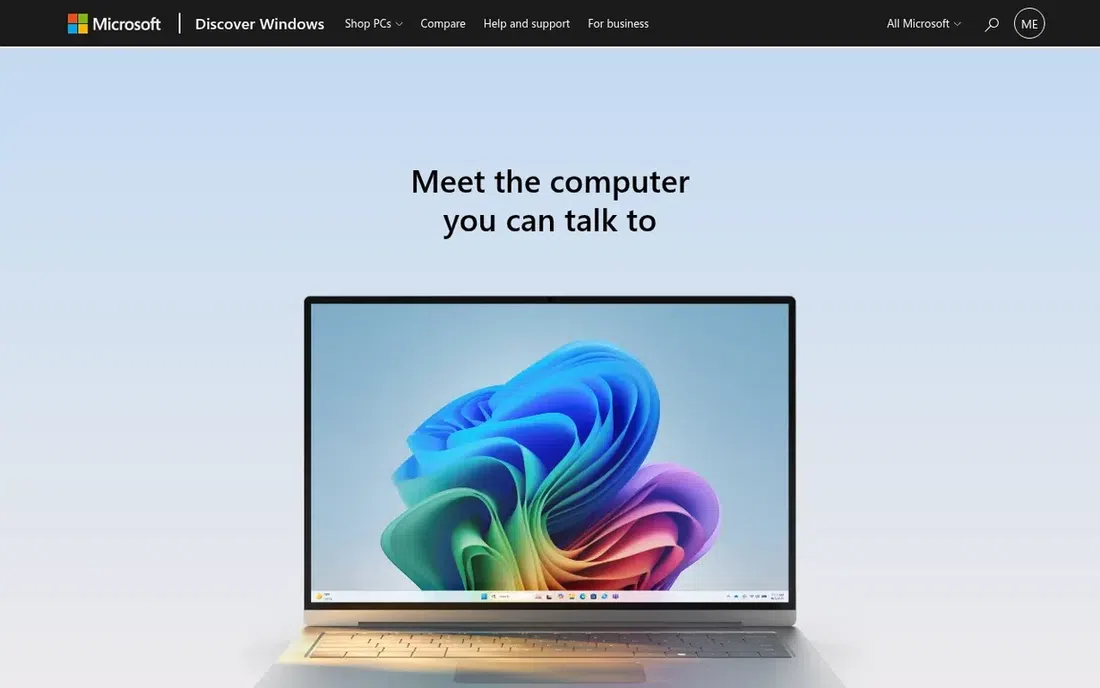
Choose Windows 11 for mainstream desktop and app compatibility. If your work revolves around familiar desktop software and you want assistant features close at hand, it is the natural starting point.
Where it falls short: Heavier resource use than lean Linux choices.
On top of that, pick Windows 11 when app compatibility and a conventional desktop matter more than minimal footprint. Windows 11 does not show a starting price in this comparison, so check the vendor site for current pricing. You can start on Windows 11 without paying.
- Copilot features built in
- Familiar interface for most users
- Licensing applies to full use
Fedora
Best for: Early access to new Linux technology
Choose Fedora for early access to new Linux technology. Users who want a set-and-forget system should weigh that.
Points against: Shorter support cycle than enterprise releases.
From a buyer's view, choose Fedora when fresh software and community involvement matter more than a long, static support window. Fedora does not show a starting price in this comparison, so check the vendor site for current pricing. Free plan details: Not stated.
- Community-built and openly developed
- Innovative product for hardware and containers
- Newer software can mean more churn
Red Hat Enterprise Linux
Best for: Critical workloads in hybrid cloud
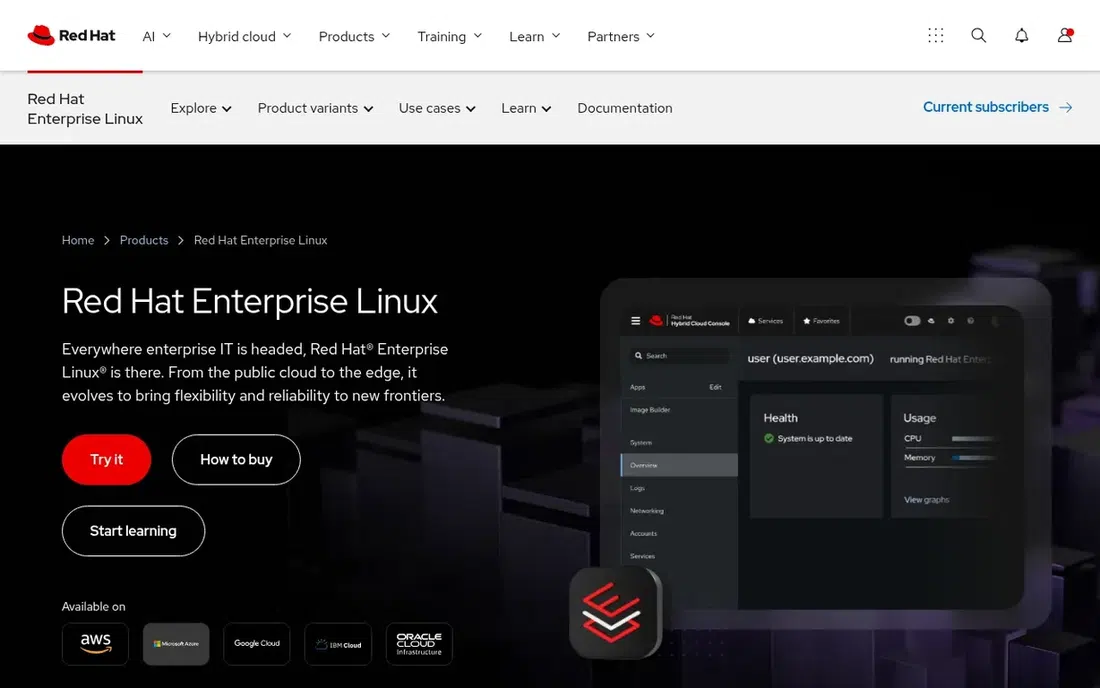
Red Hat Enterprise Linux is designed for critical workloads in hybrid cloud. Red Hat Enterprise Linux is a stable, high-performance Linux system with built-in security and management features, built to run critical workloads anywhere in the hybrid cloud.
Watch-outs: Geared toward organizations instead of hobbyists.
In daily use, access to the full platform and updates runs through a Red Hat subscription. Beyond that, where uptime and long-term stability outweigh novelty, it is a typical choice. Check the vendor site for Red Hat Enterprise Linux pricing; none is listed in this comparison. Trial and free access: Not stated.
Reasons to shortlist it: Built-in security and management features.
- High-performance system
- Stable
- Access to the full system involves a subscription
How we built this list
Questions to settle before buying
- Confirm the entry price with every vendor: no tool from SUSE Linux Enterprise to Red Hat Enterprise Linux shows a fixed starting price.
- Test the free plan from Windows 11 against your real workload before relying on it.
- Before choosing SUSE Linux Enterprise, weigh its main limit: Enterprise orientation layers on complexity.
- List the apps you already depend on and check that Red Hat Enterprise Linux supports each one on the plan you would buy.
- Verify that exporting from Fedora is possible on your plan and covers all your records.
FAQ
Do these tools publish their prices?
No. None of the tools, from SUSE Linux Enterprise to Red Hat Enterprise Linux, shows a fixed starting price here, so budget time for quotes.
Is SUSE Linux Enterprise the right pick for everyone comparing terminal operating systems?
No single tool suits every team. SUSE Linux Enterprise comes first because it fits resilient dual-mode enterprise foundation, while macOS suits Apple hardware users and creative work and Windows 11 suits mainstream desktop and app compatibility. Match the tool to your own size, budget and workflow before deciding.
Can I try these options before paying?
Often, yes. Windows 11 has a free plan. Use your own data and a real task during the test, and check what the free tier or trial limits before you rely on it.
Which options for terminal operating systems have a free plan?
Windows 11 is the only tool in this list with a free plan. Free plans usually cap users, projects or features, so check the limits on the vendor page. All 5 picks in this terminal operating systems comparison list a starting price, free plan details and the main limits on their cards above.
Sources
- https://www.suse.com/products/server
- https://www.apple.com/macos
- https://www.microsoft.com/windows/windows-11
- https://fedoraproject.org
- https://www.redhat.com/en/technologies/linux-platforms/enterprise-linux