Choosing SSH Key Management Software for Engineering Teams in 2026: 6 Options Compared
Searching for the best SSH key management software for engineering teams? Here are 6 options with prices and free plans. Real limits included. Quick to scan.
- Editor's choiceKeeper Security
Unified privileged access and secrets
Starts atPricing on requestVisit keepersecurity.comFull review - Great alternative
 Venafi TLS Protect
Certificate lifecycle management
Starts atPricing on requestVisit venafi.comFull review - Also consider
 AWS Secrets Manager
AWS-native secrets rotation
Starts atPricing on requestVisit aws.amazon.comFull review
Direct answer
Start with Keeper Security if you need unified privileged access and secrets. Venafi TLS Protect is better for certificate lifecycle management, and AWS Secrets Manager is better for AWS-native secrets rotation. The other 3 tools in the list cover narrower or pricier cases. None of these vendors publish plan prices, so pricing is on request for every option.
TL;DR:
- Keeper Security sits first on this list: unified privileged access and secrets.
- No starting price is shown for any of the 6 tools, Keeper Security and Teleport included, so plan time for sales calls.
- One limit worth knowing about Google Cloud Secret Manager: restricted to Google Cloud ecosystem.
- Teleport is the one to check for unified access and identity for infrastructure.
Last checked November 2026. Pricing on request: vendors did not publish plan prices when this guide was last checked (November 2026), so ask each vendor for a written quote.
Quick comparison
| Tool | Best for | Starts at | Free plan? | |
|---|---|---|---|---|
| Keeper Security | Unified privileged access and secrets | Pricing on request | Free trial | Visit |
| Venafi TLS Protect | Certificate lifecycle management | Pricing on request | Not stated | Visit |
| AWS Secrets Manager | AWS-native secrets rotation | Pricing on request | Not stated | Visit |
 Google Cloud Secret Manager | Google Cloud secret storage | Pricing on request | Not stated | Visit |
 1Password | Team password and secrets management | Pricing on request | Not stated | Visit |
 Teleport | Unified access and identity for infrastructure | Pricing on request | Not stated | Visit |
6 SSH key management software for engineering teams in detail
If you are comparing SSH key management software for engineering teams, this page covers 6 tools in one place: what each is best for, what it costs to start, whether it has a free plan, and the main limit to know about.
Keeper Security
Best for: Unified privileged access and secrets
Where Keeper Security fits: unified privileged access and secrets. Keeper Security is a unified control plane for privileged access, secrets, remote connections, endpoints, and databases in a single zero-trust system. On top of that, Keeper Security's wide scope may be more than teams needing only SSH key management.
Its SSH-specific features may not be as deep as dedicated tools. Consider more straightforward choices if you need focused SSH key handling. This comparison lists no price for Keeper Security; ask the vendor. Trial and free access: Free trial.
Watch-outs: SSH key management is part of a bigger suite.
- Handles secrets and remote connections
- Includes endpoints and databases
- Wide system may be complicated
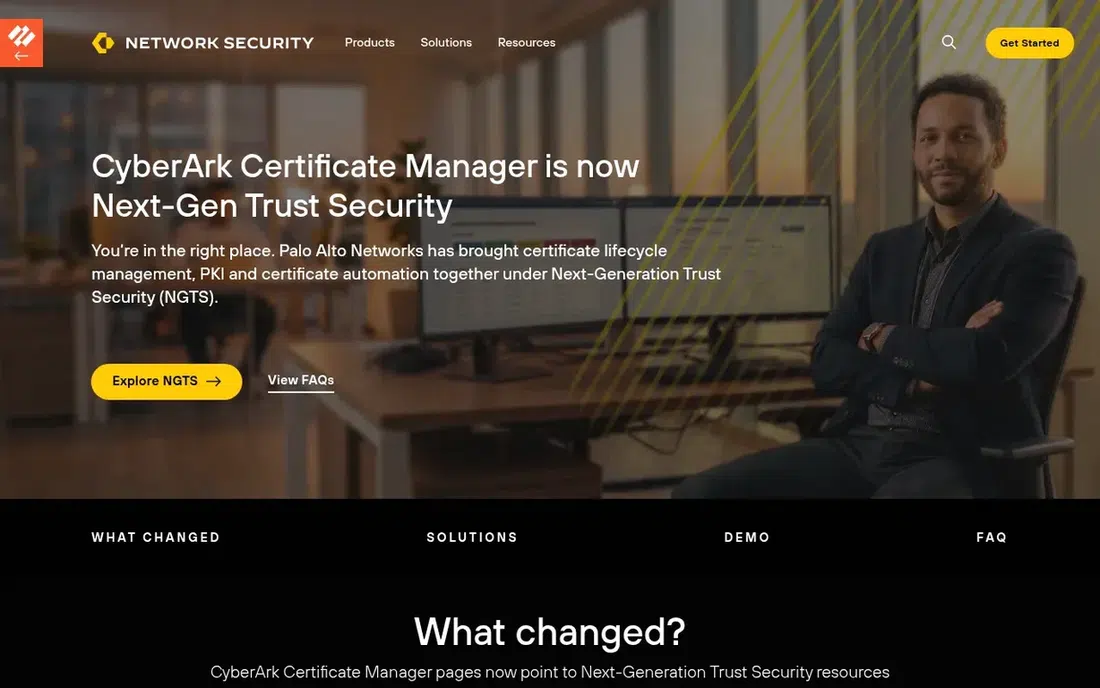
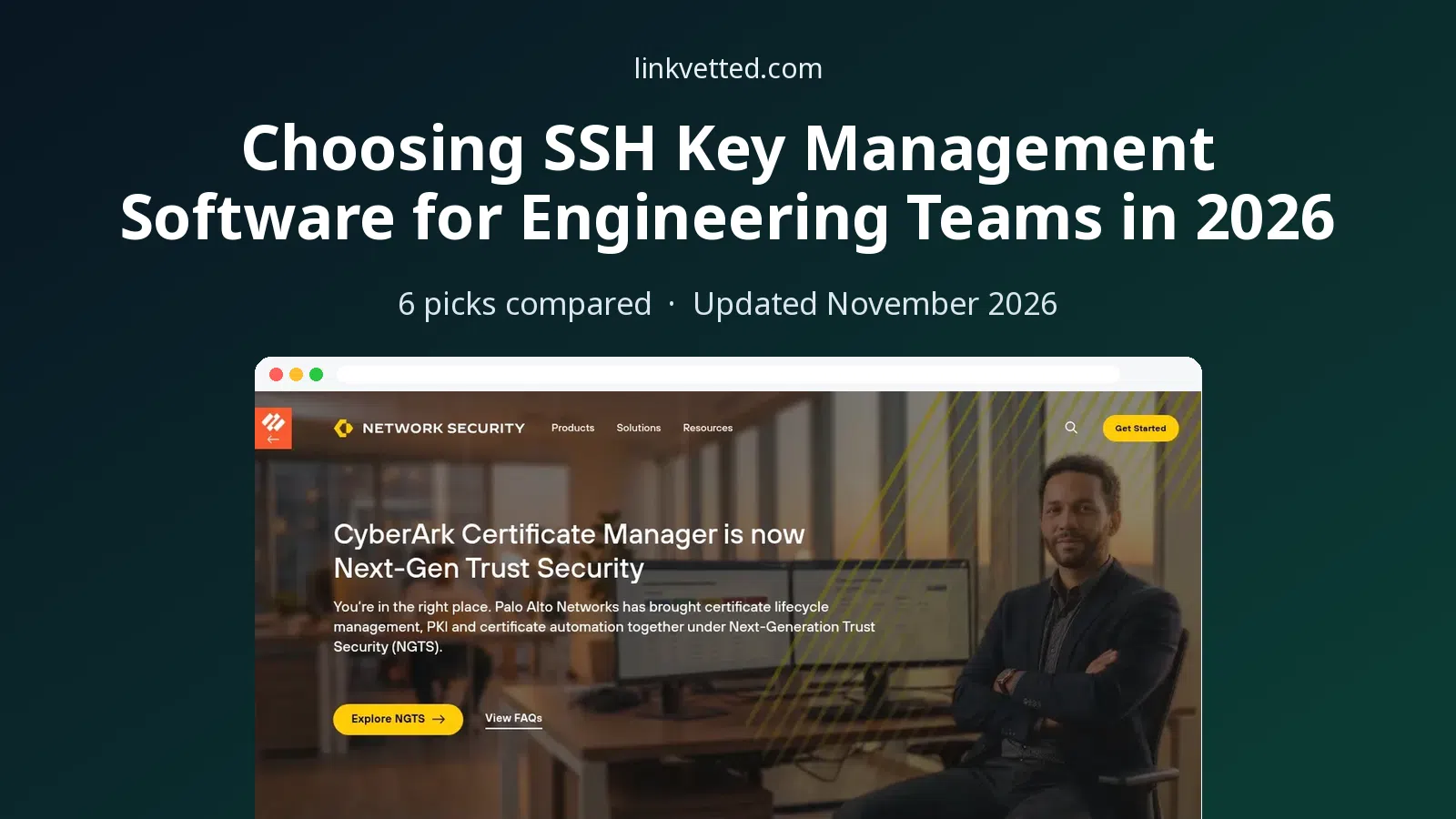
In short, Venafi TLS Protect is for certificate lifecycle management. Venafi TLS Protect, now part of Palo Alto Networks Next-Generation Trust Security, is a certificate manager that manages machine identities.
Drawbacks to consider: May be overkill for small teams.
Check the vendor site for Venafi TLS Protect pricing; none is listed in this comparison. Free plan details: Not stated.
- Concentrates on compliance and control
- Links up with enterprise PKI
- Primarily for certificates, not SSH keys
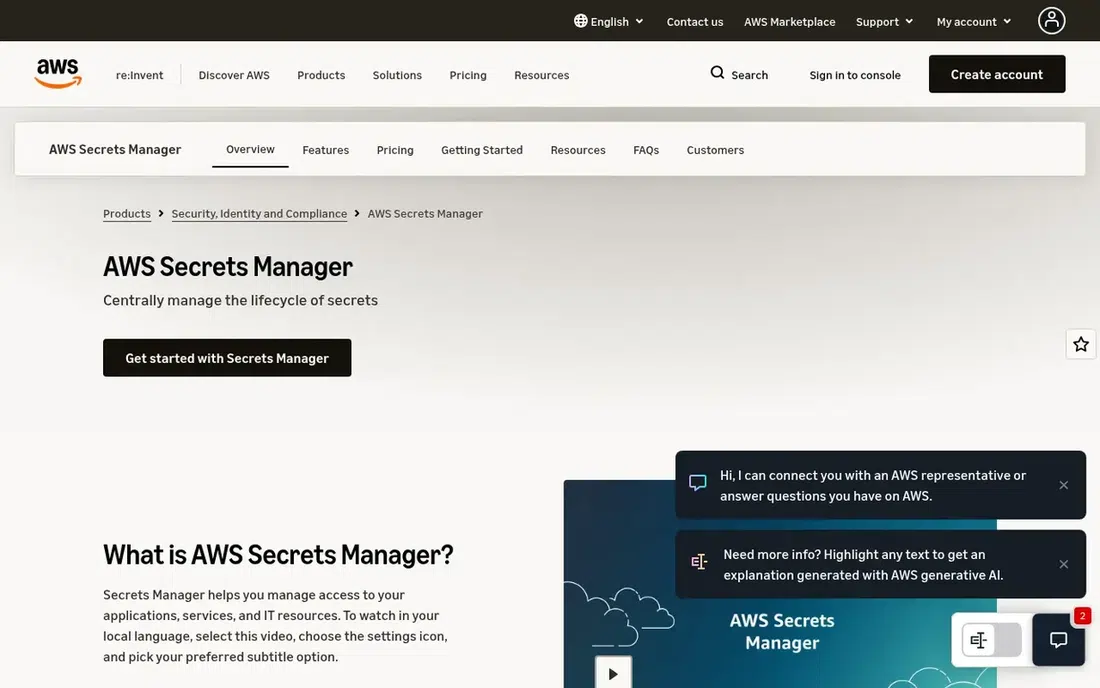
AWS Secrets Manager is aimed squarely at AWS-native secrets rotation. AWS Secrets Manager is not a dedicated SSH key manager and may not supply granular SSH access controls.
Trade-offs to know: Restricted SSH key management features.
No starting price is listed for AWS Secrets Manager here; confirm pricing on the vendor site. As for free access: Not stated.
- Runs API keys and database credentials
- Automates credential rotation
- Tied to AWS ecosystem
Google Cloud Secret Manager was built for Google Cloud secret storage. Google Cloud Secret Manager is not a dedicated SSH key management option and may lack SSH-specific workflows.
Drawbacks to consider: Restricted to Google Cloud ecosystem.
It suits engineering teams on Google Cloud that require a managed service for secrets storage and access, with integration into Google Cloud services. Pricing for Google Cloud Secret Manager is not stated here, so ask the vendor for current figures. Free options: Not stated.
- Plugs into Google Cloud
- Offers secure access controls
- Not tailored for SSH key management
1Password is designed for team password and secrets management. Engineering teams with heavy SSH usage might need a specialized tool like Teleport. From a buyer's view, 1Password is a password manager that also takes care of secrets and access management for teams.
Where it falls short: Not centred on SSH key infrastructure.
It guards passwords and secrets, handles app access, and secures AI tools, making it simple to adopt from expanding teams to enterprise. In practice, 1Password is not made for SSH key management at scale and may not offer the granular controls needed for infrastructure access. This comparison lists no price for 1Password; ask the vendor. Free access: Not stated.
- Runs passwords and secrets
- Simple to adopt for teams
- May lack advanced SSH key features
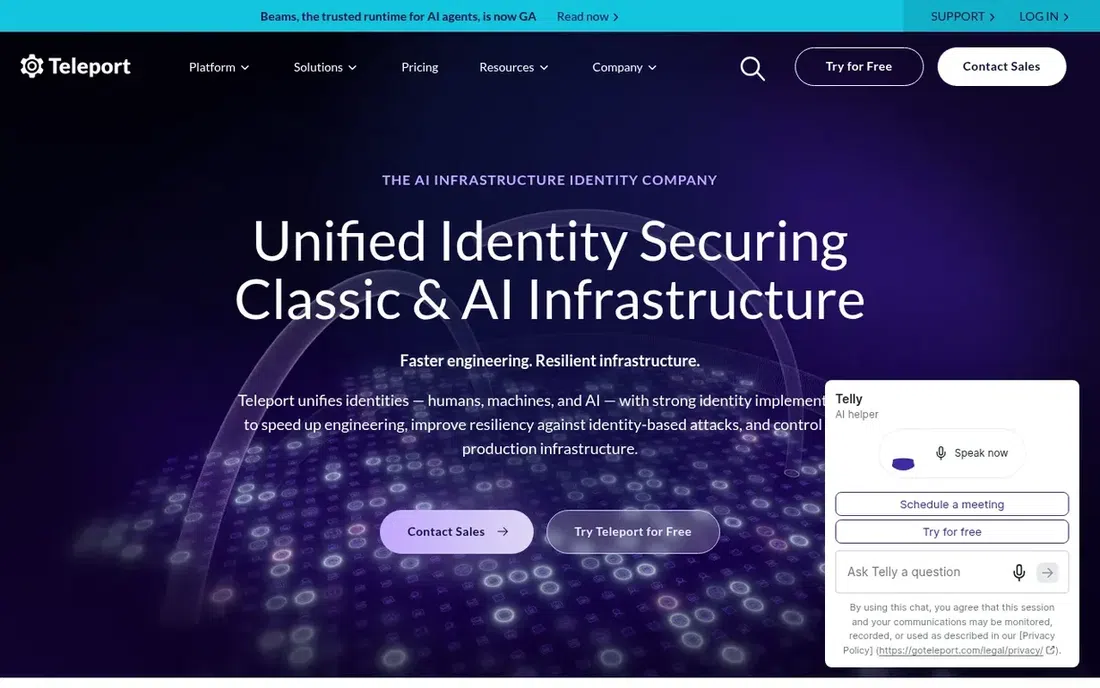
Where Teleport fits: unified access and identity for infrastructure. Teleport is a unified identity and access product for human, machine, and AI identities. It gives you secure SSH key management and access controls for engineering teams, fitting organizations that require to run access across diverse infrastructure.
Where it falls short: Centred on infrastructure access, not general secrets.
Its approach accelerates engineering and boosts resiliency. Teleport may be more complicated to deploy than straightforward password managers and is tailored for infrastructure access instead of general secrets storage. If you need a light tool for only SSH keys, consider a dedicated secrets manager. No starting price is listed for Teleport here; confirm pricing on the vendor site. Free plan details: Not stated.
- Scales for engineering teams
- Supports solid identity verification
- May need setup for complicated environments
How we built this list
We compared the tools on published pricing, free plan or trial availability, feature coverage for SSH key management software for engineering teams, and the limits each vendor documents. Treat prices as a snapshot: vendors change plans often, so check the vendor site for the figure that applies today. Position on the page reflects fit for a typical buyer first, with price clarity and free access breaking ties. Treat it as a guide, not a ruling.
Before you commit
- Request quotes from Keeper Security, Teleport and the others; the list shows no fixed prices.
- Take the trial from Keeper Security and push a live task through it before you pay.
- Before choosing Keeper Security, weigh its main limit: wide product may be complicated.
- Make sure AWS Secrets Manager lets you export your data in a format another tool can read.
- Pick one real project and run it in 1Password first; a small pilot shows fit faster than a checklist.
FAQ
Does any tool for SSH key management software for engineering teams here have a free plan?
No tool in this list, Keeper Security and Teleport included, has a permanent free plan. Keeper Security offer a trial. Trials and quotes are the usual route, so plan a short evaluation period.
Can cloud secrets managers like AWS Secrets Manager run SSH keys?
Cloud secrets managers can store SSH keys as secrets, but they may not supply SSH-specific lifecycle features like key rotation or access workflows.
How are the tools for SSH key management software for engineering teams ordered?
The order follows typical fit for SSH key management software for engineering teams, with Keeper Security first and Teleport last, then price clarity and free access. It is editorial judgement, not a score, so another team could rank the tools differently.
Can I try these tools before paying?
Often, yes. Keeper Security offers a free trial. Use your own data and a real task during the test, and check what the free tier or trial limits before you rely on it.
What should engineering teams consider when choosing SSH key management software?
Teams should consider integration with their infrastructure, access control features, audit capabilities, and scalability. It's also important to evaluate whether the tool concentrates on SSH keys or provides broader secrets management.
Is Keeper Security the right pick for everyone comparing SSH key management software for engineering teams?
No single tool suits every team. Keeper Security comes first because it fits unified privileged access and secrets, while Venafi TLS Protect suits certificate lifecycle management and AWS Secrets Manager suits AWS-native secrets rotation. Match the tool to your own size, budget and workflow before deciding.
Sources
- https://www.keepersecurity.com
- https://venafi.com
- https://aws.amazon.com/secrets-manager
- https://cloud.google.com/secret-manager
- https://1password.com
- https://goteleport.com