3D Modeling Software for Engineering in 2026: The 6 Best Options Side by Side
6 tools for the best 3D modeling software for engineering, compared on pricing, free plans and best-fit use. Read the caveats before you buy. Pick by budget.
- Editor's choice
 Onshape
Cloud-native CAD with built-in PDM
Starts at$1,500 per user a yearVisit onshape.comFull review - Great alternativeIronCAD
Adaptable direct and parametric modeling
Starts atSee websiteVisit ironcad.comFull review - Also considerPTC Creo
Advanced parametric 3D CAD
Starts atSee websiteVisit ptc.comFull review
Direct answer
Onshape is the first pick on this list for cloud-native CAD with built-in PDM. Listed starting prices: Onshape from $1,500 per user a year. Alternatives: IronCAD for adaptable direct and parametric modeling, and PTC Creo for advanced parametric 3D CAD. The other 3 tools in the list cover narrower or pricier cases.
TL;DR:
- Number one here is Onshape, a fit for cloud-native CAD with built-in PDM.
- One limit worth knowing about Onshape: needs dependable internet access.
- Blender is the one to check for open-source modeling and visualization.
- Onshape stands alone as the one tool in this list with a free plan.
Last checked November 2026. Prices and plan details were read from the vendors' own pages in November 2026; vendors change plans often, so confirm the current price on the vendor site before you buy.
Quick comparison
| Tool | Best for | Starts at | Free plan? | |
|---|---|---|---|---|
| Onshape | Cloud-native CAD with built-in PDM | $1,500 per user a year | Yes | Visit |
| IronCAD | Adaptable direct and parametric modeling | See website | Not stated | Visit |
| PTC Creo | Advanced parametric 3D CAD | See website | Not stated | Visit |
| Autodesk Inventor | Industrial design and documentation | See website | Not stated | Visit |
 Autodesk Fusion | Integrated CAD, CAM and simulation | See website | Not stated | Visit |
 Blender | Open-source modeling and visualization | See website | Not stated | Visit |
Tool-by-tool breakdown
If you are comparing 3D modeling software for engineering, this page covers 6 tools in one place: what each is best for, what it costs to start, whether it has a free plan, and the main limit to know about.
Onshape serves cloud-native CAD with built-in PDM. Onshape is a cloud-native CAD and product development product with built-in PDM and AI-powered customization, accessible on any device with no IT setup required.
Since the system is cloud-native, dependable internet access is essential, and some organizations have policies that restrict cloud-hosted design data. Price to start with Onshape: $1,500 per user per year. A free plan is available with Onshape.
Downsides: Needs dependable internet access.
- Runs in a browser on any device
- Built-in product data management
- Cloud model may not suit every policy
IronCAD
Best for: Adaptable direct and parametric modeling
IronCAD was built for adaptable direct and parametric modeling. IronCAD is a 3D design tool pitched at mechanical engineers who want adaptable modeling that blends direct editing with parametric control. It appeals to teams looking for an alternative to the largest CAD suites whereas keeping design productivity central.
In daily use, teams standardized on a major product may find switching costs outweigh the benefits. Smaller design departments commonly evaluate it as a practical choice. Its ecosystem and talent pool are smaller than those around Autodesk, PTC or Siemens products, which can matter for hiring and integration. This comparison lists no price for IronCAD; ask the vendor. Free options: Not stated.
Limits to weigh: Smaller ecosystem than major vendors.
- Merges direct and parametric modeling approaches
- Aimed at mechanical design productivity
- Less familiar to plenty of engineering teams
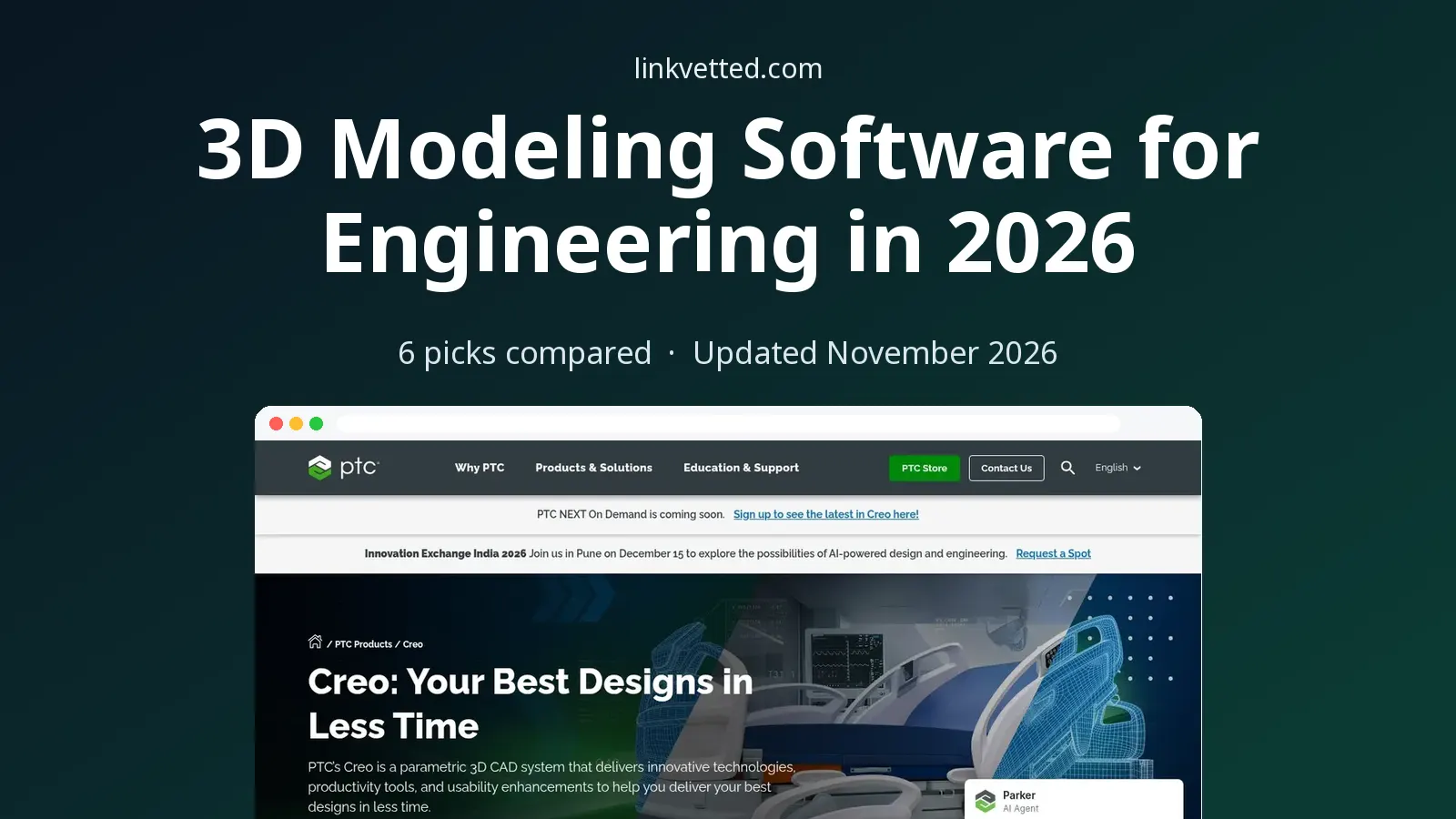
PTC Creo
Best for: Advanced parametric 3D CAD

PTC Creo is a good fit for advanced parametric 3D CAD. If your work leans toward cloud collaboration or combined manufacturing and electronics, a product like Fusion or Onshape may be a better starting point.
Limits to weigh: Steeper ramp-up time.
From a buyer's view, teams already working within PTC tools frequently find it a natural fit for in-depth design work. As for the details, PTC Creo is a 3D CAD family built around parametric design, with Creo Parametric as its core modeling application. Pricing for PTC Creo is not stated here, so ask the vendor for current figures. Free options: Not stated.
- Part of a broader PTC design ecosystem
- Parametric modeling focus
- Heavier setup for straightforward projects
Autodesk Inventor
Best for: Industrial design and documentation
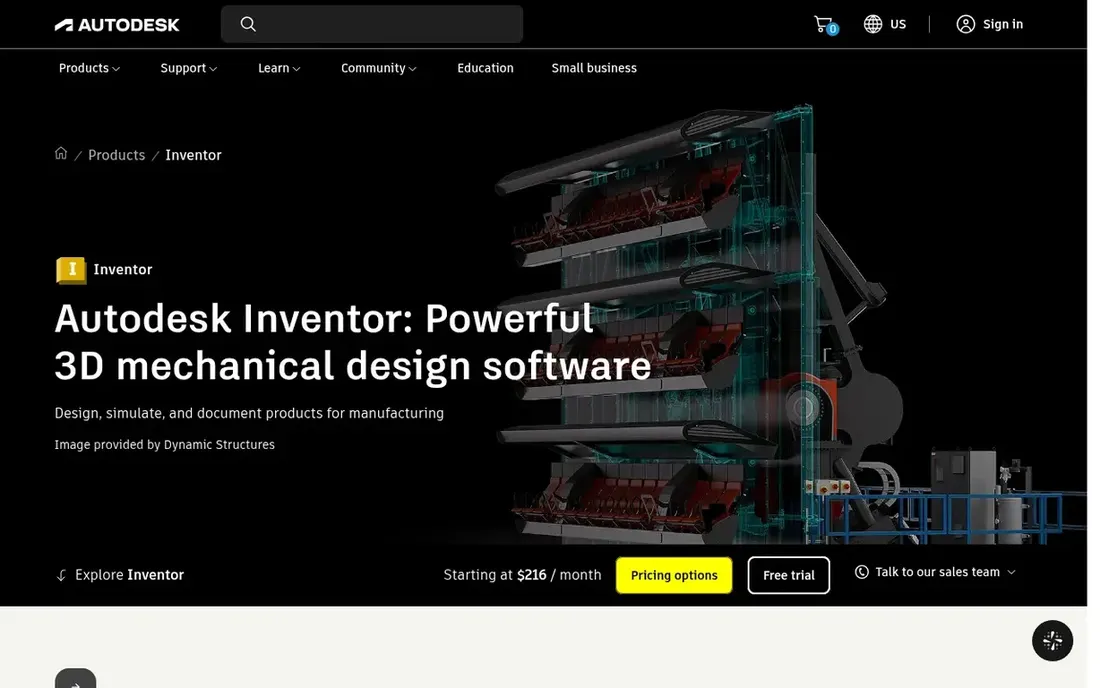
Choose Autodesk Inventor for industrial design and documentation. Organizations already using Autodesk tools may find the transition straightforward. Autodesk Inventor is 3D CAD software geared toward industrial design, simulation and documentation.
Trade-offs to know: Desktop-oriented workflow.
As for the details, Inventor is primarily a desktop workflow, so teams wanting browser-based collaboration may look elsewhere. Since Autodesk also gives you Fusion, buyers should compare the two carefully to avoid paying for overlapping capability. Autodesk Inventor shows no starting price here, so confirm the cost on the vendor site. Free options: Not stated.
- Backed by Autodesk ecosystem
- Capable fit for mechanical design workflows
- Overlap with Fusion can complicate choice
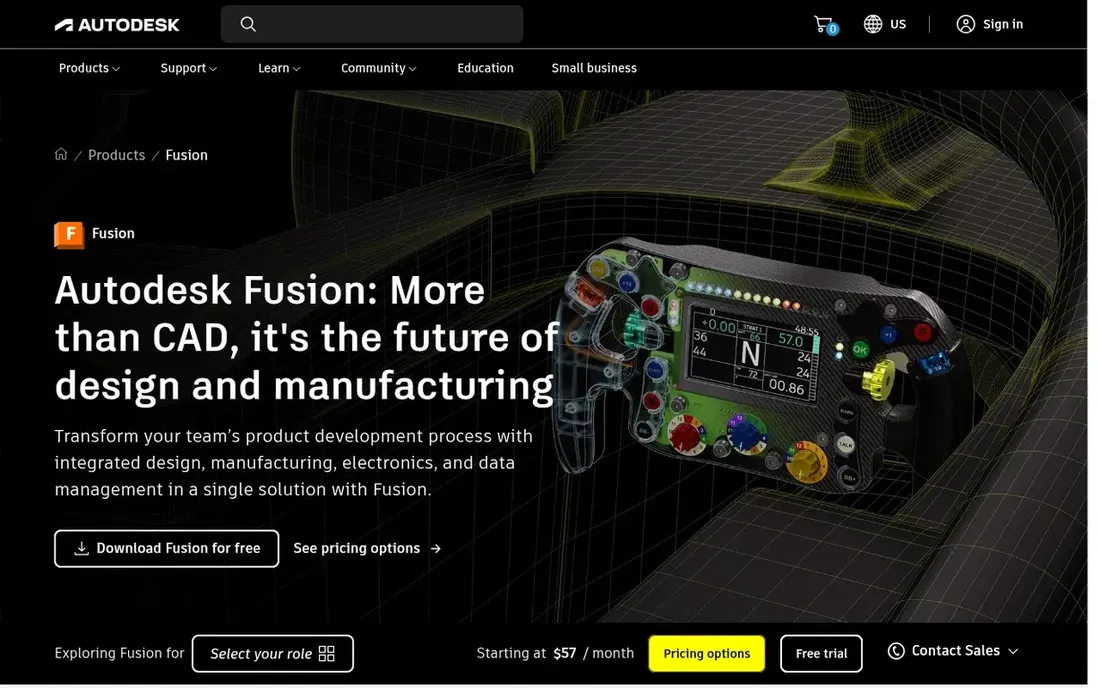
In short, Autodesk Fusion is for integrated CAD, CAM and simulation. It suits teams that want design, simulation and manufacturing preparation under one roof instead of stitching separate tools together.
This comparison lists no price for Autodesk Fusion; ask the vendor. Free options: Not stated.
Drawbacks to consider: Wide scope can feel complicated for narrow tasks.
Main advantages: Merges CAD, CAM.
- CAE and PCB in one product
- Cloud-based access and collaboration
- Cloud dependency for core workflows
Blender targets open-source modeling and visualization. Blender is an open-source 3D creation suite known for modeling, animation, rendering and visualization.
Points against: Restricted parametric and drawing workflows.
Main advantages: animation and rendering tools. Engineers use it for concept visuals, presentation renders and design communication instead of production CAD. Check the vendor site for Blender pricing; none is listed in this comparison. Trial and free access: Not stated.
- Free and open-source
- Wide modeling
- Not built around engineering CAD standards
What went into this list
We compared the tools on published pricing, free plan or trial availability, feature coverage for 3D modeling software for engineering, and the limits each vendor documents. Seat minimums, billing terms and add-ons can move the real cost, so the starting prices here are a guide and not a quote. Position on the page reflects fit for a typical buyer first, with price clarity and free access breaking ties. Treat it as a guide, not a ruling.
Before you commit
- Confirm the entry price on the vendor page. For IronCAD, PTC Creo, Autodesk Inventor and others that means a quote rather than a fixed price.
- Look at the free plan from Onshape closely: its caps decide whether it is usable for real work.
- Before choosing Onshape, weigh its main limit: needs steady internet access.
- Find out whether the entry plan of Autodesk Fusion covers your must-haves or only a trimmed-down version.
- Test the integrations you rely on with Blender before committing; some connectors sit on upper tiers.
FAQ
How are the tools for 3D modeling software for engineering ordered?
The order follows typical fit for 3D modeling software for engineering, with Onshape first and Blender last, then price clarity and free access. It is editorial judgement, not a score, so another team could rank the tools differently.
Which options for 3D modeling software for engineering have a free plan?
Onshape is the only tool in this list with a free plan. Free plans usually cap users, projects or features, so check the limits on the vendor page. For the full picture, the cards above cover all 6 entries of this 3D modeling software for engineering list, including price, free plan and limits.
Which 3D modeling software is a good match for mechanical engineering?
Onshape comes first here and is built for cloud-native CAD with built-in PDM. Buyers with other needs may prefer IronCAD (for flexible direct and parametric modeling) or PTC Creo (for advanced parametric 3D CAD). Compare costs and limits first.
What is the cheapest option for 3D modeling software for engineering in this list?
On published monthly entry prices, Onshape is the lowest here at $1,500 per user per year. Entry price is only part of the cost, because seats, add-ons and billing terms can change the total.
Do these tools publish their prices?
Not all of them. IronCAD, PTC Creo, Autodesk Inventor and others publish no starting price, so expect a quote request for those. The rest, Onshape included, show a starting price, though seats and billing terms still change the final cost.
Sources
- https://www.onshape.com
- https://www.ironcad.com
- https://www.ptc.com/en/products/creo
- https://www.autodesk.com/products/inventor
- https://www.autodesk.com/products/fusion-360
- https://www.blender.org