Best Storyboard Software for Beginners in 2026: Prices, Free Plans and 6 Picks
Best Storyboard software for beginners, compared. 6 tools with published prices, free plans and limits. Every entry states what it lacks. Easy to scan.
- Editor's choice
 Adobe Photoshop
In-depth digital painting for boards
Starts atSee websiteVisit adobe.comFull review - Great alternative
 Procreate
Natural drawing on iPad
Starts atSee websiteVisit procreate.comFull review - Also consider
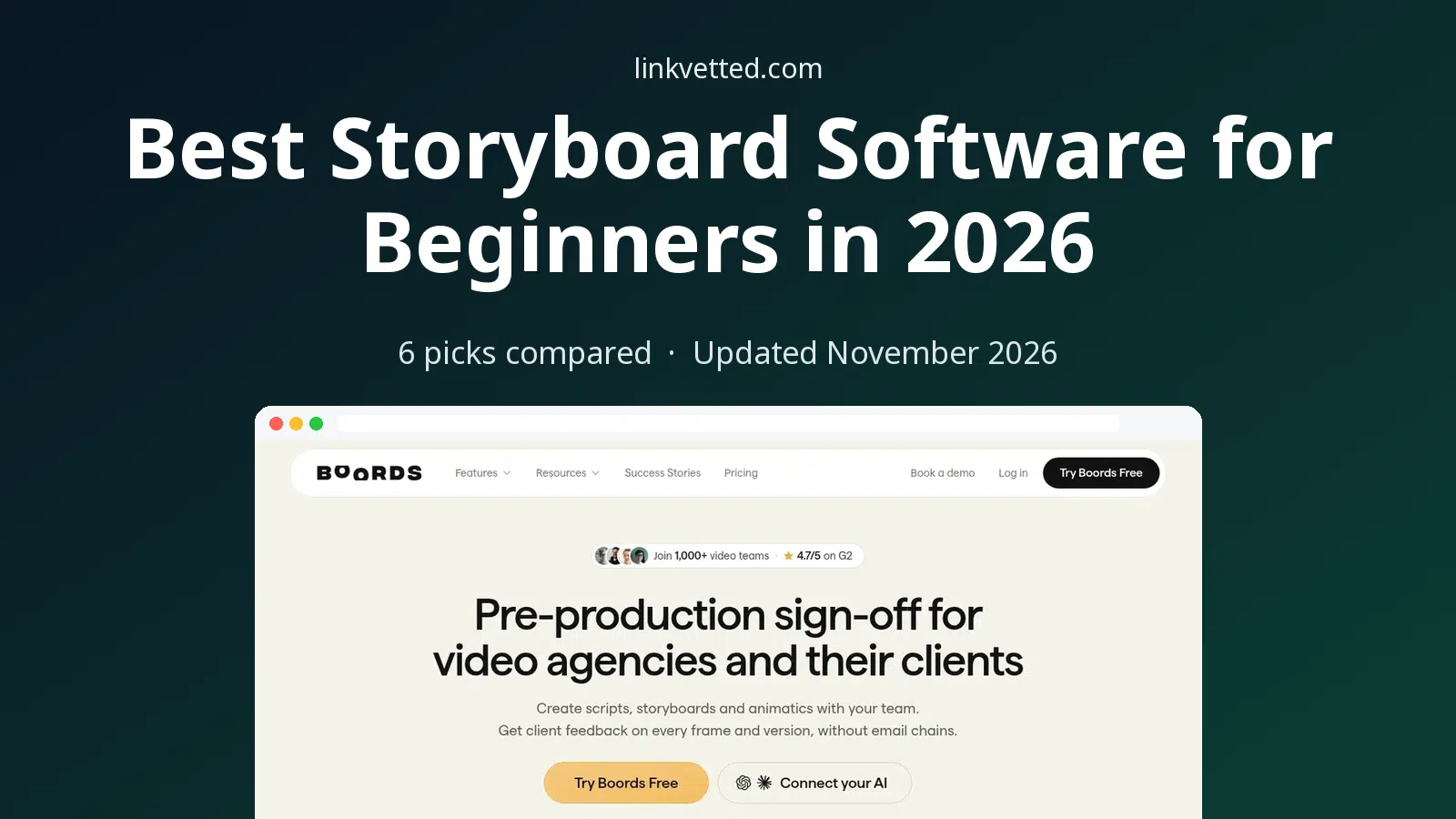
 Boords
Team storyboarding and client feedback
Starts at$39 a monthVisit boords.comFull review
Direct answer
Adobe Photoshop leads the list, best for in-depth digital painting for boards. Listed starting prices: Boords from $39 a month and Storyboard That from $1 for the first month. Procreate is better for natural drawing on iPad, and Boords is better for team storyboarding and client feedback. The other 3 tools in the list cover narrower or pricier cases.
TL;DR:
- This list starts with Adobe Photoshop, which is built for in-depth digital painting for boards.
- Storyboarder suits fast, drawing-first storyboarding.
- 2 of 6 tools offer a free plan: Boords, Storyboard That.
- Check the limits for Storyboard That before you commit: less suited to in-depth custom art.
- The lowest published monthly entry price here is $1 for the first month, from Storyboard That.
Last checked November 2026. Prices and plan details were read from the vendors' own pages in November 2026; vendors change plans often, so confirm the current price on the vendor site before you buy.
Quick comparison
| Tool | Best for | Starts at | Free plan? | |
|---|---|---|---|---|
| Adobe Photoshop | In-depth digital painting for boards | See website | Not stated | Visit |
| Procreate | Natural drawing on iPad | See website | Not stated | Visit |
| Boords | Team storyboarding and client feedback | $39 a month | Yes | Visit |
 Storyboard That | Fast online boards with templates | $1 for the first month | Yes | Visit |
 Canva | Refined boards without drawing skills | See website | Not stated | Visit |
| Storyboarder | Quick, drawing-first storyboarding | See website | Not stated | Visit |
Storyboard Software for Beginners profiles
Choosing Storyboard software for beginners usually comes down to price, fit and limits. This LinkVetted guide sets 6 tools side by side on those three points, with the facts kept short and checkable.
For in-depth digital painting for boards, Adobe Photoshop is a natural candidate. Photoshop is not designed for storyboard sequencing, so you would run panels and animatics in another tool.
What to check first: Steep ramp-up time for beginners.
Beyond that, choose Photoshop when frame quality is the priority and you are ready to invest time in learning. Adobe Photoshop shows no starting price here, so confirm the cost on the vendor site. Free access: Not stated.
- Industry-standard image editing
- Deep brush and layer tools
- Not made for storyboard sequencing
Procreate was built for natural drawing on iPad. Procreate is a drawing and animation app aimed at iPad, known for a natural feel and an approachable interface. On top of that, beginners who already own an iPad can sketch storyboard frames with responsive brushes and export them for assembly.
What to check first: No built-in storyboard sequencing.
Pick Procreate when drawing feel matters most and you are comfortable assembling boards elsewhere. Procreate does not handle panel order, shot lists, or client feedback, so you will need another tool to organize a full board. Procreate shows no starting price here, so confirm the cost on the vendor site. Free plan details: Not stated.
Where Procreate stands out: One-time purchase model.
- Responsive drawing on iPad
- Focused interface
- IPad only
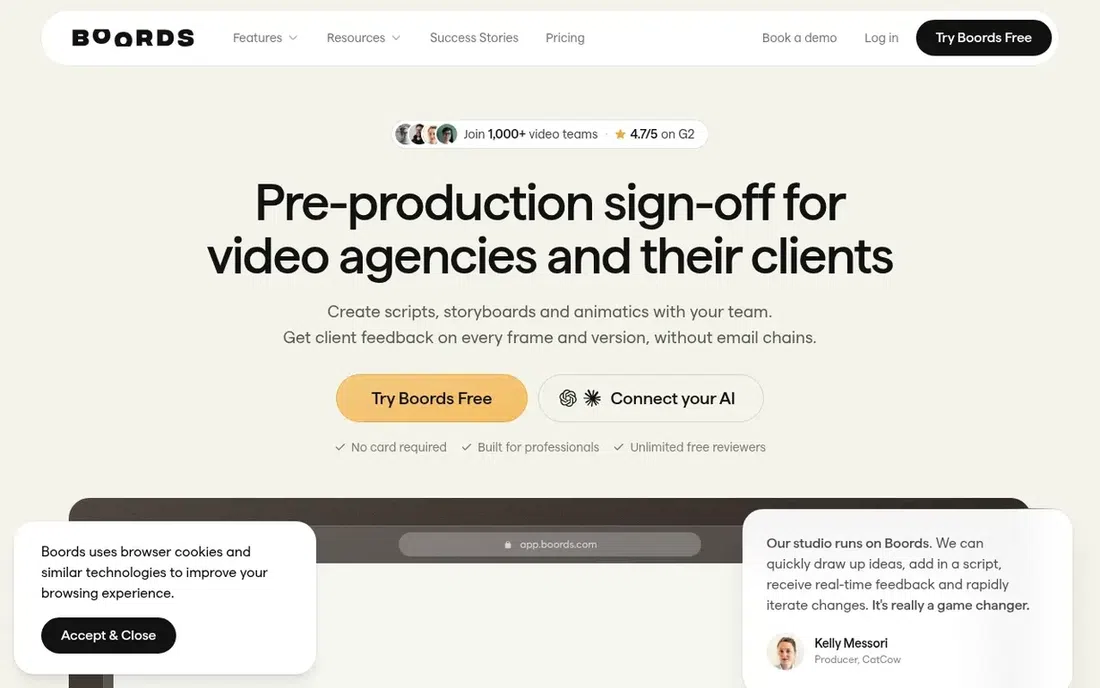
In short, Boords is for team storyboarding and client feedback. Boords is a storyboard and pre-production product made for video agencies and teams.
Beginners working in a group or with clients will appreciate the structured workflow, notably when several people have to review the same boards. Beyond that, choose Boords when feedback loops and version control matter more than freehand art. Starting cost for Boords: $39 per month. Boords includes a free tier.
Trade-offs to know: May be more than solo beginners need.
- Client feedback and version tracking
- Shareable boards for sign-off
- Less emphasis on freehand drawing
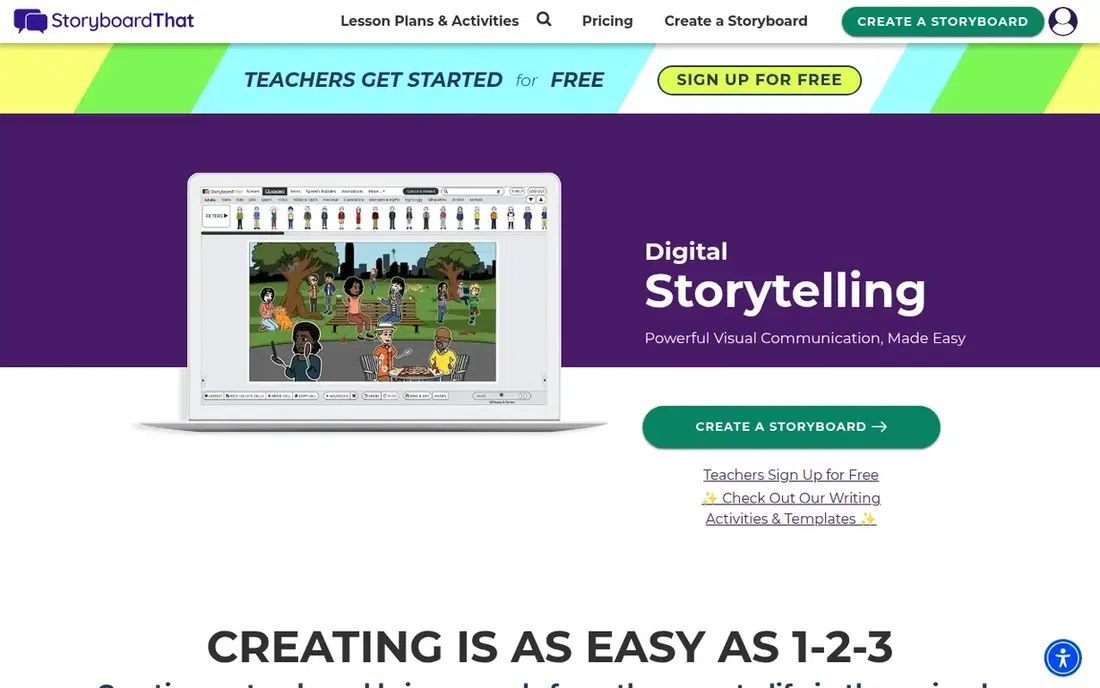
Storyboard That was built for fast online boards with templates. Storyboard That is an online storyboard creator that emphasizes simplicity.
Watch-outs: Art style may feel less cinematic.
Its template and drag-and-drop approach helps filmmakers, teachers, and students assemble scenes without drawing from scratch. In practice, the template-driven style can feel less like traditional film storyboarding, and custom artwork choices are restricted compared to drawing apps. The starting price for Storyboard That: $1 for the first month. You can start on Storyboard That without paying.
- Browser-based with no install
- Template-driven scene creation
- Less suited to in-depth custom art
Canva works best for refined boards without drawing skills. Its template library and drag-and-drop editor make it possible to assemble a storyboard from stock elements, shapes, and text without any drawing capacity. As for the details, Canva is a general design tool, not a dedicated storyboard app.
So it lacks animatic playback and story-specific planning features. In daily use, Freehand sketching is also restricted. Pricing for Canva is not stated here, so ask the vendor for current figures. Free plan details: Not stated.
Watch-outs: Restricted freehand drawing depth.
- Large library of templates and elements
- Simple drag-and-drop editing
- Not made for storyboarding
Storyboarder
Best for: Quick, drawing-first storyboarding
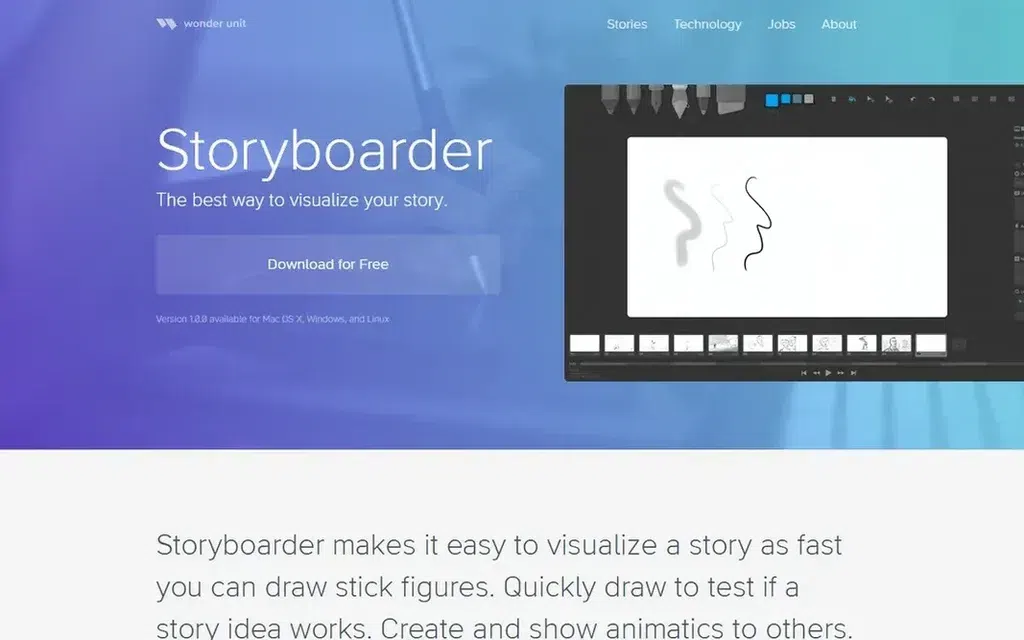
Storyboarder is built with quick, drawing-first storyboarding in mind. Team feedback and version tracking are also restricted compared to collaborative products.
Main advantages: distraction-free interface.
Limits to weigh: Restricted advanced drawing tools.
It is a natural fit for beginners who want to focus on storytelling instead of learning complicated illustration software, and for solo creators who require to visualize scenes rapidly. No starting price is listed for Storyboarder here; confirm pricing on the vendor site. Free plan details: Not stated.
- Built-in animatic playback
- Focused
- Fewer team collaboration features
Our selection method
LinkVetted used vendor pricing pages and product documentation as the base, then compared plans, free access and documented limits for 6 tools. Where a price is missing, the vendor does not list one publicly or ties it to a quote. Always confirm before budgeting. The order reflects how well each tool fits the most common buying scenario for Storyboard software for beginners, then price clarity, then free plan access. It is a starting point, not a verdict.
Questions to settle before buying
- Ask Adobe Photoshop, Procreate, Canva and Storyboarder for a written quote, since no starting price is shown.
- Read the fine print on the free plans from Boords and Storyboard That; seat, project and feature caps differ.
- Read the limits listed for Adobe Photoshop first: steep ramp-up time for beginners.
- Look at the renewal terms for Adobe Photoshop: auto-renewal, notice periods and price changes can matter more than the first-year price.
- Ask Procreate which support channels and response times come with the plan you would buy.
FAQ
Do these tools publish their prices?
Not all of them. Adobe Photoshop, Procreate, Canva and Storyboarder publish no starting price, so expect a quote request for those. The rest, Boords included, show a starting price, though seats and billing terms still change the final cost.
Is Adobe Photoshop the right pick for everyone comparing Storyboard software for beginners?
No single tool suits every team. Adobe Photoshop comes first because it fits detailed digital painting for boards, while Procreate suits natural drawing on iPad and Boords suits team storyboarding and client feedback. Match the tool to your own size, budget and workflow before deciding.
Which options for Storyboard software for beginners have a free plan?
On this list, Boords and Storyboard That include a free plan. Caps on seats, usage or features are common, so test the free plan against your real workload.
What is the easiest storyboard software for a complete beginner?
Storyboarder is commonly the simplest starting point since it centres on fast sketching and animatic playback without a complicated interface. Both let you communicate a sequence without advanced drawing skills.
How are the tools for Storyboard software for beginners ordered?
The order follows typical fit for Storyboard software for beginners, with Adobe Photoshop first and Storyboarder last, then price clarity and free access. It is editorial judgement, not a score, so another team could rank the tools differently.
Sources
- https://www.adobe.com/products/photoshop.html
- https://procreate.com
- https://boords.com
- https://www.storyboardthat.com
- https://www.canva.com
- https://wonderunit.com/storyboarder