Best Staff Scheduling Software for Restaurants in 2026: Prices, Free Plans and 5 Picks
Best staff scheduling software for restaurants in 2026: 5 tools with starting prices, free plans and limits. Every pick gets a straight assessment. No hype.
- Editor's choicePush Operations
Restaurants needing payroll and HR in one place
Starts at$200 per month per locationVisit pushoperations.comFull review - Great alternative
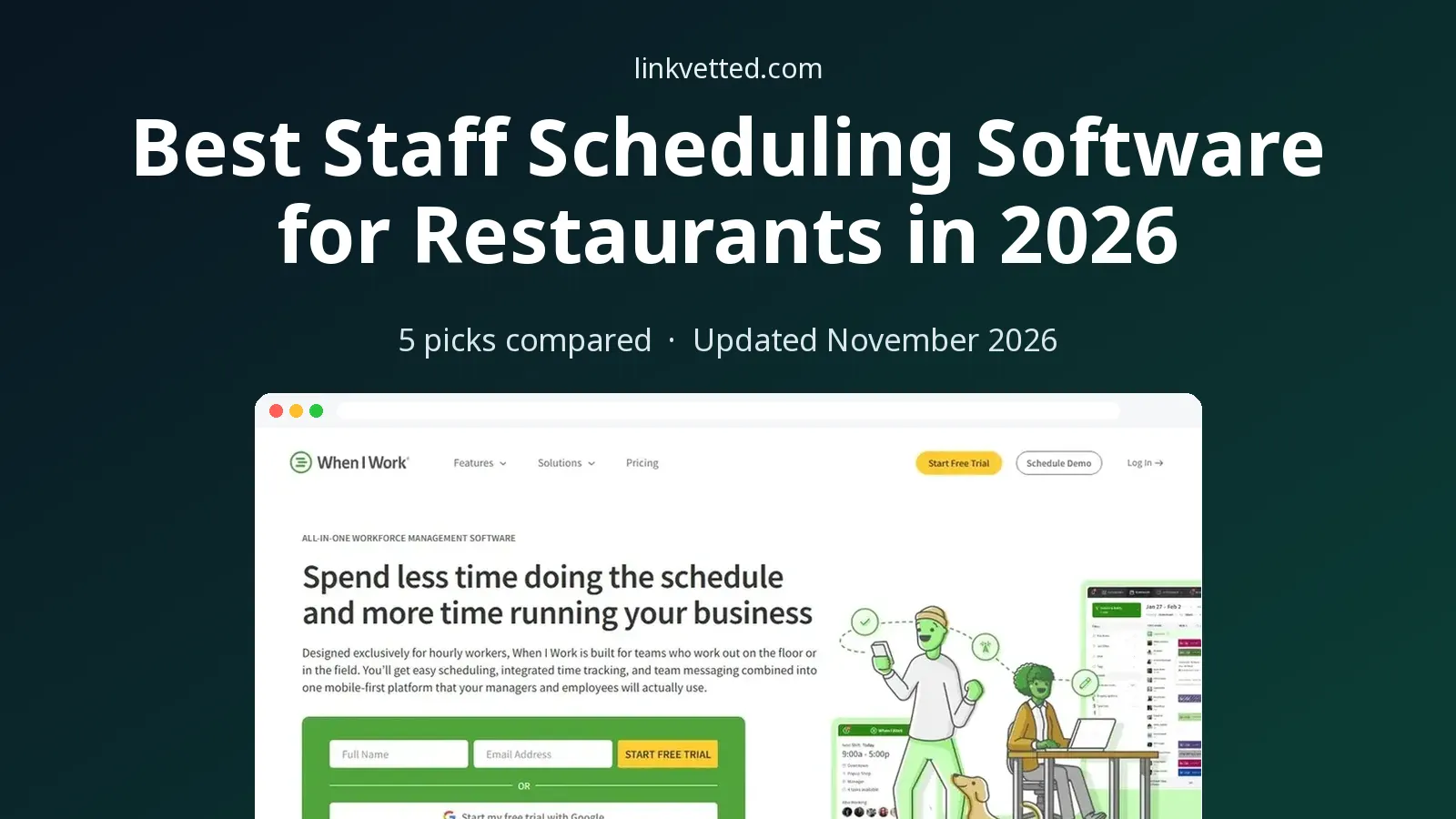
 When I Work
Shift scheduling with team messaging
Starts at$2.50 per user a monthVisit wheniwork.comFull review - Also consider
 Homebase
Small hourly teams needing scheduling and payroll
Starts at$30 per location a monthVisit joinhomebase.comFull review
Direct answer
Push Operations is the first pick on this list for restaurants needing payroll and HR in one place. Listed starting prices: Push Operations from $200 per month per location, When I Work from $2.50 per user a month and Homebase from $30 per location a month. When I Work is the stronger choice for shift scheduling with team messaging, while Homebase suits small hourly teams needing scheduling and payroll. The full list of 5 tools follows, with prices and free plan facts.
TL;DR:
- Push Operations takes the first slot, best suited to restaurants needing payroll and HR in one place.
- The lowest published monthly entry price here is $2.50 per user per month, from When I Work.
- For scheduling with AI labor forecasting, Deputy is worth a look.
- Homebase is the only tool of the 5 with a free plan.
- A fair warning about HotSchedules: centred on scheduling and engagement.
Last checked November 2026. Prices and plan details were read from the vendors' own pages in November 2026; vendors change plans often, so confirm the current price on the vendor site before you buy.
Quick comparison
| Tool | Best for | Starts at | Free plan? | |
|---|---|---|---|---|
| Push Operations | Restaurants needing payroll and HR in one place | $200 per month per location | Not stated | Visit |
| When I Work | Shift scheduling with team messaging | $2.50 per user a month | Free trial | Visit |
| Homebase | Small hourly teams needing scheduling and payroll | $30 per location a month | Yes | Visit |
| HotSchedules | Teams comparing choices in this category | See website | Not stated | Visit |
 Deputy | Scheduling with AI labor forecasting | $5 per user per month | Free trial | Visit |
Every option for staff scheduling software for restaurants explained
LinkVetted put together this guide to staff scheduling software for restaurants for readers who want a clear shortlist without reading every vendor page. It compares 5 tools on starting price, free plans, who each one suits and where each one falls short.
Push Operations
Best for: Restaurants needing payroll and HR in one place
Where Push Operations fits: restaurants needing payroll and HR in one place. It suits restaurants that want to consolidate workforce management and payroll instead of stitch together separate tools.
Limits to weigh: Setup may need more time.
Confirm the scope of payroll, HR, and scheduling features on the vendor site. Push Operations starts at: $200 per month per location. On free options: Not stated.
- Meant to scale
- HR, payroll
- May be more than small teams need
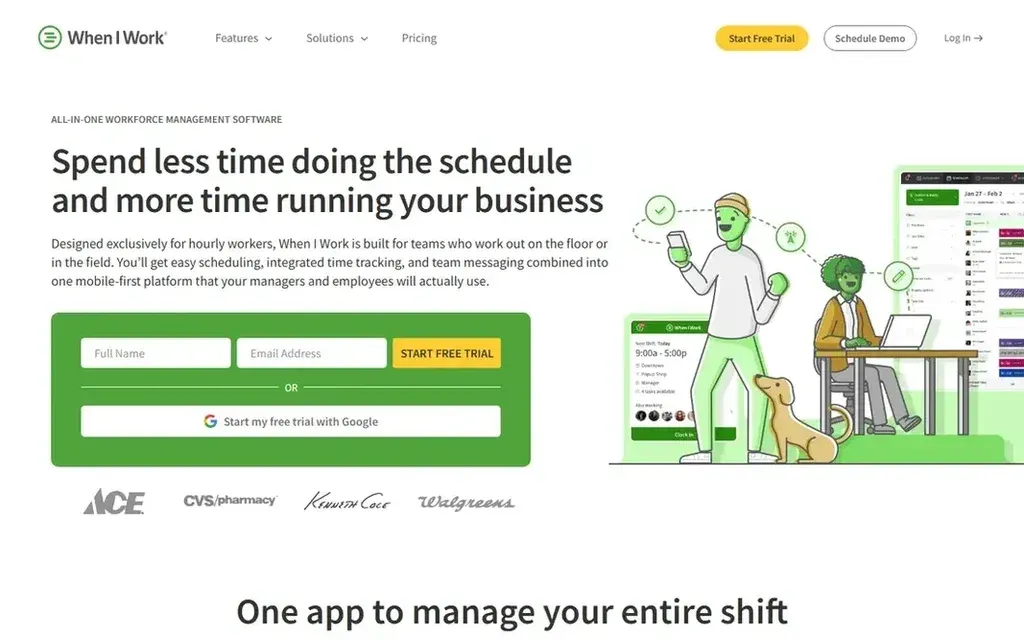
When I Work makes the most sense for shift scheduling with team messaging. Confirm integration choices and any limits on advanced features on the vendor site.
Limits to weigh: Advanced restaurant features restricted.
Worth adding: managers can publish shifts and message staff from the same place, which helps with shift changes and coverage gaps. When I Work starts at: $2.50 per user per month. Trial and free access: Free trial.
- Scheduling and time tracking together
- Straightforward mobile-friendly app
- Payroll may need integration
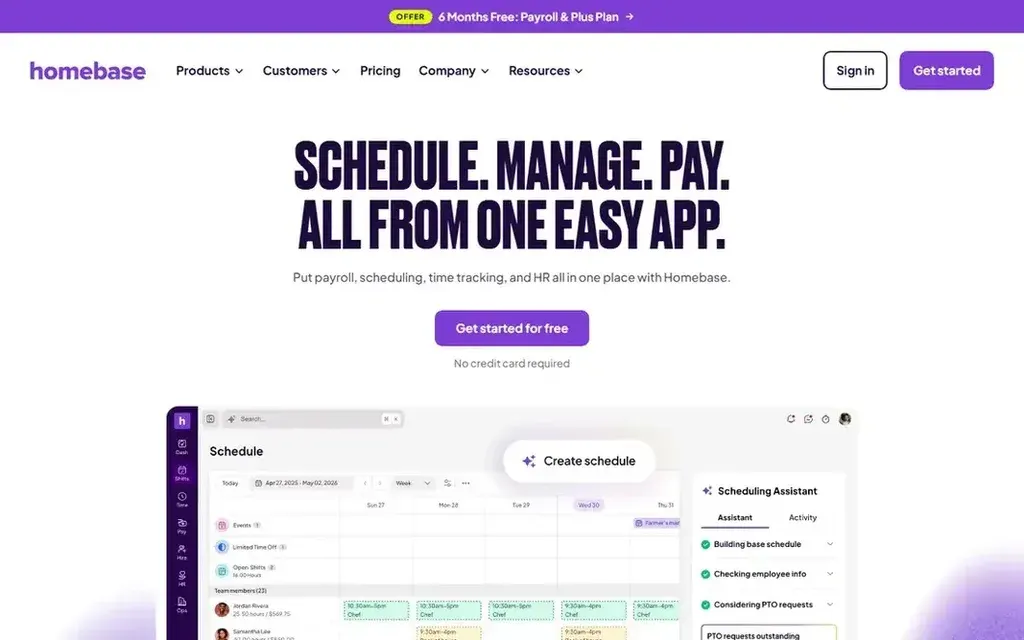
Homebase is aimed squarely at small hourly teams needing scheduling and payroll. Homebase is aimed at small companies, so very large or multi-location restaurant groups may outgrow its feature set.
Where Homebase stands out: Hiring tools included.
Points against: May be entry-level for large enterprises.
It fits restaurants that want to replace multiple disconnected tools with one straightforward system. On cost, Homebase starts like this: $30 per location per month. Homebase includes a free tier.
- Made for hourly teams
- Scheduling
- Advanced HR features may be restricted
HotSchedules
Best for: Teams comparing choices in this category
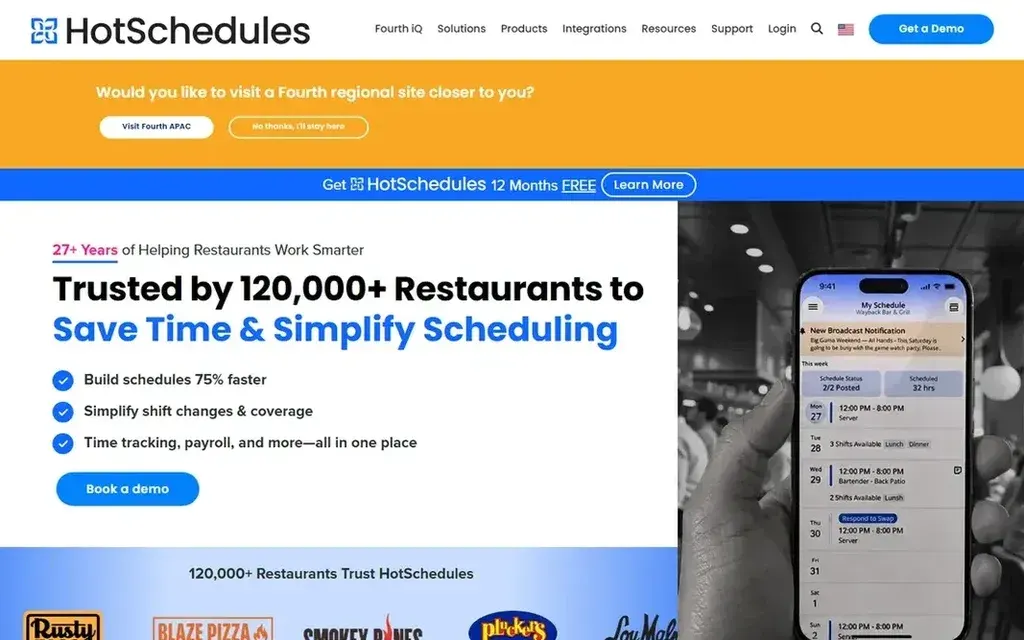
HotSchedules works best for teams comparing choices in this category. It centers on building and managing staff schedules whereas keeping employees engaged.
It suits operators who want scheduling handled well without adopting a full restaurant management suite. HotSchedules does not show a starting price in this comparison, so check the vendor site for current pricing. Trial and free access: Not stated.
What to check first: Focused on scheduling and engagement.
- Demo available
- Aimed at hospitality scheduling
- May need extras for full payroll
Deputy is designed for scheduling with AI labor forecasting. If you need restaurant-specific accounting or inventory, a dedicated restaurant management suite may be a better fit.
Downsides: Full payroll may rely on region.
Verify payroll capabilities and forecasting features on the vendor site. Deputy starts at: $5 per user per month. Free access: Free trial.
What works well: AI labor forecasting.
- Easy-to-use interface
- Payroll features
- Advanced features may need setup
How we chose
For each of the 5 tools we noted price, free plan or trial, fit for staff scheduling software for restaurants and the main limit, using vendor pages and documentation. Treat prices as a snapshot: vendors change plans often, so check the vendor site for the figure that applies today. Order on the page follows fit for the typical buyer first, then price transparency and free access. Your own requirements should decide the final pick.
Things to verify first
- Confirm the entry price on the vendor page. For HotSchedules that means a quote rather than a fixed price.
- Look at the free plan from Homebase closely: its caps decide whether it is usable for real work.
- Use real work to test the free trial from When I Work and Deputy, rather than a demo project.
- Read the limits listed for Push Operations first: may be more than small teams need.
- Add up seats, add-ons and usage charges for When I Work before comparing it with cheaper entries.
- Before you load data into HotSchedules, check what an export looks like and who can run it.
FAQ
What is the cheapest option for staff scheduling software for restaurants in this list?
On published monthly entry prices, When I Work is the lowest here at $2.50 per user per month. Entry price is only part of the cost, because seats, add-ons and billing terms can change the total. All 5 picks in this staff scheduling software for restaurants comparison list a starting price, free plan details and the main limits on their cards above.
Is a restaurant-specific tool better than a general scheduling app?
A restaurant-specific tool may contain payroll, HR, and accounting features tailored to food service. Choose based on whether you want an all-in-one suite or a focused scheduling tool.
How are the tools for staff scheduling software for restaurants ordered?
The order follows typical fit for staff scheduling software for restaurants, with Push Operations first and Deputy last, then price clarity and free access. It is editorial judgement, not a score, so another team could rank the tools differently.
Is Push Operations the right pick for everyone comparing staff scheduling software for restaurants?
No single tool suits every team. Push Operations comes first because it fits restaurants needing payroll and HR in one place, while When I Work suits shift scheduling with team messaging and Homebase suits small hourly teams needing scheduling and payroll. Match the tool to your own size, budget and workflow before deciding.
Can I try these tools before paying?
Often, yes. Homebase has a free plan and When I Work and Deputy offer a free trial. Use your own data and a real task during the test, and check what the free tier or trial limits before you rely on it.
Sources
- https://www.pushoperations.com
- https://wheniwork.com
- https://joinhomebase.com
- https://www.hotschedules.com
- https://www.deputy.com