5 Best Staff Scheduling Software for Hospitality Groups for 2026, Vetted and Compared
Searching for the best staff scheduling software for hospitality groups? Here are 5 options with prices and free plans. Every entry states what it lacks.
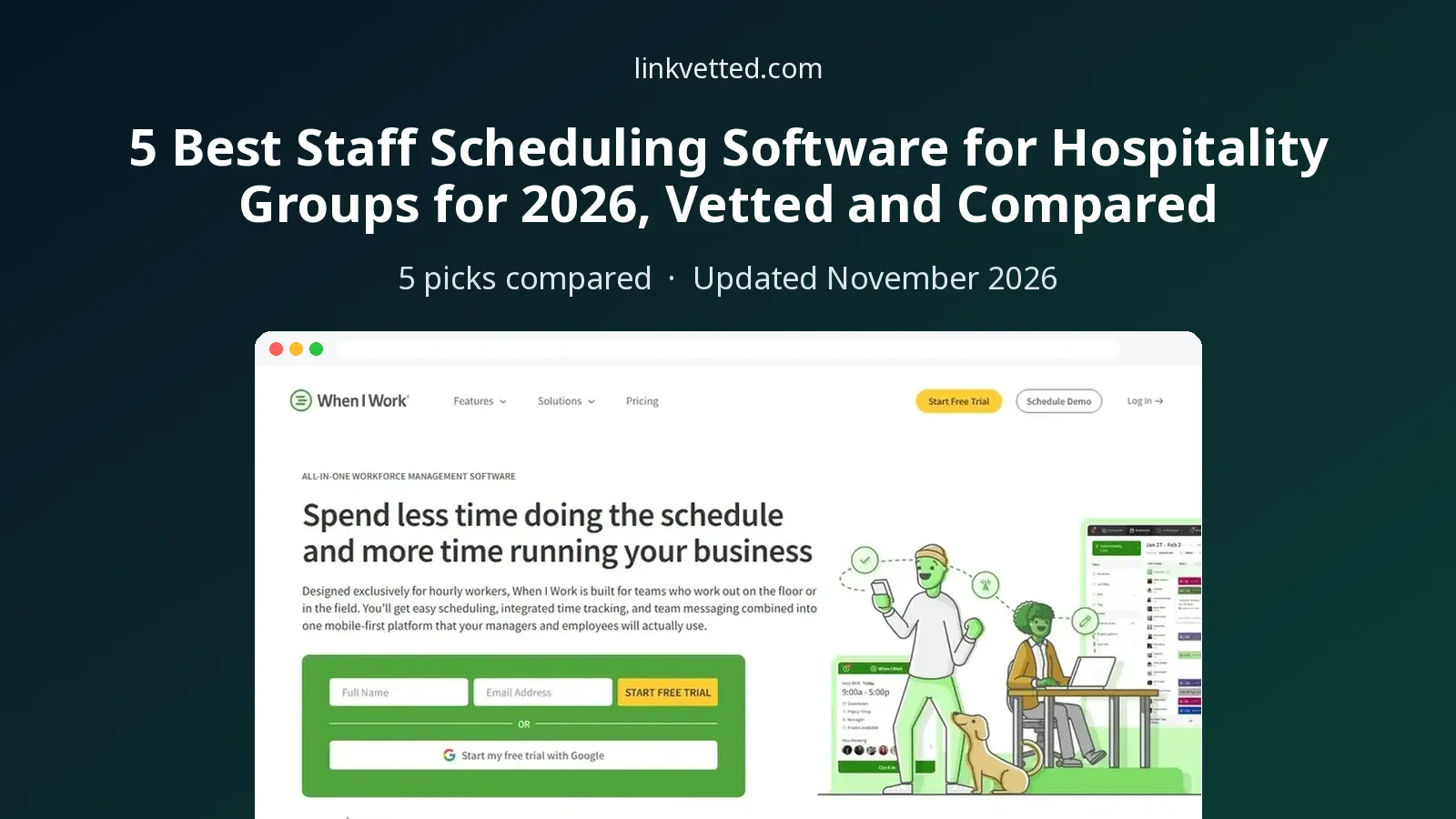
- Editor's choice
 Homebase
Hourly teams needing scheduling plus payroll
Starts at$30 per location a monthVisit joinhomebase.comFull review - Great alternative
 When I Work
Shift scheduling and team messaging
Starts at$2.50 per user per monthVisit wheniwork.comFull review - Also consider
 Deputy
Scheduling with HR and payroll
Starts at$5 per user a monthVisit deputy.comFull review
Direct answer
Start with Homebase if you need hourly teams needing scheduling plus payroll. Listed starting prices: Homebase from $30 per location a month, When I Work from $2.50 per user per month and Deputy from $5 per user a month. When I Work fits shift scheduling and team messaging; Deputy fits scheduling with HR and payroll. Prices, free plans and limits for all 5 tools follow.
TL;DR:
- Homebase is the opening pick, best for hourly teams needing scheduling plus payroll.
- Free plans exist at 2 of 5 tools (Homebase, Sling).
- For straightforward shift planning and communication, Sling is worth a look.
- One limit worth knowing about When I Work: less depth in payroll and HR.
Last checked November 2026. Prices and plan details were read from the vendors' own pages in November 2026; vendors change plans often, so confirm the current price on the vendor site before you buy.
Quick comparison
| Tool | Best for | Starts at | Free plan? | |
|---|---|---|---|---|
| Homebase | Hourly teams needing scheduling plus payroll | $30 per location a month | Yes | Visit |
| When I Work | Shift scheduling and team messaging | $2.50 per user per month | Free trial | Visit |
| Deputy | Scheduling with HR and payroll | $5 per user a month | Free trial | Visit |
| HotSchedules | Hospitality scheduling with team engagement | See website | Not stated | Visit |
 Sling | Straightforward shift planning and communication | $1.70 per user per month | Yes | Visit |
5 staff scheduling software for hospitality groups in detail
LinkVetted compared 5 staff scheduling software for hospitality groups. The goal is a practical shortlist: published prices, free plan facts, best-fit use cases and honest limits for every entry.
Think of Homebase for hourly teams needing scheduling plus payroll. Hospitality groups with multiple locations can use it to keep scheduling and time clocks consistent whereas giving managers a single place to deal with hiring and payroll basics.
Points against: Targeted at smaller companies.
Its positioning leans toward small firms, so very large groups with intricate multi-entity payroll or deep HR requirements may outgrow it. On cost, Homebase starts like this: $30 per location per month. Homebase has a free plan.
- Made for hourly teams
- Time clocks and payroll together
- May need add-ons for advanced needs
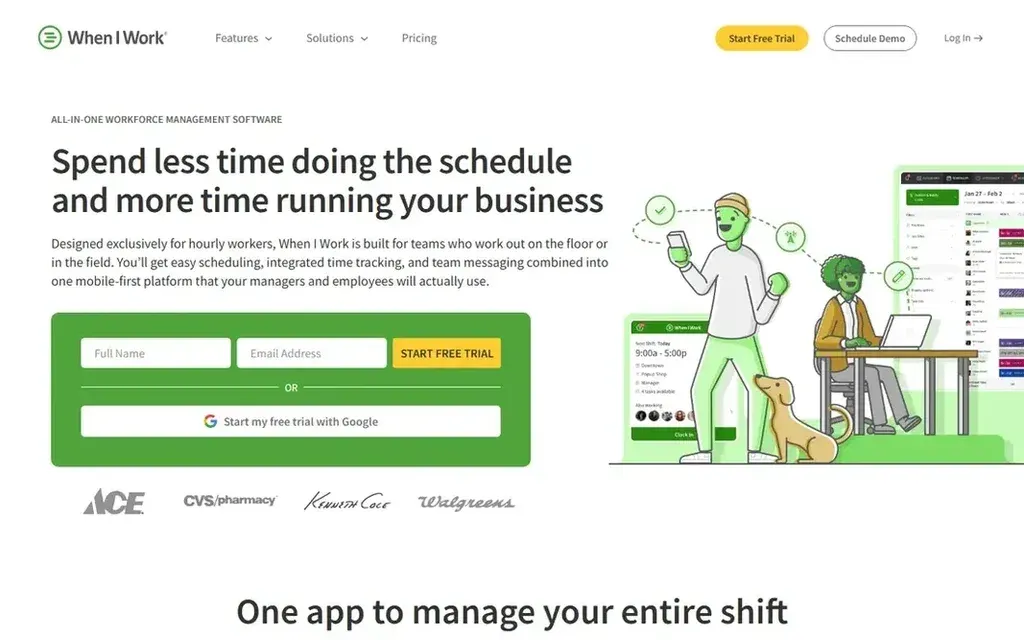
When I Work works best for shift scheduling and team messaging. It is less of a full HR or payroll product, so groups needing payroll processing or compliance tooling may pair it with other systems.
Choose it when quick, clear shift scheduling and messaging matter more than a complete workforce suite. When I Work pricing: $2.50 per user per month. Trial and free access: Free trial.
What to check first: Less depth in payroll and HR.
- Mobile-friendly team communication
- Time tracking and messaging in one app
- Hospitality-specific features are restricted
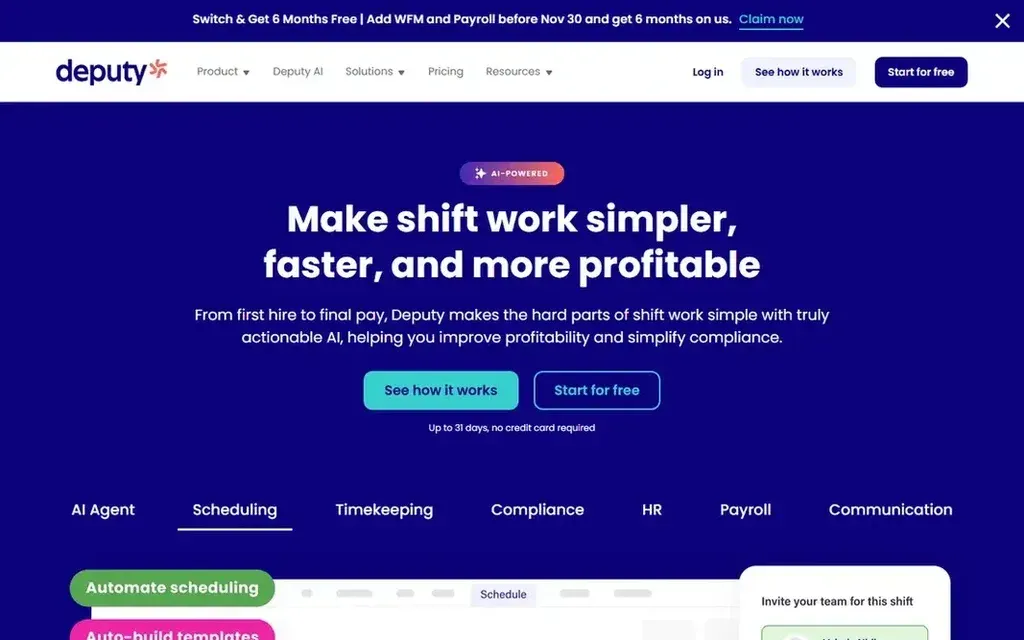
Deputy was built for scheduling with HR and payroll. Deputy presents itself as easy-to-use employee scheduling, HR, AI labor forecasting and payroll software.
Where Deputy stands out: HR and payroll in one tool.
If your priority is a focused scheduling app with minimal overhead, a more straightforward tool may suit you better. On top of that, the breadth of features means setup and configuration take more thought, and very small teams may not need everything it provides. Deputy starts at: $5 per user per month. On free options: Free trial. Honest limits: Wide feature set may overwhelm small teams.
- Easy-to-use positioning
- AI labor forecasting
- Hospitality-specific depth varies
HotSchedules
Best for: Hospitality scheduling with team engagement
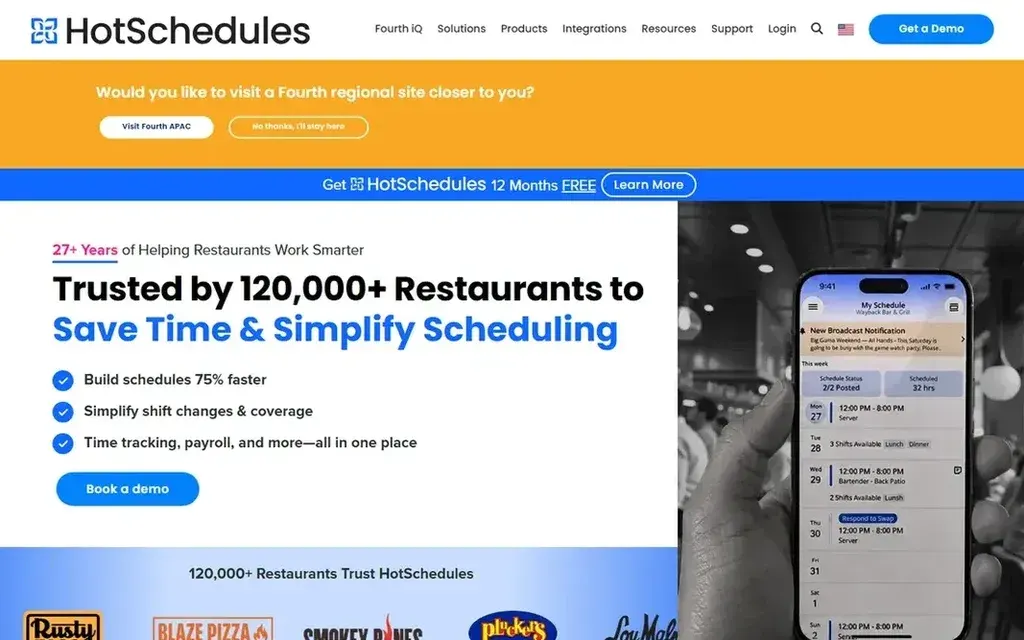
HotSchedules serves hospitality scheduling with team engagement. It centers on building and sharing shift schedules whereas keeping staff connected through engagement features, which fits restaurants, bars and similar venues that want scheduling and team communication in one place instead of a wide HR suite.
Downsides: Best fit for hospitality instead of all sectors.
Check the vendor site for HotSchedules pricing; none is listed in this comparison. On free options: Not stated.
- Merges scheduling with employee engagement
- Built around hospitality operations
- Narrower general HR scope
Where Sling fits: straightforward shift planning and communication. Hospitality groups that want a clear, approachable tool for building schedules and keeping staff informed can use it as a light scheduling layer across venues.
Where it is weaker: Fewer advanced workforce features.
It does not position itself as a payroll or HR suite, so groups needing integrated payroll, hiring or compliance tools should look at broader systems. Entry price for Sling: $1.70 per user per month. Sling has a free plan.
- Straightforward shift scheduling and planning
- Easy-to-use interface
- Lighter on payroll and HR
How we compared the tools
What to check before you buy
- Confirm the entry price on the vendor page. For HotSchedules that means a quote rather than a fixed price.
- Read the fine print on the free plans from Homebase and Sling; seat, project and feature caps differ.
- Use real work to test the free trial from When I Work and Deputy, rather than a demo project.
- Before choosing Homebase, weigh its main limit: aimed at smaller companies.
- Ask whether When I Work integrates with your current software, and whether that comes standard or as an add-on.
- See whether Sling offers onboarding or training, and whether it is included in the price.
FAQ
Do these tools publish their prices?
Not all of them. HotSchedules publishes no starting price, so expect a quote request for it. The rest, Homebase included, show a starting price, though seats and billing terms still change the final cost. Each of the 5 options in this staff scheduling software for hospitality groups guide has its own card above with the price, free plan and limits.
Can these tools manage several venues?
Multiple of the systems here position themselves for expanding companies and multi-location operations, but support varies by plan and setup. Also, confirm multi-location handling with each vendor before committing.
Is Homebase the right pick for everyone comparing staff scheduling software for hospitality groups?
No single tool suits every team. Homebase comes first because it fits hourly teams needing scheduling plus payroll, while When I Work suits shift scheduling and team messaging and Deputy suits scheduling with HR and payroll. Match the tool to your own size, budget and workflow before deciding.
What should hospitality groups look for in scheduling software?
Prioritize quick shift creation, mobile access for hourly staff and clear communication tools, since hospitality schedules change frequently. If payroll or HR matters, check whether those functions are included or need separate systems.
How are the tools for staff scheduling software for hospitality groups ordered?
The order follows typical fit for staff scheduling software for hospitality groups, with Homebase first and Sling last, then price clarity and free access. It is editorial judgement, not a score, so another team could rank the tools differently.
Can I try these tools before paying?
Often, yes. Homebase and Sling have a free plan and When I Work and Deputy offer a free trial. Use your own data and a real task during the test, and check what the free tier or trial limits before you rely on it.
Sources
- https://joinhomebase.com
- https://wheniwork.com
- https://www.deputy.com
- https://www.hotschedules.com
- https://getsling.com