Best Staff Scheduling Software for Cafes (2026): 6 Picks Checked on Vendor Pages
Weighing the best staff scheduling software for cafes? We lined up 6 products by cost, free access and fit. Every tool lists pros and cons. Quick to scan.
- Editor's choice
 Connecteam
Frontline team management in one app
Starts at$29 a monthVisit connecteam.comFull review - Great alternativePush Operations
Restaurant HR, payroll and scheduling
Starts at$200 a month per locationVisit pushoperations.comFull review - Also consider
 When I Work
Shift scheduling with team messaging
Starts at$2.50 per user a monthVisit wheniwork.comFull review
Direct answer
Our first pick is Connecteam, best for frontline team management in one app. Listed starting prices: Connecteam from $29 a month, Push Operations from $200 a month per location and When I Work from $2.50 per user a month. Alternatives: Push Operations for restaurant HR, payroll and scheduling, and When I Work for shift scheduling with team messaging. Prices, free plans and limits for all 6 tools follow.
TL;DR:
- Connecteam takes the first slot, best suited to frontline team management in one app.
- The cheapest monthly starting price in the list is $1.70 per user per month, offered by Sling.
- What to know about Push Operations first: restaurant focus may be more than some cafes need.
- A free plan is available from 3 of the 6 tools: Connecteam, Sling, Homebase.
- Homebase fits all-in-one scheduling, time clocks and payroll.
Last checked November 2026. Prices and plan details were read from the vendors' own pages in November 2026; vendors change plans often, so confirm the current price on the vendor site before you buy.
Quick comparison
| Tool | Best for | Starts at | Free plan? | |
|---|---|---|---|---|
| Connecteam | Frontline team management in one app | $29 a month | Yes | Visit |
| Push Operations | Restaurant HR, payroll and scheduling | $200 a month per location | Not stated | Visit |
| When I Work | Shift scheduling with team messaging | $2.50 per user a month | Free trial | Visit |
 Sling | Straightforward, simple shift planning | $1.70 per user per month | Yes | Visit |
 Deputy | Scheduling with AI labor forecasting | $5 per user a month | Free trial | Visit |
 Homebase | All-in-one scheduling, time clocks and payroll | $30 per location a month | Yes | Visit |
Staff Scheduling Software for Cafes profiles
If you are comparing staff scheduling software for cafes, this page covers 6 tools in one place: what each is best for, what it costs to start, whether it has a free plan, and the main limit to know about.
Think of Connecteam for frontline team management in one app. Connecteam is an employee management app built for frontline teams, letting companies schedule, track time and communicate with full clarity and control.
On cost, Connecteam starts like this: $29 per month. You can start on Connecteam without paying.
Limits to weigh: Wide scope may overwhelm small shops.
- Made for frontline teams
- Scheduling
- Plenty of modules to configure
Push Operations
Best for: Restaurant HR, payroll and scheduling
Push Operations is a good fit for restaurant HR, payroll and scheduling. Push Operations is all-in-one restaurant management software handling HR, payroll, time tracking and scheduling in one place.
Where Push Operations stands out: Aimed at restaurants.
Where it falls short: Full setup across modules.
Push Operations starts at: $200 per month per location. On free options: Not stated.
- Time tracking and scheduling together
- Scales with expanding companies
- Restaurant focus may be more than some cafes need
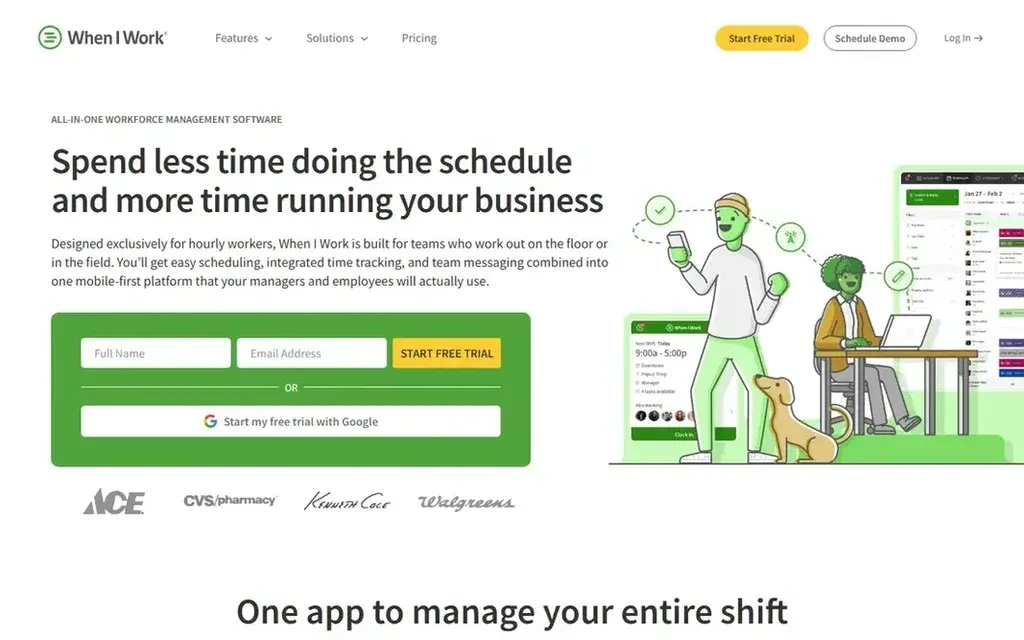
When I Work works best for shift scheduling with team messaging. The product centers on scheduling and time tracking, so cafes needing deep payroll or HR may pair it with another system.
Where When I Work stands out: Scheduling.
The starting price for When I Work: $2.50 per user per month. Free options: Free trial. Honest limits: Advanced HR features are restricted.
- Aimed at hourly workplaces
- Time tracking and messaging in one app
- Payroll is not the core focus
Sling works best for straightforward, simple shift planning. Sling is employee shift scheduling and planning software meant to be straightforward and straightforward to use. It helps cafes handle shifts and communicate with employees, which fits small teams that want a straightforward tool without a long setup process.
Drawbacks to consider: Restricted payroll and HR depth.
Pick it when simplicity is the central goal and you already have payroll handled. Cafes needing forecasting or integrated pay should consider a broader product. For everyday use, Sling centres on scheduling and communication, so payroll and deeper HR functions are restricted. Sling pricing: $1.70 per user per month. A free plan is available with Sling.
- Shift scheduling and planning focus
- Team communication built in
- Entry-level reporting
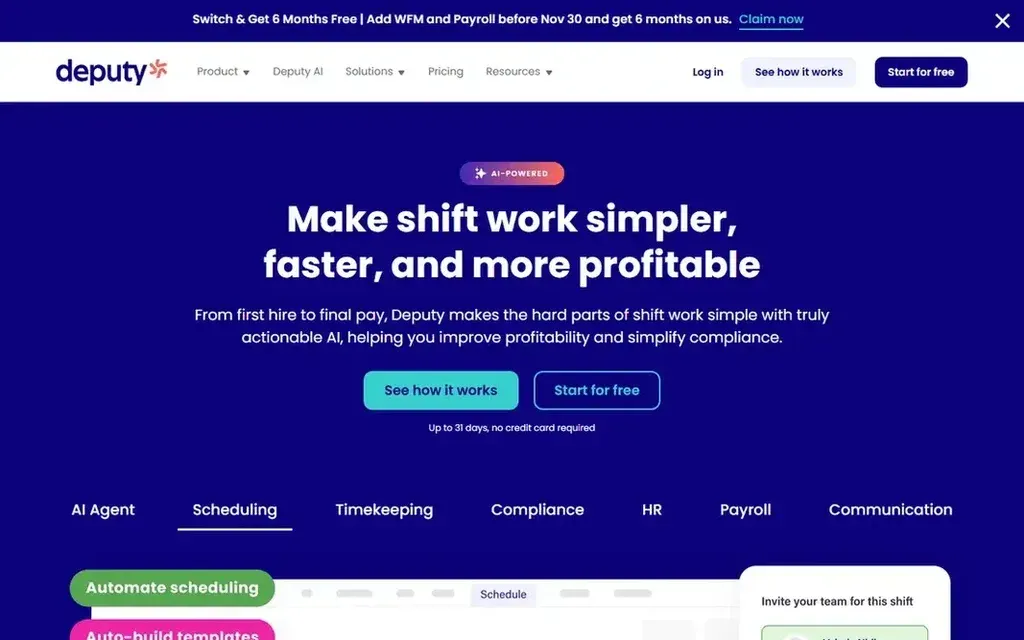
Pick Deputy if this describes you: scheduling with AI labor forecasting. The forecasting angle fits cafes that want to match staffing to predicted busy periods, whereas the HR tools help with onboarding and compliance basics.
In practice, Deputy's breadth can be more than a single-location cafe needs, and the number of modules means more setup time. Deputy starts at: $5 per user per month. Free access: Free trial.
Watch-outs: Feature depth may exceed small cafe needs.
- AI labor forecasting
- HR and payroll features
- Setup handles plenty of modules
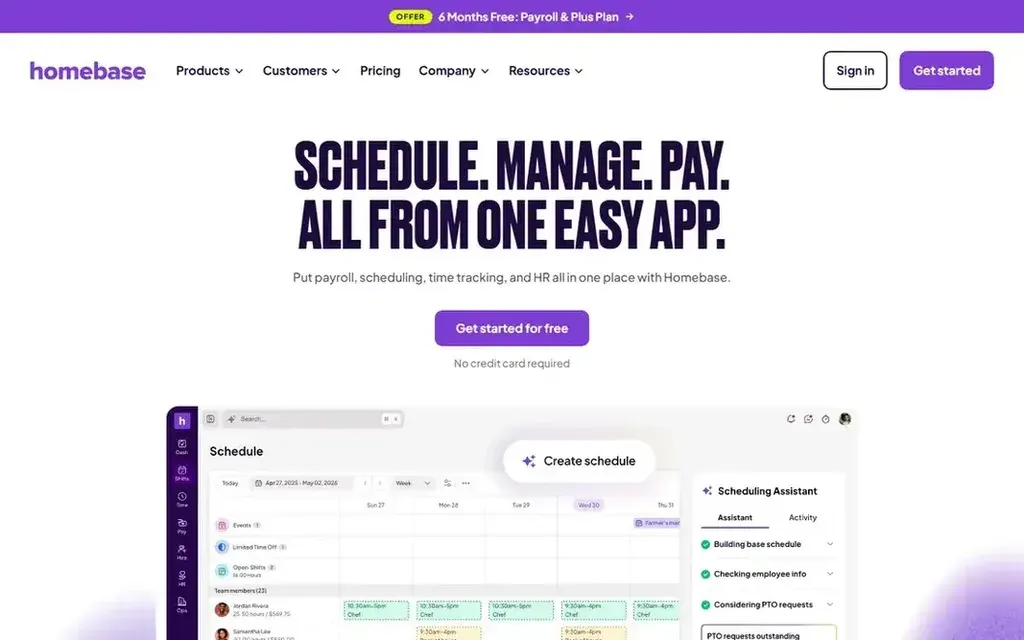
Homebase is aimed squarely at all-in-one scheduling, time clocks and payroll. Since Homebase spans multiple functions, setup and payroll configuration take some effort, and shops already happy with a payroll provider may find the overlap unnecessary.
Entry price for Homebase: $30 per location per month. Homebase has a free plan.
What to check first: Payroll features may overlap with existing providers.
What users get: time clocks and payroll in one app.
- Aimed at hourly teams
- Hiring tools included
- Wide feature set takes setup time
How these tools were picked
A buyer's checklist
- Confirm the entry price on the vendor page: Sling starts at $1.70 per user per month, but seat counts and billing terms change the total.
- Read the fine print on the free plans from Connecteam, Sling and Homebase; seat, project and feature caps differ.
- Take the trial from When I Work and Deputy and push a live task through it before you pay.
- Before choosing Connecteam, weigh its main limit: many modules to configure.
- Let daily users try Homebase on real work; their feedback beats any feature checklist.
- Compare total cost, not headline price: for Push Operations, add extra seats, add-ons and any usage-based charges.
FAQ
How are the tools for staff scheduling software for cafes ordered?
Connecteam sits first and Homebase last because the order follows typical fit for staff scheduling software for cafes, then price clarity and free access. It is a judgement call, so read each profile for fit and limits.
Is Connecteam the right pick for everyone comparing staff scheduling software for cafes?
No single tool suits every team. Connecteam comes first because it fits frontline team management in one app, while Push Operations suits restaurant HR, payroll and scheduling and When I Work suits shift scheduling with team messaging. Match the tool to your own size, budget and workflow before deciding.
Can these tools deal with labor forecasting for busy periods?
Deputy flags AI labor forecasting alongside scheduling, which helps match staff to predicted demand. Other tools focus more on shift planning and communication, so check forecasting support if matching staffing to rushes matters to you.
Do these tools publish their prices?
Yes. Every tool from Connecteam to Homebase shows a starting price, though seats, add-ons and billing terms still change the final cost.
What is the cheapest option for staff scheduling software for cafes in this list?
On published monthly entry prices, Sling is the lowest here at $1.70 per user per month. Entry price is only part of the cost, because seats, add-ons and billing terms can change the total. Each of the 6 options in this staff scheduling software for Cafes guide has its own card above with the price, free plan and limits.
Sources
- https://connecteam.com
- https://www.pushoperations.com
- https://wheniwork.com
- https://getsling.com
- https://www.deputy.com
- https://www.joinhomebase.com