Top 6 Menu Engineering Software for Cafes for 2026 (Prices and Free Plans)
6 best menu engineering software for cafes, with entry costs, free tiers and the buyer each one serves. Weaknesses are named for every tool. No filler.
- Editor's choice
 TouchBistro
All-in-one POS and management
Starts at$69 a monthVisit touchbistro.comFull review - Great alternative
 Crunchtime
Operations management at scale
Starts atSee websiteVisit crunchtime.comFull review - Also consider
 Apicbase
Multi-site recipe and menu planning
Starts atSee websiteVisit get.apicbase.comFull review
Direct answer
This list puts TouchBistro first for all-in-one POS and management. Listed starting prices: TouchBistro from $69 a month and MarketMan from $249 a month. Crunchtime fits operations management at scale; Apicbase fits multi-site recipe and menu planning. The full list of 6 tools follows, with prices and free plan facts.
TL;DR:
- TouchBistro sits first on this list: all-in-one POS and management.
- For the cheapest start, look at TouchBistro: $69 per month.
- One limit worth knowing about TouchBistro: Menu costing depth varies by setup.
- None of the 6 tools, from TouchBistro to Restaurant365, has a free plan, so budget for a subscription or use a trial.
- Restaurant365 is the one to check for accounting-led restaurant management.
Last checked November 2026. Prices and plan details were read from the vendors' own pages in November 2026; vendors change plans often, so confirm the current price on the vendor site before you buy.
Quick comparison
| Tool | Best for | Starts at | Free plan? | |
|---|---|---|---|---|
| TouchBistro | All-in-one POS and management | $69 a month | Not stated | Visit |
| Crunchtime | Operations management at scale | See website | Not stated | Visit |
| Apicbase | Multi-site recipe and menu planning | See website | Not stated | Visit |
 Square for Restaurants | Straightforward order and payment tracking | See website | Not stated | Visit |
 MarketMan | Recipe costing and food cost control | $249 a month | No | Visit |
 Restaurant365 | Accounting-led restaurant management | See website | Not stated | Visit |
The 6 tools in detail
This LinkVetted guide covers 6 menu engineering software for cafes. Each profile lists a starting price, free plan details, strengths and drawbacks, so you can drop poor fits quickly.
TouchBistro was built for all-in-one POS and management. Pick TouchBistro when an integrated POS and management experience is the priority.
Trade-offs to know: Add-on modules may be needed.
More specifically, TouchBistro is an all-in-one POS and restaurant management system geared toward increasing sales, serving guests well and saving time. What you pay to start with TouchBistro: $69 per month. On free options: Not stated.
- All-in-one POS and management
- Guest-focused features
- Menu costing depth varies by setup
Choose Crunchtime for operations management at scale. Cafes wanting a quick, straightforward menu costing tool may prefer a lighter choice.
Crunchtime is a restaurant operations management suite handling the operational side of running food service. Crunchtime shows no starting price here, so confirm the cost on the vendor site. Trial and free access: Not stated.
Trade-offs to know: May be heavy for small cafes.
- Supports cost and inventory discipline
- Designed for restaurant operations
- Targeted at bigger operations
Apicbase is a good fit for multi-site recipe and menu planning. Choose Apicbase when centralizing recipes and menu planning across several sites is the central requirement.
No starting price is listed for Apicbase here; confirm pricing on the vendor site. As for free access: Not stated.
Honest limits: Concentrated on back-of-house data.
- Multi-site control
- Inventory and menu planning
- Needs consistent recipe input
Square for Restaurants is a good fit for straightforward order and payment tracking. Beyond that, sales reporting can inform which menu items deserve attention, making it a practical starting point before deeper cost analysis.
Where it is weaker: Advanced menu analytics may need extras.
Beyond that, choose Square for Restaurants when simplicity and integrated payments matter more than deep back-of-house cost modeling. In daily use, recipe-level costing and in-depth menu engineering analytics are not the core focus, so cafes with tight margins may need extra inventory tools. Pricing for Square for Restaurants is not stated here, so ask the vendor for current figures. Free plan details: Not stated.
- Order and payment tracking
- Team organization tools
- Deep recipe costing is restricted
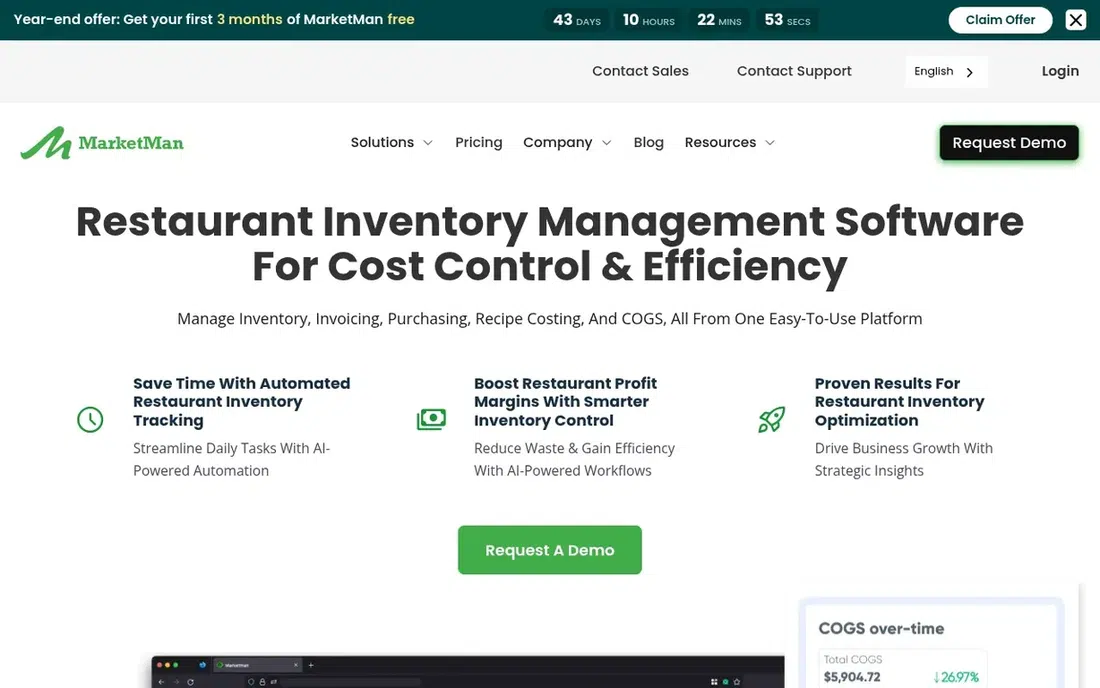
For recipe costing and food cost control, MarketMan is a natural candidate. Automatic counts, invoice capture and live recipe costing help cafes see what each menu item actually costs to produce.
More specifically, choose MarketMan when accurate recipe costing and waste reduction are the priority. Beyond that, the system leans toward back-of-house cost and inventory work instead of menu design or guest-facing analytics. The starting price for MarketMan: $249 per month. MarketMan does not include a free plan.
The main drawbacks: Menu design features are restricted.
- Automatic inventory counts
- Live recipe costing
- Setup needs disciplined data entry
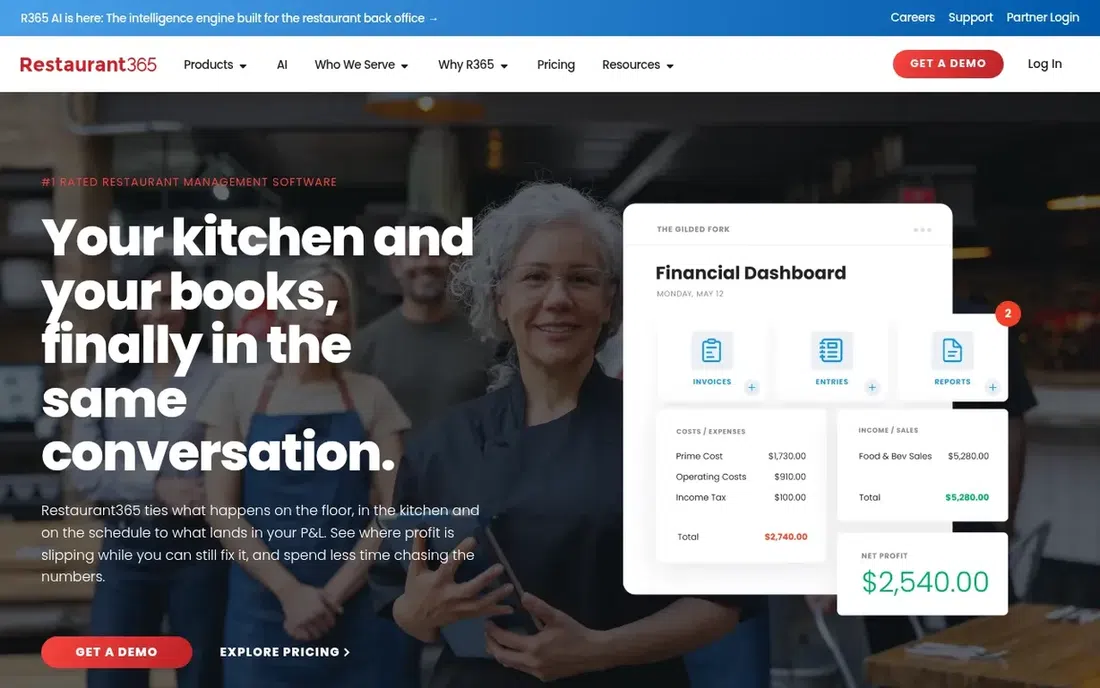
In short, Restaurant365 is for accounting-led restaurant management. Restaurant365 is cloud-based restaurant management software that brings accounting, operations and workforce together for restaurant leaders.
Honest limits: Wide scope may exceed small cafe needs.
The breadth of the suite can be more than a single-location cafe needs, and setup demands time and clean data. Also, pick Restaurant365 when accounting and operations should live in one connected system. Check the vendor site for Restaurant365 pricing; none is listed in this comparison. On free options: Not stated.
- Workforce tools included
- Cloud-based product
- Configuration takes time
How the list was put together
We compared the tools on published pricing, free plan or trial availability, feature coverage for menu engineering software for cafes, and the limits each vendor documents. Treat prices as a snapshot: vendors change plans often, so check the vendor site for the figure that applies today. Tools are placed by general fit for menu engineering software for cafes, with price clarity and free access as tie-breakers. A different team can reasonably rank them differently.
Things to verify first
- Confirm the entry price on the vendor page. For Crunchtime, Apicbase, Square for Restaurants and Restaurant365 that means a quote rather than a fixed price.
- Read the limits listed for TouchBistro first: Menu costing depth varies by setup.
- Look at the help docs and support options for Square for Restaurants before you commit.
- Pick one real project and run it in MarketMan first; a small pilot shows fit faster than a checklist.
- Read the plan comparison for Apicbase carefully; key features often start on a higher tier.
FAQ
Can I try these tools before paying?
Not by default. None of the tools, from TouchBistro to Restaurant365, lists a free plan or a free trial here, so ask each vendor for a demo before committing.
Does any tool for menu engineering software for cafes here have a free plan?
No tool in this list, TouchBistro and Restaurant365 included, has a permanent free plan. Trials and quotes are the usual route, so plan a short evaluation period.
Do I need a POS to do menu engineering?
Not strictly, but sales data makes the analysis far more handy. More specifically, plenty of cafes pair a POS with inventory or recipe costing software so popularity and margin can be reviewed together.
How should a small cafe start with menu engineering?
Begin with accurate recipe costing and regular inventory checks, then review sales patterns. MarketMan concentrates on cost control and recipe costing, whereas Square for Restaurants offers a more straightforward starting point for orders, payments and entry-level reporting.
What is menu engineering software used for in a cafe?
It helps cafes link recipe costs, inventory and sales data so they can see which menu items are profitable and which require adjustment.
Is TouchBistro the right pick for everyone comparing menu engineering software for cafes?
No single tool suits every team. TouchBistro comes first because it fits all-in-one POS and management, while Crunchtime suits operations management at scale and Apicbase suits multi-site recipe and menu planning. Match the tool to your own size, budget and workflow before deciding.
Sources
- https://www.touchbistro.com
- https://www.crunchtime.com
- https://get.apicbase.com
- https://squareup.com/us/en/restaurants
- https://www.marketman.com
- https://www.restaurant365.com