Screenwriting Software for Beginners in 2026: The 5 Best Options Side by Side
Best screenwriting software for beginners: 5 contenders ranked by fit, with entry costs and free tiers. The catches are listed up front. Full profiles inside.
- Editor's choiceWriterDuet
Planning and sharing scripts
Starts atSee websiteVisit writerduet.comFull review - Great alternative
 Celtx
Writing plus pre-production
Starts atSee websiteVisit celtx.comFull review - Also consider
 Final Draft
Industry-standard script formatting
Starts at$5.83 a month billed yearlyVisit finaldraft.comFull review
Direct answer
WriterDuet is the first pick on this list for planning and sharing scripts. Listed starting prices: Final Draft from $5.83 a month billed yearly and Arc Studio Pro from $69 a year. Celtx is better for writing plus pre-production, and Final Draft is better for industry-standard script formatting. Prices, free plans and limits for all 5 tools follow.
TL;DR:
- WriterDuet is the opening pick, best for planning and sharing scripts.
- Check the limits for Final Draft before you commit: may feel heavy for a first script.
- A free plan is available from 2 of the 5 tools: Celtx, Arc Studio Pro.
- For the cheapest start, look at Final Draft: $5.83 per month billed annually.
- For developing ideas into full scripts, Arc Studio Pro is worth a look.
Last checked November 2026. Prices and plan details were read from the vendors' own pages in November 2026; vendors change plans often, so confirm the current price on the vendor site before you buy.
Quick comparison
| Tool | Best for | Starts at | Free plan? | |
|---|---|---|---|---|
| WriterDuet | Planning and sharing scripts | See website | Not stated | Visit |
| Celtx | Writing plus pre-production | See website | Yes | Visit |
| Final Draft | Industry-standard script formatting | $5.83 a month billed yearly | Free trial | Visit |
| Fade In | Straightforward professional formatting | See website | Not stated | Visit |
| Arc Studio Pro | Developing ideas into full scripts | $69 a year | Yes | Visit |
The best screenwriting software for beginners
This LinkVetted guide covers 5 screenwriting software for beginners. Each profile lists a starting price, free plan details, strengths and drawbacks, so you can drop poor fits quickly.
WriterDuet
Best for: Planning and sharing scripts
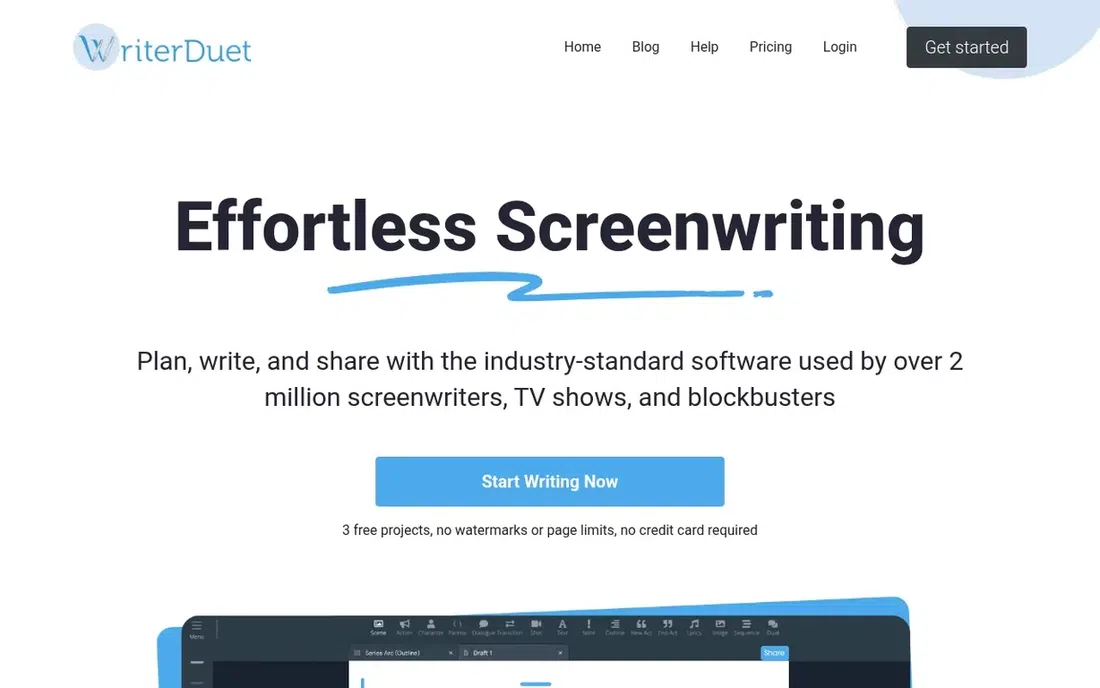
In short, WriterDuet is for planning and sharing scripts. It is built around working with others, which fits beginners who write with a partner, a class, or a writing group.
Where WriterDuet stands out: Industry-standard formatting.
Where it is weaker: Interface takes some learning. For everyday use, if you write alone and want minimal tools, a leaner choice may be simpler, but WriterDuet is a solid fit for collaborative beginners. Pricing for WriterDuet is not stated here, so ask the vendor for current figures. As for free access: Not stated.
- Share in one place
- Plan, write
- Collaboration features can overwhelm solo writers
Think of Celtx for writing plus pre-production. Beginners who want to see how a script links to planning and production can grow into its wider feature set.
Where it is weaker: Feature range can feel large for beginners.
The breadth of features can feel like a lot when you only want to write a first draft. As for the details, writers focused purely on formatting may prefer a more straightforward tool, whereas those curious about production will find Celtx handy. Celtx shows no starting price here, so confirm the cost on the vendor site. You can start on Celtx without paying.
- Wide project support
- Screenwriting and pre-production together
- Pre-production tools may go unused
Final Draft is designed for industry-standard script formatting. Since it targets professional workflows, the interface can feel like more than a beginner needs for a first draft. More specifically, Final Draft is a screenwriting application positioned as the choice of studios and production businesses worldwide.
Downsides: Best value for committed writers.
It emphasizes simplified screenwriting and editing along with collaboration, which helps beginners who want to write in the same format professionals use. Writers who plan to share drafts or move toward production work will find the familiar industry format handy from the start. What you pay to start with Final Draft: $5.83 per month billed annually. As for free access: Free trial.
- Simplified writing and editing
- Widely used by studios and production businesses
- May feel heavy for a first script
Fade In
Best for: Straightforward professional formatting
Fade In is aimed squarely at straightforward professional formatting. Beginners who want to learn correct format without extra clutter will appreciate a tool that stays close to the page. Since it concentrates on formatting instead of story development, beginners who want guidance may have to look elsewhere.
It is a solid pick once you know what you want to write and prefer a no-frills environment. Fade In is a professional screenwriting application known for clean, standard screenplay formatting. This comparison lists no price for Fade In; ask the vendor. Free plan details: Not stated.
The main drawbacks: Restricted additional story tools.
- Concentrated on professional screenplay formatting
- Clean writing workflow
- Fewer beginner tutorials highlighted
Arc Studio Pro
Best for: Developing ideas into full scripts
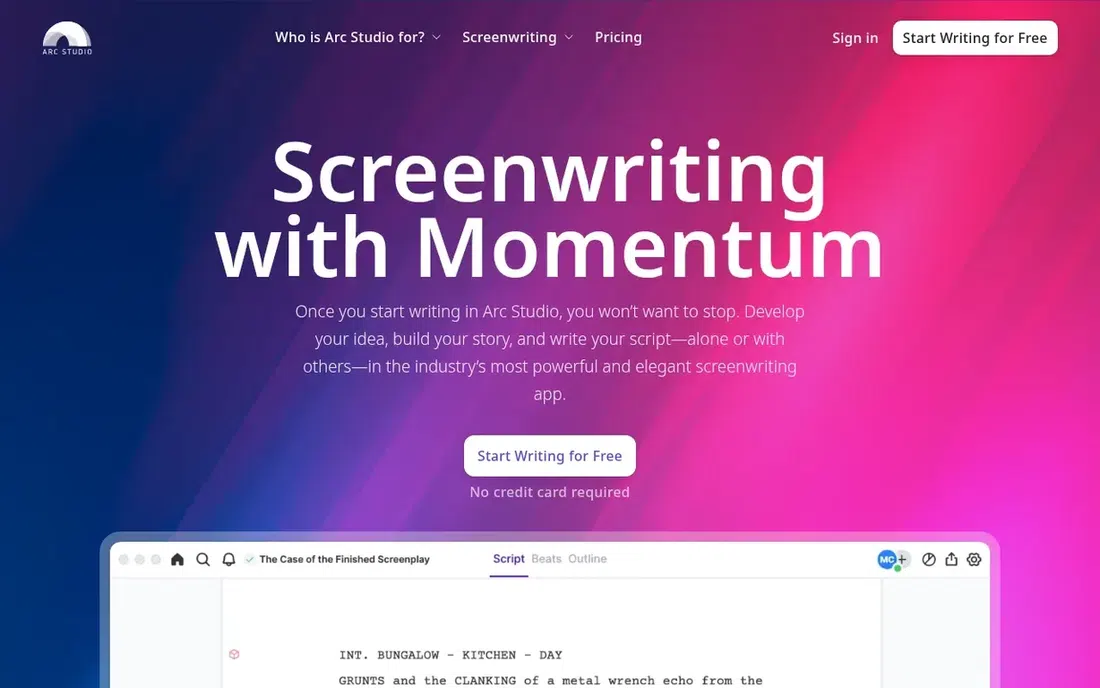
Arc Studio Pro is aimed squarely at developing ideas into full scripts. Arc Studio Pro describes itself as professional screenwriting software for developing an idea, building a story, and writing a script, alone or with others. If you want only a blank page and entry-level formatting, a more straightforward tool may suit you better; otherwise Arc Studio Pro is a capable structured choice.
Limits to weigh: Collaboration needs coordination.
For everyday use, for beginners, that structure helps move from a rough concept to a formatted draft without jumping between apps. As for the details, the story-building features add depth that a total beginner may not need at once. Entry price for Arc Studio Pro: $69 per year. You can start on Arc Studio Pro without paying.
Reasons to shortlist it: Elegant.
- Write alone or with others
- Focused writing environment
- Story tools may distract absolute beginners
What went into this list
LinkVetted looked at what each vendor publishes: pricing, plan limits, feature coverage for screenwriting software for beginners and stated drawbacks. No hands-on testing is claimed. Treat prices as a snapshot: vendors change plans often, so check the vendor site for the figure that applies today. The sequence is a judgement call: typical use case first, then pricing transparency, then free access. Use the profiles to check fit.
What to check before you buy
- Confirm the entry price on the vendor page. For WriterDuet, Celtx and Fade In that means a quote rather than a fixed price.
- Read the fine print on the free plans from Celtx and Arc Studio Pro; seat, project and feature caps differ.
- Run a trial of Final Draft with real work before paying for a year; your own workflow is the best test.
- Before choosing WriterDuet, weigh its main limit: collaboration features can overwhelm solo writers.
- Check whether the features you need in Celtx sit on the entry plan or only on higher tiers.
- Test how quickly Arc Studio Pro answers a pre-sales question; it hints at how support will feel later.
FAQ
Can beginners collaborate on a screenplay?
WriterDuet and Arc Studio Pro are built around writing with others, so feedback and revisions stay in one place. Solo writers can ignore those features.
Do these tools publish their prices?
Not all of them. WriterDuet, Celtx and Fade In publish no starting price, so expect a quote request for those. The rest, Final Draft included, show a starting price, though seats and billing terms still change the final cost.
Can I try these tools before paying?
Often, yes. Celtx and Arc Studio Pro have a free plan and Final Draft offers a free trial. Use your own data and a real task during the test, and check what the free tier or trial limits before you rely on it.
How are the tools for screenwriting software for beginners ordered?
WriterDuet sits first and Arc Studio Pro last because the order follows typical fit for screenwriting software for beginners, then price clarity and free access. It is a judgement call, so read each profile for fit and limits.
What is the cheapest option for screenwriting software for beginners in this list?
On published monthly entry prices, Final Draft is the lowest here at $5.83 per month billed annually. Entry price is only part of the cost, because seats, add-ons and billing terms can change the total. All 5 picks in this Screenwriting software for beginners comparison list a starting price, free plan details and the main limits on their cards above.
Sources
- https://writerduet.com
- https://www.celtx.com
- https://www.finaldraft.com
- https://www.fadeinpro.com
- https://www.arcstudiopro.com