Software Practices for Process Improvement in 2026: The 5 Best Options Side by Side
5 products for the best software practices for process improvement, ranked by fit, with starting costs and free tiers. Each profile ends with a plain caveat.
- Editor's choice
 Kissflow
Low-code apps and workflow automation
Starts atSee websiteVisit kissflow.comFull review - Great alternative
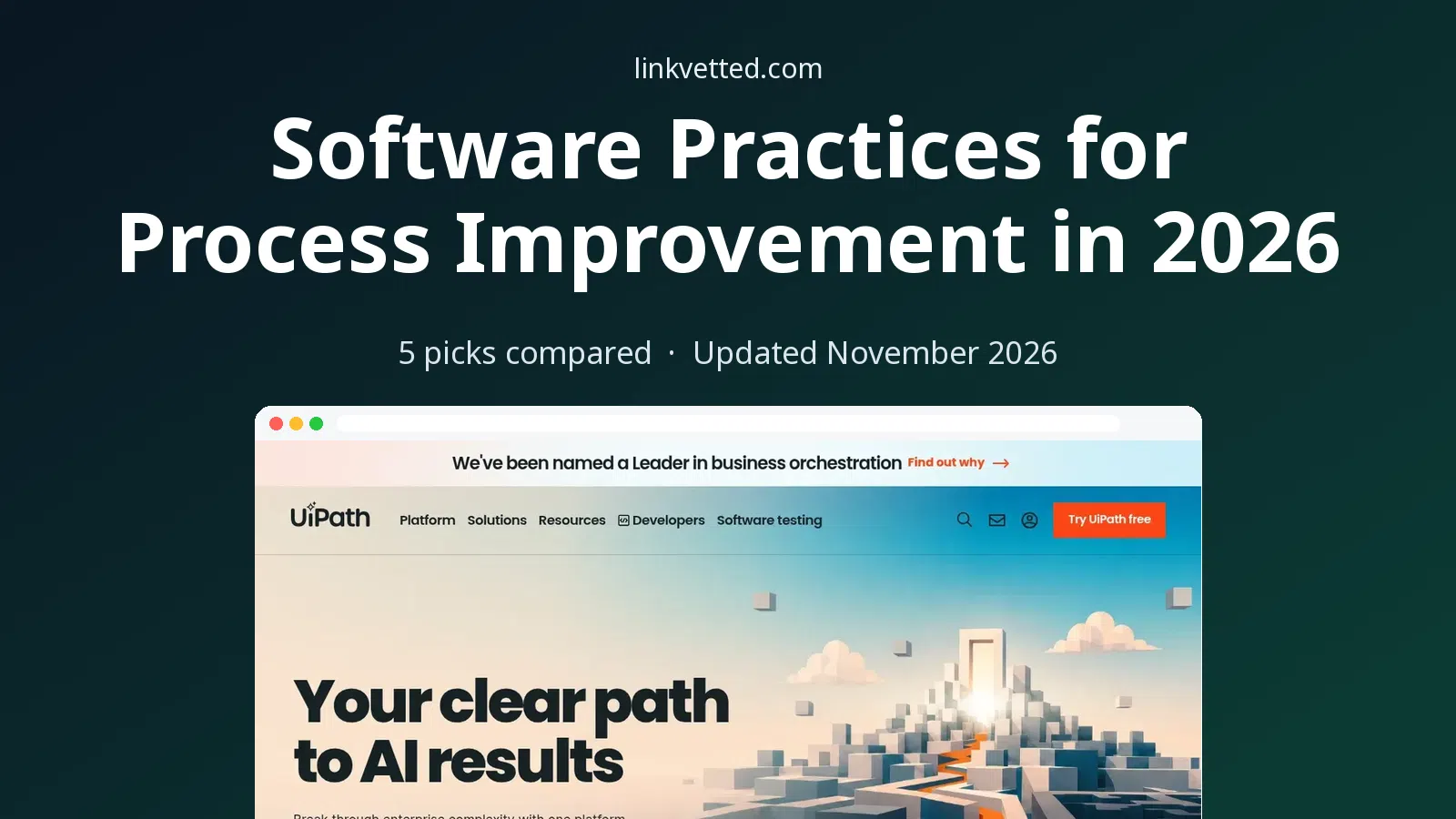
 UiPath
Automation and business orchestration at scale
Starts at$25 a monthVisit uipath.comFull review - Also consider
 ProcessMaker
Governed AI and process automation
Starts at$4000 per monthVisit processmaker.comFull review
Direct answer
Kissflow leads the list, best for low-code apps and workflow automation. Listed starting prices: UiPath from $25 a month and ProcessMaker from $4000 per month. For a different need, UiPath covers automation and business orchestration at scale and ProcessMaker covers governed AI and process automation. The remaining 2 options are covered below with prices and limits.
TL;DR:
- Kissflow takes the first slot, best suited to low-code apps and workflow automation.
- Celonis suits process intelligence and operational context.
- Just one of the 5 tools, UiPath, has a free plan.
- The cheapest monthly starting price in the list is $25 per month, offered by UiPath.
Last checked November 2026. Prices and plan details were read from the vendors' own pages in November 2026; vendors change plans often, so confirm the current price on the vendor site before you buy.
Quick comparison
| Tool | Best for | Starts at | Free plan? | |
|---|---|---|---|---|
| Kissflow | Low-code apps and workflow automation | See website | Not stated | Visit |
| UiPath | Automation and business orchestration at scale | $25 a month | Yes | Visit |
| ProcessMaker | Governed AI and process automation | $4000 per month | Not stated | Visit |
 Nintex | End-to-end workflow automation | See website | Free trial | Visit |
| Celonis | Process intelligence and operational context | See website | Not stated | Visit |
Tool-by-tool breakdown
Short on time? The summary and table above give the quick view of 5 tools for software practices for process improvement, and the profiles that follow give the detail behind each entry.
Kissflow is built with low-code apps and workflow automation in mind. Kissflow is an AI-powered low-code system for IT and a no-code system for business leaders, letting users build custom enterprise apps, automate workflows and boost enterprise efficiency. Beyond that, when processes involve complicated logic or numerous integrations, IT involvement becomes important, and unchecked app building can produce sprawl.
Honest limits: Complicated logic may need IT involvement.
As for the details, process owners close to the work are the intended users. Beyond that, pick Kissflow when speed of building and business ownership matter most. This comparison lists no price for Kissflow; ask the vendor. Trial and free access: Not stated.
- AI-powered low-code product
- No-code choices for business leaders
- App sprawl needs oversight

UiPath is aimed squarely at automation and business orchestration at scale. UiPath presents its product for business orchestration and automation, enabling AI agents, robots and people to deliver secure, compliant outcomes at scale.
Limits to weigh: Governance needs deliberate design.
More specifically, teams with only a handful of straightforward approval steps may prefer a lighter workflow tool. From a buyer's view, choose UiPath when automation is a strategic program with clear ownership, not a one-off fix. UiPath starts at: $25 per month. Free access exists with UiPath.
- Aims at secure
- Robots and people
- Breadth can mean a longer setup
For governed AI and process automation, ProcessMaker is a natural candidate. ProcessMaker presents an AI and process automation product, with its homepage describing business process automation and AI orchestration for the enterprise, automating workflows, governing AI agents and orchestrating work across systems. On top of that, teams introducing AI steps into existing workflows are a solid match.
Governing AI agents inside workflows needs deliberate design, so expect preparation before rollout. Choose ProcessMaker when automation must be governed and connected across several systems instead of handled tool by tool. Entry price for ProcessMaker: $4000 per month. On free options: Not stated.
Drawbacks to consider: AI governance layers on design overhead.
- Orchestrates work across systems
- Business process automation focus
- Integration mapping takes preparation
Choose Nintex for end-to-end workflow automation. Departments modernizing paper or email-driven workflows are a natural audience. As for the details, highly specialized analytical needs may call for a dedicated process intelligence tool instead.
What to check first: Complicated integrations need planning.
As the number of workflows grows, so does the need for naming conventions, ownership and review, so plan governance early. For everyday use, choose Nintex when practical workflow automation is the core requirement. Pricing for Nintex is not stated here, so ask the vendor for current figures. On free options: Free trial.
- Process management and workflow tools
- Focus on integrated automation
- Governance grows with workflow count
Celonis
Best for: Process intelligence and operational context
Celonis works best for process intelligence and operational context. The system leans toward enterprise-scale process analysis, so a small team seeking straightforward task automation may find it heavier than necessary.
Celonis does not show a starting price in this comparison, so check the vendor site for current pricing. Free plan details: Not stated.
Drawbacks to consider: May be more than small teams need.
- Supports transformation of operations
- Surfaces how processes actually run
- Insight work needs process data readiness
How we built this list
The comparison looks at four things: starting price, free access, how well the feature set matches software practices for process improvement, and the main limit of each tool. Treat prices as a snapshot: vendors change plans often, so check the vendor site for the figure that applies today. The sequence is a judgement call: typical use case first, then pricing transparency, then free access. Use the profiles to check fit.
Before you commit
- Ask Kissflow, Nintex and Celonis for a written quote, since no starting price is shown.
- Test the free plan from UiPath against your real workload before relying on it.
- Run a trial of Nintex with real work before paying for a year; your own workflow is the best test.
- Before choosing Kissflow, weigh its main limit: complicated logic may need IT involvement.
- Ask UiPath which support channels and response times come with the plan you would buy.
- Check whether ProcessMaker bills monthly or annually, and what cancelling early costs.
FAQ
Do these tools publish their prices?
Not all of them. Kissflow, Nintex and Celonis publish no starting price, so expect a quote request for those. The rest, UiPath included, show a starting price, though seats and billing terms still change the final cost.
Is Kissflow the right pick for everyone comparing software practices for process improvement?
No single tool suits every team. Kissflow comes first because it fits low-code apps and workflow automation, while UiPath suits automation and business orchestration at scale and ProcessMaker suits governed AI and process automation. Match the tool to your own size, budget and workflow before deciding.
What is the cheapest option for software practices for process improvement in this list?
On published monthly entry prices, UiPath is the lowest here at $25 per month. Entry price is only part of the cost, because seats, add-ons and billing terms can change the total. Each of the 5 options in this software practices for process improvement guide has its own card above with the price, free plan and limits.
Can I try these tools before paying?
Often, yes. UiPath has a free plan and Nintex offers a free trial. Use your own data and a real task during the test, and check what the free tier or trial limits before you rely on it.
Sources
- https://kissflow.com
- https://www.uipath.com
- https://www.processmaker.com
- https://www.nintex.com
- https://www.celonis.com