Best Software Engineering Management Best Practices for 2026: Our 5 Vetted Picks
Weighing software engineering management best practices? We lined up 5 products by cost, free access and fit. Short, factual notes on every option. Plain facts.

- Editor's choice
 GitHub
Code hosting and developer collaboration
Starts at$4 per user a monthVisit github.comFull review - Great alternative
 Linear
Product-focused engineering planning
Starts at$10 per user per monthVisit linear.appFull review - Also consider
 GitLab
Governed delivery across the software lifecycle
Starts at$29 per user a monthVisit about.gitlab.comFull review
Direct answer
This list puts GitHub first for code hosting and developer collaboration. Listed starting prices: GitHub from $4 per user a month, Linear from $10 per user per month and GitLab from $29 per user a month. Linear fits product-focused engineering planning; GitLab fits governed delivery across the software lifecycle. The remaining 2 options are covered below with prices and limits.
TL;DR:
- GitHub is the opening pick, best for code hosting and developer collaboration.
- The cheapest monthly starting price in the list is $4 per user per month, offered by GitHub.
- Jira is the one to check for agile planning and project tracking at scale.
- Check the limits for GitHub before you commit: project planning is secondary.
Last checked November 2026. Prices and plan details were read from the vendors' own pages in November 2026; vendors change plans often, so confirm the current price on the vendor site before you buy.
Quick comparison
| Tool | Best for | Starts at | Free plan? | |
|---|---|---|---|---|
| GitHub | Code hosting and developer collaboration | $4 per user a month | Yes | Visit |
| Linear | Product-focused engineering planning | $10 per user per month | Yes | Visit |
| GitLab | Governed delivery across the software lifecycle | $29 per user a month | Yes | Visit |
 Asana | Cross-functional work management | $10.99 per user per month | Yes | Visit |
 Jira | Agile planning and project tracking at scale | See website | Not stated | Visit |
Software Engineering Management Best Practices profiles
Choosing software engineering management best practices usually comes down to price, fit and limits. This LinkVetted guide sets 5 tools side by side on those three points, with the facts kept short and checkable.

For code hosting and developer collaboration, GitHub is a natural candidate. GitHub is an AI-powered developer product where developers and companies build software, backed by a large open source community.
GitHub cost at the entry level: $4 per user per month. GitHub includes a free tier.
Watch-outs: Best value assumes code-centric work.
- Large open source community
- AI-powered tooling
- Project planning is secondary
Linear works best for product-focused engineering planning. It is narrower than full lifecycle products, so teams needing integrated pipelines and governance may pair it with other tools.
Entry price for Linear: $10 per user per month. You can start on Linear without paying.
What to check first: Narrower than full lifecycle suites.
- AI agents support building
- Clean planning experience
- Fewer adjacent delivery features

GitLab serves governed delivery across the software lifecycle. It suits organizations that want planning, code, and delivery controls in one governed system instead of stitching multiple tools together.
Choose GitLab when governance across the lifecycle matters more than minimal setup. Entry price for GitLab: $29 per user per month. GitLab offers a free plan.
Limits to weigh: Wide scope can overwhelm.
- Context and governance built in
- Handles the full lifecycle
- Setup needs planning
Asana makes the most sense for cross-functional work management. Asana is work management software for teams and AI agents, built to plan, automate, and execute critical workflows together. It is less code-centric than developer platforms, so deep engineering workflows may need a dedicated tracker alongside it.
Also, pick Asana when cross-functional coordination is the central management challenge. In daily use, if your priority is repository-linked planning, a developer-first tool is a better core. Price to start with Asana: $10.99 per user per month. Free access exists with Asana.
What Asana does well: Fits human and agent teams.
Downsides: Less code-centric.
- Workflow automation
- Wide project planning
- Engineering depth is restricted
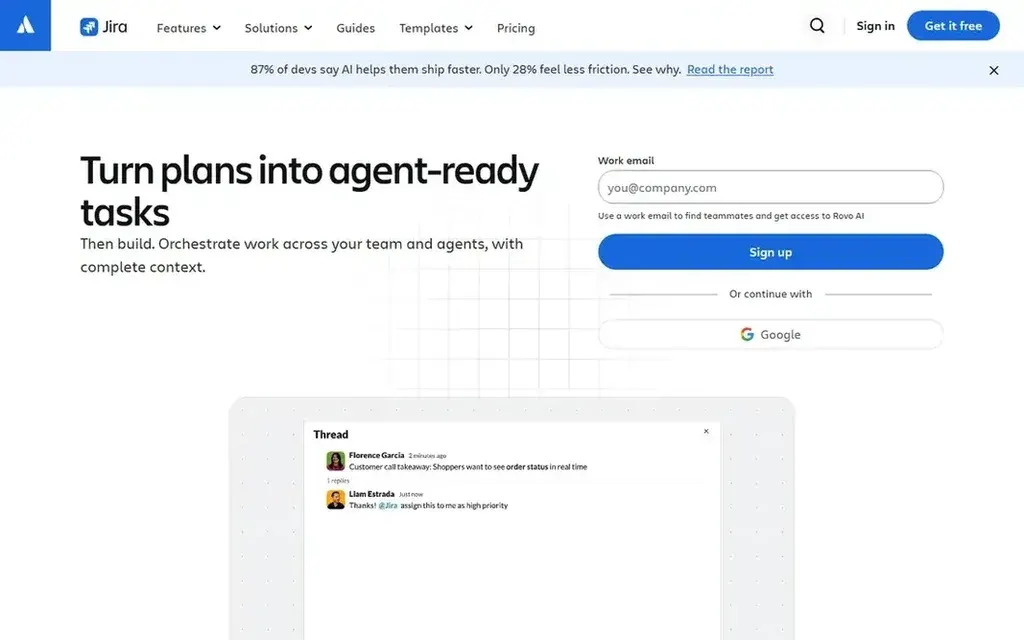
Jira serves agile planning and project tracking at scale. Jira is a project management system from Atlassian that brings teams together to plan and track work, with AI agents that help orchestrate projects at scale. Its depth includes setup overhead, and smaller teams may find lighter boards sufficient.
In practice, choose Jira when you need customizable workflows and reporting across multiple teams. For everyday use, if your work is mostly product planning with minimal process, a more straightforward tool can cut friction. Check the vendor site for Jira pricing; none is listed in this comparison. Free access: Not stated.
Honest limits: May feel heavy for small teams.
- Solid planning and tracking
- AI agents help orchestrate work
- Configuration can get complicated
Selection criteria
Pre-purchase checklist
- Ask Jira for a written quote, since no starting price is shown.
- Look at free plan limits closely: GitHub, Linear, GitLab and Asana have one, and the caps decide whether it is usable for real work.
- Read the limits listed for GitHub first: project planning is secondary.
- Ask whether Linear integrates with your current software, and whether that comes standard or as an add-on.
- Ask the daily users to test Asana on a live task before you roll it out to everyone.
FAQ
Which software engineering management best practices have a free plan?
On this list, GitHub, Linear, GitLab and Asana include a free plan. Caps on seats, usage or features are common, so test the free plan against your real workload.
What is the cheapest option for software engineering management best practices in this list?
On published monthly entry prices, GitHub is the lowest here at $4 per user per month. Entry price is only part of the cost, because seats, add-ons and billing terms can change the total. Each of the 5 options in this software engineering management best practices guide has its own card above with the price, free plan and limits.
Can I try these tools before paying?
Often, yes. GitHub, Linear, GitLab and Asana have a free plan. Use your own data and a real task during the test, and check what the free tier or trial limits before you rely on it.
Do these tools publish their prices?
Not all of them. Jira publishes no starting price, so expect a quote request for it. The rest, GitHub included, show a starting price, though seats and billing terms still change the final cost.
Which tool is a good match for agile software teams?
GitHub is the pick this page puts first, mainly for code hosting and developer collaboration. If your situation differs, Linear suits product-focused engineering planning, and GitLab suits governed delivery across the software lifecycle. Compare price and limits before you decide.
Sources
- https://github.com
- https://linear.app
- https://about.gitlab.com
- https://asana.com
- https://www.atlassian.com/software/jira