Best Spreadsheet Software on Ubuntu for 2026: Our 6 Vetted Picks
Best spreadsheet software on ubuntu, compared. 6 tools with published prices, free plans and limits. Every pick gets a straight assessment. Updated for 2026.
- Editor's choiceMicrosoft Excel
Deep analysis and familiar formulas
Starts atSee websiteVisit microsoft.comFull review - Great alternative
 WPS Office
Desktop office suite on Linux
Starts atSee websiteVisit wps.comFull review - Also consider
 Zoho Sheet
Online team spreadsheets with Excel imports
Starts atSee websiteVisit zoho.comFull review
Direct answer
If you need deep analysis and familiar formulas, Microsoft Excel is the first tool to look at here. Listed starting prices: Smartsheet from $12 per Member/month and Airtable from $20 per user a month. For a different need, WPS Office covers desktop office suite on Linux and Zoho Sheet covers online team spreadsheets with Excel imports. Details, prices and limits for the rest of the 6 tools are below.
TL;DR:
- This list starts with Microsoft Excel, which is built for deep analysis and familiar formulas.
- The cheapest monthly starting price in the list is $12 per Member/month, offered by Smartsheet.
- Only Airtable offers a free plan among these 6 tools.
- What to know about WPS Office first: interface differs from Excel.
Last checked November 2026. Prices and plan details were read from the vendors' own pages in November 2026; vendors change plans often, so confirm the current price on the vendor site before you buy.
Quick comparison
| Tool | Best for | Starts at | Free plan? | |
|---|---|---|---|---|
| Microsoft Excel | Deep analysis and familiar formulas | See website | Not stated | Visit |
| WPS Office | Desktop office suite on Linux | See website | Not stated | Visit |
| Zoho Sheet | Online team spreadsheets with Excel imports | See website | Not stated | Visit |
 Smartsheet | Enterprise work tracking with governance | $12 per Member/month | Not stated | Visit |
 Google Sheets | Browser-based collaboration on Ubuntu | See website | Not stated | Visit |
 Airtable | Structured data and automatic workflows | $20 per user a month | Yes | Visit |
Spreadsheet Software on Ubuntu, one by one
LinkVetted put together this guide to spreadsheet software on ubuntu for readers who want a clear shortlist without reading every vendor page. It compares 6 tools on starting price, free plans, who each one suits and where each one falls short.
Microsoft Excel
Best for: Deep analysis and familiar formulas
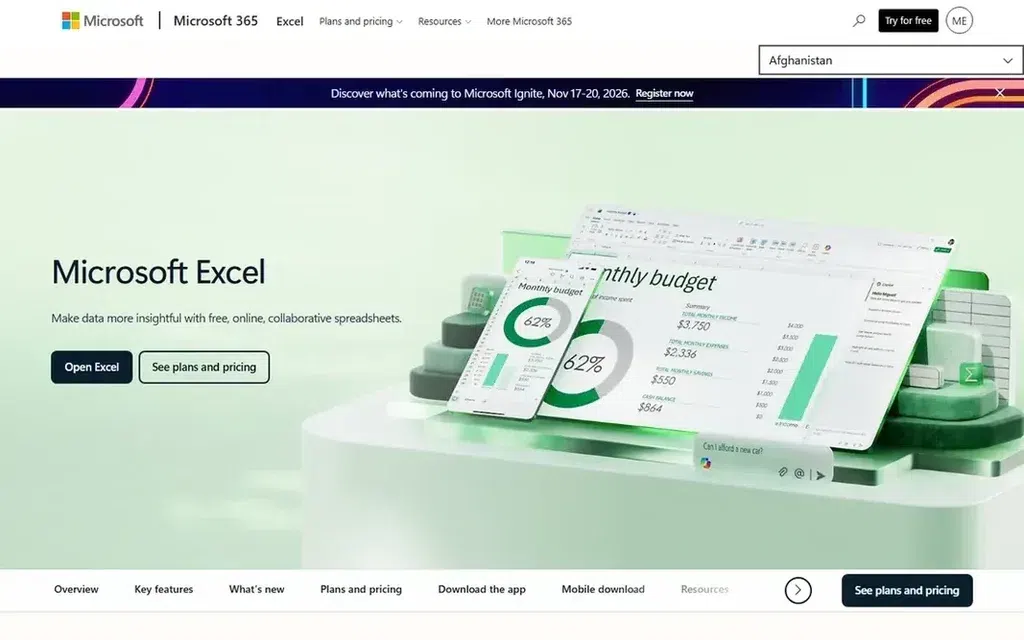
In short, Microsoft Excel is for deep analysis and familiar formulas. Microsoft Excel is the long-established spreadsheet application for data analysis. Its homepage points to both the desktop program and online spreadsheet tools with advanced features.
Watch-outs: Desktop app is not native to Ubuntu.
If you want a native desktop spreadsheet on Ubuntu, WPS Office is a more direct alternative. Beyond that, the desktop application is not made for Linux, so Ubuntu users depend on the web version or compatibility layers, which can limit some features. Microsoft Excel shows no starting price here, so confirm the cost on the vendor site. Free options: Not stated.
- Industry-standard spreadsheet features
- Browser choice available
- Advanced use takes learning
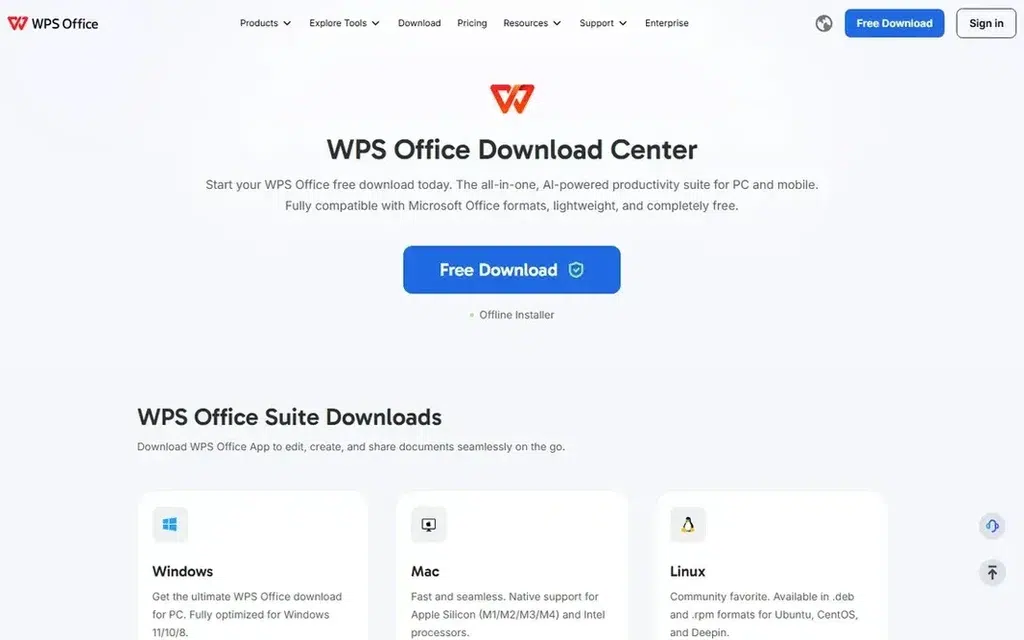
For desktop office suite on Linux, WPS Office is a natural candidate. WPS Office from Kingsoft is an all-in-one office suite handling word processing, spreadsheets, presentations and PDF files, with AI features built in.
Limits to weigh: Advanced features may differ.
More specifically, since it supplies Linux builds, it is one of the few ways to get a traditional desktop spreadsheet experience on Ubuntu. Also, if absolute Excel fidelity matters, keep critical files in Excel or test them carefully before switching. Pricing for WPS Office is not stated here, so ask the vendor for current figures. Free access: Not stated.
- Excel and PDF files
- Built-in AI features
- Interface differs from Excel
Zoho Sheet was built for online team spreadsheets with Excel imports. It relies on a connection and has a smaller ecosystem than Google Sheets, so shared templates and extras are fewer.
Watch-outs: Less known than Sheets.
If your collaborators all use Google Workspace, Sheets will typically be the smoother choice. No starting price is listed for Zoho Sheet here; confirm pricing on the vendor site. Trial and free access: Not stated.
- Imports Excel files
- Live collaboration
- Browser dependency
Smartsheet is designed for enterprise work tracking with governance. Smartsheet describes itself as an execution hub for enterprise work, where people and AI get work done together with the governance and visibility large organizations need.
It uses a grid-like interface but is made for tracking projects, tasks and processes instead of pure number crunching. Smartsheet starts at: $12 per Member/month. Free access: Not stated.
Limits to weigh: Overkill for straightforward math.
- Suited to enterprise teams
- Spreadsheet-style work management
- Not a general spreadsheet
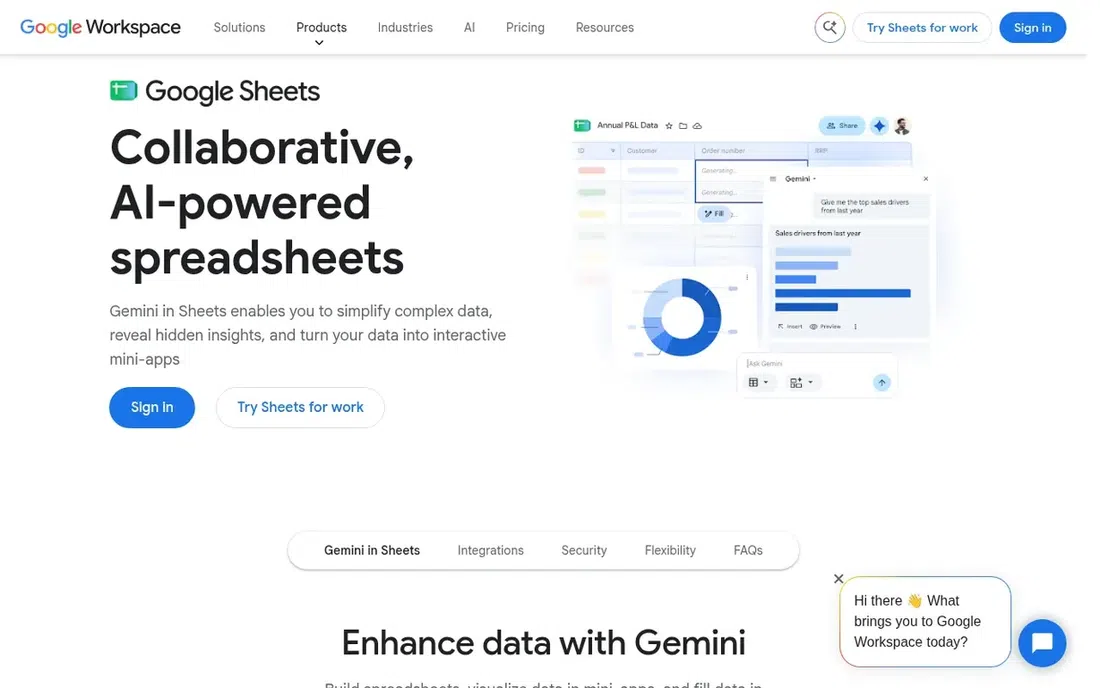
Google Sheets is a good fit for browser-based collaboration on Ubuntu. Google Sheets is a cloud spreadsheet that runs entirely in the browser, which makes it a natural fit on Ubuntu where no installation is required.
In daily use, the homepage flags Gemini assistance for simplifying complicated data, revealing insights and building interactive mini-apps. Check the vendor site for Google Sheets pricing; none is listed in this comparison. Free access: Not stated.
Trade-offs to know: Large files can feel slow.
- Live co-editing
- Runs in any modern browser
- Needs a steady connection
Choose Airtable for structured data and automatic workflows. Airtable presents itself as a product for building enterprise-ready AI workflows, apps and agents, with live collaboration and automation of repetitive manual work.
Watch-outs: Not aimed at heavy calculation.
In practice, users expecting formula-driven financial models may find the structure unfamiliar, and complicated calculations are not its focus. The starting price for Airtable: $20 per user per month. Airtable offers a free plan.
- Database-style tables
- Custom apps and interfaces
- Ramp-up time for spreadsheets users
How we chose
For each of the 6 tools we noted price, free plan or trial, fit for spreadsheet software on ubuntu and the main limit, using vendor pages and documentation. Seat minimums, billing terms and add-ons can move the real cost, so the starting prices here are a guide and not a quote. Tools are placed by general fit for spreadsheet software on ubuntu, with price clarity and free access as tie-breakers. A different team can reasonably rank them differently.
A buyer's checklist
- Ask Microsoft Excel, WPS Office, Zoho Sheet and Google Sheets for a written quote, since no starting price is shown.
- Test the free plan from Airtable against your real workload before relying on it.
- Read the limits listed for Microsoft Excel first: desktop app is not native to Ubuntu.
- Get the contract term, renewal terms and any onboarding fees from Airtable in writing.
- Look at which plan of WPS Office unlocks the features you need; entry tiers are often cut down.
FAQ
Which spreadsheet fits best offline on Ubuntu?
Microsoft Excel is the pick this page puts first, mainly for deep analysis and familiar formulas. If your situation differs, WPS Office suits desktop office suite on Linux, and Zoho Sheet suits online team spreadsheets with Excel imports. Compare price and limits before you decide.
Which options for spreadsheet software on ubuntu have a free plan?
Airtable is the only tool in this list with a free plan. Free plans usually cap users, projects or features, so check the limits on the vendor page. Prices, free plan details and limits for all 6 tools in this spreadsheet software on Ubuntu roundup sit on the individual cards above.
When should I choose Airtable or Smartsheet over a normal spreadsheet?
Pick them when your work is about tracking records, projects or processes with structure and automation instead of pure calculation. For budgets and analysis, a conventional spreadsheet is normally more straightforward.
Can I try these tools before paying?
Often, yes. Airtable has a free plan. Use your own data and a real task during the test, and check what the free tier or trial limits before you rely on it.
What is the cheapest option for spreadsheet software on ubuntu in this list?
On published monthly entry prices, Smartsheet is the lowest here at $12 per Member/month. Entry price is only part of the cost, because seats, add-ons and billing terms can change the total. Each of the 6 options in this spreadsheet software on Ubuntu guide has its own card above with the price, free plan and limits.
Is Google Sheets enough for serious data work?
Very large datasets and heavy formulas may perform better in desktop software, so match the tool to the size of your work.
Sources
- https://www.microsoft.com/microsoft-365/excel
- https://www.wps.com
- https://www.zoho.com/sheet
- https://www.smartsheet.com
- https://workspace.google.com/products/sheets
- https://www.airtable.com