Best Tools for Auditing Support Ticket Quality in 2026: 8 Tools Compared
Compare the best tools for auditing support ticket quality in 2026, with scorecards, coaching, and AI review for support teams for your QA program in 2026.
- Editor's choice
 Zendesk QA
Zendesk teams auditing tickets
Starts atSee websiteVisit zendesk.comFull review - Great alternative
 MaestroQA
Scorecards and coaching for support
Starts atSee websiteVisit maestroqa.comFull review - Also consider
 Playvox
Workforce and quality management
Starts atSee websiteVisit playvox.comFull review
TL;DR:
- Good QA tools combine human scorecards with AI review, so managers can check more tickets without losing judgment.
- Calibration matters, since two reviewers should score the same ticket in a similar way.
- Coaching features turn a score into improvement, while a score alone rarely changes behavior.
- Check which helpdesk and chat tools each QA tool connects to before you buy.
Quick comparison
| Tool | Best for | Starts at | Free plan? | |
|---|---|---|---|---|
| Zendesk QA | Zendesk teams auditing tickets | See website | Free trial | Visit |
| MaestroQA | Scorecards and coaching for support | See website | Free trial | Visit |
| Playvox | Workforce and quality management | See website | Free trial | Visit |
 EvaluAgent | Contact center QA and coaching | See website | Free trial | Visit |
 Assembled | Support operations and QA | See website | Free trial | Visit |
 Kaizo | Gamified QA and agent motivation | See website | Free trial | Visit |
 Level AI | AI QA for contact centers | See website | Free trial | Visit |
 Observe.AI | AI conversation intelligence and QA | See website | Free trial | Visit |
The best tools for auditing support ticket quality
We compared tools that audit support tickets, score agent replies, and help managers coach teams, with a focus on scorecards, sampling, calibration, and reporting. The best tool is the one managers will actually use every week, not the one with the longest feature list.
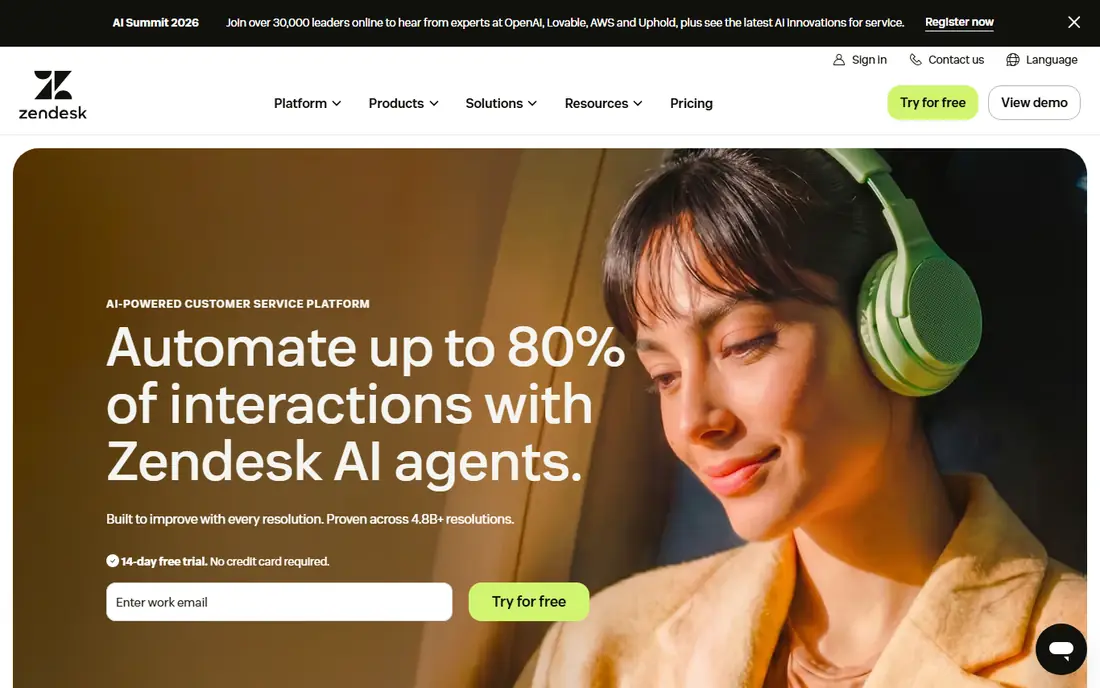
Zendesk QA suits teams that already use Zendesk and want QA inside the same system. Its scorecards, AI review, and coaching tools work on Zendesk tickets without exporting data to a separate tool. Managers can sample tickets, score replies, and track trends by agent, team, and topic.
The catch is scope, since teams on other helpdesks will get less value, and pricing as an add-on should be confirmed in a quote. Check the pricing page for the plan that matches your volume, and run a small trial on a real task before you commit to a paid plan.
- Scorecards and AI review
- Zendesk integration
- Coaching tools
- Best inside Zendesk
- Pricing is add-on based
MaestroQA suits support teams that need flexible scorecards and a clear coaching workflow. Its scorecards can cover tone, accuracy, policy, and resolution, with calibration to keep reviewers aligned. Coaching tools turn a low score into a task, a comment, and a follow-up, which helps improvement stick.
The catch is setup, since building good scorecards and calibration takes time, and enterprise pricing is quote based. A short trial on your own data will tell you more than a feature list, so test the workflow you will use every week before you pay.
- Flexible scorecards
- Calibration
- Coaching workflows
- Implementation takes time
- Pricing is quote based
Playvox suits larger support operations that want QA together with workforce management. Its QA scorecards sit alongside scheduling, performance, and coaching views, which helps a manager see quality in context. That breadth suits operations with many agents, shifts, and channels to manage at once.
The catch is breadth, since smaller teams may only need QA, and the full suite takes longer to learn. Look at setup time, support options, and export options before you pay, since those details shape daily use more than headline features.
- QA plus workforce tools
- Scorecards
- Performance views
- Broad suite can feel large
- Pricing is quote based
EvaluAgent suits contact centers that audit tickets, chats, and calls together. Its scorecards and AI auto-evaluation help teams check more interactions than manual sampling alone. Coaching and feedback tools help managers share examples, set goals, and track progress over time.
The catch is focus, since it is built for contact centers, and very small teams may find a simpler tool enough. Compare the total monthly cost at your expected volume, not just the entry price, and confirm that the plan includes the features you need.
- Scorecards
- AI auto-evaluation
- Coaching and feedback
- Quote pricing
- Best for contact centers
Assembled suits support operations that want QA views alongside staffing, forecasting, and scheduling. Its platform helps managers plan coverage, then check whether quality held up during busy periods. Integrations with major helpdesks keep ticket and QA data together for reporting.
The catch is that QA is one part of a broader suite, so teams that only need auditing should compare a dedicated QA tool first. Check the pricing page for the plan that matches your volume, and run a small trial on a real task before you commit to a paid plan.
- Workforce plus QA views
- Forecasting
- Integrations
- QA is part of a broader suite
- Pricing is quote based
Kaizo suits teams that want QA scoring with a motivational layer for agents. Its scoring and gamification aim to make quality visible and rewarding, which can help engagement. Coaching features let managers share feedback tied to specific tickets, so agents see exactly what to change.
The catch is scope, since teams that need deep workforce planning will need another tool alongside it. A short trial on your own data will tell you more than a feature list, so test the workflow you will use every week before you pay.
- QA scoring
- Agent gamification
- Coaching
- Narrower focus than full suites
- Pricing is quote based
Level AI suits contact centers that want AI review across a large volume of conversations. Its AI tools review chats, calls, and tickets for quality signals, which helps managers find patterns faster. Insights on topics, sentiment, and agent behavior help a team spot training needs before they become trends.
The catch is enterprise focus, since pricing and setup suit larger operations, and AI scores still need human review for edge cases. Look at setup time, support options, and export options before you pay, since those details shape daily use more than headline features.
- AI review of conversations
- Scorecards
- Insights
- Enterprise focus
- Setup needs care
Observe.AI suits teams that audit calls and chats at scale and want conversation intelligence with QA. Its analysis tools surface quality signals, topics, and coaching moments across many conversations. QA workflows help managers score, share, and coach from real examples rather than from memory.
The catch is focus, since call analysis is stronger than ticket-only auditing, so ticket-heavy teams should test the ticket workflow first. Compare the total monthly cost at your expected volume, not just the entry price, and confirm that the plan includes the features you need.
- Conversation analysis
- QA workflows
- Coaching
- Call focus is stronger than ticket focus
- Enterprise pricing
How we picked these
We compared official feature pages, pricing pages, documentation, and public reviews, and we kept only QA tools that are live and built for support auditing in 2026. We looked at scorecard flexibility, sampling, AI review, calibration, coaching, integrations with helpdesks, and reporting. We favored tools that make calibration and coaching easy, since a score without agreement and follow-up rarely improves quality. We also noted where pricing is quote based, since that changes how a buyer should compare options.
How to choose a tool for auditing support ticket quality
Start with a small set of quality criteria that matter to customers, such as accuracy, tone, policy, and resolution. A tool should make those criteria easy to score, not add a long list of metrics no one reads.
Build scorecards around customer outcomes
A good scorecard covers whether the reply solved the problem, was accurate, and was polite and clear. Keep it short enough that reviewers can score quickly and consistently. Test the scorecard on ten real tickets, then refine wording that reviewers interpret differently.
Calibrate reviewers before you scale
Calibration means several reviewers score the same tickets and discuss differences until they align. Without it, scores reflect reviewer habits more than agent quality. Choose a tool with calibration sessions and agreement reports, and run them regularly.
Use AI review to expand coverage, not to replace judgment
AI review can flag likely issues across many tickets, which helps managers focus human review where it matters. Human reviewers should still check edge cases, sensitive topics, and final coaching decisions. Treat an AI score as a signal, not a verdict.
Turn scores into coaching
A score alone rarely changes behavior. Look for coaching tasks, example sharing, and follow-up checks tied to specific tickets. Track whether coached agents improve on the same criteria over time, and share good examples as well as fixes.
FAQ
What is a support ticket QA tool?
It is software that samples support tickets, scores agent replies against a scorecard, and helps managers coach and report on quality. Some tools add AI review to cover more tickets than manual sampling alone.
How many tickets should we audit?
It depends on team size and ticket volume, but a regular sample across agents, topics, and channels is more useful than a large one-off audit. Many teams audit a set number per agent each week, plus AI-flagged tickets.
What is calibration in QA?
Calibration is the process where reviewers score the same tickets and discuss differences until they agree. It keeps scores fair and consistent, so agents trust the results and coaching is based on shared standards.
Can AI replace human QA reviewers?
Not fully. AI can expand coverage and flag patterns, but human reviewers are still needed for judgment, sensitive cases, and coaching. The best setup uses AI to focus human time where it matters most.
How much do ticket QA tools cost?
Many are quote based for enterprise use, with pricing by agents, interactions, or modules. Smaller teams should check entry plans and integration costs, and compare the total for their agent count.