Best Google Spreadsheet Alternatives for 2026 (5 Compared)
Compare 5 picks for Google Spreadsheet alternatives, with prices, free plans and who each fits. Verdicts stay brief and factual. Built for quick decisions.
- Editor's choice
 Grist
Relational data without chaos
Starts at$10 per user a monthVisit getgrist.comFull review - Great alternative
 Zoho Sheet
Browser-based collaboration in Zoho
Starts atSee websiteVisit zoho.comFull review - Also consider
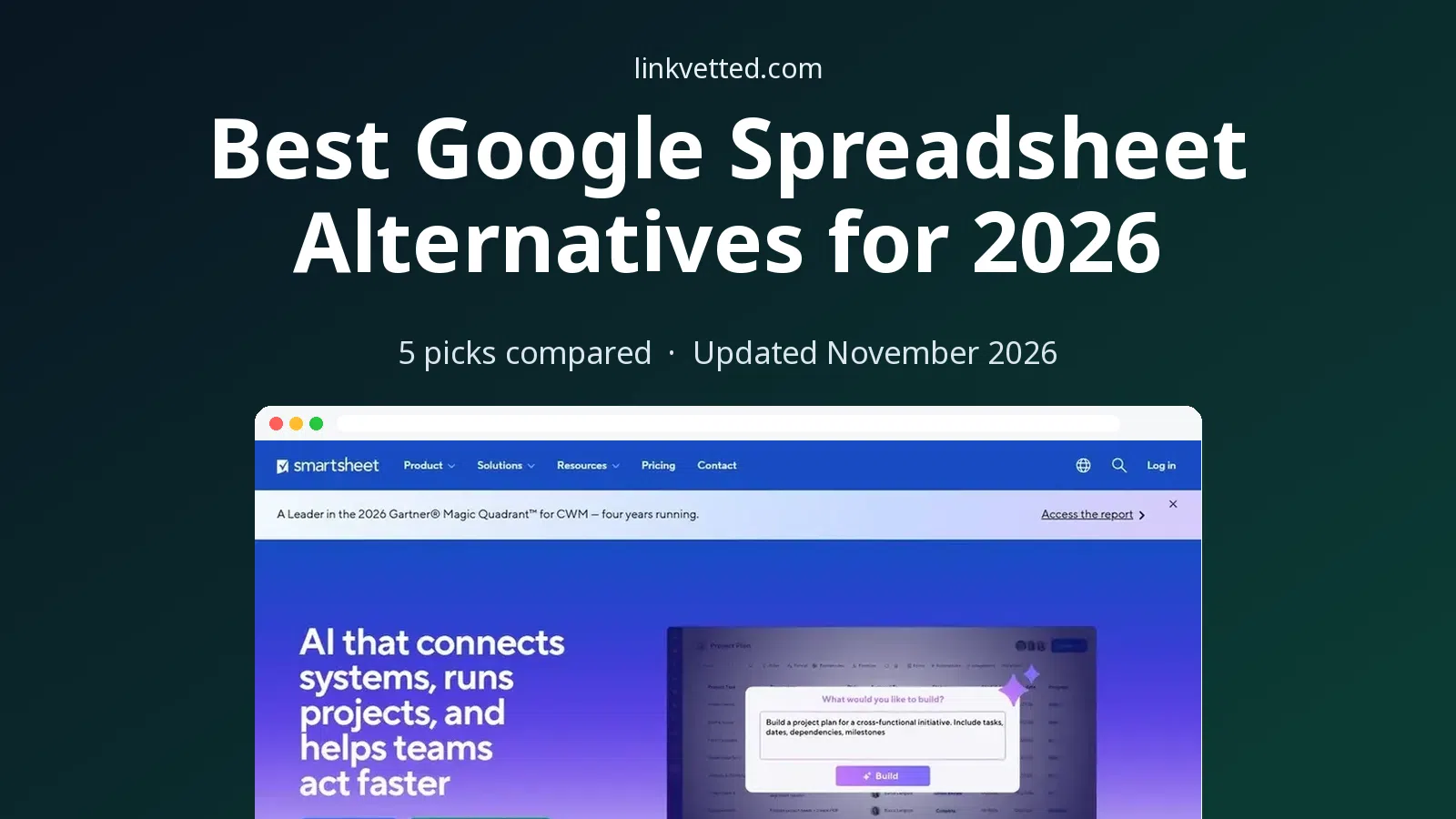
 Smartsheet
Project and enterprise work management
Starts at$12 per Member/monthVisit smartsheet.comFull review
Direct answer
This list puts Grist first for Relational data without chaos. Listed starting prices: Grist from $10 per user a month, Smartsheet from $12 per Member/month and Airtable from $20 per user per month. For a different need, Zoho Sheet covers browser-based collaboration in Zoho and Smartsheet covers project and enterprise work management. The remaining 2 options are covered below with prices and limits.
TL;DR:
- Grist is the opening pick, best for Relational data without chaos.
- Before buying Microsoft Excel, weigh this: advanced features can feel complicated.
- For structured databases with automation, Airtable is worth a look.
- The lowest published monthly entry price here is $10 per user per month, from Grist.
Last checked November 2026. Prices and plan details were read from the vendors' own pages in November 2026; vendors change plans often, so confirm the current price on the vendor site before you buy.
Quick comparison
| Tool | Best for | Starts at | Free plan? | |
|---|---|---|---|---|
| Grist | Relational data without chaos | $10 per user a month | Yes | Visit |
| Zoho Sheet | Browser-based collaboration in Zoho | See website | Not stated | Visit |
| Smartsheet | Project and enterprise work management | $12 per Member/month | Not stated | Visit |
| Microsoft Excel | Deep analysis and familiar spreadsheets | See website | Not stated | Visit |
 Airtable | Structured databases with automation | $20 per user per month | Yes | Visit |
5 options for Google Spreadsheet in detail
Choosing Google Spreadsheet usually comes down to price, fit and limits. This LinkVetted guide sets 5 tools side by side on those three points, with the facts kept short and checkable.
Grist serves Relational data without chaos. Grist describes itself as a relational spreadsheet-database that helps teams organize data their own way. It merges the familiar grid with database-style relationships, which fits teams managing connected records for example clients, projects or inventory.
It appeals to users who have outgrown flat spreadsheets but do not want to build a full database from scratch. More specifically, pick it when linked data and organized records are central to your work. Teams wanting straightforward shared grids may find it more structure than they need. From a buyer's view, Grist introduces relational concepts that take some learning, and it is not aimed at casual numeric calculations. Price to start with Grist: $10 per user per month. Grist has a free plan.
Trade-offs to know: Not geared toward casual numeric work.
- Organizes data flexibly
- Relational structure for linked data
- Database concepts take learning
Zoho Sheet makes the most sense for browser-based collaboration in Zoho. It imports Excel files, which helps teams move existing work over without starting fresh. Beyond that, teams outside that ecosystem may find standalone alternatives more natural.
Beyond that, Zoho Sheet does not match Excel for advanced analytical depth, and its appeal grows when paired with the wider Zoho suite. From a buyer's view, pick it for straightforward collaborative spreadsheets instead of heavy modeling. Pricing for Zoho Sheet is not stated here, so ask the vendor for current figures. As for free access: Not stated.
Drawbacks to consider: Fewer advanced analysis choices than Excel.
- Works on mobile devices
- Live collaborative editing
- Best value inside the Zoho ecosystem

Smartsheet serves project and enterprise work management. Smartsheet positions itself as an execution hub for enterprise work, combining spreadsheet-style grids with project tracking, shared workflows and visibility across teams.
As for the details, Smartsheet leans toward work management instead of deep analytical modeling, so analysts may prefer a dedicated spreadsheet tool. More specifically, casual personal use can feel heavier than needed. The starting price for Smartsheet: $12 per Member/month. Trial and free access: Not stated.
Where it is weaker: Less centred on pure data analysis.
- Scales across teams
- Spreadsheet-style project tracking
- Interface can feel formal for casual use
Microsoft Excel
Best for: Deep analysis and familiar spreadsheets
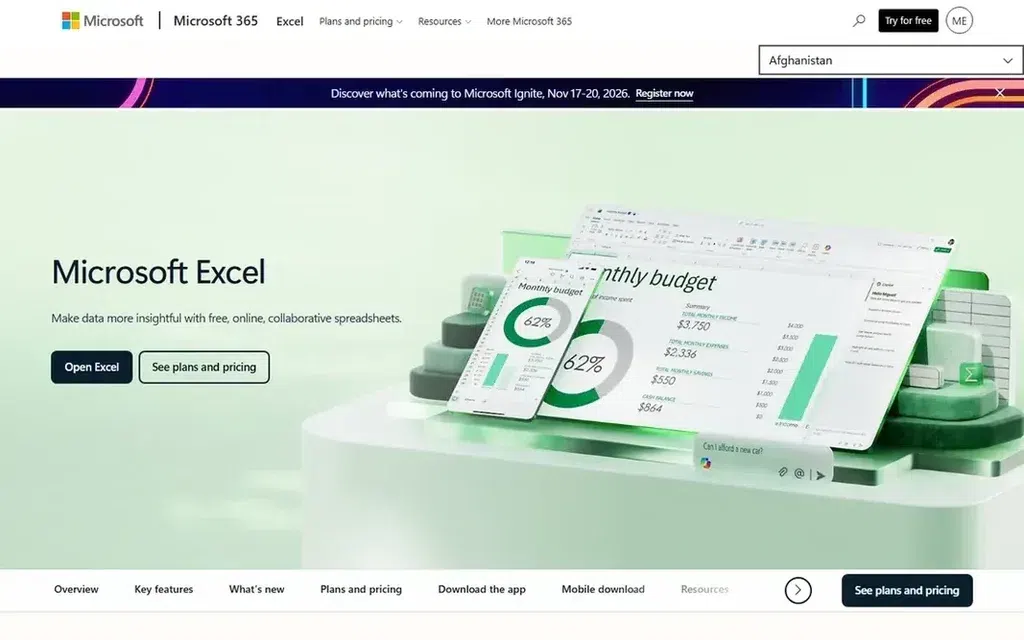
Microsoft Excel serves deep analysis and familiar spreadsheets. Worth adding: Excel carries a ramp-up time for advanced work, and heavier files can feel slower in a browser.
The online version supports shared editing, so teams can work together in a browser whereas retaining the depth of the desktop application. Beyond that, choose Excel when spreadsheet power and wide compatibility matter most. This comparison lists no price for Microsoft Excel; ask the vendor. On free options: Not stated.
What to check first: Collaboration differs from browser-first tools.
- Solid file compatibility
- Deep formula and analysis features
- Advanced features can feel complicated
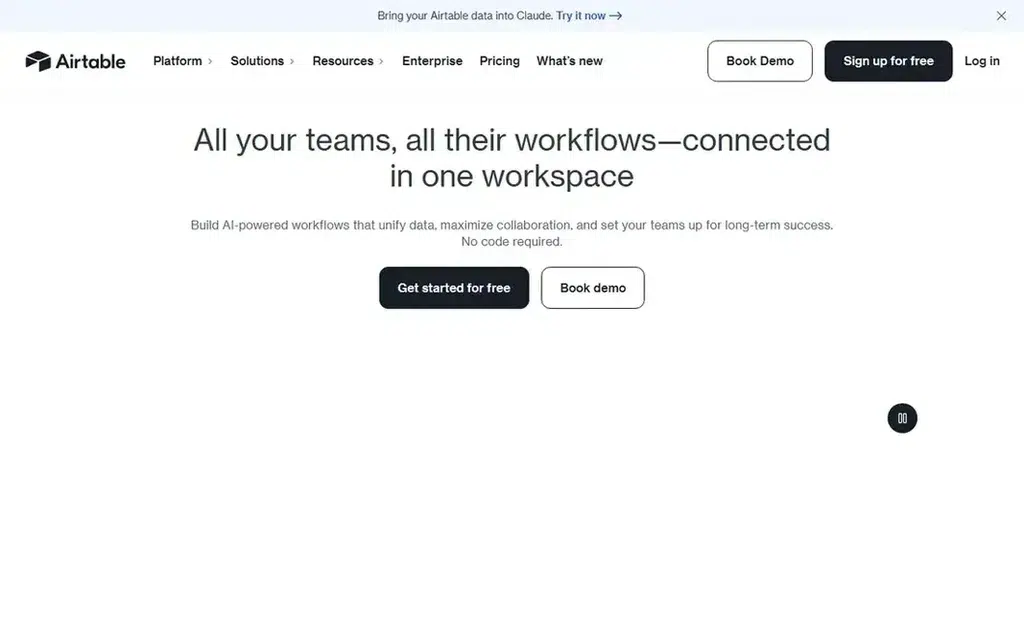
Airtable is aimed squarely at structured databases with automation. Airtable presents data as a spreadsheet-style grid whereas behaving more like a database, with linked records, several views and automation for routine work. Airtable is not the most solid choice for complicated financial modeling or dense formula work.
Watch-outs: Less suited to heavy numeric modeling.
Also, pick it when organization and automation matter more than raw calculation power. On top of that, setting up a solid structure takes thought, and sprawling bases can become hard to run. The interface stays approachable for non-technical users who still want structure. Airtable starts at: $20 per user per month. Airtable includes a free tier.
- Adaptable views for different teams
- Automation for repetitive tasks
- Structure needs some setup effort
How we compared the tools
LinkVetted looked at what each vendor publishes: pricing, plan limits, feature coverage for Google Spreadsheet and stated drawbacks. No hands-on testing is claimed. Where a price is missing, the vendor does not list one publicly or ties it to a quote. Always confirm before budgeting. Tools are placed by general fit for Google Spreadsheet, with price clarity and free access as tie-breakers. A different team can reasonably rank them differently.
Pre-purchase checklist
- Ask Zoho Sheet and Microsoft Excel for a written quote, since no starting price is shown.
- Read the fine print on the free plans from Grist and Airtable; seat, project and feature caps differ.
- Read the limits listed for Grist first: database concepts take learning.
- The entry price of Grist is only the starting point; model the full cost with seats and extras.
- Ask the daily users to test Zoho Sheet on a live task before you roll it out to everyone.
FAQ
Which options for Google Spreadsheet have a free plan?
Grist and Airtable offer a free plan in this list. Free plans usually cap users, projects or features, so check the limits on the vendor page.
What is the cheapest option for Google Spreadsheet in this list?
On published monthly entry prices, Grist is the lowest here at $10 per user per month. Entry price is only part of the cost, because seats, add-ons and billing terms can change the total.
Can I move my existing spreadsheets to these tools?
Most choices support importing typical spreadsheet formats for example Excel files. Check each vendor's documentation for format support and any conversion limits before moving important files.
Which alternative fits project management instead of number crunching?
Smartsheet is built around project tracking, governance and team visibility. Airtable can also support project workflows through structured records and automation.
Is Grist the right pick for everyone comparing Google Spreadsheet?
No single tool suits every team. Grist comes first because it fits Relational data without chaos, while Zoho Sheet suits browser-based collaboration in Zoho and Smartsheet suits project and enterprise work management. Match the tool to your own size, budget and workflow before deciding.
Can I try these tools before paying?
Often, yes. Grist and Airtable have a free plan. Use your own data and a real task during the test, and check what the free tier or trial limits before you rely on it.
Sources
- https://www.getgrist.com
- https://www.zoho.com/sheet
- https://www.smartsheet.com
- https://www.microsoft.com/microsoft-365/excel
- https://www.airtable.com