Best Online Spreadsheet Software in 2026: Prices, Free Plans and 6 Picks
Need the best online spreadsheet software? We compare 6 tools on cost, free access and who each suits. Every entry states what it lacks. Decide faster.
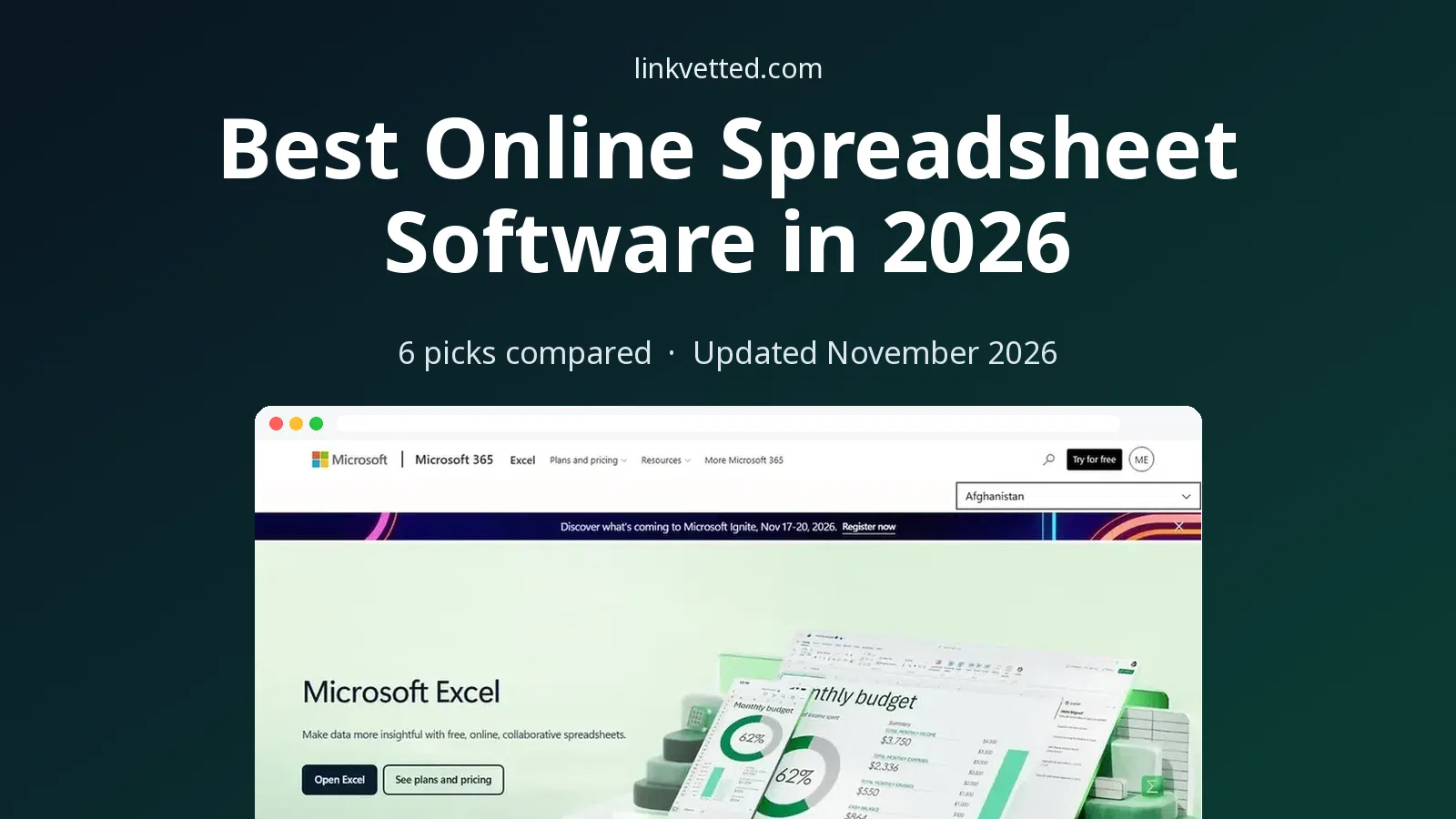
- Editor's choiceMicrosoft Excel
Advanced data analysis and modeling
Starts atSee websiteVisit microsoft.comFull review - Great alternative
 Airtable
Database-style workflows and automation
Starts at$20 per user a monthVisit airtable.comFull review - Also consider
 Lucidspark
Visual brainstorming alongside planning
Starts atSee websiteVisit lucid.coFull review
Direct answer
For advanced data analysis and modeling, Microsoft Excel is where this list starts. Listed starting prices: Airtable from $20 per user a month, Smartsheet from $12 per Member/month and Rows from $8 a month per user. Alternatives: Airtable for database-style workflows and automation, and Lucidspark for visual brainstorming alongside planning. The other 3 tools in the list cover narrower or pricier cases.
TL;DR:
- Microsoft Excel is the opening pick, best for advanced data analysis and modeling.
- One limit worth knowing about Airtable: ramp-up time beyond straightforward spreadsheets.
- For AI-driven analysis without formulas, Rows is worth a look.
- For the cheapest start, look at Rows: $8 per month per user.
- A free plan is available from 2 of the 6 tools: Airtable, Rows.
Last checked November 2026. Prices and plan details were read from the vendors' own pages in November 2026; vendors change plans often, so confirm the current price on the vendor site before you buy.
Quick comparison
| Tool | Best for | Starts at | Free plan? | |
|---|---|---|---|---|
| Microsoft Excel | Advanced data analysis and modeling | See website | Not stated | Visit |
| Airtable | Database-style workflows and automation | $20 per user a month | Yes | Visit |
| Lucidspark | Visual brainstorming alongside planning | See website | Not stated | Visit |
 Smartsheet | Governed enterprise work execution | $12 per Member/month | Not stated | Visit |
 Google Sheets | Live collaborative spreadsheets | See website | Not stated | Visit |
 Rows | AI-driven analysis without formulas | $8 a month per user | Yes | Visit |
Tool-by-tool breakdown
LinkVetted compared 6 tools for online spreadsheet software. The goal is a practical shortlist: published prices, free plan facts, best-fit use cases and honest limits for every entry.
Microsoft Excel
Best for: Advanced data analysis and modeling
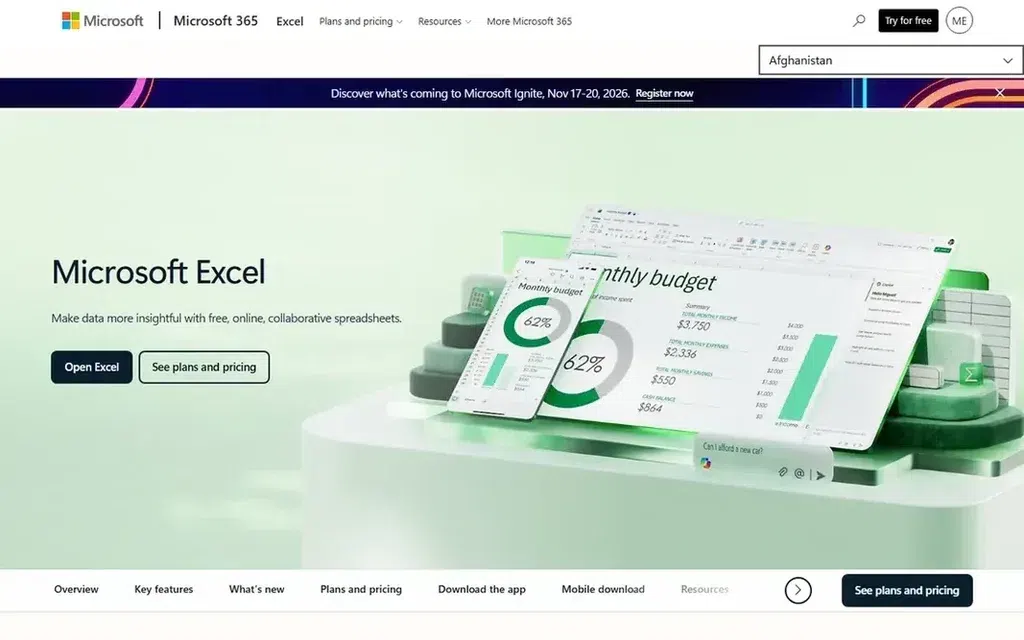
Microsoft Excel serves advanced data analysis and modeling. It fits analysts, finance teams and anyone building in-depth models, pivot-based reports or formula-heavy workbooks.
Drawbacks to consider: Complicated workbooks are harder to share casually.
Check the vendor site for Microsoft Excel pricing; none is listed in this comparison. Free options: Not stated.
- Deep analysis and formula features
- Familiar to most business users
- Collaboration can feel less fluid than browser-first tools
Airtable was built for database-style workflows and automation. Its homepage centres on building enterprise-ready AI workflows, apps and agents, with live collaboration and automation of repetitive manual work.
The main drawbacks: Not a strong match for heavy numerical modeling.
Worth adding: teams use it to run content, projects, inventories and processes that outgrow flat sheets. The structured model also takes time to learn compared to a plain grid. Entry price for Airtable: $20 per user per month. Airtable includes a free tier.
- Grid views with relational structure
- Automation for repetitive tasks
- Ramp-up time beyond straightforward spreadsheets
Lucidspark is built with visual brainstorming alongside planning in mind. Lucidspark is a virtual whiteboard where teams brainstorm and collaborate visually, moving from ideation into planning and building. It is included here because numerous teams pair visual sessions with structured planning, and it suits workshops, diagramming and early-stage idea capture.
In daily use, Facilitators and product teams that require shared canvases instead of cells will get more from it than from a traditional spreadsheet. Beyond that, use Lucidspark when the work is visual thinking and planning rather than data entry. No starting price is listed for Lucidspark here; confirm pricing on the vendor site. On free options: Not stated.
What to check first: Best value only with visual work.
- Moves from ideation to planning
- Infinite collaborative whiteboard
- Not a calculation spreadsheet
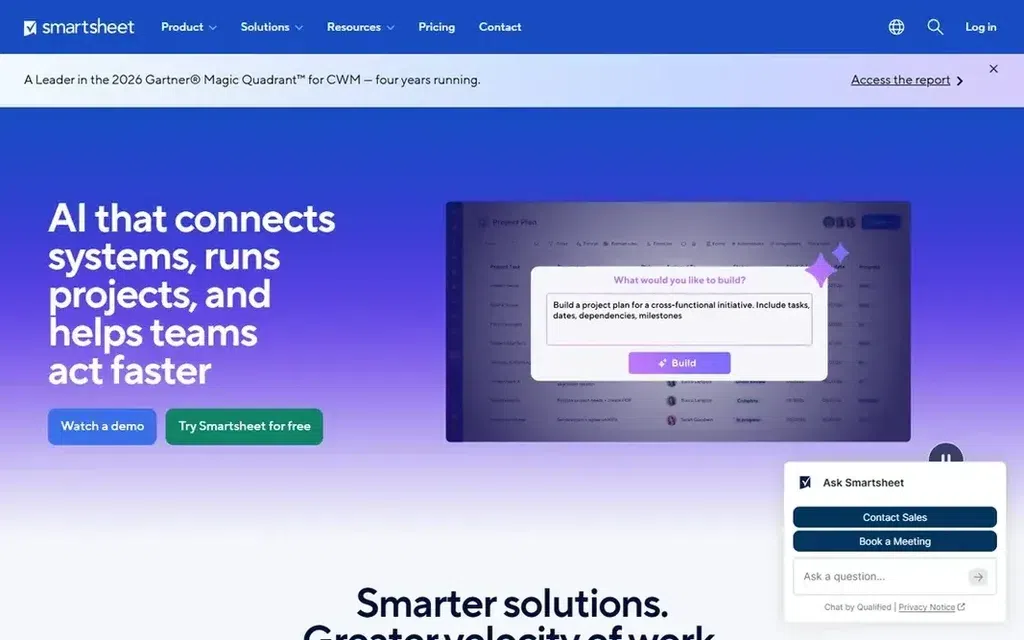
Smartsheet targets governed enterprise work execution. Smartsheet positions itself as an execution hub for enterprise work, where people and AI get work done together with the governance and visibility large organizations need. Its spreadsheet-like interface is geared toward tracking projects, tasks and processes instead of freeform calculation.
It is also not a substitute for a dedicated analytics spreadsheet. On top of that, choose it when coordination and governance across teams matter more than raw calculation adaptability. Smartsheet starts at: $12 per Member/month. Free access: Not stated.
Drawbacks to consider: Structured approach may feel heavy for straightforward sheets.
- Spreadsheet-style work management
- Emphasis on governance and visibility
- Less suited to pure number crunching
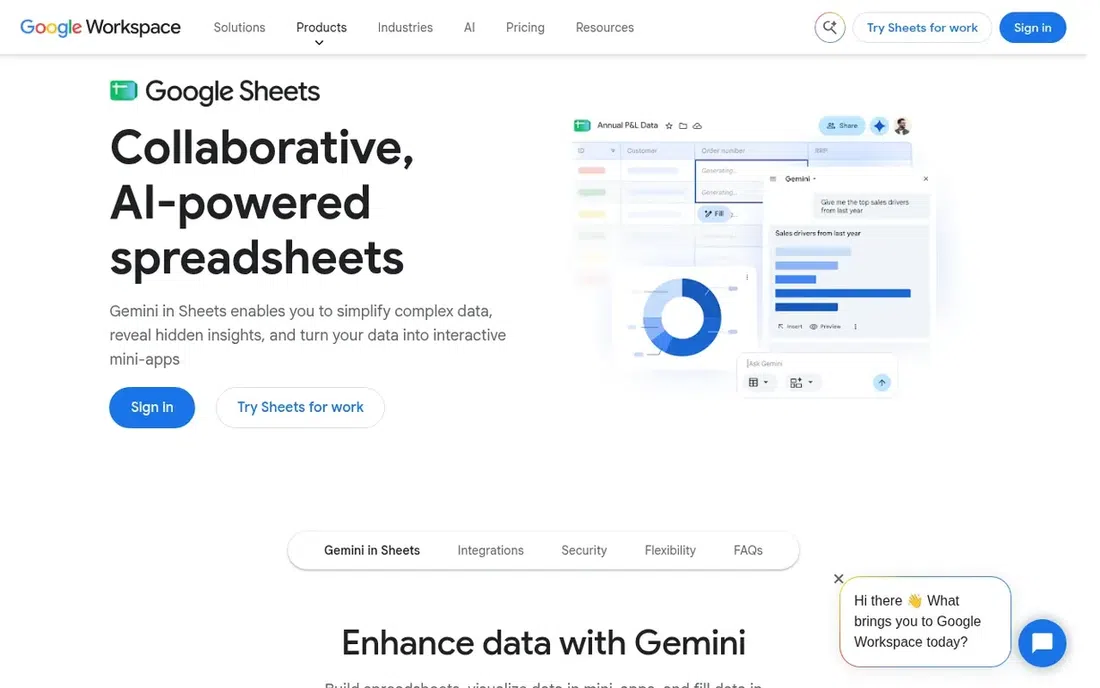
Pick Google Sheets if this describes you: real-time collaborative spreadsheets. The tradeoff is depth. Heavy financial modeling, very large datasets and complicated macros are better served by a desktop-oriented spreadsheet application.
Trade-offs to know: Advanced analysis is lighter than desktop Excel.
Its homepage flags Gemini helping users ease complicated data, reveal insights and turn data into interactive mini-apps. Beyond that, pick Google Sheets when collaboration speed and accessibility matter most, and move to Microsoft Excel when you need advanced analysis or offline power features. Pricing for Google Sheets is not stated here, so ask the vendor for current figures. Free options: Not stated.
- Capable live collaboration
- Runs completely in the browser
- Very large datasets can feel constrained
Rows serves AI-driven analysis without formulas. Rows presents itself as an AI data analyst, letting users analyze data from plenty of sources for example PDFs, databases, analytics tools and bank accounts using plain language rather than code, SQL or formulas.
Drawbacks to consider: Narrower traditional spreadsheet depth.
For everyday use, users who rely on precise formula control or highly customized workbook logic may find the approach limiting. More specifically, the emphasis is on asking questions and getting results instead of manual cell work. Rows starts at: $8 per month per user. Rows has a free plan.
- SQL or formulas needed
- No code
- Less control for formula purists
Selection criteria
LinkVetted looked at what each vendor publishes: pricing, plan limits, feature coverage for online spreadsheet software and stated drawbacks. No hands-on testing is claimed. Plan names, prices and limits change often. Treat the figures here as a starting point and verify them with the vendor. We ordered the tools by general fit, then by how clearly pricing is shown, then by free access. A buyer with unusual needs may reorder them.
What to check before you buy
- Ask Microsoft Excel, Lucidspark and Google Sheets for a written quote, since no starting price is shown.
- Look at free plan limits closely: Airtable and Rows have one, and the caps decide whether it is usable for real work.
- Before choosing Microsoft Excel, weigh its main limit: collaboration can feel less fluid than browser-first tools.
- Look at the renewal terms for Rows: auto-renewal, notice periods and price changes can matter more than the first-year price.
- Ask Microsoft Excel which support channels and response times come with the plan you would buy.
FAQ
Do these tools publish their prices?
Not all of them. Microsoft Excel, Lucidspark and Google Sheets publish no starting price, so expect a quote request for those. The rest, Airtable included, show a starting price, though seats and billing terms still change the final cost.
What does Rows offer that standard spreadsheets do not?
Rows emphasizes plain-language AI analysis across numerous connected data sources, without code, SQL or formulas. That helps users get fast answers from mixed data.
Which online spreadsheet is a good match for team collaboration?
For most readers this guide would start with Microsoft Excel, built for advanced data analysis and modeling. Airtable is the alternative for database-style workflows and automation, and Lucidspark for visual brainstorming alongside planning. The right answer depends on budget and workflow.
What is the cheapest option for online spreadsheet software in this list?
On published monthly entry prices, Rows is the lowest here at $8 per month per user. Entry price is only part of the cost, because seats, add-ons and billing terms can change the total.
How are the tools for online spreadsheet software ordered?
Microsoft Excel sits first and Rows last because the order follows typical fit for online spreadsheet software, then price clarity and free access. It is a judgement call, so read each profile for fit and limits.
Can I try these options before paying?
Often, yes. Airtable and Rows have a free plan. Use your own data and a real task during the test, and check what the free tier or trial limits before you rely on it.
Sources
- https://www.microsoft.com/microsoft-365/excel
- https://www.airtable.com
- https://lucid.co/lucidspark
- https://www.smartsheet.com
- https://workspace.google.com/products/sheets
- https://rows.com