Best Alternatives to Spreadsheet-Based Reporting (2026): 5 Picks Checked on Vendor Pages
Alternatives to spreadsheet-based reporting: 5 contenders ranked by fit, with entry costs and free tiers. Every tool lists pros and cons. Pick by budget.
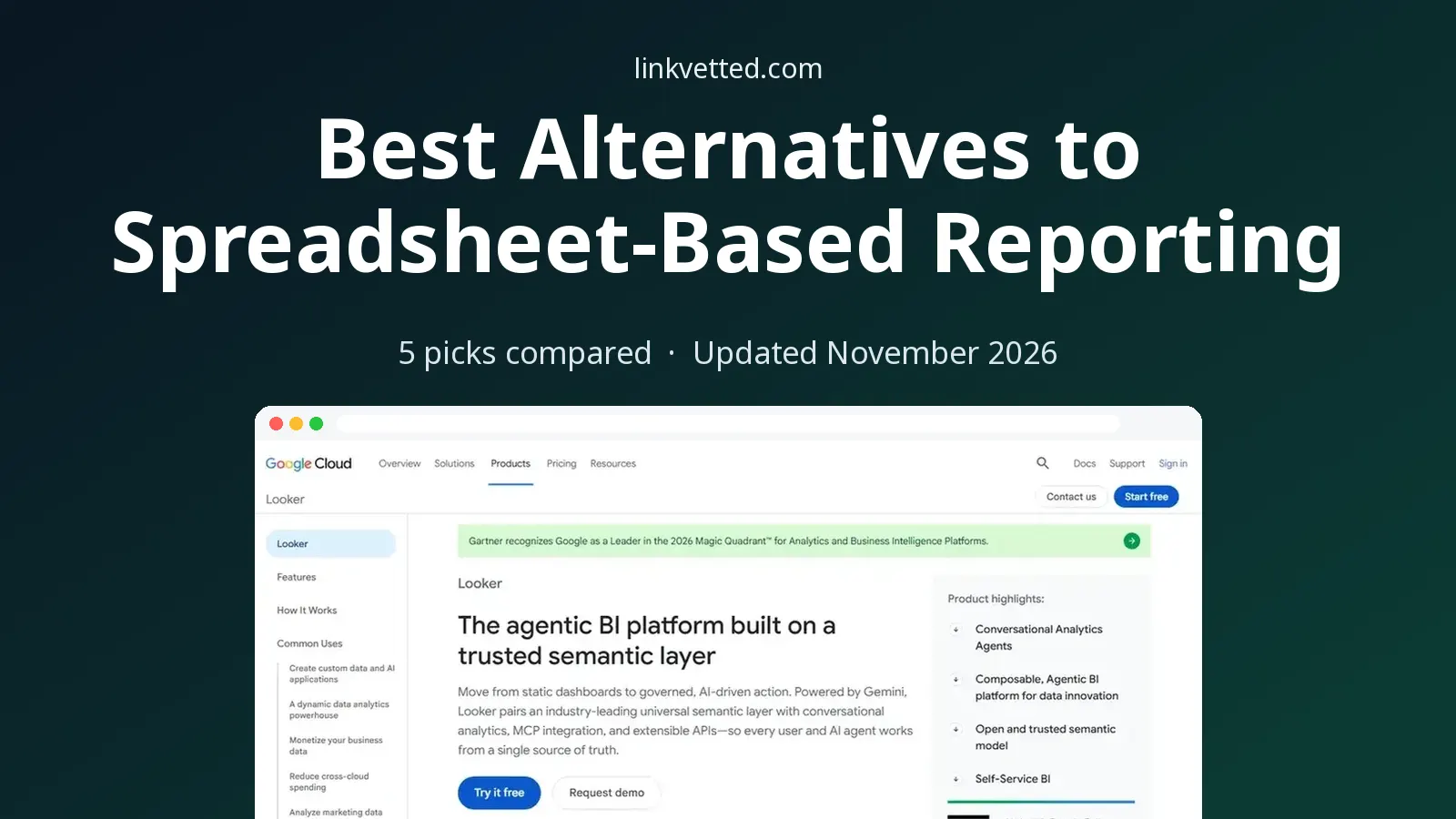
- Editor's choice
 Looker
Governed and embedded analytics
Starts atSee websiteVisit cloud.google.comFull review - Great alternative
 Zoho Analytics
Wide app connectivity and dashboards
Starts atSee websiteVisit zoho.comFull review - Also consider
 Tableau
Visual analytics and shared dashboards
Starts at$15 per user a monthVisit tableau.comFull review
Direct answer
If you need governed and embedded analytics, Looker is the first tool to look at here. Listed starting prices: Tableau from $15 per user a month. Alternatives: Zoho Analytics for wide app connectivity and dashboards, and Tableau for visual analytics and shared dashboards. Details, prices and limits for the rest of the 5 tools are below.
TL;DR:
- Looker is the opening pick, best for governed and embedded analytics.
- Sisense is the one to check for embedded analytics in products.
- What to know about Looker first: tied closely to Google Cloud ecosystem.
- Tableau has the lowest monthly starting price in this list: $15 per user per month.
Last checked November 2026. Prices and plan details were read from the vendors' own pages in November 2026; vendors change plans often, so confirm the current price on the vendor site before you buy.
Quick comparison
| Tool | Best for | Starts at | Free plan? | |
|---|---|---|---|---|
| Looker | Governed and embedded analytics | See website | Not stated | Visit |
| Zoho Analytics | Wide app connectivity and dashboards | See website | Not stated | Visit |
| Tableau | Visual analytics and shared dashboards | $15 per user a month | Yes | Visit |
 Domo | End-to-end data journeys with AI | See website | Free trial | Visit |
 Sisense | Embedded analytics in products | See website | Free trial | Visit |
Tool-by-tool breakdown
LinkVetted compared 5 tools for spreadsheet-based reporting. The goal is a practical shortlist: published prices, free plan facts, best-fit use cases and honest limits for every entry.
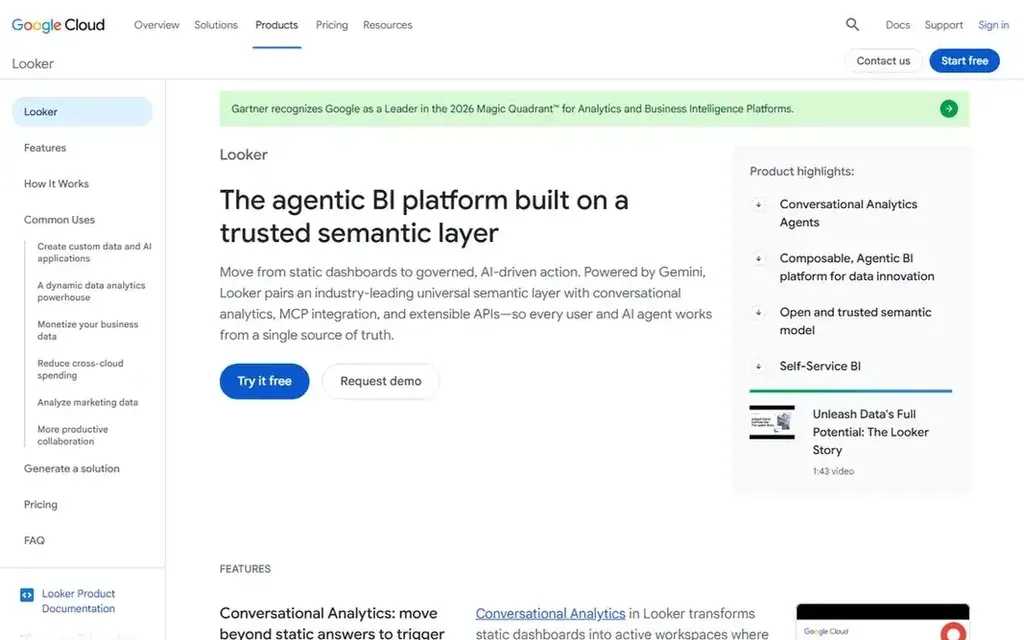
Looker is a good fit for governed and embedded analytics. Looker is Google Cloud's agentic business intelligence and embedded analytics product. It brings together metrics with a trusted semantic layer, so definitions stay consistent across reports, and Gemini agents assist with analysis.
Points against: Tied closely to Google Cloud ecosystem.
Looker is closely tied to the Google Cloud ecosystem, and its semantic modeling needs upfront effort before dashboards deliver value. For everyday use, teams outside Google Cloud should weigh integration effort. Looker does not show a starting price in this comparison, so check the vendor site for current pricing. Free access: Not stated.
- Gemini agents assist analysis
- Embedded analytics for products
- Semantic modeling needs upfront work
Zoho Analytics was built for wide app connectivity and dashboards. Advanced customization may be restricted compared with pro-code systems, and large data volumes need planning.
What to check first: Advanced customization may be restricted.
From a buyer's view, Zoho Analytics is a data analytics and AI-powered business intelligence product. Also, if you need deep embedded analytics, Sisense is more specialized. This comparison lists no price for Zoho Analytics; ask the vendor. On free options: Not stated.
- AI-powered insights
- Links to plenty of apps
- Large data volumes need planning
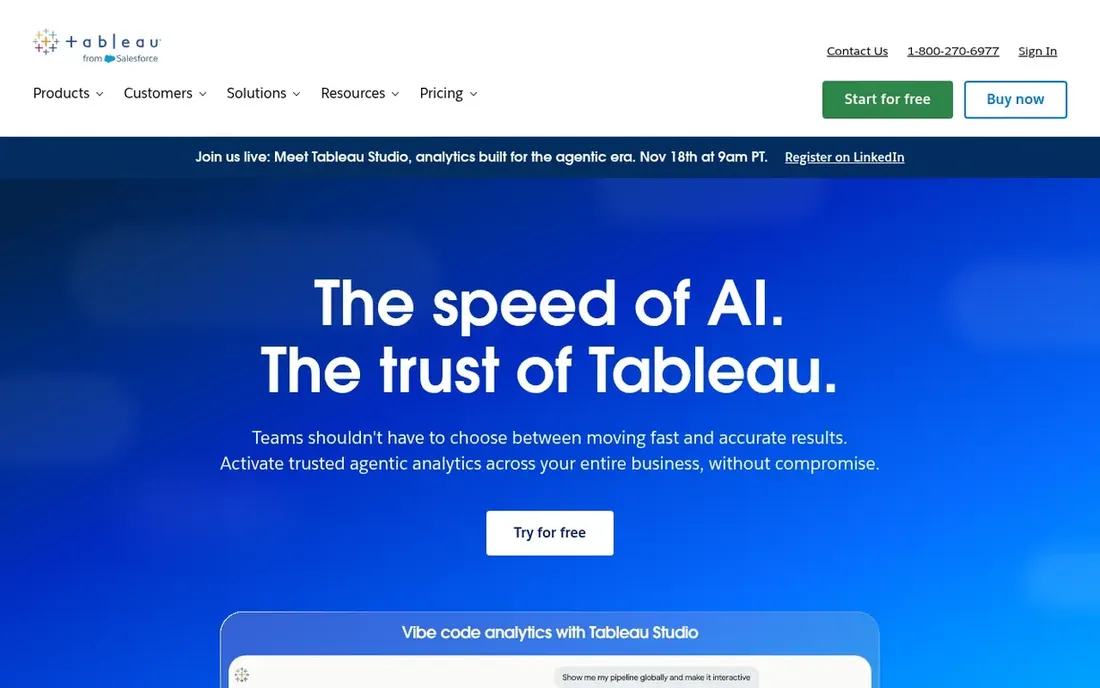
Tableau is designed for visual analytics and shared dashboards. Tableau is business intelligence and analytics software designed for visual data exploration.
From a buyer's view, sharing is a click away. Price to start with Tableau: $15 per user per month. Tableau includes a free tier.
Where it falls short: Can need training for advanced use.
- Share insights with a click
- Drag-and-drop visualization building
- Complex setups may need specialist help
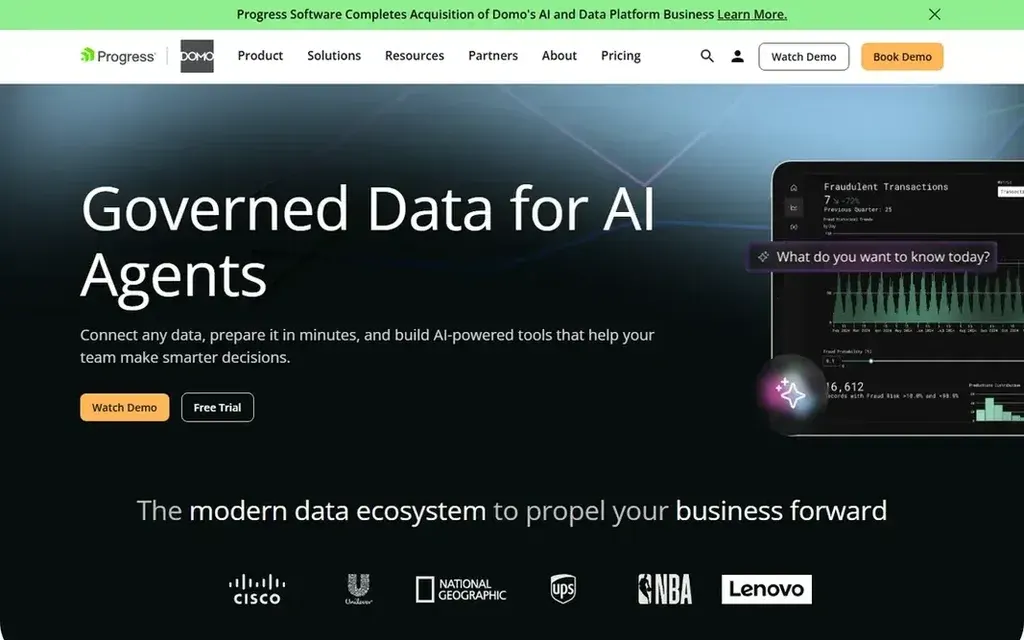
Domo serves end-to-end data journeys with AI. For embedded product analytics, Sisense may be a closer fit.
Where it is weaker: Wide product may overwhelm small teams.
Beyond that, the breadth of Domo may overwhelm small teams that only need dashboards, and setup can involve several components. Also, if your focus is purely visual analytics, Tableau is more direct. Pricing for Domo is not stated here, so ask the vendor for current figures. Free options: Free trial.
- Links and moves data from any source
- Prepares data for exploration
- Setup can involve several components
Choose Sisense for embedded analytics in products. It is meant to unlock insights and convert data into revenue by putting analytics inside products and customer-facing applications.
The main drawbacks: Embedded focus may not suit all teams.
Worth adding: Sisense centres on embedded analytics, which may not suit teams seeking only internal dashboards, and integration needs product work. As for the details, for straightforward internal reporting, Zoho Analytics may be simpler. No starting price is listed for Sisense here; confirm pricing on the vendor site. Free options: Free trial.
- No-code choices
- AI-powered embedded analytics
- Needs product integration work
Our selection method
LinkVetted used vendor pricing pages and product documentation as the base, then compared plans, free access and documented limits for 5 tools. Treat prices as a snapshot: vendors change plans often, so check the vendor site for the figure that applies today. Order on the page follows fit for the typical buyer first, then price transparency and free access. Your own requirements should decide the final pick.
Pre-purchase checklist
- Ask Looker, Zoho Analytics, Domo and Sisense for a written quote, since no starting price is shown.
- Look at the free plan from Tableau closely: its caps decide whether it is usable for real work.
- Use real work to test the free trial from Domo and Sisense, rather than a demo project.
- Before choosing Looker, weigh its main limit: tied closely to Google Cloud ecosystem.
- Confirm the exact Looker plan that includes your must-have features.
- Compare total cost, not headline price: for Domo, add extra seats, add-ons and any usage-based charges.
FAQ
Do these tools publish their prices?
Not all of them. Looker, Zoho Analytics, Domo and Sisense publish no starting price, so expect a quote request for those. The rest, Tableau included, show a starting price, though seats and billing terms still change the final cost.
Can these tools link to plenty of data sources?
Yes, most products emphasize wide connectivity. Tableau links to almost any database, Domo links and moves data from any source, and Zoho Analytics links to numerous apps. Check vendor documentation for your specific sources.
Do I need technical skills to use these systems?
Tableau and Zoho Analytics offer drag-and-drop interfaces for business users, whereas Looker's semantic modeling and Sisense's embedded integration may need developer involvement. Assess your team's skills before choosing.
Is Looker the right pick for everyone comparing spreadsheet-based reporting?
No single tool suits every team. Looker comes first because it fits governed and embedded analytics, while Zoho Analytics suits broad app connectivity and dashboards and Tableau suits visual analytics and shared dashboards. Match the tool to your own size, budget and workflow before deciding.
Which options for spreadsheet-based reporting have a free plan?
Tableau is the only tool in this list with a free plan. Free plans usually cap users, projects or features, so check the limits on the vendor page. Several others offer a trial instead.
How are the tools for spreadsheet-based reporting ordered?
The order follows typical fit for spreadsheet-based reporting, with Looker first and Sisense last, then price clarity and free access. It is editorial judgement, not a score, so another team could rank the tools differently.
Sources
- https://cloud.google.com/looker
- https://www.zoho.com/analytics
- https://www.tableau.com
- https://www.domo.com
- https://www.sisense.com