Best Spreadsheets Software for Startups in 2026: 5 Tools Compared
5 best spreadsheets software for startups, compared on pricing, free plans and best-fit use. Price notes and drawbacks come with each one. Reviewed this month.
- Editor's choice
 Notion
All-in-one workspace with spreadsheets
Starts at$10 per member per monthVisit notion.comFull review - Great alternative
 Airtable
Database-style tracking and workflows
Starts at$20 per user a monthVisit airtable.comFull review - Also consider
 Smartsheet
Work execution with governance
Starts at$12 per Member/monthVisit smartsheet.comFull review
Direct answer
Notion is the first pick on this list for all-in-one workspace with spreadsheets. Listed starting prices: Notion from $10 per member per month, Airtable from $20 per user a month and Smartsheet from $12 per Member/month. If your case is different, Airtable suits database-style tracking and workflows and Smartsheet suits work execution with governance. The other 2 tools in the list cover narrower or pricier cases.
TL;DR:
- The list opens with Notion, aimed at all-in-one workspace with spreadsheets.
- Google Sheets is the one to check for live collaborative spreadsheets.
- A free plan is available from 2 of the 5 tools: Notion, Airtable.
- The main caution on Notion: spreadsheet features are less advanced than dedicated tools.
Last checked November 2026. Prices and plan details were read from the vendors' own pages in November 2026; vendors change plans often, so confirm the current price on the vendor site before you buy.
Quick comparison
| Tool | Best for | Starts at | Free plan? | |
|---|---|---|---|---|
| Notion | All-in-one workspace with spreadsheets | $10 per member per month | Yes | Visit |
| Airtable | Database-style tracking and workflows | $20 per user a month | Yes | Visit |
| Smartsheet | Work execution with governance | $12 per Member/month | Not stated | Visit |
 Coda | Docs and spreadsheets combined | See website | Not stated | Visit |
 Google Sheets | Live collaborative spreadsheets | See website | Not stated | Visit |
Spreadsheets Software for Startups profiles
This LinkVetted guide covers 5 spreadsheets software for startups. Each profile lists a starting price, free plan details, strengths and drawbacks, so you can drop poor fits quickly.
Notion is aimed squarely at all-in-one workspace with spreadsheets. It blends documents, databases, and spreadsheet-like tables in one place.
Where it is weaker: Spreadsheet features are less advanced than dedicated tools.
In practice, Notion's spreadsheet features are less advanced than dedicated spreadsheet software for complicated formulas or large data analysis. Notion pricing: $10 per member per month. Free access exists with Notion.
- Merges docs, databases, spreadsheets
- Automates busywork with agents
- Can need setup to organize workspaces
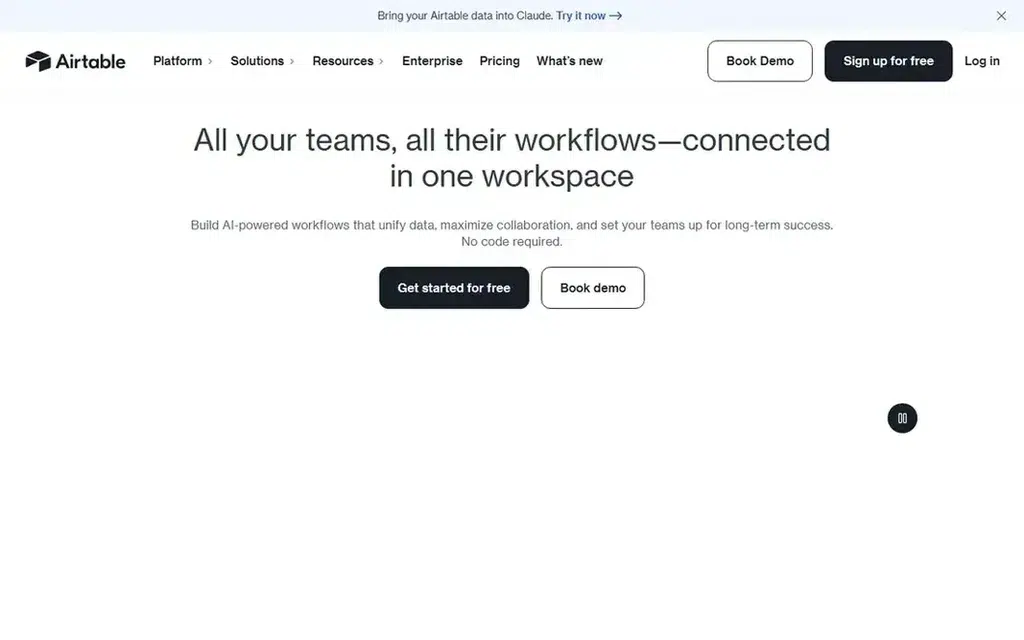
Airtable is a good fit for database-style tracking and workflows. Airtable is a system for building enterprise-ready AI workflows, apps, and agents. It makes it possible for live collaboration, automates repetitive tasks and manual work, and simplifies business processes.
Trade-offs to know: Can be complicated for straightforward spreadsheet tasks.
In practice, startups that require to track projects, content, or customers in a structured way will appreciate its blend of spreadsheet adaptability and database organization. In practice, some capabilities may need a premium plan. If you need a straightforward grid for ad hoc analysis, a traditional spreadsheet like Google Sheets may be simpler. Airtable starts at: $20 per user per month. Airtable includes a free tier.
- Automates repetitive tasks
- Merges spreadsheet and database features
- Advanced features may need a premium plan
Smartsheet was built for work execution with governance. Startups with structured workflows, approval processes, or several teams coordinating on deadlines may find Smartsheet a good fit for tracking execution. In practice, Smartsheet's focus on governance and work execution can be more than a small startup needs for entry-level spreadsheet tasks.
Some advanced features may need a premium plan. If you primarily need adaptable grids for fast analysis, a lighter spreadsheet tool like Google Sheets may be a better match. Smartsheet starts at: $12 per Member/month. Free access: Not stated.
Limits to weigh: Advanced features may need a premium plan.
- AI-assisted work coordination
- Execution hub for work management
- May be overkill for straightforward spreadsheets
Coda is aimed squarely at docs and spreadsheets combined. It lets teams build collaborative documents that behave like light apps.
Limits to weigh: Advanced features may need a premium plan.
For everyday use, startups that want to combine written context with tables, buttons, and automations in one place may find Coda a solid fit for internal processes and planning. In daily use, Coda's doc-plus-spreadsheet model may need learning a different way of working compared to traditional spreadsheets. Pricing for Coda is not stated here, so ask the vendor for current figures. Free options: Not stated.
- Blends docs with spreadsheet structure
- Comes with AI features
- May need learning a new approach
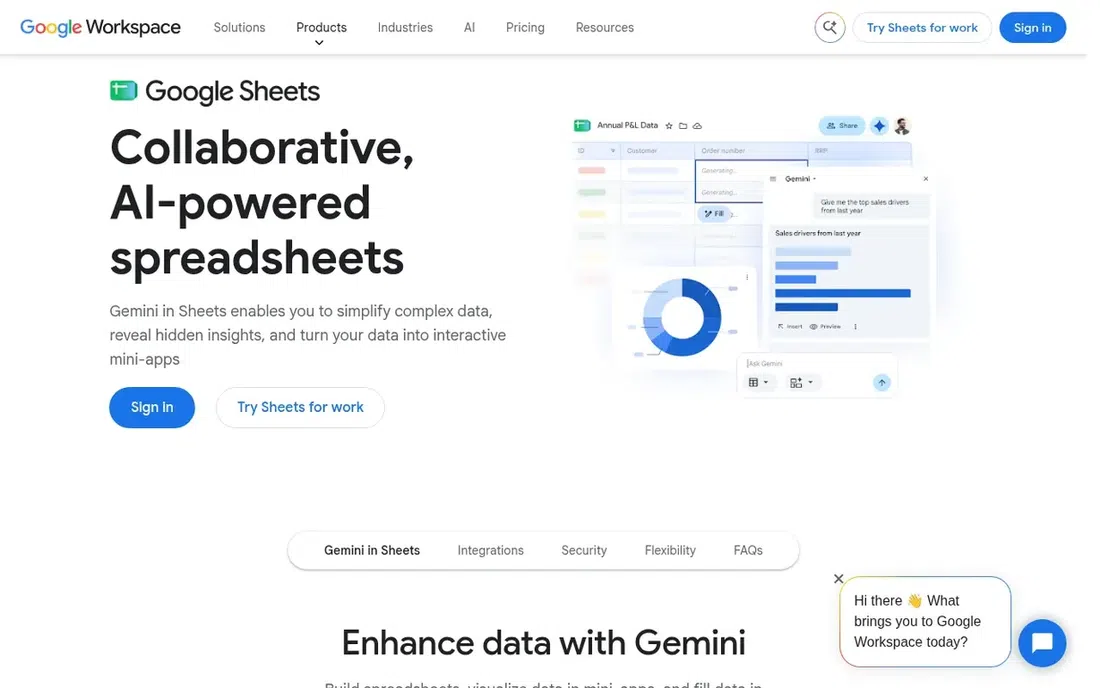
Google Sheets serves real-time collaborative spreadsheets. Google Sheets is a collaborative, AI-powered spreadsheet tool from Google Workspace.
Offline use is restricted, and some advanced capabilities rely on a premium Workspace plan. From a buyer's view, the browser-based approach keeps setup straightforward for small teams. Check the vendor site for Google Sheets pricing; none is listed in this comparison. Free plan details: Not stated.
Where it is weaker: Restricted offline capabilities.
- AI-powered insights with Gemini
- Live co-editing
- Advanced features may need a premium plan
Our selection method
Pre-purchase checklist
- Ask Coda and Google Sheets for a written quote, since no starting price is shown.
- Read the fine print on the free plans from Notion and Airtable; seat, project and feature caps differ.
- Read the limits listed for Notion first: spreadsheet features are less advanced than dedicated tools.
- Ask whether Coda integrates with your current software, and whether that comes standard or as an add-on.
- Check the support hours and onboarding help Airtable offers; smaller vendors vary a lot here.
FAQ
Can I use Airtable or Smartsheet instead of a traditional spreadsheet?
They can replace traditional spreadsheets for project tracking and workflows, but may be more complicated for straightforward calculations. Many startups use them alongside Google Sheets or Excel.
Which options for spreadsheets software for startups have a free plan?
On this list, Notion and Airtable include a free plan. Caps on seats, usage or features are common, so test the free plan against your real workload.
Do these tools publish their prices?
Not all of them. Coda and Google Sheets publish no starting price, so expect a quote request for those. The rest, Notion included, show a starting price, though seats and billing terms still change the final cost.
How are the tools for spreadsheets software for startups ordered?
The order follows typical fit for spreadsheets software for startups, with Notion first and Google Sheets last, then price clarity and free access. It is editorial judgement, not a score, so another team could rank the tools differently.
Is Notion the right pick for everyone comparing spreadsheets software for startups?
No single tool suits every team. Notion comes first because it fits all-in-one workspace with spreadsheets, while Airtable suits database-style tracking and workflows and Smartsheet suits work execution with governance. Match the tool to your own size, budget and workflow before deciding.
Sources
- https://www.notion.com
- https://www.airtable.com
- https://www.smartsheet.com
- https://coda.io
- https://workspace.google.com/products/sheets