Best Product Analytics Tools for Startups in 2026: 8 Tools Compared
Compare the best product analytics tools for startups in 2026, with free plans, event pricing, funnels, retention, autocapture, and honest setup advice.
- Editor's choice
 PostHog
Developer-led startups wanting many tools in one
Starts atFreeVisit posthog.comFull review - Great alternative
 Mixpanel
Funnels, cohorts, and retention
Starts atFreeVisit mixpanel.comFull review - Also consider
 Amplitude
Behavioral analytics at scale
Starts atFreeVisit amplitude.comFull review
TL;DR:
- Free plans matter most at startup stage: Mixpanel, Amplitude, and PostHog all offer large monthly event allowances at no cost.
- Autocapture tools such as Heap and PostHog get data flowing fast, while event-based tools need a tracking plan first.
- Pendo adds in-app guides to analytics, which suits startups that need onboarding as well as measurement.
- Pricing shifts from free to usage-based as volume grows, so model costs at three times and ten times your current volume.
- Pick one tool, instrument five core events well, and add more only when a question needs them.
Quick comparison
| Tool | Best for | Starts at | Free plan? | |
|---|---|---|---|---|
| PostHog | Developer-led startups wanting many tools in one | Free | Yes | Visit |
| Mixpanel | Funnels, cohorts, and retention | Free | Yes | Visit |
| Amplitude | Behavioral analytics at scale | Free | Yes | Visit |
 Heap | Retroactive analysis without pre-coding events | See website | Free trial | Visit |
 Pendo | Analytics plus onboarding guides | See website | Yes | Visit |
 Fullstory | Watching real user sessions | See website | Free trial | Visit |
 June | Simple B2B SaaS analytics | See website | Free trial | Visit |
 Statsig | Analytics with feature experiments | See website | Yes | Visit |
The best product analytics tools for startups
We compared free allowances, pricing models, autocapture, funnels, retention, and startup fit from official pricing pages and public product notes. All eight tools work for startups, but they suit different team shapes.
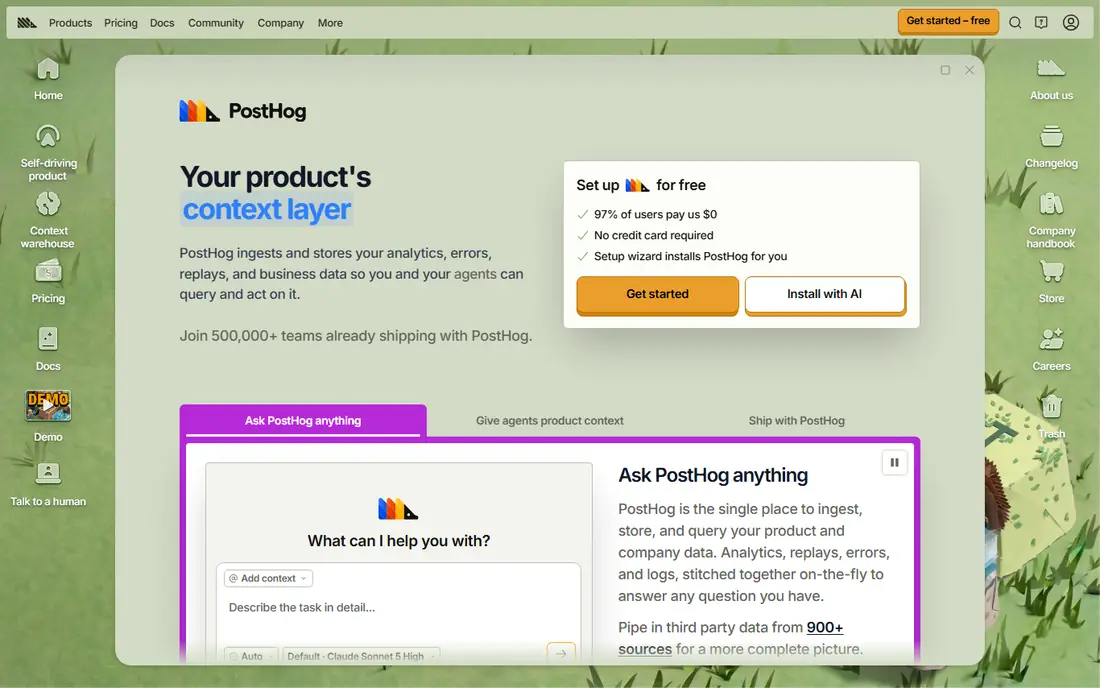
PostHog is the most all-in-one option here, combining product analytics, session replay, feature flags, surveys, and experiments under one roof. Its free tier is widely reported at 1 million events a month, with replays and flag requests included at smaller allowances. For a small team, that breadth means fewer vendors, fewer bills, and one place to answer product questions.
The breadth is also the risk. A team that only needs funnels may find the extra tools distracting, and usage-based billing means a traffic spike can raise the bill. Set usage alerts early and review event volume monthly. For developer-led startups that want control and a generous free start, PostHog is a strong first pick.
- Large free event allowance
- Analytics, flags, and replays in one product
- Self-hosting option
- Many features can feel busy
- Usage billing needs monitoring as volume grows
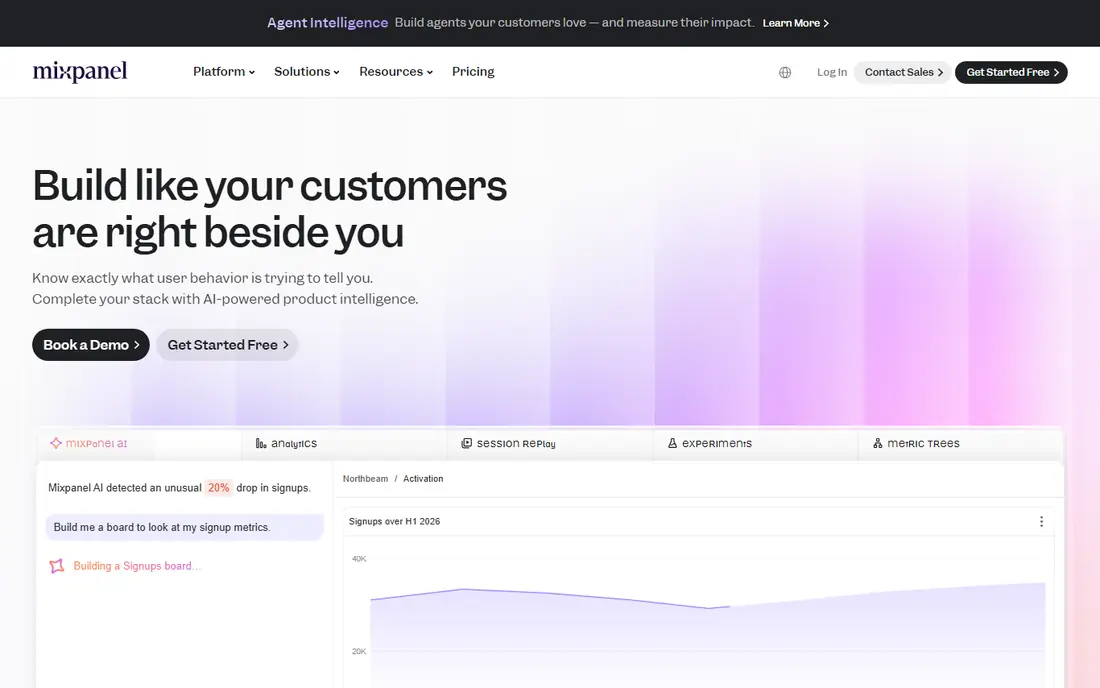
Mixpanel is built around named events, which forces a team to decide what matters before it starts tracking. That discipline pays off in clean funnels, retention curves, and cohort reports that product managers can trust. Its free plan is widely reported at 1 million events a month, with paid plans scaling by usage after that.
The catch is setup effort. Unlike autocapture tools, Mixpanel needs a developer to instrument each event and property, so a rushed implementation can leave gaps. Plan five to ten core events first, such as signup, activation, key action, and purchase, and add more later. For teams that want precise product questions answered, Mixpanel is a reliable choice.
- Free plan with 1 million events a month
- Flexible funnels and cohorts
- Clear reporting
- Needs deliberate event instrumentation
- Advanced features move to paid plans
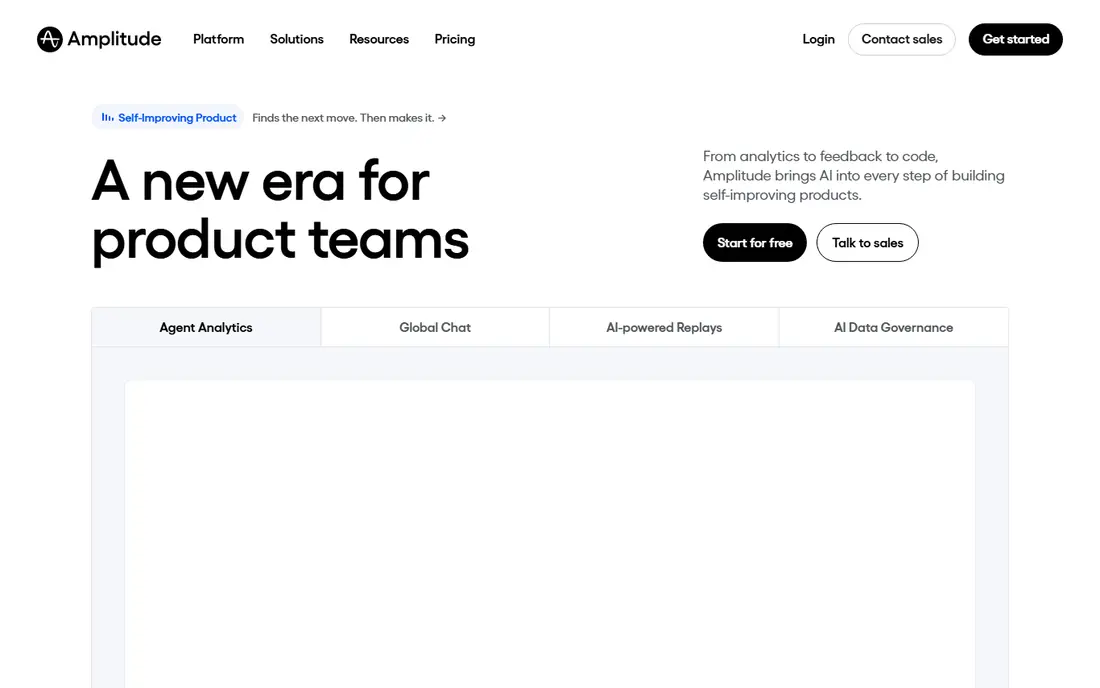
Amplitude offers one of the largest free allowances in this list, widely reported at 2 million events a month, which gives startups room to grow before paying. Its strengths are behavioral analysis, cohorts, and experimentation, and it suits teams that want to test onboarding flows and feature changes with data. Startup discounts are also offered to qualifying companies.
Amplitude is not a plug-and-play tool. Its best reports depend on clean events, user properties, and a tracking plan, and some advanced features sit on paid plans. If your team has product management time to invest, Amplitude scales well from seed stage to growth stage without a painful migration.
- Free plan with 2 million events a month
- Strong cohorts and experimentation
- Startup program options
- Full power needs careful setup
- Some features are paid add-ons
Heap records user actions automatically, so a team can define events after the fact and analyze past behavior without waiting for a new code release. That retroactive power helps startups that move fast and change interfaces often, because a question asked today can still use data from last month. Heap also offers session-based free options and replay on some plans.
Pricing beyond the free tier is less transparent than Mixpanel or PostHog, and larger plans require a sales conversation. Autocapture also needs governance, or a team can drown in noisy events. For startups that want data now and analysis later, Heap is a useful option.
- Autocapture records clicks and page views automatically
- Retroactive event creation
- Session replay options
- Pricing is sales-led for larger plans
- Free session allowance is limited
Pendo bundles product analytics with in-app guides, announcements, and feedback, which suits startups that need to onboard users as well as measure them. The free plan is widely reported at 500 monthly active users, with analytics and guides included. That makes Pendo a good test for a small product with a clear onboarding flow.
Growth brings a quote. Paid Pendo pricing is not published in detail, so budget planning needs a sales conversation once you pass the free limit. If your main need is pure analytics at high volume, a usage-priced tool may be cheaper. If onboarding and analytics belong together, Pendo saves a second vendor.
- Free plan up to 500 monthly active users
- In-app guides and feedback built in
- Product analytics included
- Paid pricing is quote-based
- Free plan limits arrive quickly for growing apps
Fullstory pairs session replay with analytics, so a team can see not just that users drop off a funnel, but what they clicked, hesitated on, or rage-clicked before leaving. That qualitative view helps fix onboarding and checkout problems that charts alone cannot explain. Search tools let you find sessions by error, slow load, or specific actions.
Pricing is session-based, and a high-traffic product can burn through allowances quickly. Treat Fullstory as a complement to an event tool, not a replacement, unless your main question is about user experience rather than product metrics. For UX-led startups, it is a valuable second lens.
- Session replay with frustration signals
- Analytics and funnels
- Strong search across sessions
- Session-based pricing can rise fast
- Analytics depth is less than Mixpanel or Amplitude
June is built for B2B SaaS teams that want clear reports without a data team. It focuses on activation, retention, and company-level behavior, which matches how B2B startups think about accounts rather than single users. Setup is faster than with larger platforms, and reports are easier for founders and sales teams to read.
Depth is the trade-off. June does not match Amplitude or Mixpanel for complex cohort analysis or experimentation, and its integration list is smaller. If your team wants simple, readable product metrics and company views, June is a good fit. If you need deep experimentation, pair it with a larger tool later.
- Clean, simple reports for B2B teams
- Company-level views
- Fast setup
- Less depth than larger platforms
- Smaller ecosystem of integrations
Statsig combines product analytics with feature flags and experiments, which helps startups that ship often and want to test changes with real users. Its free tier suits small teams, and warehouse deployment options appeal to teams that want data in their own stack. For a startup that already thinks in experiments, Statsig keeps measurement and testing in one place.
Experiment discipline matters. Poorly designed tests give noisy results, and Statsig alone will not fix a vague hypothesis. Analytics depth is also less established than Mixpanel or Amplitude for some use cases. For experiment-led startups, Statsig is a modern and capable choice.
- Free tier for smaller teams
- Experiments and flags alongside analytics
- Warehouse options
- Experiment setup needs care
- Analytics alone is less mature than older rivals
How we picked these
We compared official pricing pages, free allowances, autocapture, funnel and retention features, and startup suitability. We favored tools with a usable free tier or trial, clear event or session pricing, and a track record with early-stage SaaS teams. Prices are listed as See website where vendors quote by volume or sales, because a single figure would mislead readers at different scales.
How to choose a product analytics tool for a startup
Start with one question, not one dashboard
Pick the decision you need to make next, such as whether onboarding works or which feature drives retention. Instrument the events that answer that question, and ignore the rest until a new question appears. A tool with fifty reports you never open is worse than a tool with five reports you use weekly.
Model pricing at three volumes
Free plans look generous until traffic triples. Take your current monthly events or sessions, multiply by three and by ten, and check the paid price at each level. A tool that is free today but costly at modest scale may still be right, but you should know that cost before you build reports on it.
Choose autocapture or deliberate tracking on purpose
Autocapture gets data fast and lets you ask retroactive questions, but it needs cleanup to stay trustworthy. Deliberate tracking gives cleaner data but needs developer time up front. Pick the approach your team can maintain, not the one that sounds best in a demo.
Protect user privacy from day one
Only track events you need, avoid collecting sensitive personal data in event properties, and review each vendor privacy policy and data retention settings. Add consent handling where required, and document what you collect. Good analytics practice is also good trust practice with early users.
FAQ
What is the best product analytics tool for startups?
PostHog, Mixpanel, and Amplitude are the safest starting points, because all three offer large free plans and scale well. PostHog suits developer-led teams that want many tools in one, while Mixpanel and Amplitude suit teams that want deep funnel and retention analysis.
Is there a free product analytics tool for startups?
Yes. PostHog, Mixpanel, and Amplitude all offer free tiers, and Pendo and Statsig offer free options for smaller teams. Free allowances are usually measured in events or monthly active users, so check the limit that applies to your product.
What is the difference between Heap and Mixpanel?
Heap uses autocapture to record actions automatically, so you can define events retroactively. Mixpanel uses deliberate, named events that a developer instruments in advance, which gives cleaner data but needs more setup work.
How many events should a startup track?
Start with five to ten core events, such as signup, activation, key product action, and purchase or upgrade. Add events only when a specific product question needs them, or your data will become noisy and hard to trust.
Do I need session replay as well as analytics?
Session replay helps explain why users struggle, while analytics shows where they drop off. Many startups start with analytics alone, then add a replay tool such as Fullstory when UX questions become the main blocker.
When should a startup pay for product analytics?
Pay when you exceed a free allowance, need advanced features such as experimentation or account-level reports, or need longer data retention and support. Before paying, model the cost at three times your current volume so the bill does not surprise you.