Top 6 Spreadsheets Software for Remote Teams for 2026 (Prices and Free Plans)
Searching for the best spreadsheets software for remote teams? Here are 6 options with prices and free plans. Plain-spoken summaries throughout. Numbers first.
- Editor's choice
 Zoho Sheet
Straightforward online spreadsheets
Starts atSee websiteVisit zoho.comFull review - Great alternative
 Smartsheet
Governed enterprise work execution
Starts at$12 per Member/monthVisit smartsheet.comFull review - Also consider
 Coda
Docs blended with spreadsheet tables
Starts atSee websiteVisit coda.ioFull review
Direct answer
Zoho Sheet leads the list, best for straightforward online spreadsheets. Listed starting prices: Smartsheet from $12 per Member/month, Airtable from $20 per user a month and Notion from $10 per member per month. Smartsheet is better for governed enterprise work execution, and Coda is better for docs blended with spreadsheet tables. All 6 tools are compared below on price, free plan and limits.
TL;DR:
- Zoho Sheet sits first on this list: straightforward online spreadsheets.
- The main caution on Airtable: less suited to free-form calculation.
- A free plan is available from 2 of the 6 tools: Airtable, Notion.
- Notion has the lowest monthly starting price in this list: $10 per member per month.
- Google Sheets suits real-time collaborative spreadsheets.
Last checked November 2026. Prices and plan details were read from the vendors' own pages in November 2026; vendors change plans often, so confirm the current price on the vendor site before you buy.
Quick comparison
| Tool | Best for | Starts at | Free plan? | |
|---|---|---|---|---|
| Zoho Sheet | Straightforward online spreadsheets | See website | Not stated | Visit |
| Smartsheet | Governed enterprise work execution | $12 per Member/month | Not stated | Visit |
| Coda | Docs blended with spreadsheet tables | See website | Not stated | Visit |
 Airtable | Structured workflows and automation | $20 per user a month | Yes | Visit |
 Notion | Docs, wikis and light tables | $10 per member per month | Yes | Visit |
 Google Sheets | Live collaborative spreadsheets | See website | Not stated | Visit |
Every option for spreadsheets software for remote teams explained
Choosing spreadsheets software for remote teams usually comes down to price, fit and limits. This LinkVetted guide sets 6 tools side by side on those three points, with the facts kept short and checkable.
Where Zoho Sheet fits: straightforward online spreadsheets. Zoho Sheet is online spreadsheet software for creating and collaborating on spreadsheets in live from anywhere, with mobile support and Excel file import per its vendor page. As for the details, Zoho Sheet has a smaller surrounding ecosystem and fewer advanced analysis features than Excel, so heavy modelers may hit limits.
Drawbacks to consider: Fewer advanced analysis features.
In practice, teams deeply invested in Google or Microsoft environments may prefer those native choices. Pick Zoho Sheet for uncomplicated shared spreadsheets, notably alongside other Zoho apps. Zoho Sheet shows no starting price here, so confirm the cost on the vendor site. Free plan details: Not stated.
- Live team collaboration
- Works on mobile devices
- Smaller ecosystem than Sheets
Smartsheet was built for governed enterprise work execution. That structure can feel heavy for fast, informal spreadsheets, and rollout takes planning.
In practice, choose Smartsheet when coordination across plenty of workstreams and clear oversight matter more than spreadsheet adaptability. The starting price for Smartsheet: $12 per Member/month. Trial and free access: Not stated.
Drawbacks to consider: More setup than straightforward spreadsheets.
- AI-assisted work coordination
- Grid-based work management
- Can feel rigid for ad hoc sheets
Coda works best for docs blended with spreadsheet tables. Choose Coda when you want documents and structured tables working together in a single shared space.
Teams that largely need classic grids should compare Google Sheets or Excel. No starting price is listed for Coda here; confirm pricing on the vendor site. Trial and free access: Not stated.
Downsides: Not a pure calculation tool.
- Docs and tables in one canvas
- AI features included
- Ramp-up time for advanced builds
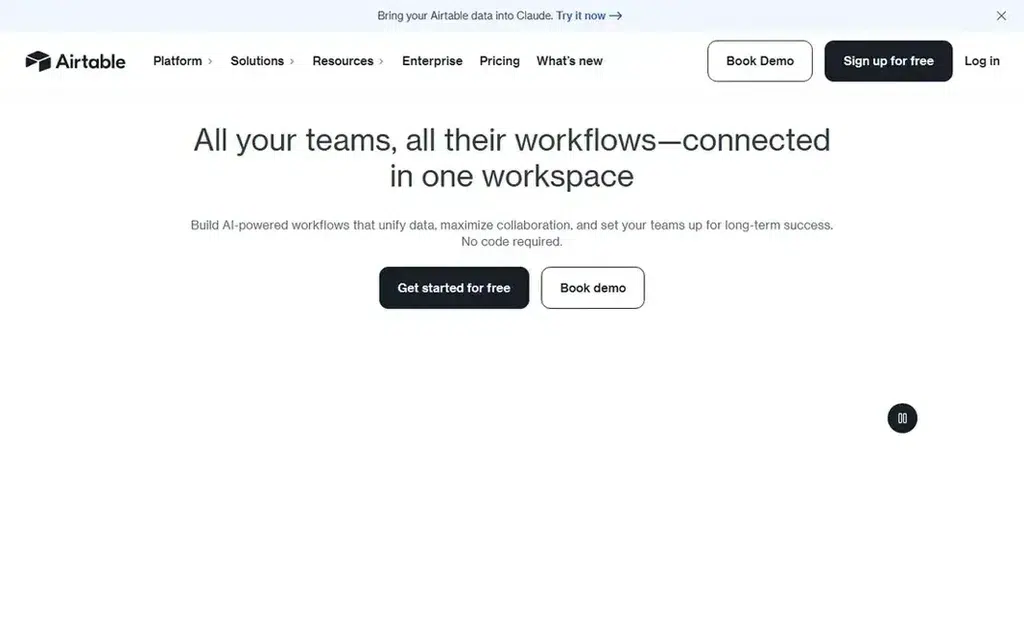
Think of Airtable for structured workflows and automation. Airtable presents itself as a system for building enterprise-ready AI workflows, apps and agents. Its page flags live collaboration, automation of repetitive tasks and simplified business processes.
Beyond that, teams doing largely numeric modeling should stay with Excel or Sheets. Airtable is not a replacement for a calculation-heavy spreadsheet, and its structure demands planning before rollout. Airtable starts at: $20 per user per month. A free plan is available with Airtable.
Points against: Less suited to free-form calculation.
- Builds apps and AI workflows
- Automates repetitive tasks
- Structure needs upfront planning
Notion is designed for docs, wikis and light tables. It fits remote teams that want notes, wikis, project pages and straightforward databases in one place, using table views for light tracking instead of complicated number work, which keeps documentation and planning close to the data.
Points against: Large databases can get unwieldy.
Also, Notion is not a calculation-first spreadsheet, and very large or formula-heavy tables become hard to handle. What you pay to start with Notion: $10 per member per month. Notion includes a free tier.
- Merges docs and databases
- Search across connected apps
- Not designed for heavy calculations
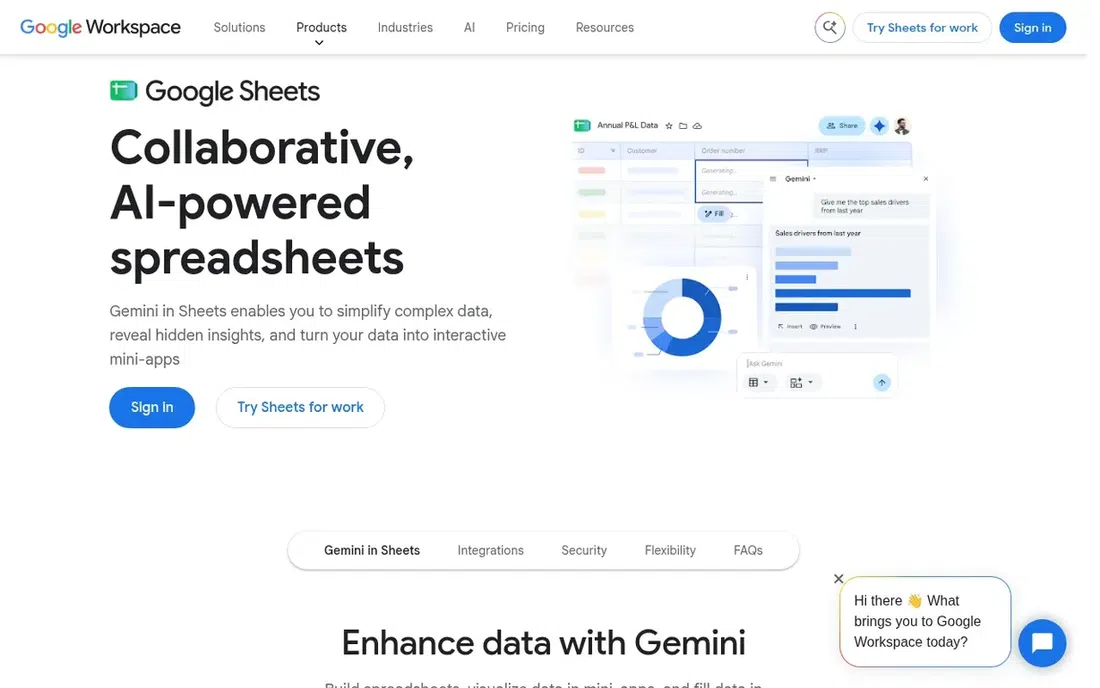
Where Google Sheets fits: live collaborative spreadsheets. Google Sheets is a browser-based spreadsheet tool built around collaboration.
From a buyer's view, teams with strict offline or advanced analysis needs should consider Excel. Check the vendor site for Google Sheets pricing; none is listed in this comparison. Free access: Not stated.
The main drawbacks: Very large datasets can slow down.
- Interactive mini-apps from data
- Live co-editing in the browser
- Advanced modeling trails Excel
How these tools were picked
We compared the tools on published pricing, free plan or trial availability, feature coverage for spreadsheets software for remote teams, and the limits each vendor documents. Plan names, prices and limits change often. Treat the figures here as a starting point and verify them with the vendor. Tools are placed by general fit for spreadsheets software for remote teams, with price clarity and free access as tie-breakers. A different team can reasonably rank them differently.
Questions to settle before buying
- Get a written quote from Zoho Sheet, Coda and Google Sheets; the list shows no starting price for them.
- Check what the free option really includes: Airtable and Notion offer a free plan, and usage caps differ.
- Before choosing Zoho Sheet, weigh its main limit: smaller ecosystem than Sheets.
- Involve the people who will use Google Sheets daily; a short pilot beats a long feature checklist.
- Price Smartsheet for your actual team size; headline prices rarely include add-ons or overage.
FAQ
Which options for spreadsheets software for remote teams have a free plan?
On this list, Airtable and Notion include a free plan. Caps on seats, usage or features are common, so test the free plan against your real workload.
What is the cheapest option for spreadsheets software for remote teams in this list?
On published monthly entry prices, Notion is the lowest here at $10 per member per month. Entry price is only part of the cost, because seats, add-ons and billing terms can change the total. Prices, free plan details and limits for all 6 tools in this spreadsheets software for remote teams roundup sit on the individual cards above.
Can I try these tools before paying?
Often, yes. Airtable and Notion have a free plan. Use your own data and a real task during the test, and check what the free tier or trial limits before you rely on it. Each of the 6 options in this spreadsheets software for remote teams guide has its own card above with the price, free plan and limits.
Is Zoho Sheet the right pick for everyone comparing spreadsheets software for remote teams?
No single tool suits every team. Zoho Sheet comes first because it fits straightforward online spreadsheets, while Smartsheet suits governed enterprise work execution and Coda suits docs blended with spreadsheet tables. Match the tool to your own size, budget and workflow before deciding.
Which spreadsheet is a good match for live remote collaboration?
For most readers this guide would start with Zoho Sheet, built for straightforward online spreadsheets. Smartsheet is the alternative for governed enterprise work execution, and Coda for docs blended with spreadsheet tables. The right answer depends on budget and workflow.
Can Notion or Coda replace a traditional spreadsheet?
They can manage light tables and trackers, but neither is designed for heavy calculation or large numeric models. For formula-heavy work, pair them with Sheets or Excel.
Sources
- https://www.zoho.com/sheet
- https://www.smartsheet.com
- https://coda.io
- https://www.airtable.com
- https://www.notion.so
- https://workspace.google.com/products/sheets
Related guides
- Choosing Account-Based Analytics Software for Remote Teams in 2026: 5 Options Compared
- The 6 Best Big Data Analytics Software for Remote Teams in 2026, Ranked
- 5 Best Business Intelligence Software for Remote Teams for 2026, Vetted and Compared
- Which Data Replication Software Fits You? 8 Tools Compared