5 Best Spreadsheets Software for Enterprise for 2026, Vetted and Compared
Best spreadsheets software for enterprise in 2026: 5 tools with starting prices, free plans and limits. Every pick includes one clear drawback. Costs up front.
- Editor's choice
 Apple Numbers
Apple-centric teams and refined documents
Starts atSee websiteVisit apple.comFull review - Great alternativeSpreadJS
Embedding Excel-like grids in apps
Starts at$699 per developer each yearVisit grapecity.comFull review - Also consider
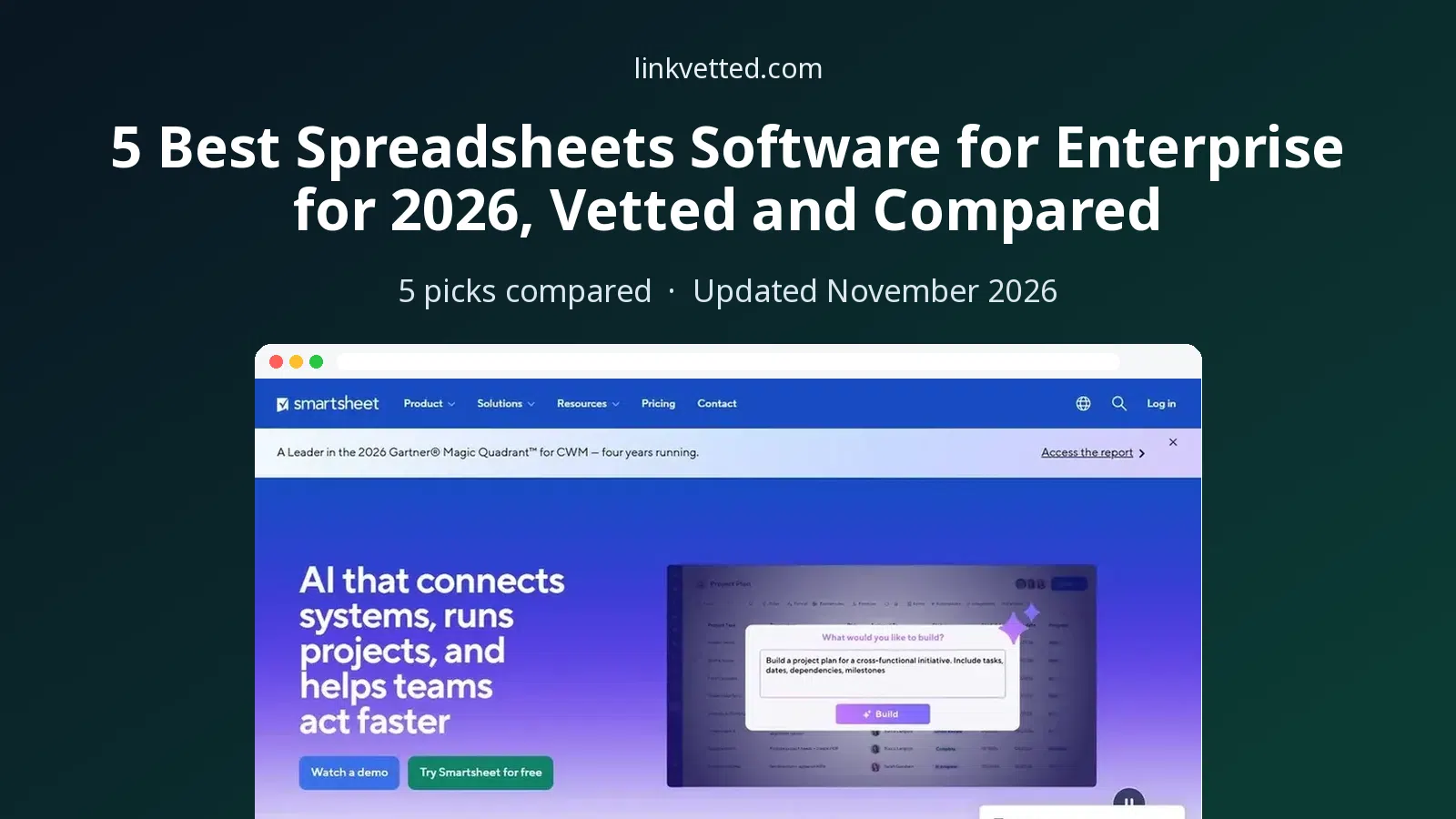
 Smartsheet
Governed enterprise work execution
Starts at$12 per Member/monthVisit smartsheet.comFull review
Direct answer
This list puts Apple Numbers first for Apple-centric teams and refined documents. Listed starting prices: SpreadJS from $699 per developer each year, Smartsheet from $12 per Member/month and Airtable from $20 per user per month. SpreadJS fits Embedding Excel-like grids in apps; Smartsheet fits governed enterprise work execution. Details, prices and limits for the rest of the 5 tools are below.
TL;DR:
- Apple Numbers is the opening pick, best for Apple-centric teams and refined documents.
- The main caution on Apple Numbers: less typical in mixed enterprise environments.
- Just one of the 5 tools, Airtable, has a free plan.
- Microsoft Excel is the one to check for deep analysis and wide file compatibility.
- Starting prices begin at $12 per Member/month with Smartsheet.
Last checked November 2026. Prices and plan details were read from the vendors' own pages in November 2026; vendors change plans often, so confirm the current price on the vendor site before you buy.
Quick comparison
| Tool | Best for | Starts at | Free plan? | |
|---|---|---|---|---|
| Apple Numbers | Apple-centric teams and refined documents | See website | Not stated | Visit |
| SpreadJS | Embedding Excel-like grids in apps | $699 per developer each year | Free trial | Visit |
| Smartsheet | Governed enterprise work execution | $12 per Member/month | Not stated | Visit |
 Airtable | AI workflows, apps and automation | $20 per user per month | Yes | Visit |
| Microsoft Excel | Deep analysis and wide file compatibility | See website | Not stated | Visit |
Tool-by-tool breakdown
This LinkVetted guide covers 5 options for spreadsheets software for enterprise. Each profile lists a starting price, free plan details, strengths and drawbacks, so you can drop poor fits quickly.
Apple Numbers works best for Apple-centric teams and polished documents. In mixed environments, cross-platform compatibility may need additional checks, and it is less of an enterprise standard than Excel.
Honest limits: Compatibility with Excel files can need checks.
No starting price is listed for Apple Numbers here; confirm pricing on the vendor site. On free options: Not stated. Highlights: import and export spreadsheets.
- Suits Apple device workflows
- Sharing and printing support
- Less typical in mixed enterprise environments
SpreadJS
Best for: Embedding Excel-like grids in apps
In short, SpreadJS is for Embedding Excel-like grids in apps. Choose a hosted spreadsheet product when business users have to start at once without engineering support.
Where it is weaker: not an end-user app.
What SpreadJS does well: Charts. Price to start with SpreadJS: $699 per developer annually. Free options: Free trial.
- Excel-like spreadsheet experiences
- Tables and plenty of functions
- Needs engineering effort to implement

Smartsheet makes the most sense for governed enterprise work execution. It fits organizations that require to track projects, processes and accountability instead of only crunch numbers.
Honest limits: Best value when work management is the focus.
It is not made for heavy numerical modeling, so analysts may find it limiting. Smartsheet pricing: $12 per Member/month. Free access: Not stated.
- Governance and visibility for enterprise work
- Merges people and AI coordination
- Less of a pure calculation tool
Airtable is designed for AI workflows, apps and automation. Airtable describes itself as a system for building enterprise-ready AI workflows, apps and agents, with live collaboration and automation of manual work.
It fits teams that want spreadsheet-like grids to power business processes and light applications. On cost, Airtable starts like this: $20 per user per month. You can start on Airtable without paying.
Where it falls short: Can need setup to model processes.
- Automation of repetitive tasks
- Builds apps and agents on structured data
- Not a classic calculation-first spreadsheet
Microsoft Excel
Best for: Deep analysis and wide file compatibility
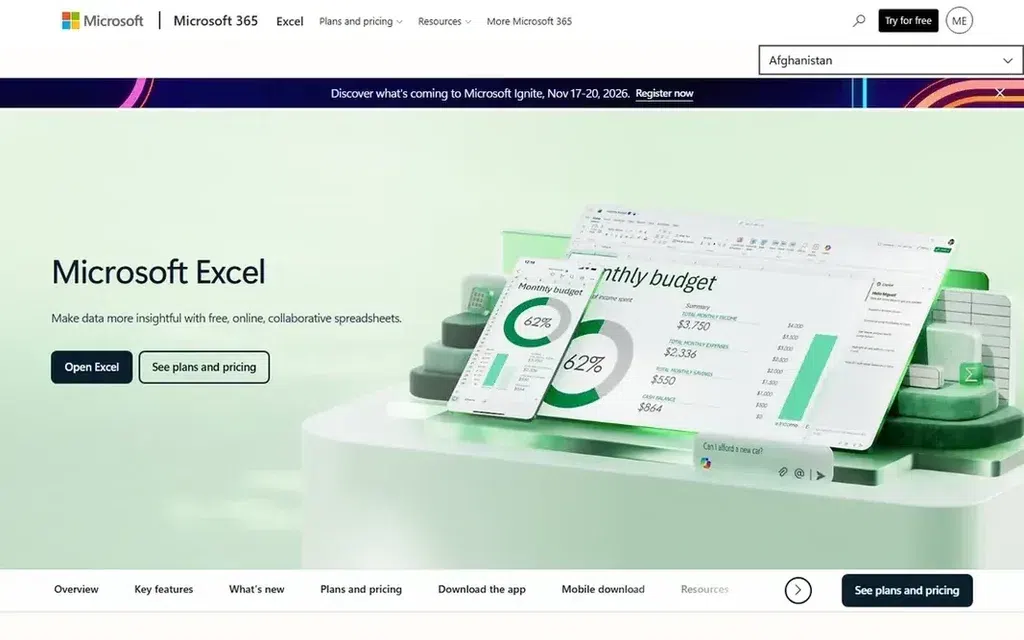
For deep analysis and wide file compatibility, Microsoft Excel is a natural candidate. Choose something else if your priority is light real-time collaboration or governed work tracking instead of analysis.
Trade-offs to know: Collaboration is less fluid than browser-first tools.
Teams already standardized on Microsoft tooling will find the transition minimal. Its depth can overwhelm occasional users, and shared editing feels heavier than in browser-native tools. Pricing for Microsoft Excel is not stated here, so ask the vendor for current figures. As for free access: Not stated.
- Advanced data analysis features
- Widely used spreadsheet standard
- Complicated for casual users
How we chose
LinkVetted looked at what each vendor publishes: pricing, plan limits, feature coverage for spreadsheets software for enterprise and stated drawbacks. No hands-on testing is claimed. Where a vendor does not publish a price, the entry says quote. Where a price depends on seats or billing term, the entry says so. The sequence is a judgement call: typical use case first, then pricing transparency, then free access. Use the profiles to check fit.
What to check before you buy
- Confirm the entry price on the vendor page. For Apple Numbers and Microsoft Excel that means a quote rather than a fixed price.
- Test the free plan from Airtable against your real workload before relying on it.
- Take the trial from SpreadJS and push a live task through it before you pay.
- Read the limits listed for Apple Numbers first: less typical in mixed enterprise environments.
- Confirm the exact SpreadJS plan that includes your must-have features.
- Let daily users try Apple Numbers on real work; their feedback beats any feature checklist.
FAQ
How are the tools for spreadsheets software for enterprise ordered?
The order follows typical fit for spreadsheets software for enterprise, with Apple Numbers first and Microsoft Excel last, then price clarity and free access. It is editorial judgement, not a score, so another team could rank the tools differently.
How do Smartsheet and Airtable differ from classic spreadsheets?
Smartsheet concentrates on governed work execution with visibility across projects, whereas Airtable emphasizes AI workflows, automation and app building on structured data.
What is the cheapest option for spreadsheets software for enterprise in this list?
On published monthly entry prices, Smartsheet is the lowest here at $12 per Member/month. Entry price is only part of the cost, because seats, add-ons and billing terms can change the total. For the full picture, the cards above cover all 5 entries of this spreadsheets software for enterprise list, including price, free plan and limits.
Which options for spreadsheets software for enterprise have a free plan?
Airtable is the only tool in this list with a free plan. Free plans usually cap users, projects or features, so check the limits on the vendor page. One other tool offers a trial instead.
Can I try these tools before paying?
Often, yes. Airtable has a free plan and SpreadJS offers a free trial. Use your own data and a real task during the test, and check what the free tier or trial limits before you rely on it.
Is Apple Numbers suitable for mixed enterprise environments?
Numbers takes care of creation, import, export, printing and sharing well for Apple-centric teams. In mixed environments, confirm file compatibility with Excel users before standardizing, since cross-platform exchange can need additional checks.
Sources
- https://www.apple.com/numbers
- https://www.grapecity.com/spreadjs
- https://www.smartsheet.com
- https://www.airtable.com
- https://www.microsoft.com/en-us/microsoft-365/excel
Related guides
- Best Augmented Reality Visualization Software for Enterprise for 2026: Our 6 Vetted Picks
- Big Data Analytics Software for Enterprise in 2026: The 5 Best Options Side by Side
- 5 Best Big Data Software for Enterprise for 2026, Vetted and Compared
- 5 Cloud Data Integration Software for Enterprise Worth Shortlisting in 2026