Best Augmented Reality Visualization Software for Enterprise for 2026: Our 6 Vetted Picks
Shortlisting the best augmented reality visualization software for enterprise? 6 products compared on cost, free access and ideal buyer. Straight answers.
- Editor's choice
 Unity
Custom 3D and XR application development
Starts at$210.00 a monthVisit unity.comFull review - Great alternativeScope AR WorkLink
Aerospace and maintenance AR support
Starts atSee websiteVisit scopear.comFull review - Also considerTaqtile Manifest
Capturing expert know-how for frontline teams
Starts atSee websiteVisit taqtile.comFull review
Direct answer
Unity leads the list, best for custom 3D and XR application development. Listed starting prices: Unity from $210.00 a month. Scope AR WorkLink is better for aerospace and maintenance AR support, and Taqtile Manifest is better for capturing expert know-how for frontline teams. The other 3 tools in the list cover narrower or pricier cases.
TL;DR:
- Unity is the opening pick, best for custom 3D and XR application development.
- Unity is the lowest-priced starter here at $210.00 per month.
- A permanent free plan is missing from all 6 tools, Unity and TeamViewer Frontline included; plan for a trial or a premium start.
- One limit worth knowing about Microsoft Dynamics 365 Guides: tied to the Microsoft ecosystem.
- TeamViewer Frontline fits Frontline and shopfloor industrial AR.
Last checked November 2026. Prices and plan details were read from the vendors' own pages in November 2026; vendors change plans often, so confirm the current price on the vendor site before you buy.
Quick comparison
| Tool | Best for | Starts at | Free plan? | |
|---|---|---|---|---|
| Unity | Custom 3D and XR application development | $210.00 a month | Free trial | Visit |
| Scope AR WorkLink | Aerospace and maintenance AR support | See website | Not stated | Visit |
| Taqtile Manifest | Capturing expert know-how for frontline teams | See website | Not stated | Visit |
| Microsoft Dynamics 365 Guides | Holographic step-by-step work instructions | See website | Not stated | Visit |
| Reflekt | General productivity assistance | See website | Not stated | Visit |
| TeamViewer Frontline | Frontline and shopfloor industrial AR | See website | Free trial | Visit |
The full augmented reality visualization software for enterprise list
This LinkVetted guide covers 6 options for augmented reality visualization software for enterprise. Each profile lists a starting price, free plan details, strengths and drawbacks, so you can drop poor fits quickly.
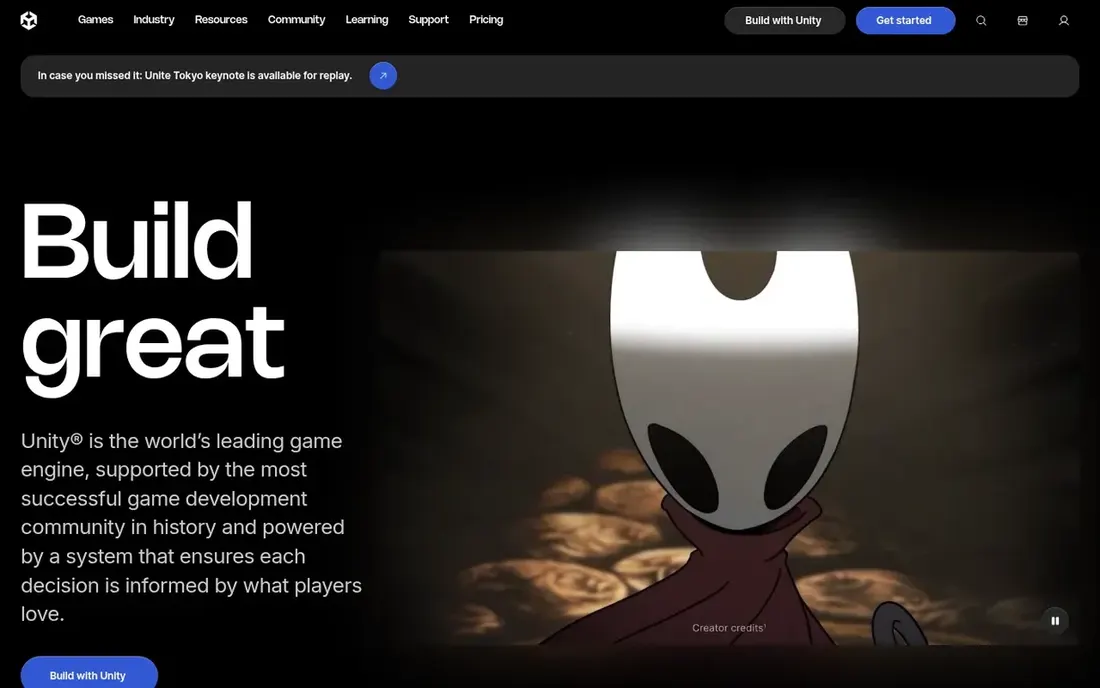
Choose Unity for custom 3D and XR application development. Unity is a 3D engine for developing, deploying, and expanding interactive content across products including XR, and it also powers industrial applications.
From a buyer's view, pick Unity when custom, high-fidelity 3D visualization is the priority. Organizations without in-house developers may prefer a purpose-built AR authoring tool. Starting cost for Unity: $210.00 per month. Free options: Free trial.
Points against: Needs development expertise.
- Adaptable for custom visualization
- Builds for mobile, desktop, console, XR
- Not a ready-made AR authoring tool
Scope AR WorkLink
Best for: Aerospace and maintenance AR support
Scope AR WorkLink is aimed squarely at aerospace and maintenance AR support. Scope AR WorkLink enhances productivity across industries with advanced augmented reality, with options targeted at aerospace, aviation, and maintenance.
Trade-offs to know: Industry focus may limit general use.
Its positioning leans toward industrial and aerospace use cases, so organizations outside those areas may not use the full feature set. Teams wanting a general-purpose engine should consider alternatives. Pricing for Scope AR WorkLink is not stated here, so ask the vendor for current figures. Free options: Not stated.
- Focus on maintenance workflows
- Productivity-oriented AR product
- Needs workflow planning
Taqtile Manifest
Best for: Capturing expert know-how for frontline teams
Taqtile Manifest targets capturing expert know-how for frontline teams. Deployment also relies on device and workflow planning.
Drawbacks to consider: Centred on frontline procedures.
In practice, choose Manifest when knowledge capture and job verification are the priorities. As for the details, the product centers on guided work instructions instead of custom AR application development, so creative 3D teams may need a different tool. Pricing for Taqtile Manifest is not stated here, so ask the vendor for current figures. Free plan details: Not stated.
- Guided work instructions at the point of work
- Verifies jobs with proof
- Less suited to custom 3D builds
Microsoft Dynamics 365 Guides
Best for: Holographic step-by-step work instructions
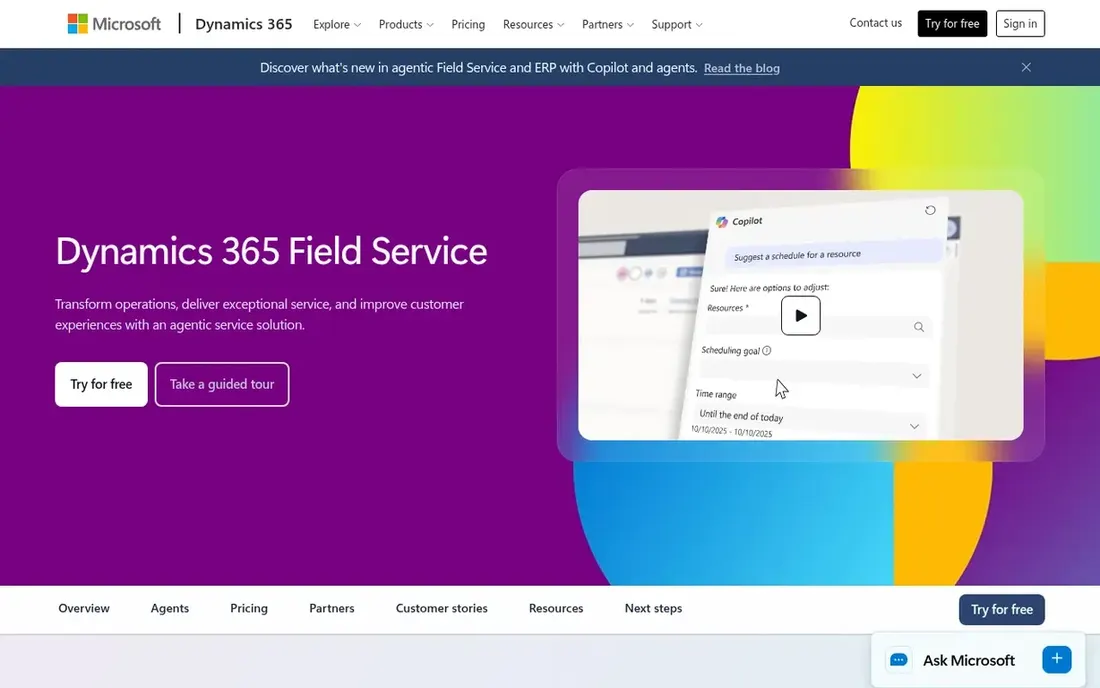
Pick Microsoft Dynamics 365 Guides if this describes you: holographic step-by-step work instructions. Consider a vendor-neutral AR authoring product if you need wide device support or workflows outside field service.
It suits organizations already using Microsoft business applications, particularly field service teams that want guidance linked to service operations and live data. Microsoft Dynamics 365 Guides does not show a starting price in this comparison, so check the vendor site for current pricing. On free options: Not stated.
The main drawbacks: Needs suitable AR hardware.
- Links up with field service workflows
- Supports hands-free guided procedures
- Tied to the Microsoft ecosystem
Reflekt
Best for: General productivity assistance
Reflekt serves general productivity assistance. Reflekt is a productivity tool instead of an enterprise augmented reality product.
Limits to weigh: Not an enterprise AR visualization product.
Pricing for Reflekt is not stated here, so ask the vendor for current figures. Trial and free access: Not stated.
Highlights: Light entry point.
- Aims at everyday productivity
- Focused tool
- Limited fit for industrial AR workflows
TeamViewer Frontline
Best for: Frontline and shopfloor industrial AR
TeamViewer Frontline is built with Frontline and shopfloor industrial AR in mind. Teams needing custom application development should look at an engine like Unity. In practice, choose Frontline when frontline productivity is the core goal.
What to check first: Narrower than general 3D development.
TeamViewer Frontline is an industrial augmented reality product pitched at enabling frontline workers and simplifying shopfloor operations. The system is oriented toward industrial frontline use, so it is less suited to general 3D content creation or non-industrial visualization. TeamViewer Frontline shows no starting price here, so confirm the cost on the vendor site. Free access: Free trial.
- Simplifies shopfloor operations
- Focus on frontline workforce workflows
- Best fit is industrial operations
What went into this list
The comparison looks at four things: starting price, free access, how well the feature set matches augmented reality visualization software for enterprise, and the main limit of each tool. Figures are shown as the vendors publish them. Billing terms, seat minimums and add-ons can change the real cost. Order on the page follows fit for the typical buyer first, then price transparency and free access. Your own requirements should decide the final pick.
Questions to settle before buying
- Ask Scope AR WorkLink, Taqtile Manifest, Microsoft Dynamics 365 Guides and others for a written quote, since no starting price is shown.
- Run a trial of Unity and TeamViewer Frontline with real work before paying for a year; your own workflow is the best test.
- Before choosing Unity, weigh its main limit: requires development expertise.
- Work out what Reflekt costs with your real seat count, add-ons and usage, not just the entry price.
- Ask the daily users to test Scope AR WorkLink on a live task before you roll it out to everyone.
FAQ
Do these tools publish their prices?
Not all of them. Scope AR WorkLink, Taqtile Manifest, Microsoft Dynamics 365 Guides and others publish no starting price, so expect a quote request for those. The rest, Unity included, show a starting price, though seats and billing terms still change the final cost.
What is the cheapest option for augmented reality visualization software for enterprise in this list?
On published monthly entry prices, Unity is the lowest here at $210.00 per month. Entry price is only part of the cost, because seats, add-ons and billing terms can change the total. Each of the 6 options in this Augmented reality Visualization software for enterprise guide has its own card above with the price, free plan and limits.
What should enterprises look for in AR visualization software?
Start with the workflow you have to support, for example guided instructions, remote assistance, or custom 3D visualization. Then check device compatibility, authoring effort, and integration with existing business systems before shortlisting vendors.
Can I try these tools before paying?
Often, yes. Unity and TeamViewer Frontline offer a free trial. Use your own data and a real task during the test, and check what the free tier or trial limits before you rely on it.
Does any tool for augmented reality visualization software for enterprise here have a free plan?
A permanent free plan is not offered by Unity, TeamViewer Frontline or the other tools here. Unity, TeamViewer Frontline offer a trial. Plan a short evaluation period instead.
Sources
- https://unity.com
- https://www.scopear.com
- https://taqtile.com
- https://dynamics.microsoft.com/en-us/mixed-reality/guides
- https://www.reflekt.me
- https://www.teamviewer.com/en/products/frontline