Best Enterprise ETL Tools in 2026: 8 Tools Compared
Compare the best enterprise ETL tools for large data teams, including managed ELT, CDC, governance, pricing models, deployment options and costs in 2026.
- Editor's choice
 Fivetran
Managed ELT with little maintenance
Starts atSee websiteVisit fivetran.comFull review - Great alternative
 Airbyte
Open source flexibility and control
Starts atFreeVisit airbyte.comFull review - Also consider
 Informatica
Governance in regulated industries
Starts atSee websiteVisit informatica.comFull review
TL;DR:
- Fivetran and Airbyte suit teams that want managed connectors with little pipeline code, while Informatica and Qlik Talend suit regulated teams with deep governance needs.
- Usage-based pricing can look cheap at first and grow fast, so model cost on your peak row volume, not your average.
- Real-time needs change the shortlist a lot: log-based change data capture matters far more than a long connector list.
- Open source options save licence fees but shift the work to your own engineers and infrastructure.
Quick comparison
| Tool | Best for | Starts at | Free plan? | |
|---|---|---|---|---|
| Fivetran | Managed ELT with little maintenance | See website | Yes | Visit |
| Airbyte | Open source flexibility and control | Free | Yes | Visit |
| Informatica | Governance in regulated industries | See website | No | Visit |
 Qlik Talend | Data quality plus integration | See website | No | Visit |
 Hevo Data | Simple managed pipelines | $239 per month | Free trial | Visit |
 Matillion | Transformation-heavy warehouse work | See website | Free trial | Visit |
 AWS Glue | AWS-native serverless ETL | See website | No | Visit |
 Azure Data Factory | Microsoft and hybrid estates | See website | No | Visit |
The best enterprise ETL tools
Enterprise ETL is less about moving a few files and more about keeping hundreds of pipelines reliable, auditable and affordable as data grows. We compared official feature pages, pricing pages and public documentation, with a focus on connectors, change data capture, governance and total cost.
Fivetran is our pick for most enterprise teams that want pipelines to run without a large data engineering crew. Its managed connectors handle schema changes and incremental loads, which removes a lot of the routine work that fills a data team's week. The platform is built around ELT, so raw data lands in the warehouse first and is then transformed there, a pattern that suits modern cloud warehouses well.
The catch is cost control. Fivetran prices on monthly active rows per connection, so a table that updates often can cost far more than a quiet table of the same size. Before signing, ask for a cost model based on your busiest tables and your growth plan, and check which connections offer a free tier. Teams with stable, well understood sources tend to get the best value here.
- Large managed connector library
- Automated schema handling
- Low day-to-day maintenance
- Usage-based pricing can be hard to predict
- Heavy data churn raises cost fast
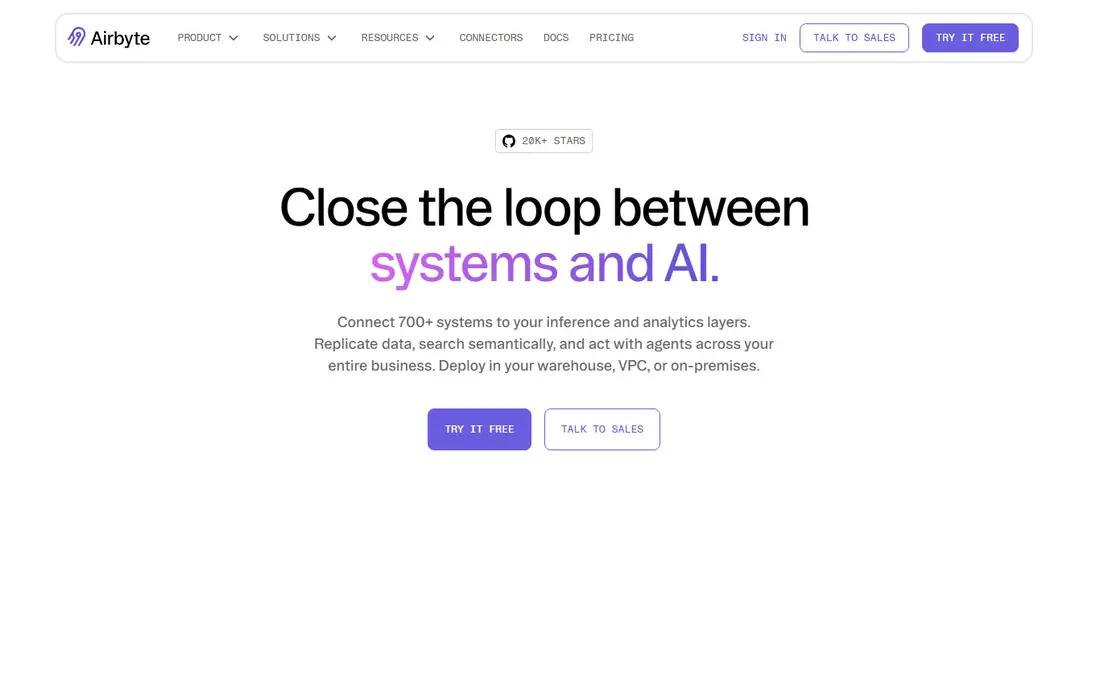
Airbyte appeals to teams that want control over where their data runs and how connectors behave. The open source core can be self-hosted, and the managed cloud option suits teams that prefer to hand operations to a vendor. Its connector builder, including low-code and Python options, makes it practical to add sources that are not in the standard catalogue.
That freedom comes with responsibility. Self-hosted Airbyte still needs monitoring, upgrades and capacity planning, and those costs show up in engineering time rather than a licence invoice. For a team with strong platform skills, that trade is often worth it. For a small team with no one to own infrastructure, the managed cloud tier is the safer starting point.
- Open source core
- Large connector catalogue
- Cloud, self-hosted and hybrid deployment
- Self-hosting needs real engineering time
- Cloud pricing depends on volume or capacity
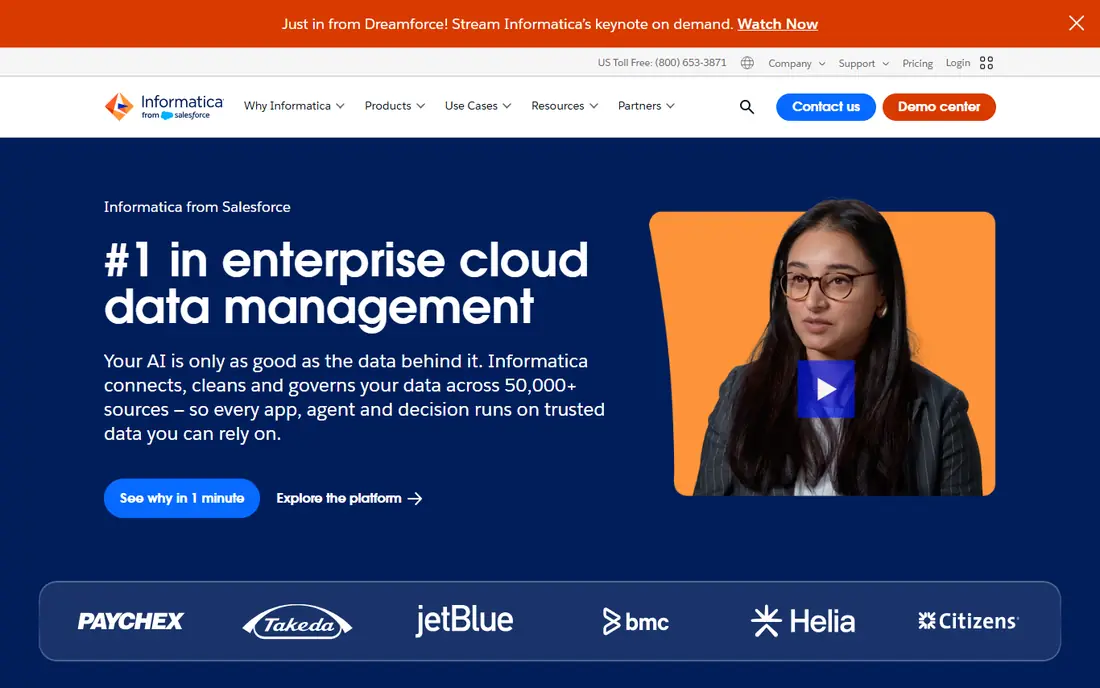
Informatica is the choice we would shortlist first for banks, insurers, health organisations and other regulated teams. Its Intelligent Data Management Cloud brings integration, quality, governance and cataloguing together, which matters when auditors ask where a number came from and who changed it. That breadth is the reason it still appears in large enterprise deals even as newer tools grow faster.
The trade-off is effort. Informatica projects often need skilled implementers, careful design and a longer runway before value shows. Smaller teams can find the platform more than they need, and pricing is custom, so budget talks start with a sales conversation. If governance is a checkbox rather than a core need, a lighter tool will usually serve you better.
- Deep data governance and quality features
- Broad enterprise integration
- Strong compliance story
- Complex to implement
- Enterprise pricing and long sales cycles
Qlik Talend, formerly Talend, pairs integration with data quality in a way that suits teams cleaning messy operational data. Profiling, cleansing and matching sit close to the pipeline itself, so quality problems can be fixed where the data moves rather than in a separate project months later. Cloud, client-managed and hybrid deployment options also help teams that cannot move everything to one cloud.
The learning curve is real. Talend Studio is a design environment with its own way of working, and new users should budget time for training. Pricing is quote-based and depends on data volume and job activity, so get a written estimate tied to your actual job count and data size. Teams that already run Qlik analytics may get extra value from the shared platform.
- Built-in data quality and profiling
- Broad integration components
- Hybrid deployment options
- Quote-only pricing
- Studio-based work needs training
Hevo Data is a good fit for mid-size and larger teams that want managed pipelines without hiring a specialist for every source. Pipelines can be built without code, and the interface keeps the common tasks visible rather than buried in configuration files. That simplicity makes it easier for analytics engineers and analysts to own pipelines day to day.
Hevo is cloud-only, which rules it out for teams with strict on-premises rules. Very complex transformation logic is also better handled in a warehouse tool such as dbt alongside Hevo, rather than inside Hevo alone. If your main need is reliable ingestion from SaaS tools and databases into a warehouse, Hevo is one of the most approachable enterprise-grade options.
- Straightforward setup
- No-code pipeline building
- Clear event-based pricing tiers
- Cloud-only
- Less suited to very complex transformations
Matillion sits closer to transformation than to simple ingestion. Its visual designer lets data teams build warehouse-native transformations, orchestrate jobs and manage dependencies without writing everything by hand. That makes it a natural partner to an ingestion tool, or a full pipeline tool for teams whose warehouse work is the hard part.
Pricing is credit-based, so costs follow pipeline task hours and user counts. That can be efficient for scheduled batch work and less predictable for constant streaming jobs. Teams should trial it on a real workload, not a demo dataset, and watch credit burn over a full week before committing to a tier.
- Visual transformation design
- Built for cloud warehouses
- Strong pipeline orchestration
- Usage-based credits need careful budgeting
- Less of a pure ingestion play
AWS Glue is the natural ETL choice for teams already standardised on AWS. It is serverless, so there is no cluster to manage for ordinary jobs, and it connects closely with S3, Redshift, Athena and Lake Formation. Visual ETL in Glue Studio helps newer users, while experienced engineers can drop into Python or Scala when a job needs custom logic.
The main limits are portability and skill. A Glue-heavy estate is hard to lift to another cloud, and cost depends on data processing units and job duration, which takes practice to estimate. Teams outside AWS, or teams that want a cloud-neutral tool, should look at Fivetran or Airbyte first. Inside AWS, Glue is hard to beat on integration alone.
- Serverless and scales with AWS
- Deep integration with S3, Redshift and Lake Formation
- Pay per use
- AWS lock-in
- Needs Python or Scala skills for custom work
Azure Data Factory fits organisations that already run on Microsoft 365, SQL Server, Dynamics or Azure Synapse. It moves data between cloud and on-premises sources, orchestrates pipelines visually and integrates with the wider Azure data platform. For a Microsoft shop, that familiarity shortens training and support.
Pricing is consumption-based, covering pipeline runs, data movement and compute, so a busy estate needs cost alerts from day one. Teams that are not committed to Azure will find less value here than in a cloud-neutral tool. If your warehouse, identity and reporting already live in Azure, Data Factory is the pragmatic default.
- Strong Microsoft integration
- Hybrid data movement
- Visual pipeline authoring
- Azure-centric
- Consumption pricing needs monitoring
How we picked these
We compared vendor feature pages, pricing pages, connector catalogues and public documentation for tools that serve enterprise-scale workloads in October 2026. We favoured tools with a track record at scale, published security and compliance information, and a clear story for either managed ingestion, transformation or governance. We left out small point tools and tools that had been retired or folded into another product without a clear standalone offer.
What to check before you sign
Start with your sources and destinations, not with a feature list. A tool with 700 connectors is no help if your core ERP or CRM connector is weak, so test your five most important sources in a trial. Check how schema changes, deleted rows and late-arriving data are handled, because those edge cases cause most production failures.
Next, model total cost. Licence or usage fees are only part of the bill. Add warehouse compute, transformation compute, engineering time for self-hosted tools and the cost of a failed pipeline that no one notices for a week. Ask vendors for a cost estimate tied to your real row counts, job frequency and retention needs, in writing.
Finally, check governance early. Ask how the tool handles secrets, role-based access, audit logs, data masking and regional data residency. If your compliance team needs those answers later, after pipelines are built, the rework will cost far more than a longer evaluation now. A short pilot on one business domain, with real data and real owners, tells you more than any vendor demo.
FAQ
What are the best tools for enterprise ETL?
Fivetran and Airbyte lead for managed and flexible ingestion, Informatica and Qlik Talend lead for governance and data quality, and AWS Glue and Azure Data Factory lead inside their own clouds. The best choice depends on your warehouse, your compliance needs and how much engineering time you can spare. Start from those constraints, then shortlist two tools for a pilot.
What is the difference between ETL and ELT?
In ETL, data is transformed before it is loaded into the target system. In ELT, raw data is loaded first and transformed inside the warehouse, which suits cloud warehouses with strong compute. Most tools on this list support both patterns in practice, but Fivetran and Airbyte lean toward ELT, while Matillion and Talend lean toward transformation-heavy work.
How much do enterprise ETL tools cost?
Costs range from free open source software with infrastructure costs, to managed plans from a few hundred dollars a month, to custom enterprise contracts. Usage-based tools charge on rows, volume, credits or compute, so the same tool can cost very different amounts for two teams. Always model cost on peak volume and ask for a written estimate.
Do I need change data capture?
You need change data capture if dashboards, fraud checks or operational reports must reflect source changes within minutes rather than hours. Log-based CDC reads database transaction logs and is more efficient than frequent full scans. If nightly reporting is enough, scheduled batch loads are simpler and cheaper.
Is open source ETL safe for enterprise use?
Yes, when it is run properly. Airbyte and similar tools are used at scale, but enterprise safety comes from how you deploy them: access controls, monitoring, backups, upgrades and support. Budget for the team that will own that work, or buy a managed tier that carries it for you.
Should I pick a cloud-native tool or a cloud-neutral tool?
Pick a cloud-native tool when your whole estate already sits in one cloud and integration matters most. Pick a cloud-neutral tool when you run more than one cloud, plan to migrate, or need to keep data movement independent of one vendor. A hybrid approach, with neutral ingestion and native transformation, is common in larger teams.