Best Enterprise File Data Platform for 2026: Our 6 Vetted Picks
Shortlisting the best enterprise file data platform? 6 products compared on cost, free access and ideal buyer. Real limits included. Updated November 2026.
- Editor's choiceNasuni
Unstructured data foundation for enterprises
Starts atSee websiteVisit nasuni.comFull review - Great alternative
 Dropbox Business
Storage, sharing, and eSignature
Starts atSee websiteVisit dropbox.comFull review - Also consider
 ShareFile
Secure document workflow and sharing
Starts at$16.50 per user a monthVisit sharefile.comFull review
Direct answer
Start with Nasuni if you need Unstructured data foundation for enterprises. Listed starting prices: ShareFile from $16.50 per user a month and Egnyte from $22 per user a month. Dropbox Business is the stronger choice for storage, sharing, and eSignature, while ShareFile suits secure document workflow and sharing. The remaining 3 options are covered below with prices and limits.
TL;DR:
- Nasuni sits first on this list: Unstructured data foundation for enterprises.
- The main caution on Dropbox Business: may need extras for advanced governance.
- Neither Nasuni nor Box, nor any of the other 4 tools, has a permanent free plan; trials and quotes are the norm.
- The cheapest monthly starting price in the list is $16.50 per user per month, offered by ShareFile.
Last checked November 2026. Prices and plan details were read from the vendors' own pages in November 2026; vendors change plans often, so confirm the current price on the vendor site before you buy.
Quick comparison
| Tool | Best for | Starts at | Free plan? | |
|---|---|---|---|---|
| Nasuni | Unstructured data foundation for enterprises | See website | Not stated | Visit |
| Dropbox Business | Storage, sharing, and eSignature | See website | Not stated | Visit |
| ShareFile | Secure document workflow and sharing | $16.50 per user a month | Free trial | Visit |
 Google Workspace | Integrated productivity and collaboration | See website | Not stated | Visit |
 Egnyte | AI context and content governance | $22 per user a month | Free trial | Visit |
 Box | Workflow automation and external collaboration | See website | Not stated | Visit |
Tool-by-tool breakdown
If you are comparing enterprise file data platform, this page covers 6 tools in one place: what each is best for, what it costs to start, whether it has a free plan, and the main limit to know about.
Nasuni
Best for: Unstructured data foundation for enterprises
Where Nasuni fits: Unstructured data foundation for enterprises. Nasuni may be less suited for teams seeking out-of-the-box collaboration and sharing features.
More specifically, choose Nasuni when the priority is a solid file data foundation for enterprise operations and AI. In practice, organizations prioritizing user-friendly content collaboration might prefer Box or Egnyte. No starting price is listed for Nasuni here; confirm pricing on the vendor site. Free options: Not stated.
Drawbacks to consider: May need infrastructure expertise.
- Supports AI and operational file needs
- Targets enterprise file infrastructure
- Less emphasis on end-user collaboration tools
Dropbox Business is a good fit for storage, sharing, and eSignature. Dropbox Business may not match specialized enterprise products in deep governance or AI context features. In practice, enterprises with complicated compliance needs might look to Egnyte or Box.
Limits to weigh: May need extras for advanced governance.
In daily use, Dropbox Business extends the familiar Dropbox experience with products for cloud storage and sharing, eSignature, document tracking, and backup. It aims to ease work for professionals and teams, making it a solid fit for organizations that value simplicity and a wide set of everyday collaboration tools. On top of that, choose Dropbox Business for straightforward storage and sharing with added productivity tools. No starting price is listed for Dropbox Business here; confirm pricing on the vendor site. Free plan details: Not stated.
- Supplies backup capabilities
- Provides eSignature and document tracking
- Less concentrated on AI context than some products
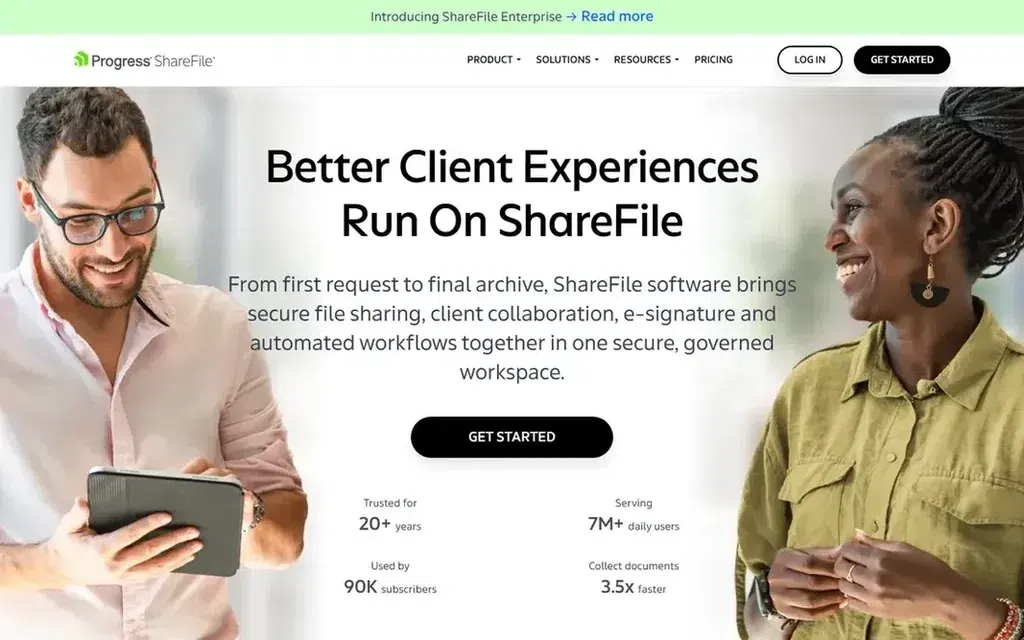
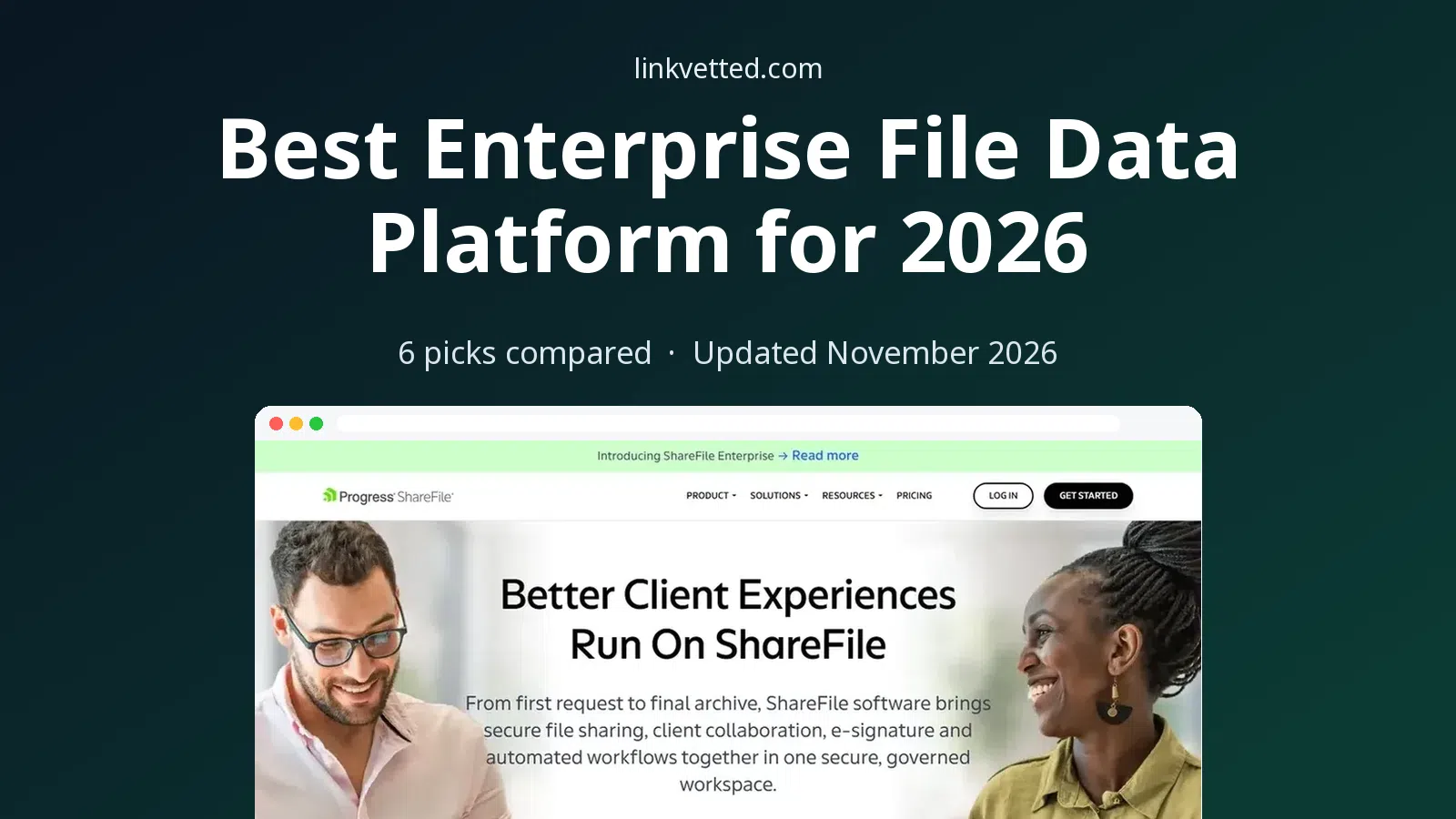
ShareFile works best for secure document workflow and sharing. ShareFile is a secure document workflow and file sharing system made for teams that require to collaborate without compromising security. It gives you a focused set of tools for sharing files and managing document workflows, making it right for organizations with stringent security requirements and straightforward collaboration needs.
Worth adding: teams needing deep automation or a full productivity suite might consider Box or Google Workspace. ShareFile may not offer the same breadth of AI or content intelligence as some competitors. ShareFile pricing: $16.50 per user per month. Free options: Free trial.
Drawbacks to consider: May lack advanced AI context features.
- Concentrates on secure file sharing
- Emphasizes collaboration without sacrificing security
- Integration choices may be narrower than bigger suites
For integrated productivity and collaboration, Google Workspace is a natural candidate. Google Workspace may not offer the depth of file data governance or AI context features found in dedicated platforms. For everyday use, choose Google Workspace for a wide productivity suite with built-in collaboration.
Honest limits: Less specialized for large file workflows.
Google Workspace provides a suite of secure online productivity and collaboration tools built to enable teams of all sizes. It includes file storage and sharing alongside documents, spreadsheets, and communication tools, making it a fit for organizations that want an integrated cloud-first productivity environment. Check the vendor site for Google Workspace pricing; none is listed in this comparison. Trial and free access: Not stated.
- Makes it possible for live collaboration
- Suite of secure online tools
- File data governance may need extra tools

Egnyte serves AI context and content governance. It aims to provide AI the business context it needs whereas enabling collaboration on massive files and governance of sensitive content on one secure system. This makes it a fit for organizations that want to unify content services with AI readiness and solid governance controls.
Teams seeking a more straightforward storage-first option might find it overbuilt, whereas those needing only basic sharing may prefer lighter choices. Consider Egnyte when AI context and governance are strategic priorities. The starting price for Egnyte: $22 per user per month. Free access: Free trial.
Limits to weigh: May be complex to set up for smaller teams.
- Supports large file collaboration
- Merges AI context with content collaboration
- AI features need data readiness
Box is aimed squarely at workflow automation and external collaboration. Box provides intelligent content management that automates workflows, supports collaboration inside and outside the organization, and protects sensitive data on a single product.
Limits to weigh: External sharing controls need configuration.
Organizations prioritizing deep integration with Microsoft 365 may lean toward SharePoint, whereas those wanting a more straightforward sharing tool might choose ShareFile. Box is a solid fit when workflow automation and external collaboration are central. This comparison lists no price for Box; ask the vendor. Free options: Not stated.
- Guards sensitive data on one product
- Automates content workflows
- Advanced automation may need setup effort
What went into this list
LinkVetted looked at what each vendor publishes: pricing, plan limits, feature coverage for enterprise file data platform and stated drawbacks. No hands-on testing is claimed. Figures are shown as the vendors publish them. Billing terms, seat minimums and add-ons can change the real cost. We ordered the tools by general fit, then by how clearly pricing is shown, then by free access. A buyer with unusual needs may reorder them.
Questions to settle before buying
- Confirm the entry price on the vendor page. For Nasuni, Dropbox Business, Google Workspace and Box that means a quote rather than a fixed price.
- Use real work to test the free trial from ShareFile and Egnyte, rather than a demo project.
- Before choosing Nasuni, weigh its main limit: may need infrastructure expertise.
- Confirm the exact Nasuni plan that includes your must-have features.
- Before rolling out Dropbox Business, verify the integrations your workflow depends on.
FAQ
What is the cheapest option for enterprise file data platform in this list?
On published monthly entry prices, ShareFile is the lowest here at $16.50 per user per month. Entry price is only part of the cost, because seats, add-ons and billing terms can change the total. Each of the 6 options in this enterprise file data platform guide has its own card above with the price, free plan and limits.
Do these tools publish their prices?
Not all of them. Nasuni, Dropbox Business, Google Workspace and Box publish no starting price, so expect a quote request for those. The rest, ShareFile included, show a starting price, though seats and billing terms still change the final cost.
How do I choose between Egnyte, Box, and Nasuni?
Egnyte emphasizes AI context and governance, Box centres on workflow automation and external collaboration, and Nasuni targets unstructured data infrastructure. The right choice relies on whether your priority is content collaboration, process automation, or file data foundation.
Is Nasuni the right pick for everyone comparing enterprise file data platform?
No single tool suits every team. Nasuni comes first because it fits Unstructured data foundation for enterprises, while Dropbox Business suits storage, sharing, and eSignature and ShareFile suits secure document workflow and sharing. Match the tool to your own size, budget and workflow before deciding.
How are the tools for enterprise file data platform ordered?
The order follows typical fit for enterprise file data platform, with Nasuni first and Box last, then price clarity and free access. It is editorial judgement, not a score, so another team could rank the tools differently.
Sources
- https://www.nasuni.com
- https://www.dropbox.com/business
- https://www.sharefile.com
- https://workspace.google.com
- https://www.egnyte.com
- https://www.box.com
Related guides
- Best Augmented Reality Visualization Software for Enterprise for 2026: Our 6 Vetted Picks
- Big Data Analytics Software for Enterprise in 2026: The 5 Best Options Side by Side
- 5 Best Big Data Software for Enterprise for 2026, Vetted and Compared
- 5 Cloud Data Integration Software for Enterprise Worth Shortlisting in 2026