5 Premium File Recovery Software Worth Shortlisting in 2026
Comparing the best premium file recovery software? 5 contenders, each with entry cost, free tier and best-fit buyer. Prices and drawbacks included. No filler.
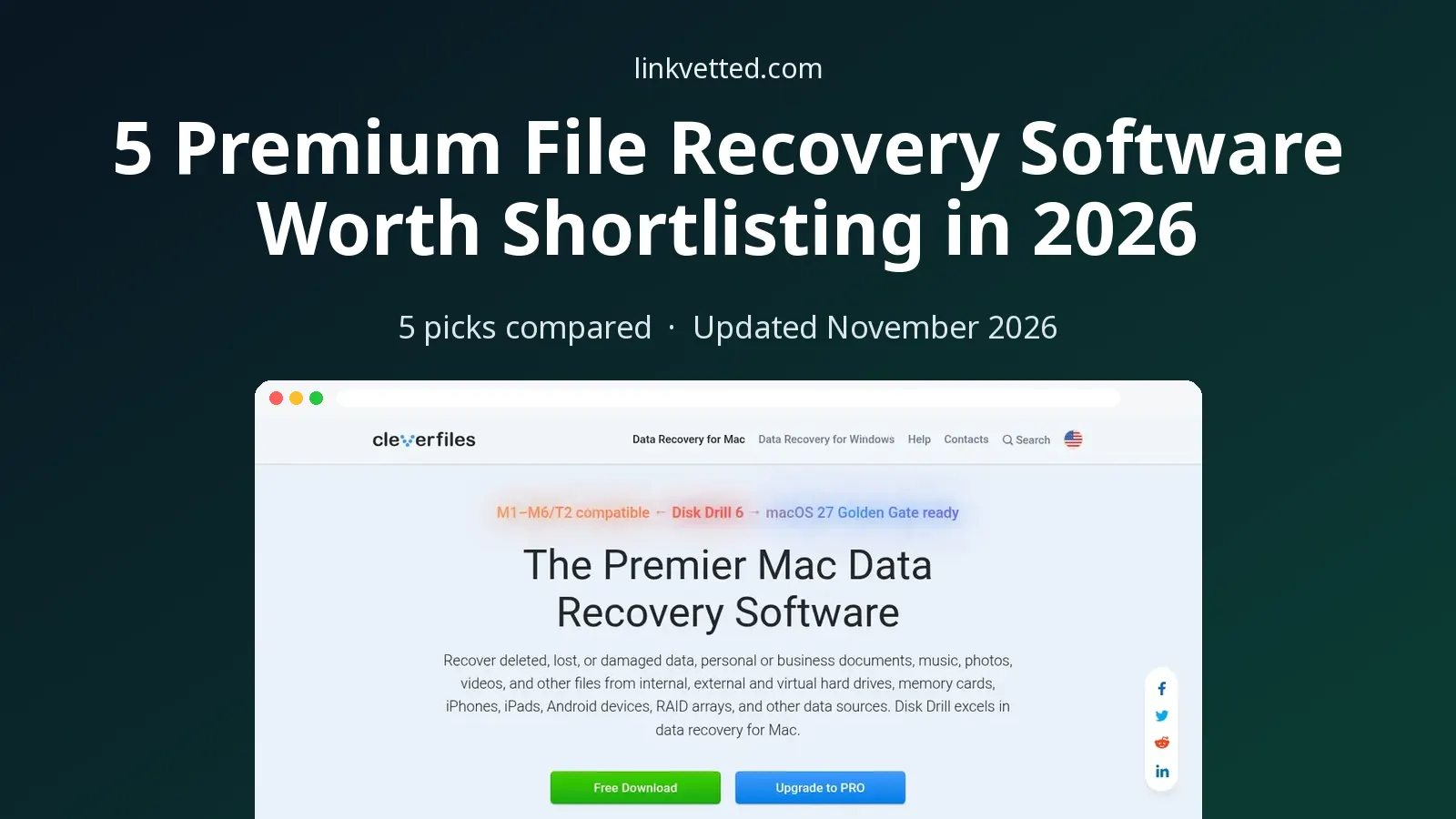
- Editor's choiceWondershare Recoverit
AI-powered recovery across devices
Starts at$99.95 a yearVisit recoverit.wondershare.comFull review - Great alternativeMiniTool Power Data Recovery
Windows and Mac users seeking simplicity
Starts atSee websiteVisit minitool.comFull review - Also consider
 Disk Drill
Mac users and iOS/Android recovery
Starts atSee websiteVisit cleverfiles.comFull review
Direct answer
Wondershare Recoverit is the first pick on this list for AI-powered recovery across devices. Listed starting prices: Wondershare Recoverit from $99.95 a year. For a different need, MiniTool Power Data Recovery covers Windows and Mac users seeking simplicity and Disk Drill covers Mac users and iOS/Android recovery. All 5 tools are compared below on price, free plan and limits.
TL;DR:
- Number one here is Wondershare Recoverit, a fit for AI-powered recovery across devices.
- Expect to ask for a quote from MiniTool Power Data Recovery, Disk Drill, Ontrack EasyRecovery and EaseUS Data Recovery Wizard; the other tools show a starting price.
- EaseUS Data Recovery Wizard fits wide device and server recovery.
- Before buying MiniTool Power Data Recovery, weigh this: restricted advanced recovery choices.
- Only Wondershare Recoverit offers a free plan among these 5 tools.
Last checked November 2026. Prices and plan details were read from the vendors' own pages in November 2026; vendors change plans often, so confirm the current price on the vendor site before you buy.
Quick comparison
| Tool | Best for | Starts at | Free plan? | |
|---|---|---|---|---|
| Wondershare Recoverit | AI-powered recovery across devices | $99.95 a year | Yes | Visit |
| MiniTool Power Data Recovery | Windows and Mac users seeking simplicity | See website | Not stated | Visit |
| Disk Drill | Mac users and iOS/Android recovery | See website | Not stated | Visit |
| Ontrack EasyRecovery | Companies needing full recovery | See website | Not stated | Visit |
| EaseUS Data Recovery Wizard | Wide device and server recovery | See website | Not stated | Visit |
premium File Recovery Software profiles
If you are comparing premium file recovery software, this page covers 5 tools in one place: what each is best for, what it costs to start, whether it has a free plan, and the main limit to know about.
MiniTool Power Data Recovery
Best for: Windows and Mac users seeking simplicity
Think of MiniTool Power Data Recovery for Windows and Mac users seeking simplicity. MiniTool Power Data Recovery is a data recovery software for both Windows and Mac, as described on its homepage.
Honest limits: Restricted advanced recovery choices.
The tool appears to be geared toward home users and small firms looking for an easy-to-use recovery option. Pricing for MiniTool Power Data Recovery is not stated here, so ask the vendor for current figures. Free plan details: Not stated.
- Approachable interface
- Supports Windows 11/10/8/7 and Mac
- Premium version required for full recovery
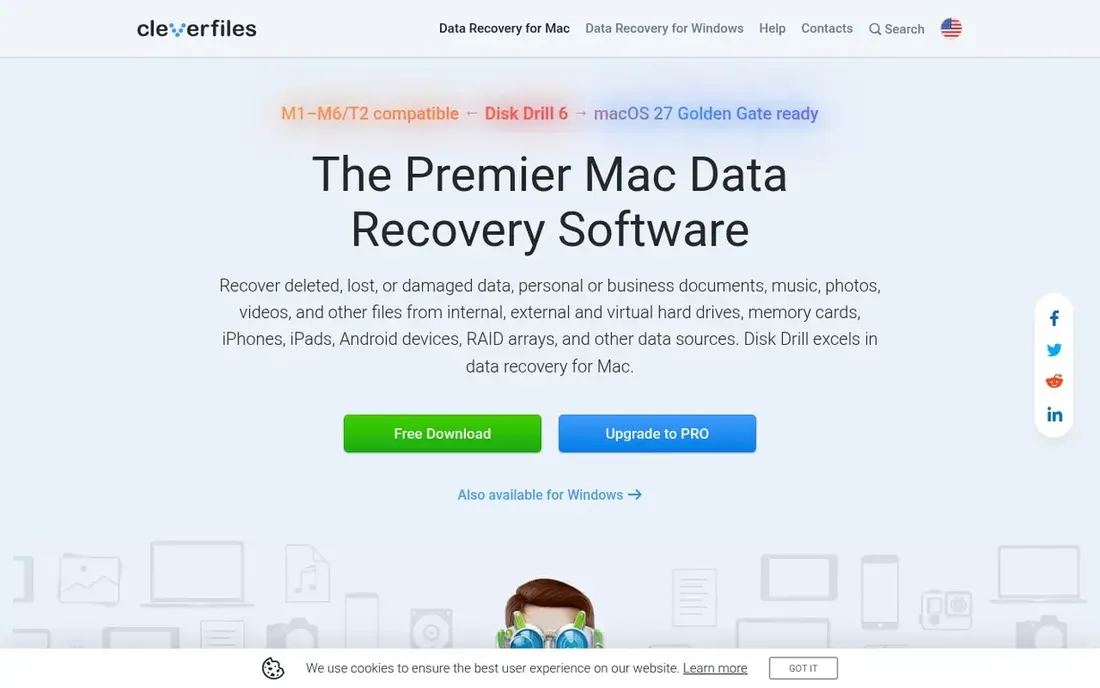
Where Disk Drill fits: Mac users and iOS/Android recovery. Disk Drill is presented as a leading data recovery software for macOS, capable of recovering deleted or lost data from any storage device, along with iOS and Android devices. Its homepage flags free scanning, allowing users to preview recoverable files before committing to a purchase.
This tool is especially well-suited for Mac users who require a dependable recovery option that also extends to mobile devices. For everyday use, if you work exclusively on Windows or need server-level recovery, consider a tool with broader product support. Disk Drill does not show a starting price in this comparison, so check the vendor site for current pricing. Free access: Not stated.
Watch-outs: Mac-centric focus may not suit Windows-only users.
- Recovers from iOS and Android devices
- Free scanning available
- Premium upgrade needed to recover files
Ontrack EasyRecovery
Best for: Companies needing full recovery
Ontrack EasyRecovery targets firms needing thorough recovery. Ontrack EasyRecovery is a data recovery software from Ontrack, a business of KLDiscovery, which provides world-class data recovery, email extraction and restoration, data destruction, and tape management, as stated on its homepage. This tool is likely geared toward companies and professionals who require steady recovery options backed by a company with deep experience in data recovery services.
Also, Ontrack EasyRecovery might be more pricey than consumer-focused tools, reflecting its business orientation. For individuals with straightforward recovery needs, a more budget-friendly and simplified option could be a better fit. This comparison lists no price for Ontrack EasyRecovery; ask the vendor. As for free access: Not stated.
What to check first: May be expensive for individual users.
- A data recovery company
- World-class data recovery services
- Focus on business services
EaseUS Data Recovery Wizard
Best for: Wide device and server recovery
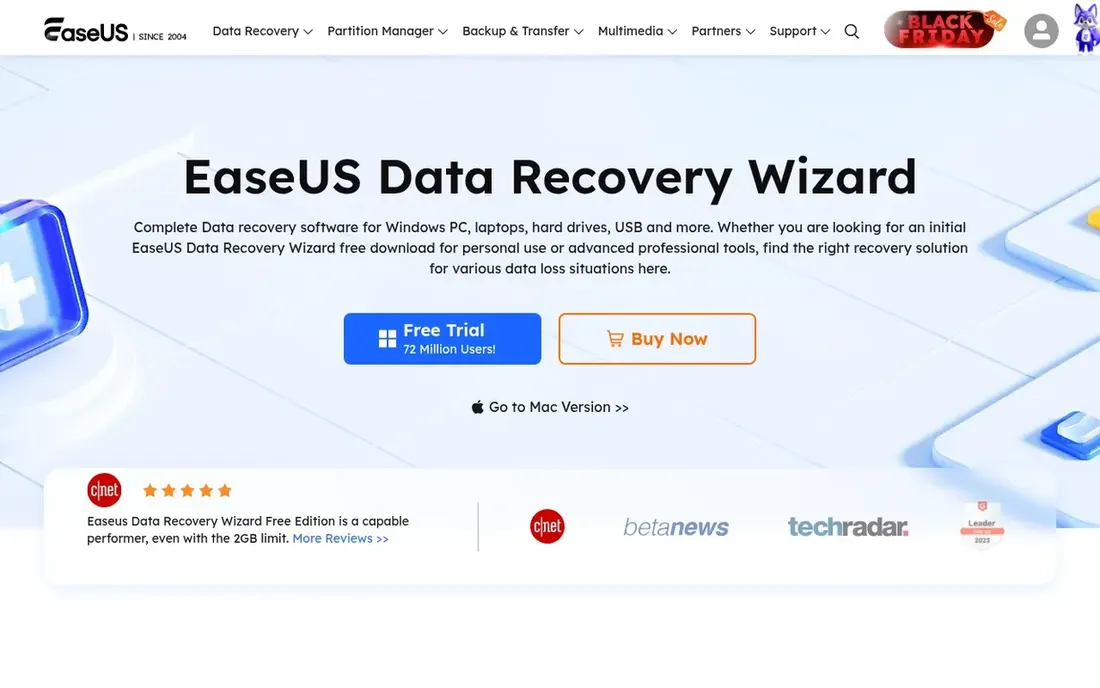
Pick EaseUS Data Recovery Wizard if this describes you: wide device and server recovery. Whereas EaseUS gives you deep compatibility, its wide feature set might be more than needed for straightforward file undeletion.
If you only need entry-level recovery on a single platform, a more focused tool might be sufficient. No starting price is listed for EaseUS Data Recovery Wizard here; confirm pricing on the vendor site. Free access: Not stated.
Limits to weigh: premium version required for full features.
- Supports Windows, Mac, NAS, iOS, Android
- Recovers all types of lost data
- May be overwhelming for straightforward recoveries
Selection criteria
Selection started from tools commonly considered for premium file recovery software, then narrowed to 5 that have clear pricing information or a clear quote process. Seat minimums, billing terms and add-ons can move the real cost, so the starting prices here are a guide and not a quote. The order reflects how well each tool fits the most common buying scenario for premium file recovery software, then price clarity, then free plan access. It is a starting point, not a verdict.
What to confirm before you sign up
- Ask MiniTool Power Data Recovery, Disk Drill, Ontrack EasyRecovery and EaseUS Data Recovery Wizard for a written quote, since no starting price is shown.
- Look at the free plan from Wondershare Recoverit closely: its caps decide whether it is usable for real work.
- Read the limits listed for Wondershare Recoverit first: AI features may be overkill for straightforward tasks.
- Ask whether Disk Drill integrates with your current software, and whether that comes standard or as an add-on.
- See whether MiniTool Power Data Recovery offers onboarding or training, and whether it is included in the price.
FAQ
How are the tools for premium file recovery software ordered?
Wondershare Recoverit sits first and EaseUS Data Recovery Wizard last because the order follows typical fit for premium file recovery software, then price clarity and free access. It is a judgement call, so read each profile for fit and limits.
Can premium file recovery software recover data from SSDs?
Even so, SSDs commonly use TRIM, which can make recovery more challenging. It is best to check the vendor's documentation for specific SSD support and limitations.
Is Wondershare Recoverit the right pick for everyone comparing premium file recovery software?
No single tool suits every team. Wondershare Recoverit comes first because it fits AI-powered recovery across devices, while MiniTool Power Data Recovery suits Windows and Mac users seeking simplicity and Disk Drill suits Mac users and iOS/Android recovery. Match the tool to your own size, budget and workflow before deciding.
Is it worth paying for file recovery software?
If you have critical data to recover, investing in a reputable premium tool can be worthwhile. Assess your needs and compare features before purchasing.
Which options for premium file recovery software have a free plan?
Wondershare Recoverit is the only tool in this list with a free plan. Free plans usually cap users, projects or features, so check the limits on the vendor page. Each of the 5 options in this premium file recovery software guide has its own card above with the price, free plan and limits.
Do these tools publish their prices?
Not all of them. MiniTool Power Data Recovery, Disk Drill, Ontrack EasyRecovery and EaseUS Data Recovery Wizard publish no starting price, so expect a quote request for those. The rest, Wondershare Recoverit included, show a starting price, though seats and billing terms still change the final cost.
Sources
- https://recoverit.wondershare.com
- https://www.minitool.com/data-recovery-software
- https://www.cleverfiles.com
- https://www.ontrack.com/en-us/data-recovery-software
- https://www.easeus.com/data-recovery-software