Choosing File Type for Data Analysis in 2026: 6 Options Compared
Compare 6 picks for the best file type for data analysis, with prices, free plans and who each fits. Every tool lists pros and cons. Refreshed for 2026.
- Editor's choice
 Amazon Redshift
Managed cloud data warehousing on AWS
Starts atSee websiteVisit aws.amazon.comFull review - Great alternative
 Google BigQuery
Autonomous cloud data warehousing and analytics
Starts atSee websiteVisit cloud.google.comFull review - Also considerAlteryx Designer
Automating data workflows and preparation
Starts at$250 per user a monthVisit alteryx.comFull review
Direct answer
Amazon Redshift comes first here, mainly for managed cloud data warehousing on AWS. Listed starting prices: Alteryx Designer from $250 per user a month and Tableau from $15 per user per month. Google BigQuery is the stronger choice for autonomous cloud data warehousing and analytics, while Alteryx Designer suits automating data workflows and preparation. Details, prices and limits for the rest of the 6 tools are below.
TL;DR:
- The list opens with Amazon Redshift, aimed at managed cloud data warehousing on AWS.
- Tableau is the lowest-priced starter here at $15 per user per month.
- Tableau is the one to check for visual analytics and interactive dashboards.
- Before buying Microsoft Excel, weigh this: less suited to very large files.
- Tableau is the only tool of the 6 with a free plan.
Last checked November 2026. Prices and plan details were read from the vendors' own pages in November 2026; vendors change plans often, so confirm the current price on the vendor site before you buy.
Quick comparison
| Tool | Best for | Starts at | Free plan? | |
|---|---|---|---|---|
| Amazon Redshift | Managed cloud data warehousing on AWS | See website | Not stated | Visit |
| Google BigQuery | Autonomous cloud data warehousing and analytics | See website | Not stated | Visit |
| Alteryx Designer | Automating data workflows and preparation | $250 per user a month | Free trial | Visit |
| Microsoft Excel | Everyday spreadsheet analysis and reporting | See website | Not stated | Visit |
| Apache Parquet | Efficient columnar storage and retrieval | See website | Not stated | Visit |
 Tableau | Visual analytics and interactive dashboards | $15 per user per month | Yes | Visit |
6 options for file type for data analysis in detail
Choosing file type for data analysis usually comes down to price, fit and limits. This LinkVetted guide sets 6 tools side by side on those three points, with the facts kept short and checkable.
Amazon Redshift was built for managed cloud data warehousing on AWS. Amazon Redshift is a quick, completely managed cloud data warehouse that makes it straightforward and economical to analyze all your data.
Also, consider another choice if your priority is a local spreadsheet or a light, file-based workflow. From a buyer's view, Redshift is a warehouse service instead of a file type, so it complements formats like Parquet for storage. This comparison lists no price for Amazon Redshift; ask the vendor. Free access: Not stated.
Where it is weaker: Not a standalone file format.
- Economical positioning for warehouse workloads
- Completely managed cloud warehouse
- Tied to cloud warehouse model
In short, Google BigQuery is for autonomous cloud data warehousing and analytics. Google BigQuery is an autonomous data and AI product that automates the whole data life cycle so teams can move from data to AI to action quicker.
From a buyer's view, pick a different choice if you need a local spreadsheet or a straightforward, portable data file. Beyond that, BigQuery is a cloud warehouse service, not a file format, so it works alongside formats like Parquet instead of replacing them. Google BigQuery shows no starting price here, so confirm the cost on the vendor site. Free access: Not stated.
Downsides: Not a file format for local data.
- Automates the data life cycle
- Serverless-style warehouse design
- Cloud-centric setup
Alteryx Designer
Best for: Automating data workflows and preparation

Alteryx Designer was built for automating data workflows and preparation. It fits analysts who spend significant time preparing and blending data before analysis, and who want repeatable workflows instead of one-off spreadsheet edits.
From a buyer's view, Alteryx is a workflow and preparation system, not a file format, so it complements instead of replaces storage decisions. What you pay to start with Alteryx Designer: $250 per user per month. Free access: Free trial.
The main drawbacks: Concentrated on preparation, not storage formats.
- Visual workflow automation
- Cuts manual preparation steps
- May overlap with existing ETL tools
Microsoft Excel
Best for: Everyday spreadsheet analysis and reporting
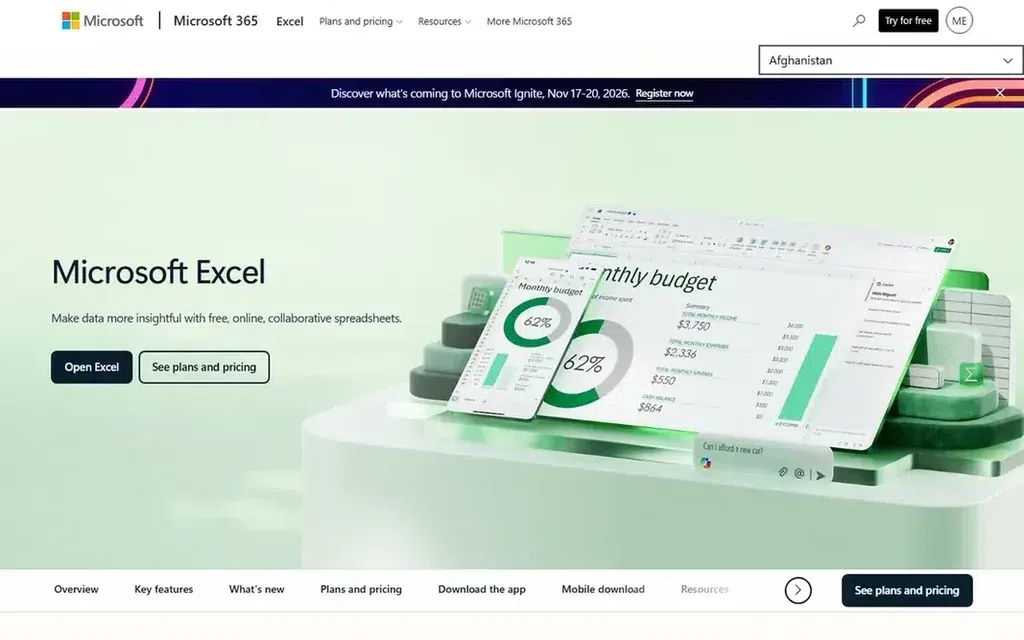
For everyday spreadsheet analysis and reporting, Microsoft Excel is a natural candidate. It suits analysts and business users who want a familiar grid for cleaning, pivoting and charting data without setting up a separate system.
Limits to weigh: Less suited to very large files.
In practice, pick something else when your analysis relies on massive tables, automatic ETL or multi-user governance at scale. Pricing for Microsoft Excel is not stated here, so ask the vendor for current figures. Free options: Not stated.
- Capable for small to medium datasets
- Widely familiar interface
- Manual steps can slow repeatable workflows
Apache Parquet
Best for: Efficient columnar storage and retrieval
Pick Apache Parquet if this describes you: efficient columnar storage and retrieval. Apache Parquet is an open source, column-oriented data file format made for efficient data storage and retrieval, with high-performance compression and encoding schemes.
Check the vendor site for Apache Parquet pricing; none is listed in this comparison. On free options: Not stated.
Watch-outs: Needs compatible tools to inspect.
- Open source and column-oriented
- High-performance compression
- Not human-readable like a spreadsheet
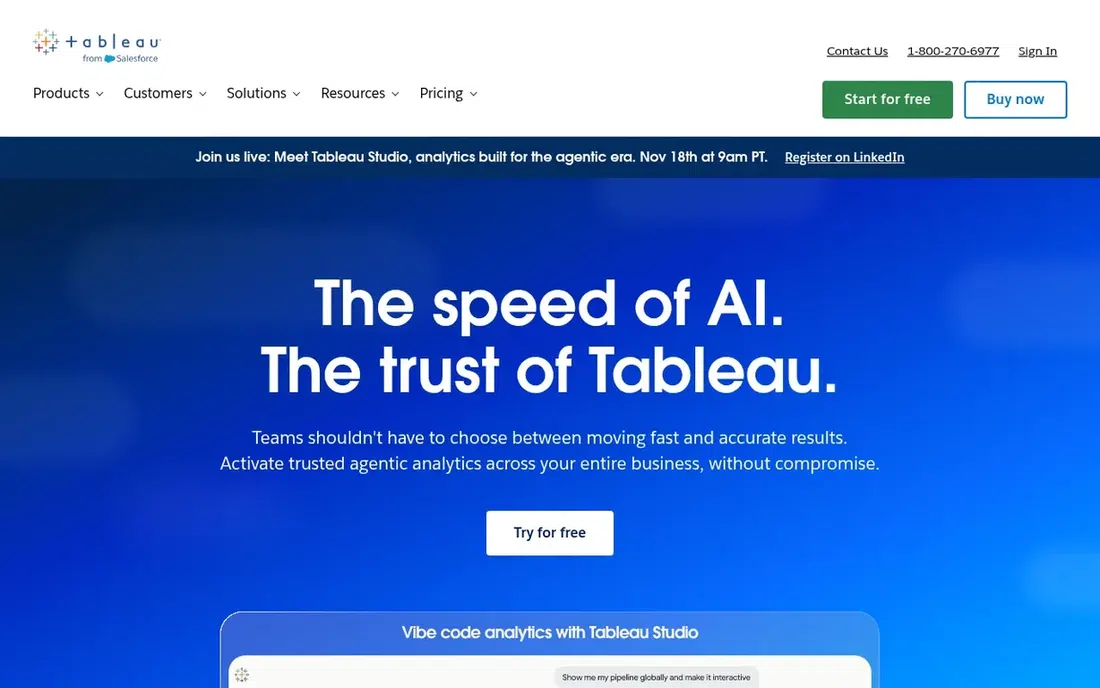
Think of Tableau for visual analytics and interactive dashboards. Tableau is business intelligence and analytics software for seeing and understanding data.
Drawbacks to consider: Ramp-up time for advanced calculations.
Users link to databases, drag-and-drop to build visualizations, and share results with a click. Choose a different choice if your central task is choosing a storage format or building automatic pipelines. Price to start with Tableau: $15 per user per month. Tableau includes a free tier.
- Drag-and-drop visualization building
- Simple sharing of dashboards
- Less well suited to raw data preparation
Our selection method
We compared the tools on published pricing, free plan or trial availability, feature coverage for file type for data analysis, and the limits each vendor documents. Prices and plan limits come from vendor pages and can change, so confirm them on the vendor site before you buy. The ranking is editorial: typical fit first, then clear pricing, then free access. If your needs are unusual, read the profiles rather than relying on position.
What to confirm before you sign up
- Ask Amazon Redshift, Google BigQuery, Microsoft Excel and Apache Parquet for a written quote, since no starting price is shown.
- Test the free plan from Tableau against your real workload before relying on it.
- Use real work to test the free trial from Alteryx Designer, rather than a demo project.
- Before choosing Amazon Redshift, weigh its main limit: tied to cloud warehouse model.
- Find out whether the entry plan of Alteryx Designer covers your must-haves or only a trimmed-down version.
- Test how quickly Tableau answers a pre-sales question; it hints at how support will feel later.
FAQ
How are the tools for file type for data analysis ordered?
Amazon Redshift sits first and Tableau last because the order follows typical fit for file type for data analysis, then price clarity and free access. It is a judgement call, so read each profile for fit and limits.
Which options for file type for data analysis have a free plan?
Tableau is the only tool in this list with a free plan. Free plans usually cap users, projects or features, so check the limits on the vendor page. One other tool offers a trial instead. All 6 picks in this file type for data analysis comparison list a starting price, free plan details and the main limits on their cards above.
What is the cheapest option for file type for data analysis in this list?
On published monthly entry prices, Tableau is the lowest here at $15 per user per month. Entry price is only part of the cost, because seats, add-ons and billing terms can change the total. For the full picture, the cards above cover all 6 entries of this file type for data analysis list, including price, free plan and limits.
Is Amazon Redshift the right pick for everyone comparing file type for data analysis?
No single tool suits every team. Amazon Redshift comes first because it fits managed cloud data warehousing on AWS, while Google BigQuery suits autonomous cloud data warehousing and analytics and Alteryx Designer suits automating data workflows and preparation. Match the tool to your own size, budget and workflow before deciding.
Is Parquet better than Excel for data analysis?
They serve different purposes. Parquet is a column-oriented format made for efficient storage and retrieval of large datasets, whereas Excel is a spreadsheet application for practical analysis and reporting. From a buyer's view, plenty of teams store data in Parquet and analyze it with tools like Excel, Tableau or a warehouse.
Sources
- https://aws.amazon.com/redshift
- https://cloud.google.com/bigquery
- https://www.alteryx.com
- https://www.microsoft.com/en-us/microsoft-365/excel
- https://parquet.apache.org
- https://www.tableau.com
Related guides
- Crime Analytics Software for Remote Teams in 2026: The 6 Best Options Side by Side
- Choosing Data Preparation Software for Enterprise in 2026: 6 Options Compared
- Dashboard Software for Manufacturing Operations in 2026: The 5 Best Options Side by Side
- Choosing Data Integration Software for Large Enterprises in 2026: 5 Options Compared