Choosing Exploratory Data Analysis Software in 2026: 6 Options Compared
Weighing the best exploratory data analysis software? We lined up 6 products by cost, free access and fit. Limits and pricing notes included. Updated for 2026.
- Editor's choice
 Qlik Sense
Associative exploration and integration
Starts atSee websiteVisit qlik.comFull review - Great alternative
 Domo
Governed data access and exploration
Starts atSee websiteVisit domo.comFull review - Also consider
 Alteryx
Automating data prep workflows
Starts at$250 per user per monthVisit alteryx.comFull review
Direct answer
Our first pick is Qlik Sense, best for associative exploration and integration. Listed starting prices: Alteryx from $250 per user per month and Tableau from $15 per user per month. Look at Domo for governed data access and exploration, and at Alteryx for automating data prep workflows. The remaining 3 options are covered below with prices and limits.
TL;DR:
- The list opens with Qlik Sense, aimed at associative exploration and integration.
- For large-scale data and AI exploration, Databricks is worth a look.
- Just one of the 6 tools, Tableau, has a free plan.
- Tableau is the lowest-priced starter here at $15 per user per month.
Last checked November 2026. Prices and plan details were read from the vendors' own pages in November 2026; vendors change plans often, so confirm the current price on the vendor site before you buy.
Quick comparison
| Tool | Best for | Starts at | Free plan? | |
|---|---|---|---|---|
| Qlik Sense | Associative exploration and integration | See website | Not stated | Visit |
| Domo | Governed data access and exploration | See website | Free trial | Visit |
| Alteryx | Automating data prep workflows | $250 per user per month | Free trial | Visit |
 Looker | Governed metrics and embedded analytics | See website | Not stated | Visit |
 Tableau | Visual exploration and dashboards | $15 per user per month | Yes | Visit |
 Databricks | Large-scale data and AI exploration | See website | Not stated | Visit |
The best exploratory data analysis software
Choosing exploratory data analysis software usually comes down to price, fit and limits. This LinkVetted guide sets 6 tools side by side on those three points, with the facts kept short and checkable.
Qlik Sense is built with associative exploration and integration in mind. Qlik Sense is part of Qlik, now with Talend, which provides a data fabric and next-level insights through end-to-end data integration, data quality and analytics options.
Points against: System breadth can overwhelm new users.
The combined product spans integration and analytics, so new users may face a ramp-up time. This comparison lists no price for Qlik Sense; ask the vendor. Free options: Not stated.
- Associative exploration style
- Part of Qlik with Talend
- Needs setup for governed data
Domo was built for governed data access and exploration. It fits organizations that want governed data access and exploration in one place.
Where it falls short: Wide feature set needs governance planning.
Check the vendor site for Domo pricing; none is listed in this comparison. Trial and free access: Free trial.
- Prepare and expand data access
- Link and move data from any source
- May be more than small teams need
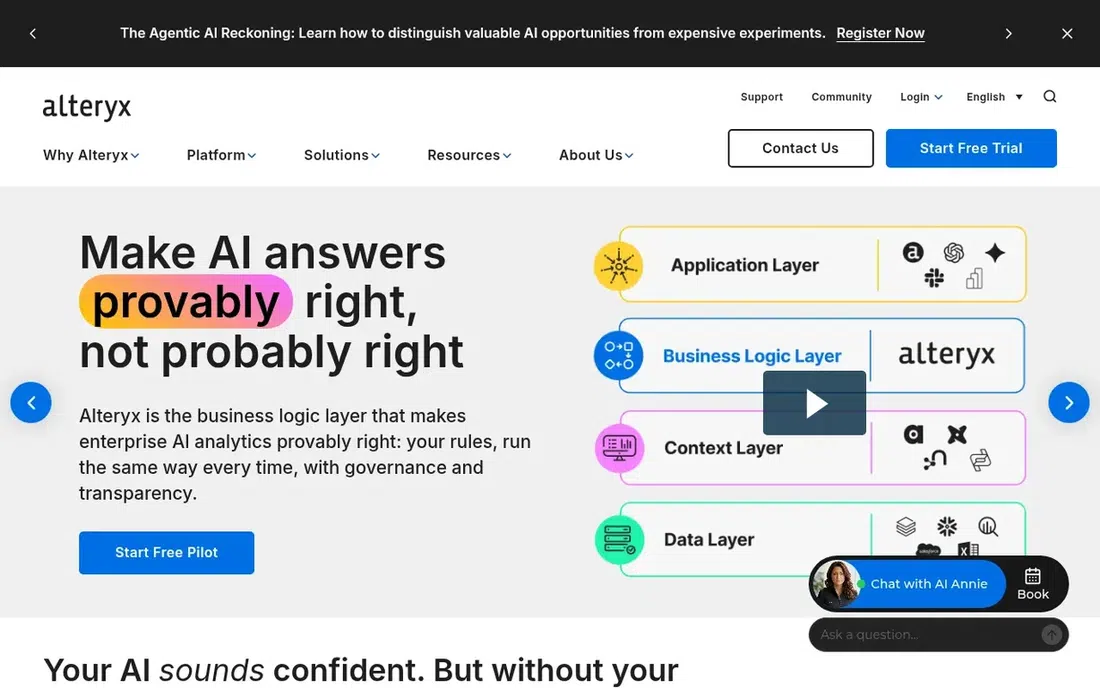
Think of Alteryx for automating data prep workflows. Alteryx gives you a system to automate data workflows, cut manual work, and deliver insights quicker through Alteryx One. It links up with Snowflake, Databricks and BI tools, making it a fit for teams that spend too much time preparing and blending data before exploration can begin.
Alteryx is most solid for data preparation and workflow automation instead of visual discovery. From a buyer's view, if you primarily need drag-and-drop charts and dashboards, Tableau or Qlik Sense may be a more direct choice. Alteryx cost at the entry level: $250 per user per month. Free options: Free trial.
Points against: Workflow design has a ramp-up time. Strengths: Automates data workflows.
- Cuts manual work
- Databricks and BI tools
- Less centred on visual exploration
Looker is built with governed metrics and embedded analytics in mind. It brings together metrics with a trusted semantic layer and Gemini agents.
For everyday use, Looker relies on a well-defined semantic layer, which takes modeling effort before exploration is smooth. For fast ad hoc charting without modeling, Tableau or Qlik Sense may be faster to adopt. Looker does not show a starting price in this comparison, so check the vendor site for current pricing. As for free access: Not stated.
Trade-offs to know: Less suited to ad hoc, ungoverned exploration.
- Trusted semantic layer
- Embedded analytics capabilities
- Semantic modeling needs upfront work
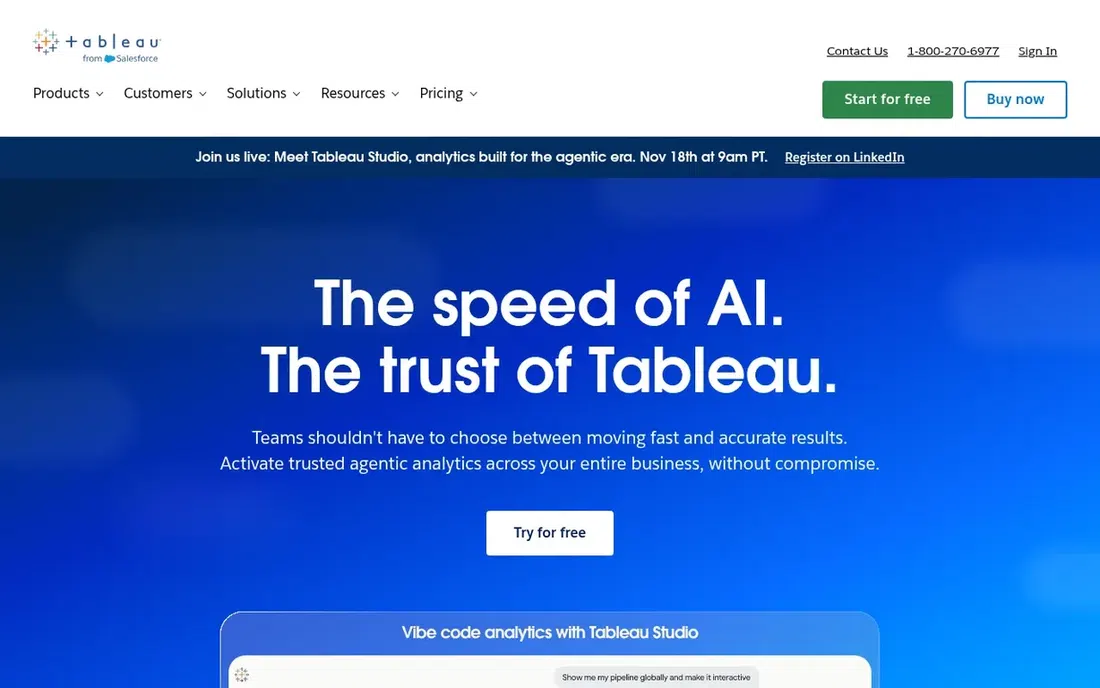
Tableau works best for visual exploration and dashboards. Users link to databases, drag-and-drop to produce visualizations, and share results with a click.
Points against: Complicated data prep can need another tool.
If your priority is governed metrics and embedded analytics instead of ad hoc charting, consider Looker instead. What you pay to start with Tableau: $15 per user per month. Tableau offers a free plan.
- Share insights with a click
- Links to almost any database
- Advanced analytics may need extras
Databricks is built with large-scale data and AI exploration in mind. Databricks provides a unified product for data, analytics and AI with a data-centric approach.
Where it is weaker: Not a point-and-click BI tool.
It eases ETL, data warehousing, governance and AI on the Data + AI Platform. If you need governed self-service dashboards for non-technical users, Looker or Domo may fit better. Databricks shows no starting price here, so confirm the cost on the vendor site. Trial and free access: Not stated.
- Eases ETL and data warehousing
- Governance built into the platform
- Needs data engineering skills
How the list was put together
Pre-purchase checklist
- Ask Qlik Sense, Domo, Looker and Databricks for a written quote, since no starting price is shown.
- Test the free plan from Tableau against your real workload before relying on it.
- Take the trial from Domo and Alteryx and push a live task through it before you pay.
- Before choosing Qlik Sense, weigh its main limit: product breadth can overwhelm new users.
- Map your must-have features to a specific Databricks plan before you compare prices.
- Ask Looker about contract length, onboarding fees and user minimums before you sign.
FAQ
Which options for exploratory data analysis software have a free plan?
Tableau is the only tool in this list with a free plan. Free plans usually cap users, projects or features, so check the limits on the vendor page. Several others offer a trial instead. For the full picture, the cards above cover all 6 entries of this Exploratory data analysis software list, including price, free plan and limits.
Which tool is a good match for visual exploration?
Start with Qlik Sense if you need associative exploration and integration. Domo is the better match for governed data access and exploration, and Alteryx for automating data prep workflows. The best choice depends on budget, team size and workflow.
Do these tools publish their prices?
Not all of them. Qlik Sense, Domo, Looker and Databricks publish no starting price, so expect a quote request for those. The rest, Alteryx included, show a starting price, though seats and billing terms still change the final cost.
What is exploratory data analysis software used for?
It helps analysts profile, visualize and question datasets to find patterns and anomalies before building models or reports. Tools range from visual BI products like Tableau to data systems like Databricks.
Is Qlik Sense the right pick for everyone comparing exploratory data analysis software?
No single tool suits every team. Qlik Sense comes first because it fits associative exploration and integration, while Domo suits governed data access and exploration and Alteryx suits automating data prep workflows. Match the tool to your own size, budget and workflow before deciding.
Do I need a data system or a BI tool?
A data product like Databricks or Alteryx fits teams that must prepare and explore large or complicated data. A BI tool like Tableau or Looker fits governed dashboards and business-facing exploration.
Sources
- https://www.qlik.com
- https://www.domo.com
- https://www.alteryx.com
- https://looker.com
- https://www.tableau.com
- https://www.databricks.com
Related guides
- Crime Analytics Software for Remote Teams in 2026: The 6 Best Options Side by Side
- Choosing Data Preparation Software for Enterprise in 2026: 6 Options Compared
- Dashboard Software for Manufacturing Operations in 2026: The 5 Best Options Side by Side
- Choosing Data Integration Software for Large Enterprises in 2026: 5 Options Compared