Best Bot Platform for Data Analysis in 2026: Prices, Free Plans and 5 Picks
Best bot platform for data analysis in 2026: 5 tools with starting prices, free plans and limits. Compare costs and catches in one place. Narrow your shortlist.
- Editor's choice
 Databricks
Unified data, analytics and AI
Starts atSee websiteVisit databricks.comFull review - Great alternative
 Amazon QuickSight
AI-powered BI on AWS
Starts atSee websiteVisit aws.amazon.comFull review - Also consider
 Tableau
Visual drag-and-drop analysis
Starts at$15 per user a monthVisit tableau.comFull review
Direct answer
Databricks leads the list, best for unified data, analytics and AI. Listed starting prices: Tableau from $15 per user a month and ThoughtSpot from $25 per user a month. Look at Amazon QuickSight for AI-powered BI on AWS, and at Tableau for visual drag-and-drop analysis. The other 2 tools in the list cover narrower or pricier cases.
TL;DR:
- Databricks is the opening pick, best for unified data, analytics and AI.
- Check the limits for Amazon QuickSight before you commit: tied closely to the AWS ecosystem.
- Tableau is the only tool of the 5 with a free plan.
- ThoughtSpot fits AI agents and automatic insights.
- For the cheapest start, look at Tableau: $15 per user per month.
Last checked November 2026. Prices and plan details were read from the vendors' own pages in November 2026; vendors change plans often, so confirm the current price on the vendor site before you buy.
Quick comparison
| Tool | Best for | Starts at | Free plan? | |
|---|---|---|---|---|
| Databricks | Unified data, analytics and AI | See website | Not stated | Visit |
| Amazon QuickSight | AI-powered BI on AWS | See website | Not stated | Visit |
| Tableau | Visual drag-and-drop analysis | $15 per user a month | Yes | Visit |
 Sisense | Embedded analytics in products | See website | Free trial | Visit |
 ThoughtSpot | AI agents and automatic insights | $25 per user a month | Free trial | Visit |
Bot Platform for Data Analysis compared in detail
If you are comparing bot platform for data analysis, this page covers 5 tools in one place: what each is best for, what it costs to start, whether it has a free plan, and the main limit to know about.
Databricks was built for unified data, analytics and AI. Databricks supplies a unified product for data, analytics and AI, with a data-centric approach.
The main drawbacks: Setup needs technical skills.
In practice, if you chiefly need dashboards and self-service charts, a dedicated BI product for example Tableau or Looker may be the more straightforward starting point. On top of that, the system leans technical, so business users may find it less approachable than a pure visualization tool. Check the vendor site for Databricks pricing; none is listed in this comparison. Free plan details: Not stated.
- Governance built into the system
- Eases ETL and warehousing
- Engineering-oriented for numerous users
Pick Amazon QuickSight if this describes you: AI-powered BI on AWS. If your data lives elsewhere or you want broad embedded adaptability, Sisense or Looker deserve a look.
Where it falls short: Advanced customization is restricted.
Pricing for Amazon QuickSight is not stated here, so ask the vendor for current figures. Free options: Not stated.
- Actionable analytics for wide users
- AI-powered business intelligence
- Tied closely to the AWS ecosystem
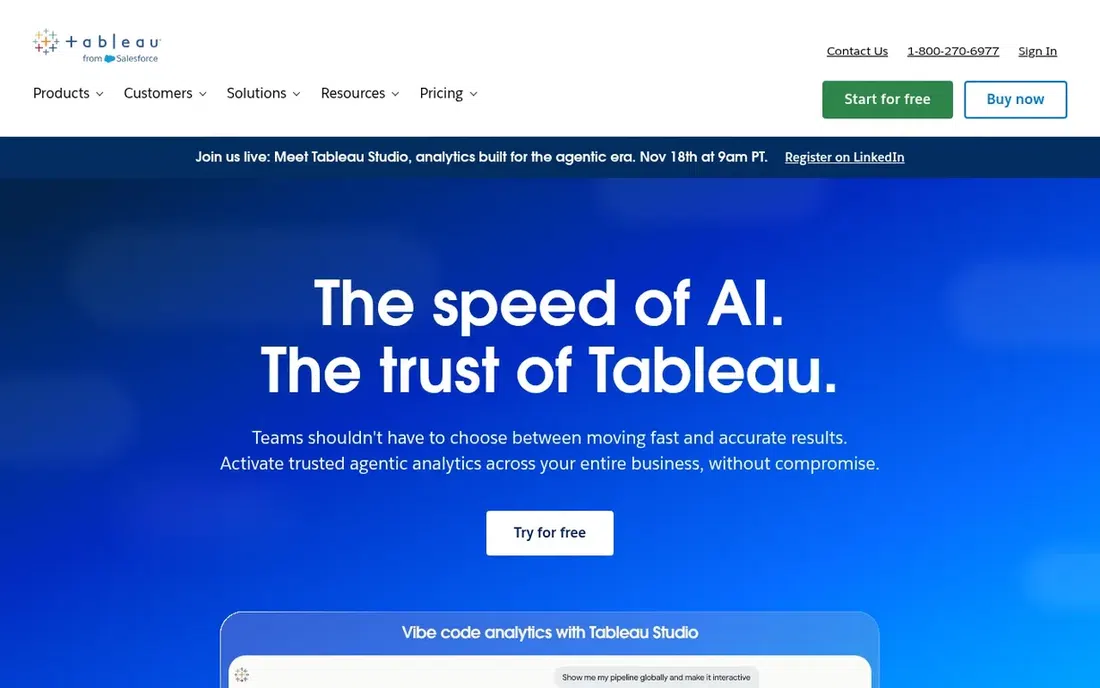
Choose Tableau for visual drag-and-drop analysis. The breadth that makes Tableau adaptable also means a ramp-up time for advanced work, and dashboard governance needs planning as content grows.
Where it falls short: Broad feature set takes time to learn.
In daily use, Tableau is a business intelligence and analytics system built around seeing and understanding data. It links to almost any database, lets users build visualizations by dragging and dropping, and shares finished views with a click. The starting price for Tableau: $15 per user per month. Tableau includes a free tier.
- Links to almost any database
- Drag-and-drop visualization building
- Deep modeling can get complicated
Sisense is designed for embedded analytics in products. Sisense gives AI-powered embedded analytics targeted at unlocking insights and converting data into revenue.
It supports pro-code, low-code and no-code adaptability, which fits software teams that want analytics inside their own applications instead of a standalone dashboard portal. Integration work is also part of the deal, so plan for engineering time when evaluating it. Sisense shows no starting price here, so confirm the cost on the vendor site. As for free access: Free trial.
Where it is weaker: Requires product integration effort.
- Pro-code
- Designed for product teams
- Embedded focus narrows general BI use
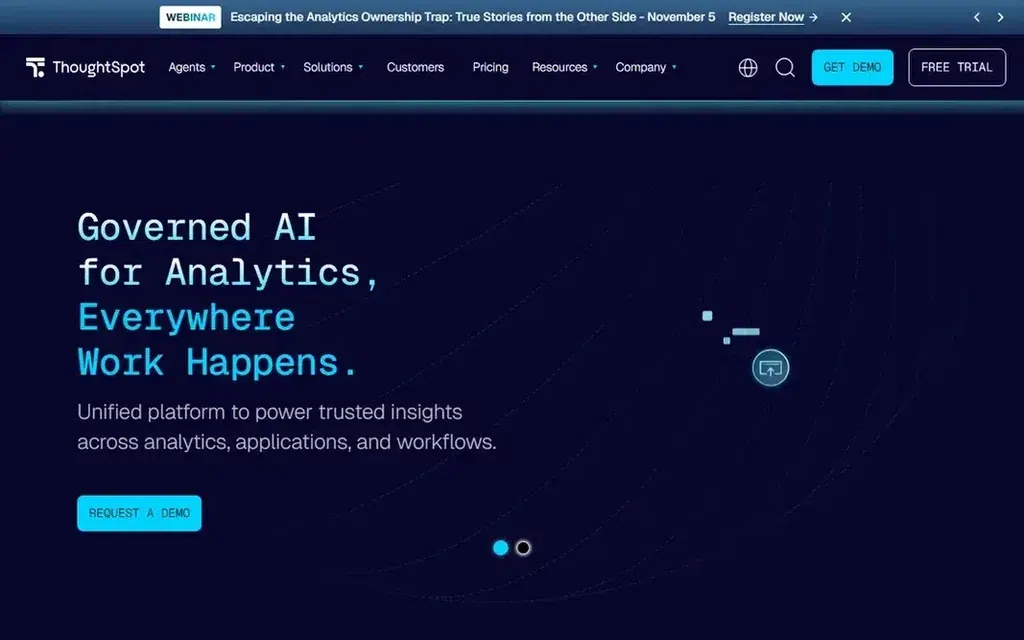
ThoughtSpot is a good fit for AI agents and automatic insights. Agent-driven analysis depends heavily on well-modeled, trustworthy data, so results are only as decent as the underlying preparation. In practice, ThoughtSpot presents itself as an agentic analytics system concentrated on transforming insights into action.
Its positioning centers on AI agents, automatic insights and embedded intelligence, which fits teams that want to ask questions in natural language and move rapidly from finding to decision. Teams that prefer practical visual exploration or a unified data engineering stack may want to compare Tableau or Databricks instead. The starting price for ThoughtSpot: $25 per user per month. Free access: Free trial.
Drawbacks to consider: Agent features need clean data.
- Agentic analytics with AI agents
- Automated insight generation
- Less suited to manual chart building
Our selection method
LinkVetted looked at what each vendor publishes: pricing, plan limits, feature coverage for bot platform for data analysis and stated drawbacks. No hands-on testing is claimed. Figures are shown as the vendors publish them. Billing terms, seat minimums and add-ons can change the real cost. The sequence is a judgement call: typical use case first, then pricing transparency, then free access. Use the profiles to check fit.
Before you commit
- Confirm the entry price on the vendor page. For Databricks, Amazon QuickSight and Sisense that means a quote rather than a fixed price.
- Look at the free plan from Tableau closely: its caps decide whether it is usable for real work.
- Take the trial from Sisense and ThoughtSpot and push a live task through it before you pay.
- Before choosing Databricks, weigh its main limit: engineering-oriented for plenty of users.
- Confirm that Databricks connects to the apps your team already uses, on the plan you would actually buy.
- Read the plan comparison for ThoughtSpot carefully; key features often start on a higher tier.
FAQ
What is the cheapest option for bot platform for data analysis in this list?
On published monthly entry prices, Tableau is the lowest here at $15 per user per month. Entry price is only part of the cost, because seats, add-ons and billing terms can change the total. For the full picture, the cards above cover all 5 entries of this Bot platform for data analysis list, including price, free plan and limits.
Should I choose a BI tool or a data system?
A BI tool like Tableau or QuickSight centres on visualization and sharing, whereas Databricks merges data engineering, warehousing and AI. Plenty of organizations use both, with the platform preparing data that BI tools present.
Which platform is best for plain-language data questions?
Start with Databricks if you need unified data, analytics and AI. Amazon QuickSight is the better match for AI-powered BI on AWS, and Tableau for visual drag-and-drop analysis. The best choice depends on budget, team size and workflow.
What matters most for embedded analytics?
Look at integration adaptability and how analytics fit inside your product experience. Sisense emphasizes pro-code, low-code and no-code embedded choices, and Looker also supports embedded analytics, so compare against your engineering capacity.
Can I try these tools before paying?
Often, yes. Tableau has a free plan and Sisense and ThoughtSpot offer a free trial. Use your own data and a real task during the test, and check what the free tier or trial limits before you rely on it.
Is Databricks the right pick for everyone comparing bot platform for data analysis?
No single tool suits every team. Databricks comes first because it fits unified data, analytics and AI, while Amazon QuickSight suits AI-powered BI on AWS and Tableau suits visual drag-and-drop analysis. Match the tool to your own size, budget and workflow before deciding.
Sources
- https://www.databricks.com
- https://aws.amazon.com/quicksight
- https://www.tableau.com
- https://www.sisense.com
- https://www.thoughtspot.com