Best Account Data Management Software in 2026: 8 Tools Compared
Compare the best account data management software for clean customer accounts, matching, governance and trusted records across sales, finance and service teams.
- Editor's choice
 Informatica MDM
Enterprise master data
Starts atSee websiteVisit informatica.comFull review - Great alternative
 Reltio
Cloud customer data platform
Starts atSee websiteVisit reltio.comFull review - Also consider
 Profisee
Microsoft-focused master data
Starts atSee websiteVisit profisee.comFull review
TL;DR:
- Account data management is about one trusted record per customer account, not just storing contact details.
- Informatica and Reltio suit large enterprises with complex matching and governance needs, while Profisee and Semarchy fit mid-size teams.
- Matching, survivorship rules and audit trails matter more than dashboards, since bad matches create billing and service errors.
- Most enterprise tools price by quote, so compare implementation and data quality work, not just the license.
Quick comparison
| Tool | Best for | Starts at | Free plan? | |
|---|---|---|---|---|
| Informatica MDM | Enterprise master data | See website | No | Visit |
| Reltio | Cloud customer data platform | See website | No | Visit |
| Profisee | Microsoft-focused master data | See website | No | Visit |
 Semarchy | Unified data management | See website | No | Visit |
 Ataccama | Data quality and governance | See website | No | Visit |
 Talend Data Fabric | Data integration plus quality | See website | No | Visit |
 Precisely | Data integrity and matching | See website | No | Visit |
 Stibo Systems STEP | Product and customer master data | See website | No | Visit |
The best account data management software
Account data management software cleans, matches and governs customer account records so sales, finance and service teams work from the same facts. It handles duplicates, merges, hierarchies, ownership and change history, which matters when one customer appears in several systems with different names, addresses or billing details. We compared official feature pages, pricing pages and public reviews, and we focused on tools that manage account master data, not simple contact lists.
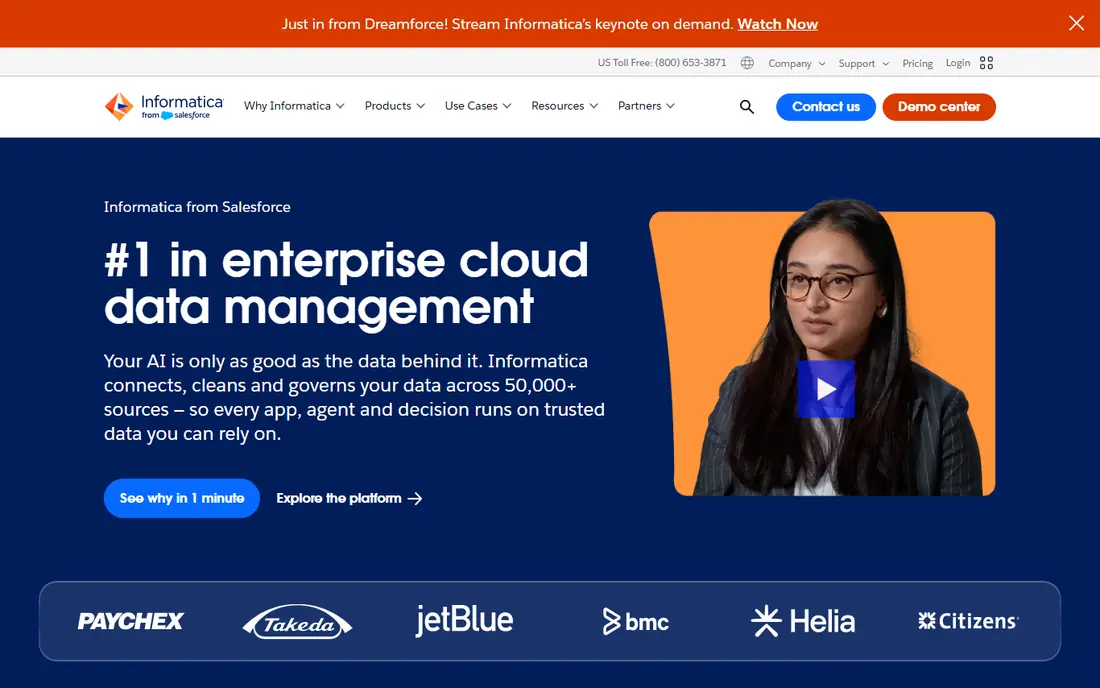
Informatica Master Data Management is a long-standing enterprise choice for customer, account and related master data. It offers matching, merging, hierarchy management, data quality and governance in a platform that connects to many source systems. Large companies use it to create a trusted account record that feeds CRM, billing and analytics without each team keeping its own version.
The honest catch is scope. A full Informatica rollout needs data governance decisions, matching rules and integration work, so it is not a tool a small team installs in a week. Pricing is by quote and depends on data volume and modules. Informatica fits enterprises with complex account hierarchies, such as parent companies with many subsidiaries, and with a team ready to run master data as an ongoing program.
- Deep matching and hierarchy tools
- Broad integration
- Strong governance
- Quote-only pricing
- Implementation is a project, not a quick install
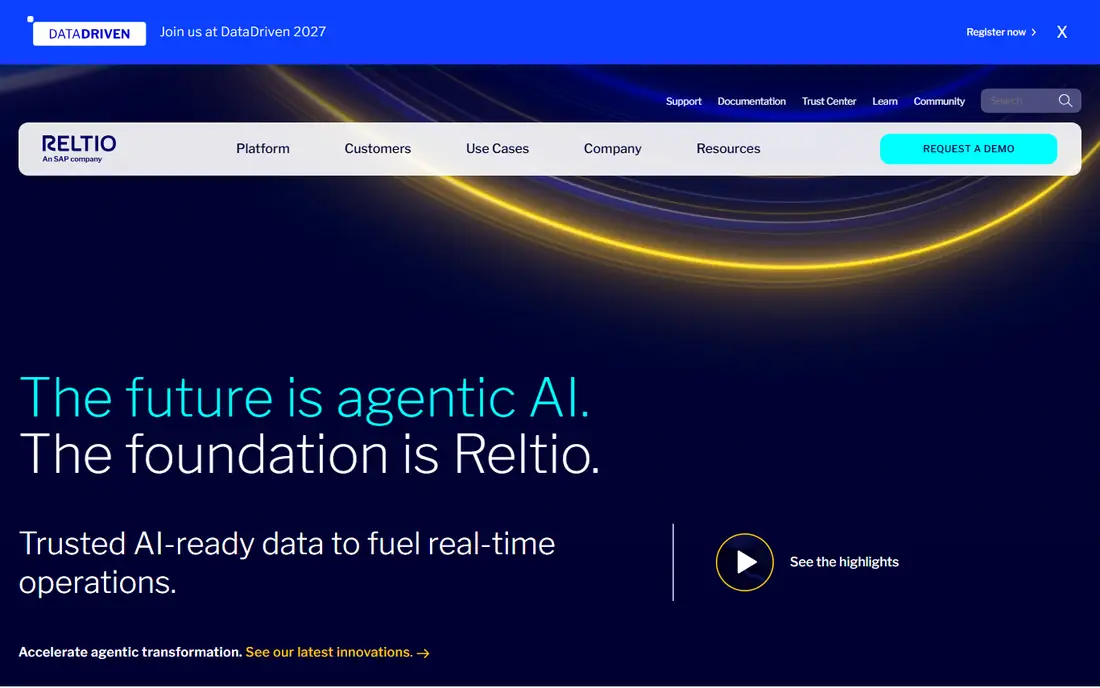
Reltio provides a cloud data platform that builds unified customer and account profiles from many sources. It combines master data management with data quality and governance, and it supports real-time updates so a change in one system can flow to others quickly. That makes it useful for companies that need a current view of an account across sales, service and marketing.
The risk is governance. Without clear ownership and survivorship rules, a real-time platform can still produce conflicting profiles. Pricing is by quote, and costs scale with data and use. Reltio fits cloud-first companies that want unified account profiles and are prepared to set rules for who owns each field and how conflicts are resolved.
- Cloud-native data platform
- Real-time profiles
- Strong matching
- Quote-only pricing
- Needs clear governance to avoid profile sprawl
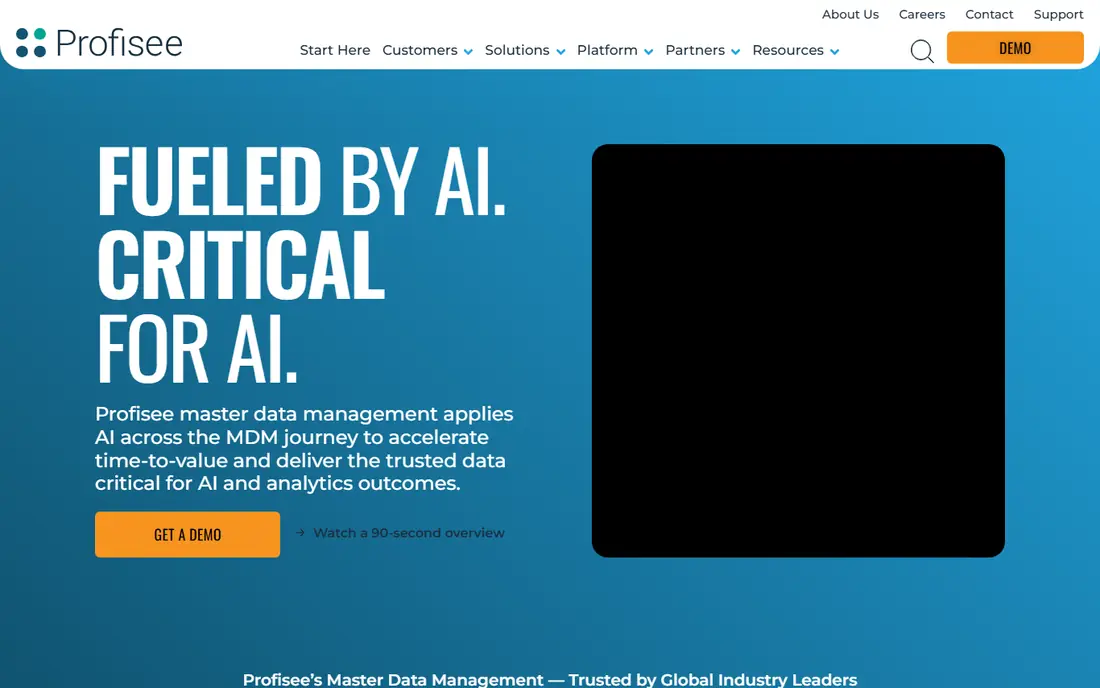
Profisee is a master data management platform that works well for organizations already invested in Microsoft tools, including Azure and SQL Server environments. It covers data quality, matching, stewardship workflows and governance, with a focus on making master data usable by business stewards, not only by IT staff. That stewardship focus helps teams keep account records clean after the initial load.
Its ecosystem is smaller than the largest rivals, so companies with many non-Microsoft systems should check integration coverage early. Pricing is by quote. Profisee fits mid-size to large companies that want enterprise master data with a practical setup path, especially in a Microsoft-centered technology stack.
- Strong Microsoft integration
- Clear stewardship tools
- Faster setup than some rivals
- Pricing by quote
- Smaller ecosystem than Informatica
Semarchy offers a unified platform for master data, reference data, data quality and governance, built around flexible data models. Teams can define account structures, hierarchies and validation rules, then give stewards applications to review and fix records. That flexibility suits companies whose account models do not fit a rigid template, such as firms with varied customer types and partner structures.
Flexibility also means upfront design work. Teams must decide account definitions, matching rules and ownership before the system delivers clean results. Pricing is by quote. Semarchy fits organizations that want one platform for several data domains and are willing to invest in modeling to get it right.
- Combines MDM, data quality and governance
- Flexible modeling
- Good stewardship apps
- Pricing by quote
- Requires modeling decisions up front
Ataccama combines data quality, master data and governance tools, with a strong focus on profiling and cleaning data before it becomes a trusted account record. Its catalog and governance features help teams find data, understand its meaning and track its lineage. Automation for quality rules reduces manual checking as data volumes grow.
Ataccama works best when a company treats data quality as an ongoing discipline, not a one-time cleanup. Without stewardship and rule ownership, even good profiling tools will not keep accounts clean. Pricing is by quote. Ataccama fits companies that need to improve account data quality and governance together, across many source systems.
- Strong data quality and profiling
- Governance and catalog tools
- Good automation
- Quote-only pricing
- Full value needs governance adoption
Talend Data Fabric is a broad data platform that covers integration, data quality and governance, and it can support account data management as part of a wider data program. Its strength is moving and cleaning data from many systems, which is often the hardest part of building a trusted account record. Teams that already use Talend for integration can extend it toward master data without adding a wholly separate stack.
The drawback is focus. Talend is not an account-only tool, so master data features need configuration and governance design to match a dedicated MDM product. Pricing is by quote. Talend fits companies that need integration and quality at scale and want account management inside that same data fabric.
- Broad integration coverage
- Data quality tools
- Cloud and hybrid deployment
- Pricing by quote
- Account MDM needs configuration within the wider fabric
Precisely focuses on data integrity, with tools for matching, address verification, data quality and governance. For account data, accurate matching and address handling are central, since many duplicates come from spelling, formatting or address differences. Precisely also offers reference data that helps standardize account information before matching.
The product range is broad, so scoping the right modules takes care during sales discussions. Pricing is by quote, and a demo should use a sample of the buyer's own account data. Precisely fits companies where matching accuracy and address quality are the main problems, especially in sales, service and billing data.
- Strong matching and address data
- Data integrity focus
- Broad industry use
- Pricing by quote
- Product range can be confusing to scope
Stibo Systems STEP is a master data platform used for product information as well as customer and account data. Companies that sell complex products often need product and customer master data governed together, and STEP supports that combined view. It offers workflow, governance and data quality tools for stewards and data owners.
Implementation can expand quickly if many domains are included at once, so a phased rollout usually works better. Pricing is by quote. STEP fits companies that need a single master data platform for both product and account data, and that have the governance team to run it.
- Strong master data platform
- Handles product and customer data together
- Governance tools
- Quote-only pricing
- Implementation scope can grow quickly
How we picked these
We compared official feature pages, pricing pages and public reviews for tools that manage account master data as a core function, including matching, merging, hierarchies and governance. We mixed large enterprise platforms with mid-market options, and we favored tools with clear stewardship and audit features. We did not claim hands-on testing, and we marked pricing as quote-based where vendors do not publish a price.
What to check before you choose
Account data projects fail more often on rules and ownership than on software features, so test the governance side early.
Define what counts as one account
Agree on the definition of an account, including parent and child relationships, before comparing tools. Test matching with a sample of your own messy data, including duplicates, name variants and address changes. A tool that scores well on clean demo data may struggle with real billing and CRM records.
Test survivorship and stewardship
Ask how the system decides which value wins when sources disagree, and how a steward reviews and corrects a merge. Check change history and audit logs, since finance and compliance teams may need to explain why an account record changed. A clear stewardship workflow matters more than a long feature list.
Check integration and update speed
List every system that creates or uses account data, and ask how each connects and how often updates flow. Real-time needs differ from nightly batch needs, and the cost differs too. Confirm how the system handles deletions, merges and hierarchy changes across downstream systems.
Plan ownership, not just purchase
Assign a data owner for account fields, a steward for daily fixes and a governance group for rule changes. Ask vendors what ongoing effort they expect from those roles. A tool without owners will drift back to duplicate and conflicting records within months.
FAQ
What is account data management software?
It is software that creates and maintains one trusted record for each customer account across sales, finance, service and billing systems. It matches duplicates, merges records, manages hierarchies and tracks changes. The goal is that every team works from the same account facts.
How is it different from a CRM?
A CRM manages sales activity, opportunities and customer contact, while account data management governs the underlying account record itself. Many companies use both, with the master data tool feeding clean account records into the CRM. Without that layer, CRM data often becomes duplicated and inconsistent.
How much does account data management software cost?
Most enterprise tools in this list price by quote, based on data volume, users and modules. Implementation and data quality work add to the license cost, so ask for a total first-year estimate. Mid-size tools may cost less than large enterprise platforms, but scoping still needs a written quote.
Do small businesses need account data management software?
Many small businesses do not, since a CRM plus careful data entry may be enough. It becomes valuable when accounts appear in several systems, when billing errors trace back to duplicate records, or when reporting cannot be trusted. Start with data cleanup and clear ownership before buying an enterprise platform.
How long does implementation take?
It depends on data quality, system count and governance readiness. A focused pilot on one account domain can take weeks, while a full enterprise rollout can take months. Ask vendors for a phased plan with a pilot using your own data, so problems surface before a full launch.