Best ABA Data Collection Software in 2026: 8 Tools Compared
We compared the best aba data collection software: 8 tools for clinics and therapists, with pricing, offline apps, graphing and reporting trade-offs today.
- Editor's choice
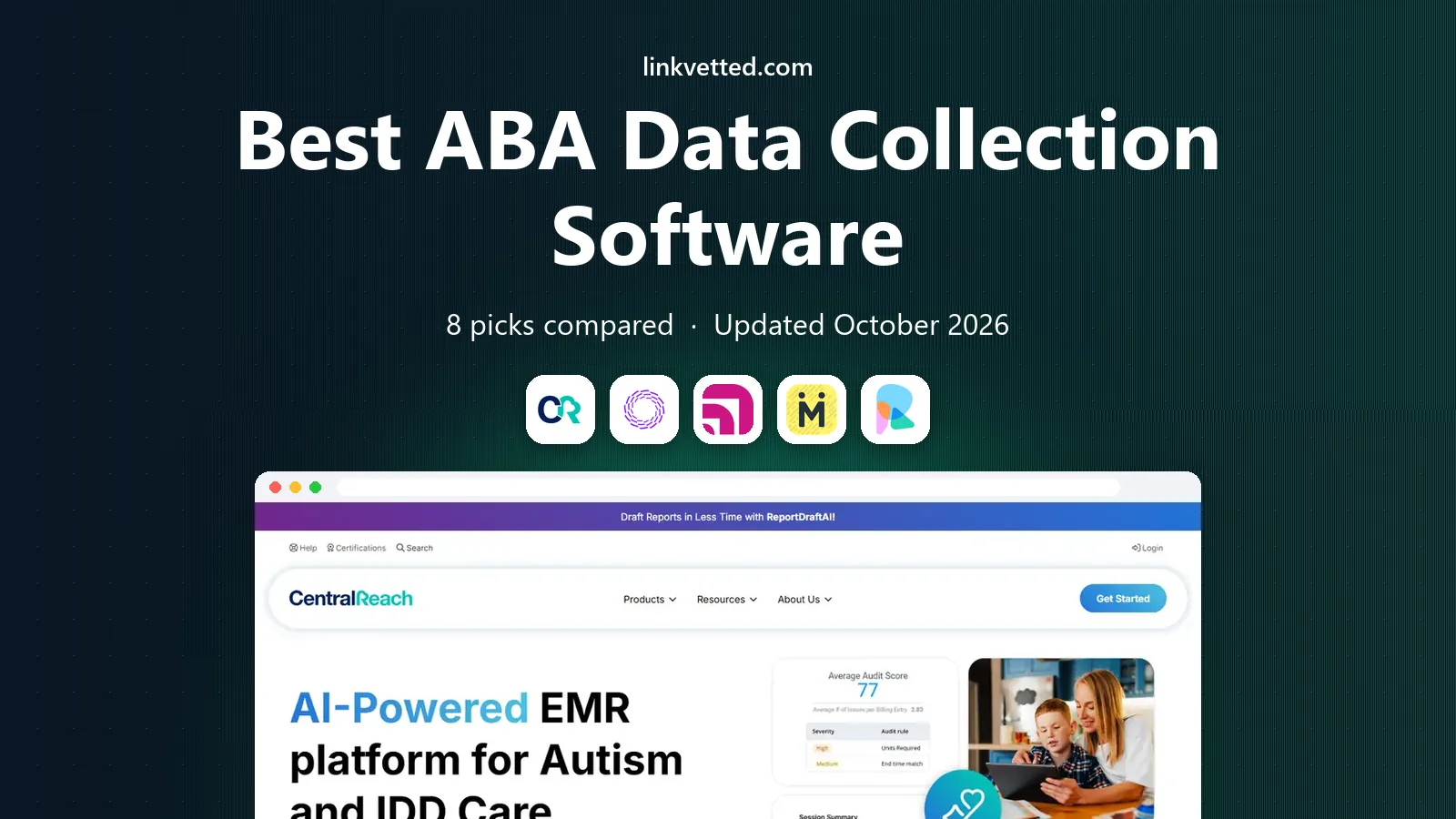
 CentralReach
Growing ABA practices wanting an all-in-one platform
Starts atSee websiteVisit centralreach.comFull review - Great alternative
 Rethink BH
Practices wanting data plus clinical tools
Starts atSee websiteVisit rethinkbh.comFull review - Also consider
 Catalyst
Therapists needing flexible data collection
Starts at$25 per user per monthVisit datafinch.comFull review
TL;DR:
- CentralReach and Rethink BH lead for full practice platforms that combine data, scheduling and billing.
- Catalyst and Motivity lead for focused, flexible data collection with strong graphing.
- Hi Rasmus and Theralytics suit smaller practices that want a simpler setup and lower cost.
- Check offline mode, graphing options and export tools before you buy, since session data must work in homes and schools, not just offices.
Quick comparison
| Tool | Best for | Starts at | Free plan? | |
|---|---|---|---|---|
| CentralReach | Growing ABA practices wanting an all-in-one platform | See website | No | Visit |
| Rethink BH | Practices wanting data plus clinical tools | See website | No | Visit |
| Catalyst | Therapists needing flexible data collection | $25 per user per month | Free trial | Visit |
 Motivity | Clinics wanting modern, easy data collection | See website | Free trial | Visit |
 Hi Rasmus | Small practices and solo BCBAs | See website | Free trial | Visit |
 Theralytics | Practices wanting data, scheduling and billing | See website | Free trial | Visit |
 AccuPoint | Practices focused on billing and operations | See website | No | Visit |
 ABA Matrix | Clinics wanting a focused ABA platform | See website | Free trial | Visit |
The best ABA data collection software
Good ABA data collection software should make session data fast to enter, easy to graph and simple to share with a care team. The tools below cover standalone data collection apps and full practice platforms, for solo therapists and large clinics alike. This article is general information, not medical advice, and clinical decisions should always be made by a qualified professional.

CentralReach is the most complete platform on this list, combining data collection, scheduling, billing and reporting for ABA and multidisciplinary practices. Its mobile app works offline, which matters for in-home and community sessions with weak signal. The trade-off is custom pricing and a longer setup, since the system covers so much. For growing practices that want one system, it is a strong choice.
In day to day use, the fit comes down to growing ABA practices wanting an all-in-one platform. We would shortlist it first if that description matches your main job, and test it on a real example before you pay. The headline strengths are offline mobile data collection, and those matter most when the work is repeated week after week.
The honest catch is pricing is custom. That limit does not rule it out, but it should shape your expectations and your budget. If that catch is a deal breaker, pick a different entry on this list rather than forcing a poor fit.
- Offline mobile data collection
- Scheduling, billing and reporting in one system
- Strong compliance tools
- Pricing is custom
- Setup and training take time
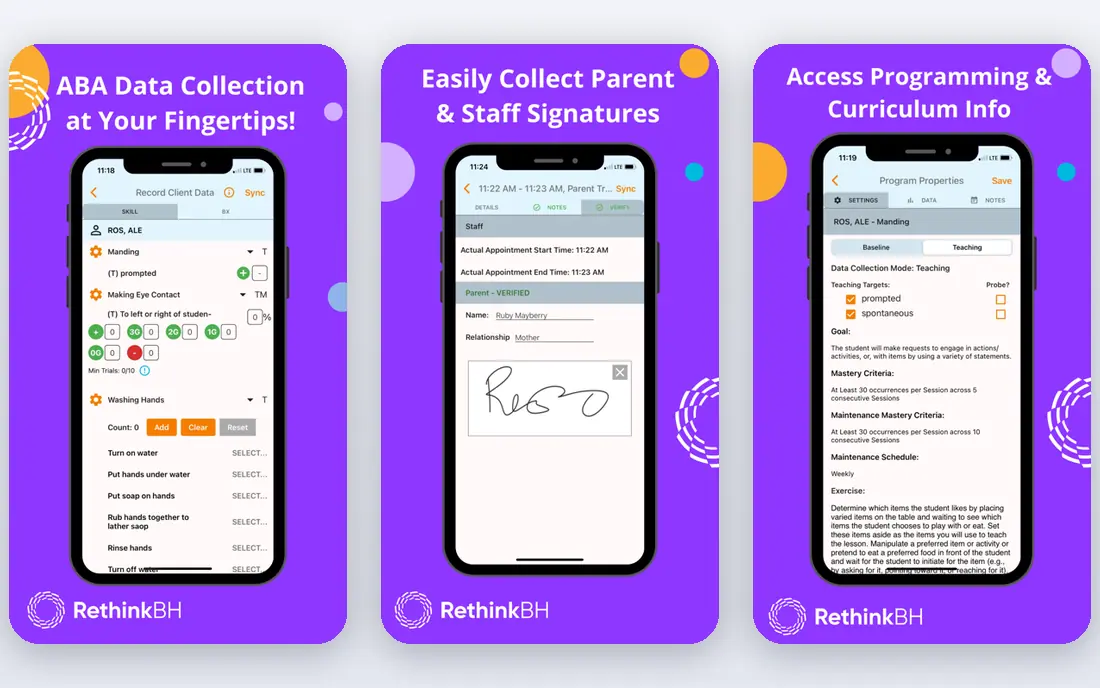
Rethink BH combines ABA data collection with clinical tools, skills programmes and RBT training, plus practice management features. That breadth suits practices that want clinical and admin work in one place. Solo therapists may find it larger than they need, and pricing is custom. For teams that value training and clinical content alongside data, Rethink is a good fit.
For buyers comparing options side by side, Rethink BH stands out for practices wanting data plus clinical tools. We found its strengths clearest in data collection with skills programmes, which is the kind of practical benefit that shows up in daily work rather than only on a feature page. Test that strength on your own data or content first.
No product is perfect, and here the main drawback is pricing is custom. We would still recommend it for practices wanting data plus clinical tools, provided you accept that trade-off. Check the current pricing page before you buy, since plans and limits change over time.
- Data collection with skills programmes
- RBT training tools
- Practice management features
- Pricing is custom
- Breadth can feel large for solo therapists
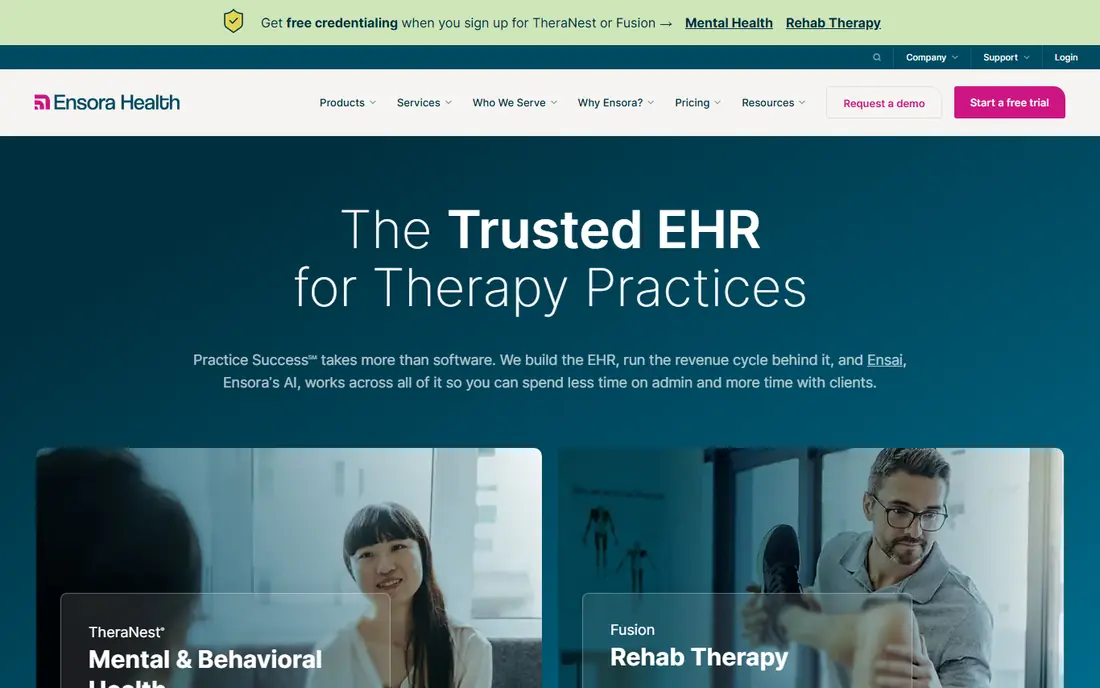
Catalyst by DataFinch is a focused data collection tool known for flexibility, letting teams define custom targets, behaviours and measurement types. Its graphing tools help BCBAs see trends quickly, and its app works for session data in varied settings. It is less of a full billing platform, so some practices pair it with separate admin tools. For data-first teams, its flexibility is the appeal.
What we like most here is how well it serves therapists needing flexible data collection. The combination of highly customisable data types gives it a clear role in a shortlist, even if it is not the best pick for every buyer. Use a trial or free plan to confirm that role before you commit to a paid plan.
The weakness to weigh is interface takes time to customise. For the right buyer, that is a fair trade for what it does well. For others, it is a reason to look at the next option. Either way, a short trial will tell you more than a longer feature comparison.
- Highly customisable data types
- Strong graphing
- Offline capable app
- Interface takes time to customise
- Billing is not its main focus
Motivity offers a modern take on ABA software, with data collection, graphing, scheduling and billing in a clean interface. Its customisation options suit clinics that want to tailor targets and reports without a steep learning curve. Pricing is custom, and some advanced features are newer than rivals. For clinics that value a modern interface, Motivity is worth a demo.
In day to day use, the fit comes down to clinics wanting modern, easy data collection. We would shortlist it first if that description matches your main job, and test it on a real example before you pay. The headline strengths are modern interface, and those matter most when the work is repeated week after week.
The honest catch is pricing is custom. That limit does not rule it out, but it should shape your expectations and your budget. If that catch is a deal breaker, pick a different entry on this list rather than forcing a poor fit.
- Modern interface
- Custom data collection and graphing
- Scheduling and billing options
- Pricing is custom
- Some advanced features are newer
Hi Rasmus is built for smaller ABA practices and solo BCBAs who want data collection without enterprise complexity. Its tools cover session data, graphing and a parent portal, with a simpler setup than large platforms. It lacks some enterprise billing and compliance depth, so large multi-site clinics may need more. For small teams, its simplicity is a strength.
For buyers comparing options side by side, Hi Rasmus stands out for small practices and solo BCBAs. We found its strengths clearest in simple data collection and graphing, which is the kind of practical benefit that shows up in daily work rather than only on a feature page. Test that strength on your own data or content first.
No product is perfect, and here the main drawback is fewer enterprise features than CentralReach. We would still recommend it for small practices and solo BCBAs, provided you accept that trade-off. Check the current pricing page before you buy, since plans and limits change over time.
- Simple data collection and graphing
- Parent portal
- Affordable for small teams
- Fewer enterprise features than CentralReach
- Integrations are limited
Theralytics combines ABA data collection with scheduling, billing and custom reporting, aimed at practices that want admin and clinical work together. Its mobile app supports session data, and its reports can be tailored to payer and clinical needs. Pricing varies, so small practices should ask for a clear quote. For mid-size practices, it offers a balanced full platform.
What we like most here is how well it serves practices wanting data, scheduling and billing. The combination of data collection with scheduling and billing gives it a clear role in a shortlist, even if it is not the best pick for every buyer. Use a trial or free plan to confirm that role before you commit to a paid plan.
The weakness to weigh is pricing varies by practice size. For the right buyer, that is a fair trade for what it does well. For others, it is a reason to look at the next option. Either way, a short trial will tell you more than a longer feature comparison.
- Data collection with scheduling and billing
- Custom reports
- Mobile app
- Pricing varies by practice size
- Setup needs planning for larger teams
AccuPoint leans toward practice operations, with strong billing, payroll, scheduling and compliance tools alongside data collection. That focus suits practices where admin efficiency and payer compliance are the main pain points. Its data collection tools are solid but less specialised than Catalyst or Motivity. For operations-led practices, AccuPoint is a practical pick.
In day to day use, the fit comes down to practices focused on billing and operations. We would shortlist it first if that description matches your main job, and test it on a real example before you pay. The headline strengths are strong billing, payroll and compliance tools, and those matter most when the work is repeated week after week.
The honest catch is data tools are less specialised than Catalyst. That limit does not rule it out, but it should shape your expectations and your budget. If that catch is a deal breaker, pick a different entry on this list rather than forcing a poor fit.
- Strong billing, payroll and compliance tools
- Data collection included
- Multi-site support
- Data tools are less specialised than Catalyst
- Pricing is custom
ABA Matrix is an ABA-specific platform with data collection, graphing, scheduling and parent communication tools. Its focus on ABA workflows means targets, behaviours and reports are built around clinical practice rather than generic therapy templates. As a smaller vendor, integration coverage should be checked against your billing and payroll tools. For clinics that want a focused ABA system, it is worth shortlisting.
For buyers comparing options side by side, ABA Matrix stands out for clinics wanting a focused ABA platform. We found its strengths clearest in aBA-specific data collection and reporting, which is the kind of practical benefit that shows up in daily work rather than only on a feature page. Test that strength on your own data or content first.
No product is perfect, and here the main drawback is smaller vendor than CentralReach. We would still recommend it for clinics wanting a focused ABA platform, provided you accept that trade-off. Check the current pricing page before you buy, since plans and limits change over time.
- ABA-specific data collection and reporting
- Scheduling tools
- Parent communication
- Smaller vendor than CentralReach
- Check integration coverage
How we picked these
We compared official feature pages, pricing pages and documentation for each tool, and we checked offline mobile support, graphing, reporting, scheduling and billing features. We favoured tools that are actively maintained, offer a trial or demo where stated, and support data export for clinical and payer reporting. We also weighed practice size, since a solo BCBA and a multi-site clinic need very different systems. This article is general information, not medical advice.
How to pick ABA data collection software
Test offline mode on a real session
Many ABA sessions happen in homes, schools and community settings with weak signal, so offline data entry and reliable sync are essential. Test the mobile app on a real session, including behaviour data, duration and frequency measures, before you commit. A tool that only works well on office Wi-Fi will frustrate staff quickly.
Check graphing and reporting for your payers
Graphs should be easy to read, customisable and exportable for progress reports and payer documentation. Ask how targets, mastery criteria and behaviour reduction data appear in reports, and whether parents can view progress through a portal. Poor reporting creates extra admin work that defeats the purpose of the software.
Price for your full team, not just BCBAs
Some tools charge per user, some per practice and some by custom contract, so model the cost for BCBAs, RBTs and admin staff together. Include training time and any data migration fees. A tool that is cheap for one BCBA can become expensive across a full team.
FAQ
What is the best ABA software for data collection?
Catalyst and Motivity are the strongest focused data collection picks, with flexible targets and clear graphing. CentralReach and Rethink BH are better if you also want scheduling, billing and practice management in one system. Your practice size and admin needs should guide the choice.
Is there free ABA data collection software?
Most professional ABA tools are paid, though several offer free trials or demos. Some teams start with spreadsheets, but that approach quickly becomes hard to graph and audit at scale. A trial of Catalyst, Motivity or Hi Rasmus is a better test than a free generic form tool.
Does ABA data collection software work offline?
Yes, CentralReach, Catalyst and several others offer offline mobile apps that sync when signal returns. Always test offline mode yourself, since sync behaviour varies by device and data type. Offline reliability is a key question to ask in any demo.
Can parents see progress in ABA software?
Many tools, including Hi Rasmus, ABA Matrix and Rethink BH, offer parent portals or progress sharing. Check what parents can see, whether they can message the team, and how consent and privacy are handled. Parent access should be clear and controlled, not automatic for every report.
How do I switch ABA software without losing data?
Export session data, targets, graphs and client records before you cancel, and confirm the new tool can import your key formats. Run both systems in parallel for a short period if possible, and train staff on the new workflow before the switch date. Plan data migration as a project, not an afterthought.