5 Product Analytics Software for Nonprofits Worth Shortlisting in 2026
Best product analytics software for nonprofits in 2026: 5 contenders with entry costs and free tiers. The catches are listed up front. Clear verdicts.
- Editor's choice
 PostHog
Automatic problem detection and fixes
Starts atSee websiteVisit posthog.comFull review - Great alternative
 Heap
Uncovering unknown user behaviors
Starts atSee websiteVisit heap.ioFull review - Also consider
 Hotjar
Behavior insights for midsize and small nonprofits
Starts at$39 a monthVisit hotjar.comFull review
Direct answer
PostHog is the first pick on this list for automatic problem detection and fixes. Listed starting prices: Hotjar from $39 a month and Mixpanel from $100 a month. If your case is different, Heap suits uncovering unknown user behaviors and Hotjar suits behavior insights for midsize and small nonprofits. All 5 tools are compared below on price, free plan and limits.
TL;DR:
- The list opens with PostHog, aimed at automatic problem detection and fixes.
- 3 of 5 tools offer a free plan: Heap, Hotjar, Mixpanel.
- Before buying Hotjar, weigh this: may lack advanced product analytics features.
- For enterprise-level digital experience analytics, Adobe Analytics is worth a look.
Last checked November 2026. Prices and plan details were read from the vendors' own pages in November 2026; vendors change plans often, so confirm the current price on the vendor site before you buy.
Quick comparison
| Tool | Best for | Starts at | Free plan? | |
|---|---|---|---|---|
| PostHog | Automatic problem detection and fixes | See website | Not stated | Visit |
| Heap | Uncovering unknown user behaviors | See website | Yes | Visit |
| Hotjar | Behavior insights for midsize and small nonprofits | $39 a month | Yes | Visit |
 Mixpanel | Thorough product intelligence in one system | $100 a month | Yes | Visit |
 Adobe Analytics | Enterprise-level digital experience analytics | See website | Not stated | Visit |
Product Analytics Software for Nonprofits, one by one
This LinkVetted guide covers 5 product analytics software for nonprofits. Each profile lists a starting price, free plan details, strengths and drawbacks, so you can drop poor fits quickly.
Choose PostHog for automatic problem detection and fixes. PostHog positions itself as a tool that automatically diagnoses problems, fixes bugs, and produces pull requests without you having to prompt it. This makes it appealing for nonprofits with engineering resources who want to cut manual debugging and maintenance.
Trade-offs to know: Technical focus may not suit non-technical teams.
Also, nonprofits without in-house developers might find it less accessible. Consider PostHog if you have technical capacity and want to simplify product maintenance. No starting price is listed for PostHog here; confirm pricing on the vendor site. Free plan details: Not stated.
- Merges analytics with engineering workflows
- Produces pull requests without prompting
- Automation features could need oversight
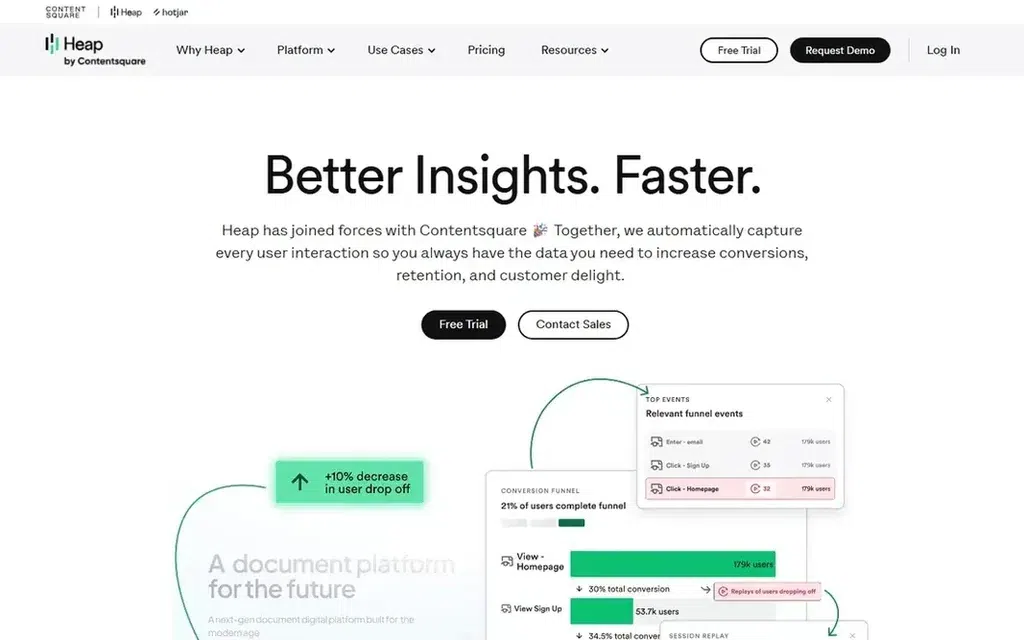
Heap targets uncovering unknown user behaviors. Heap by Contentsquare is described as a digital insights system that presents everything users do on your site, revealing unknown unknowns that stay invisible with other tools. Also, Heap is most solid when you have a specific have to explore unknown user behaviors.
Also, for nonprofits, this can be valuable for discovering unexpected ways supporters interact with donation pages or volunteer portals. As for the details, nonprofits seeking built-in experimentation or AI-driven recommendations might have to look elsewhere. The automatic capture approach can produce large amounts of data, which may be overwhelming without clear analysis goals. Heap does not show a starting price in this comparison, so check the vendor site for current pricing. Heap offers a free plan.
Drawbacks to consider: May need time to interpret captured data.
- Reveals hidden engagement patterns
- Part of the Contentsquare ecosystem
- Less emphasis on experimentation features
Hotjar is aimed squarely at behavior insights for midsize and small nonprofits. Hotjar, now combined with Contentsquare, is described as a leading behavior insights product in the midsize and SMB market.
Honest limits: May lack advanced product analytics features.
In daily use, nonprofits in that size range can use it to understand how supporters navigate their sites through behavior insights. Also, nonprofits needing advanced experimentation or automatic problem detection might outgrow it. Hotjar cost at the entry level: $39 per month. Hotjar has a free plan.
- Part of Contentsquare with Hotjar
- Suited to midsize and SMB market
- Restricted AI-powered insights compared with others
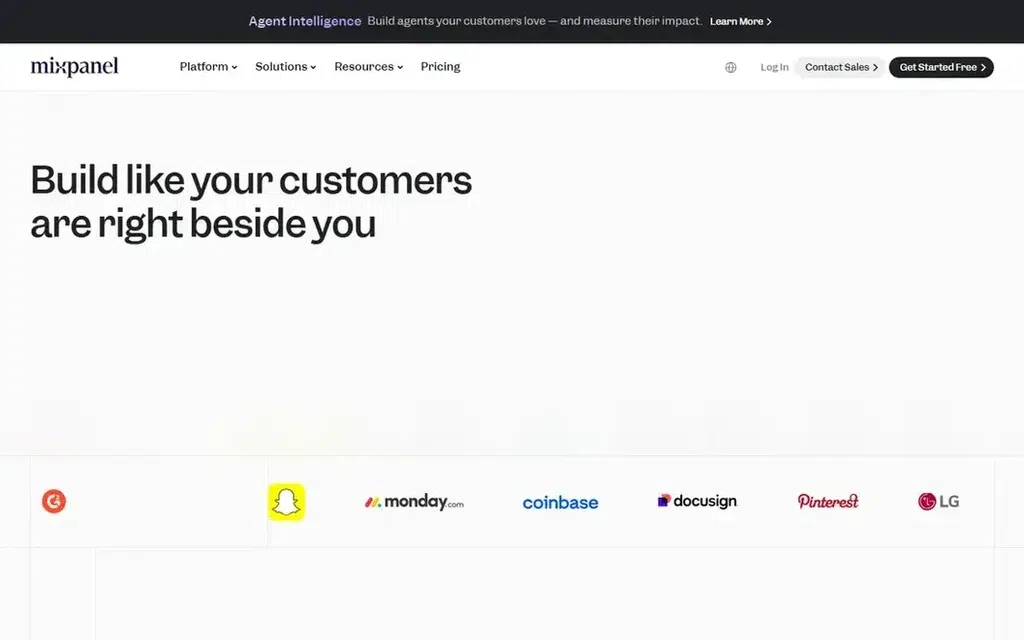
Think of Mixpanel for thorough product intelligence in one system. Mixpanel presents itself as a product intelligence product for the AI era, bringing together analytics, session replay, experiments, feature flags, and AI-powered insights.
As for the details, if you need a simpler starting point or tighter budget constraints, consider a more focused tool. For everyday use, the breadth of features may overwhelm nonprofits with restricted analytics staff, and some advanced capabilities might go unused. Mixpanel pricing: $100 per month. Mixpanel includes a free tier.
Honest limits: May be complicated for very small teams.
Strengths: Merges analytics.
- Session replay, experiments
- AI-powered insights help surface patterns
- Advanced features could need a ramp-up time
Adobe Analytics is designed for enterprise-level digital experience analytics. Adobe Analytics is an enterprise digital experience analytics system that brings together customer data, measures digital marketing performance, and optimizes journeys with AI-powered insights.
Drawbacks to consider: Enterprise complexity may overwhelm small teams.
Bigger nonprofits with complicated digital ecosystems can use it to link data from several channels and make smarter decisions. Budget and implementation demands can be significant. Adobe Analytics shows no starting price here, so confirm the cost on the vendor site. Free plan details: Not stated.
- Measures digital marketing performance
- Brings together customer data across channels
- Likely needs specialized training
Selection criteria
Before you commit
- Confirm the entry price on the vendor page. For PostHog, Heap and Adobe Analytics that means a quote rather than a fixed price.
- Look at free plan limits closely: Heap, Hotjar and Mixpanel have one, and the caps decide whether it is usable for real work.
- Read the limits listed for PostHog first: technical focus may not suit non-technical teams.
- Pick one real project and run it in Mixpanel first; a small pilot shows fit faster than a checklist.
- Check how data leaves Adobe Analytics: formats, limits and whether exports are available on every plan.
FAQ
Which options for product analytics software for nonprofits have a free plan?
Heap, Hotjar and Mixpanel offer a free plan in this list. Free plans usually cap users, projects or features, so check the limits on the vendor page.
What is the cheapest option for product analytics software for nonprofits in this list?
On published monthly entry prices, Hotjar is the lowest here at $39 per month. Entry price is only part of the cost, because seats, add-ons and billing terms can change the total. For the full picture, the cards above cover all 5 entries of this product analytics software for nonprofits list, including price, free plan and limits.
How are the tools for product analytics software for nonprofits ordered?
PostHog sits first and Adobe Analytics last because the order follows typical fit for product analytics software for nonprofits, then price clarity and free access. It is a judgement call, so read each profile for fit and limits.
What should nonprofits look for in product analytics software?
Nonprofits should prioritize simplicity, clear reporting, and integration with existing tools. Since budgets are frequently restricted, it is also important to confirm that the feature set matches your actual needs without unnecessary complexity.
Can I try these tools before paying?
Often, yes. Heap, Hotjar and Mixpanel have a free plan. Use your own data and a real task during the test, and check what the free tier or trial limits before you rely on it.
Sources
- https://posthog.com
- https://heap.io
- https://www.hotjar.com
- https://mixpanel.com
- https://business.adobe.com/products/analytics/adobe-analytics.html