5 Best Data Analytics Tools for Nonprofits for 2026, Vetted and Compared
5 best data analytics tools for nonprofits, with entry costs, free tiers and the buyer each one serves. Caveats come with every verdict. Updated for 2026.
- Editor's choice
 Qlik Sense
End-to-end data integration and analytics
Starts atSee websiteVisit qlik.comFull review - Great alternativeSalesforce Tableau CRM
Salesforce-connected visual analytics
Starts atSee websiteVisit salesforce.comFull review - Also consider
 Tableau
Deep visual exploration and sharing
Starts at$15 per user per monthVisit tableau.comFull review
Direct answer
Qlik Sense comes first here, mainly for end-to-end data integration and analytics. Listed starting prices: Tableau from $15 per user per month. Look at Salesforce Tableau CRM for Salesforce-connected visual analytics, and at Tableau for deep visual exploration and sharing. The remaining 2 options are covered below with prices and limits.
TL;DR:
- Top of the list is Qlik Sense, which targets end-to-end data integration and analytics.
- For integrated BI across numerous apps, Zoho Analytics is worth a look.
- The main caution on Tableau: can need training for advanced use.
- Starting prices begin at $15 per user per month with Tableau.
Last checked November 2026. Prices and plan details were read from the vendors' own pages in November 2026; vendors change plans often, so confirm the current price on the vendor site before you buy.
Quick comparison
| Tool | Best for | Starts at | Free plan? | |
|---|---|---|---|---|
| Qlik Sense | End-to-end data integration and analytics | See website | Not stated | Visit |
| Salesforce Tableau CRM | Salesforce-connected visual analytics | See website | Free trial | Visit |
| Tableau | Deep visual exploration and sharing | $15 per user per month | Yes | Visit |
 Sisense | Embedded analytics in custom apps | See website | Free trial | Visit |
 Zoho Analytics | Integrated BI across numerous apps | See website | Not stated | Visit |
Data Analytics Tools for Nonprofits profiles
Choosing data analytics tools for nonprofits usually comes down to price, fit and limits. This LinkVetted guide sets 5 tools side by side on those three points, with the facts kept short and checkable.
Qlik Sense is designed for end-to-end data integration and analytics. Qlik Sense, now with Talend, provides a data fabric and next-level insights through end-to-end data integration, data quality, and analytics options.
Points against: Setup can involve several components.
Worth adding: the integrated product can involve several components and a ramp-up time, which may be heavy for small teams. No starting price is listed for Qlik Sense here; confirm pricing on the vendor site. Free plan details: Not stated.
- Integration and quality tools
- Next-level insights
- Full product may need training
Salesforce Tableau CRM
Best for: Salesforce-connected visual analytics
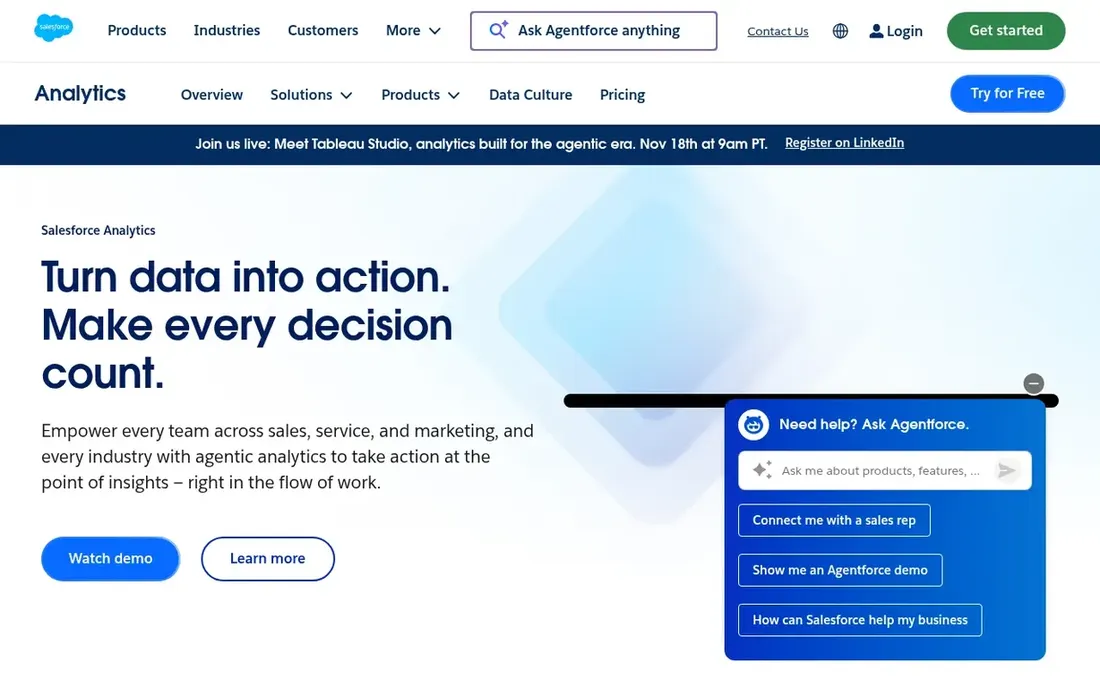
Salesforce Tableau CRM makes the most sense for Salesforce-connected visual analytics. The value depends heavily on using Salesforce as a primary system, so organizations on other systems may find it redundant.
Honest limits: May overlap with existing BI tools.
More specifically, staff can boost productivity by combining CRM records with visual insights without switching products. Worth adding: Salesforce Tableau CRM brings visual analytics into the Salesforce environment, helping teams understand and act on data wherever they work. Salesforce Tableau CRM shows no starting price here, so confirm the cost on the vendor site. As for free access: Free trial.
- Visual analytics from Salesforce
- Supports decision-making in one place
- Most handy with Salesforce data
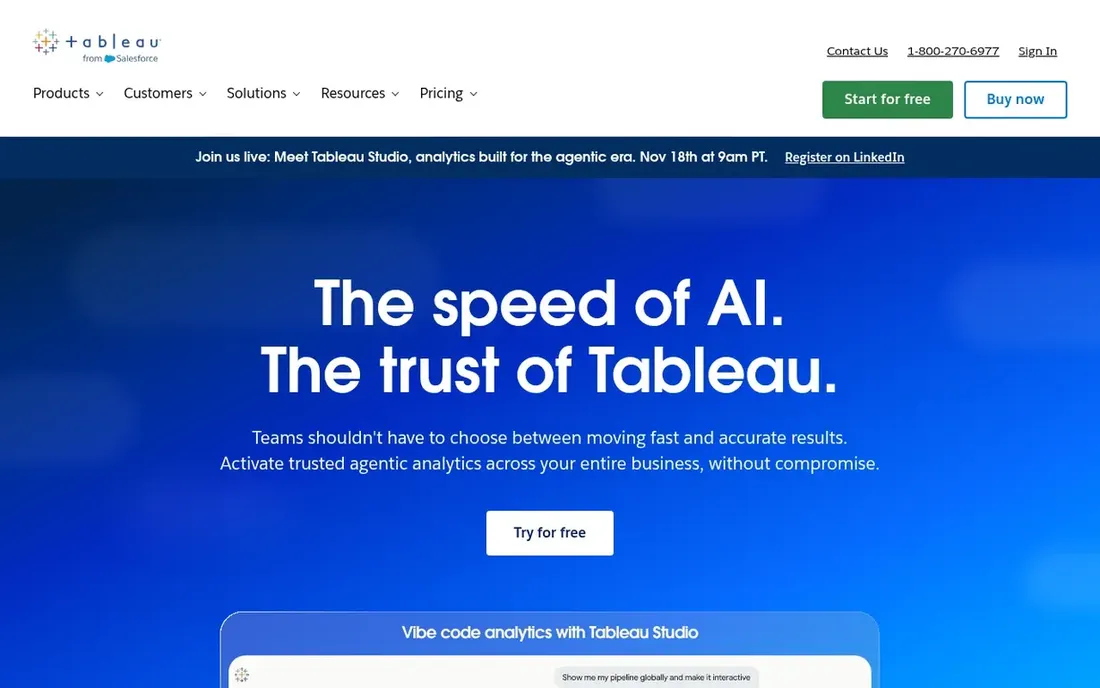
Pick Tableau if this describes you: deep visual exploration and sharing. Tableau is a business intelligence and analytics system built for seeing and understanding data.
Users link to almost any database, build visualizations by dragging and dropping, and share results with a click. The system can feel complicated for volunteers or staff without analytics experience, and setup may demand more time than light tools. Tableau starts at: $15 per user per month. Tableau offers a free plan.
Watch-outs: Can need training for advanced use.
- Links to plenty of databases
- Drag-and-drop visualization building
- May be heavy for very small teams
Sisense serves embedded analytics in custom apps. Sisense is oriented toward embedding and product development, which can be more complicated than a nonprofit needs for internal reporting.
Where it is weaker: Geared toward product and dev teams.
From a buyer's view, teams with development resources can tailor analytics to specific programs or audiences. If you only need standard dashboards for staff, a more straightforward product for example Tableau or Zoho Analytics may be more appropriate. Sisense does not show a starting price in this comparison, so check the vendor site for current pricing. On free options: Free trial.
- Pro-code to no-code choices
- Embedded analytics adaptability
- May be complex for pure end users
Where Zoho Analytics fits: integrated BI across numerous apps. Zoho Analytics is a data analytics and business intelligence system that links to numerous apps, lets teams build dashboards, and surfaces actionable insights.
Where it is weaker: Advanced customization may need support.
It fits nonprofits that use multiple operational systems and want a single place to combine data. No starting price is listed for Zoho Analytics here; confirm pricing on the vendor site. Free access: Not stated.
- Builds dashboards rapidly
- AI-assisted insights
- Interface can feel busy
What went into this list
Things to verify first
- Get a written quote from Qlik Sense, Salesforce Tableau CRM, Sisense and Zoho Analytics; the list shows no starting price for them.
- Look at the free plan from Tableau closely: its caps decide whether it is usable for real work.
- Run a trial of Salesforce Tableau CRM and Sisense with real work before paying for a year; your own workflow is the best test.
- Read the limits listed for Qlik Sense first: full product may need training.
- Check whether Sisense bills monthly or annually, and what cancelling early costs.
- Before rolling out Tableau, verify the integrations your workflow depends on.
FAQ
Do nonprofits need embedded analytics like Sisense?
Embedded analytics matters primarily if you build custom portals or member-facing applications. Sisense supplies pro-code, low-code, and no-code adaptability for that purpose.
Do these tools publish their prices?
Not all of them. Qlik Sense, Salesforce Tableau CRM, Sisense and Zoho Analytics publish no starting price, so expect a quote request for those. The rest, Tableau included, show a starting price, though seats and billing terms still change the final cost.
What is the cheapest option for data analytics tools for nonprofits in this list?
On published monthly entry prices, Tableau is the lowest here at $15 per user per month. Entry price is only part of the cost, because seats, add-ons and billing terms can change the total. Prices, free plan details and limits for all 5 tools in this data analytics tools for nonprofits roundup sit on the individual cards above.
Can I try these tools before paying?
Often, yes. Tableau has a free plan and Salesforce Tableau CRM and Sisense offer a free trial. Use your own data and a real task during the test, and check what the free tier or trial limits before you rely on it.
Is Qlik Sense the right pick for everyone comparing data analytics tools for nonprofits?
No single tool suits every team. Qlik Sense comes first because it fits end-to-end data integration and analytics, while Salesforce Tableau CRM suits Salesforce-connected visual analytics and Tableau suits deep visual exploration and sharing. Match the tool to your own size, budget and workflow before deciding.
Sources
- https://www.qlik.com
- https://www.salesforce.com/analytics
- https://www.tableau.com
- https://www.sisense.com
- https://www.zoho.com/analytics