8 Best Analytics for iOS Apps in 2026
Eight best analytics for iOS apps in 2026, from Apple App Analytics to Firebase and Mixpanel, compared on events, funnels, privacy and pricing.
- Editor's choice
 Apple App Analytics
Store insights
Starts atFreeVisit apple.comFull review - Great alternative
 Firebase Analytics
Free product analytics
Starts atFreeVisit firebase.google.comFull review - Also consider
 Mixpanel
Event analytics
Starts atFreeVisit mixpanel.comFull review
TL;DR:
- Apple App Analytics and App Store Connect suit basic store and download insights for free.
- Firebase Analytics and Mixpanel suit product teams that need events, funnels and retention.
- Amplitude and PostHog suit teams that want deep product analytics with privacy controls.
- UXCam and Smartlook suit teams that need session replays and UX insights.
- Apple privacy rules, including App Tracking Transparency, shape what can be tracked, so check consent flows.
Quick comparison
| Tool | Best for | Starts at | Free plan? | |
|---|---|---|---|---|
| Apple App Analytics | Store insights | Free | Yes | Visit |
| Firebase Analytics | Free product analytics | Free | Yes | Visit |
| Mixpanel | Event analytics | Free | Yes | Visit |
 Amplitude | Product analytics | Free | Yes | Visit |
 PostHog | Open-source analytics | Free | Yes | Visit |
 UXCam | Session replays | See website | Yes | Visit |
 Smartlook | UX analytics | Free | Yes | Visit |
 Flurry Analytics | Free mobile analytics | Free | Yes | Visit |
The best analytics for iOS apps
iOS analytics split into store analytics, product analytics and UX analytics. These eight tools cover all three for iOS developers in October 2026, with Apple privacy rules in mind.
Apple App Analytics, inside App Store Connect, shows downloads, sales, proceeds, crashes and store performance for iOS apps at no extra cost. It is privacy friendly, since it uses Apple data without third-party tracking. Every iOS developer should check it, even if they use another product tool.
It does not offer in-app event funnels or retention analysis, so product teams need another tool for behaviour. For store performance, Apple App Analytics is the baseline.
A good way to judge Apple App Analytics is to ask what happens when something goes wrong. Check support channels, response times, export options and cancellation terms before you commit data or a team to it. Those answers matter as much as the feature list, especially for a tool you plan to use daily.
- Free with App Store Connect
- Downloads, sales and crash data
- Privacy friendly
- No in-app event funnels
- Limited product analytics
Firebase Analytics, part of Google Firebase, offers free event analytics, audiences, funnels and crash reporting for iOS apps. It integrates with Crashlytics, Remote Config and Cloud Messaging, making it a full app platform. Its free tier covers most small and mid-size apps.
The event data model needs learning, and privacy settings, including ATT handling, need careful setup. For a free, capable iOS analytics tool, Firebase is the default choice for many teams.
If Firebase Analytics appeals to you, check recent user reviews for the exact plan you intend to buy, since free and paid tiers can differ a lot. Look for comments on reliability, billing and support, and weigh recent reviews more heavily than older ones, because pricing and features change often.
- Free with generous limits
- Events, audiences and crash reporting
- Google integration
- Data model needs learning
- Privacy controls need setup
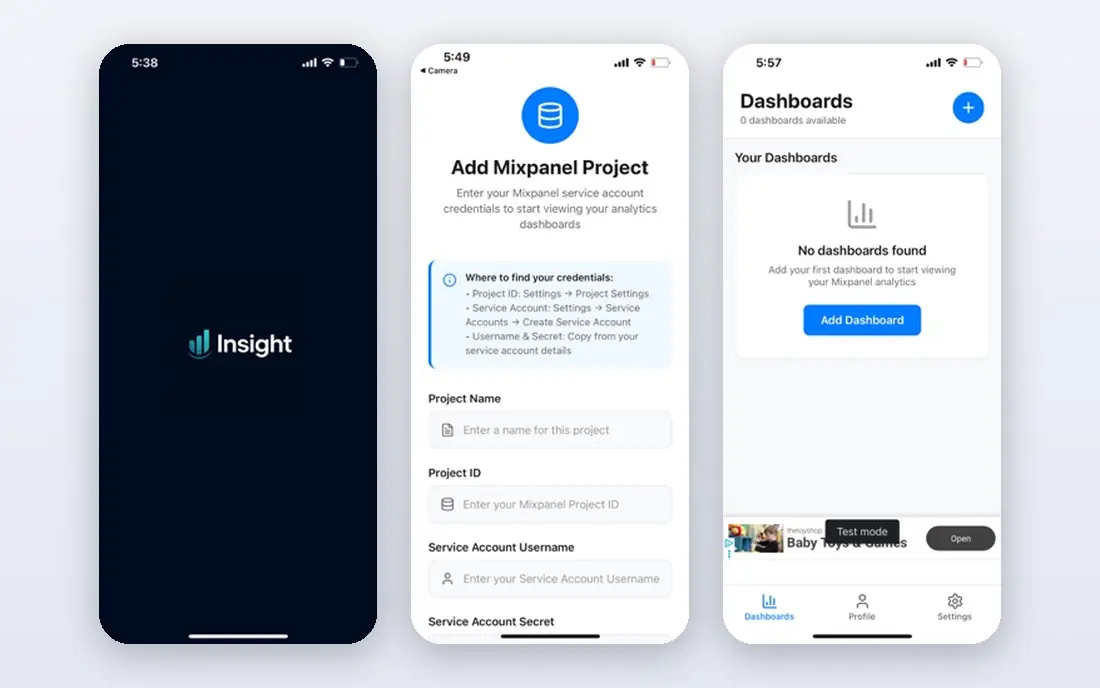
Mixpanel focuses on event-based product analytics, with funnels, retention, cohorts and user profiles. Product teams use it to answer which features drive retention and where users drop off. Its free tier covers small apps, and its interface is clear for non-technical teams.
Pricing scales with monthly tracked users and events, so high-volume apps should model cost. Event planning matters, since poor event names produce messy data. For event analytics, Mixpanel is a leader.
When you trial Mixpanel, start with the use case in its best-for line and test one real workflow end to end, rather than clicking through a demo. That test shows whether setup, daily use and support feel right for your team or household, and it gives you a fair basis for comparing it with the other options in this list.
- Strong event, funnel and retention analysis
- User profiles
- Free tier
- Pricing scales with events
- Setup needs event planning
Amplitude offers deep product analytics, including funnels, retention, path analysis and behavioural cohorts, for product and growth teams. Its free tier covers small apps, and its analysis tools suit teams that ask complex product questions. Integrations with data warehouses support larger teams.
Learning curve is real, and pricing scales with events for larger apps. For deep product analysis, Amplitude rivals Mixpanel at the top of this list.
For Amplitude, the practical question is fit, not features alone. Check whether its limits, integrations and support hours match how you actually work, and confirm pricing for the size you expect in six months, not just today. A tool that fits now but strains at the next step costs more in switching time later.
- Deep product analytics
- Behavioural cohorts
- Free tier
- Learning curve
- Pricing scales with events
PostHog is an open-source product analytics platform with events, funnels, session replay, feature flags and surveys in one tool. Teams can self-host for data control or use PostHog Cloud. Its breadth suits teams that want analytics plus experimentation without many vendors.
Setup is heavier than Firebase, and the interface can feel busy with so many products. For open-source, privacy-conscious analytics, PostHog is a strong choice.
We would put PostHog on a shortlist when its best-for description matches your main job, and trial it beside one rival from this list. Compare the same task in both, note where each one slows you down, and keep the one that staff, family or clients adopt without extra training.
- Open source
- Product analytics plus session replay and feature flags
- Self-host option
- Setup is heavier
- Interface can feel busy
UXCam records mobile sessions, heatmaps and frustration signals such as rage taps, helping teams see why users struggle. It adds crash context to replays, so developers can link a crash to what the user did before it. A free tier lets teams test it.
Session limits apply on lower plans, and product analytics depth trails Mixpanel and Amplitude. For UX insight on iOS, UXCam is a focused, useful tool.
A good way to judge UXCam is to ask what happens when something goes wrong. Check support channels, response times, export options and cancellation terms before you commit data or a team to it. Those answers matter as much as the feature list, especially for a tool you plan to use daily.
- Session replays and heatmaps for mobile
- Frustration signals
- Crash context
- Session limits on lower plans
- Analytics depth trails Mixpanel
Smartlook offers session recordings, heatmaps, events and funnels for web and mobile, with a free tier for small use. Product teams use it to watch real user journeys and spot friction in onboarding and checkout. Its funnels link replays to drop-off points.
Mobile depth trails UXCam, and session limits apply on free and lower plans. For combined UX and funnel analysis, Smartlook is a good option.
If Smartlook appeals to you, check recent user reviews for the exact plan you intend to buy, since free and paid tiers can differ a lot. Look for comments on reliability, billing and support, and weigh recent reviews more heavily than older ones, because pricing and features change often.
- Session recordings and heatmaps
- Funnels
- Free tier
- Mobile depth trails UXCam
- Session limits apply
Flurry Analytics, from Yahoo, offers free mobile analytics with dashboards for users, sessions, retention and crashes. It suits small iOS developers who want simple, free analytics without event complexity. Setup is straightforward with its SDK.
Feature depth trails Firebase, Mixpanel and Amplitude, and development pace is slower. For simple, free iOS analytics, Flurry remains a usable option, though most teams will outgrow it.
When you trial Flurry Analytics, start with the use case in its best-for line and test one real workflow end to end, rather than clicking through a demo. That test shows whether setup, daily use and support feel right for your team or household, and it gives you a fair basis for comparing it with the other options in this list.
- Free mobile analytics
- Yahoo network
- Simple dashboards
- Feature depth trails modern tools
- Development pace is slower
How we picked these
We compared official product pages, pricing pages and public reviews for iOS analytics tools live in October 2026. We required iOS SDK support, event or store analytics, and privacy handling for Apple rules. We did not claim hands-on testing, and we noted free tier limits, since event pricing changes often.
What to check before you choose
Start with Apple privacy rules: App Tracking Transparency requires user permission for tracking across apps, and many users decline, so plan analytics around first-party events and consent. Next, plan events before implementation, since renaming events later breaks history. Finally, check data retention and export, since analytics value grows with history.
Privacy and consent
Use first-party analytics where possible, minimise personal data, and respect ATT choices. Session replay tools need masking for sensitive fields such as passwords and payment details. Check each vendor privacy and data processing terms for your regions.
Event planning
Define a small set of core events, such as signup, key action, purchase and retention milestones, before adding dozens of minor events. Use consistent naming, document events, and review data quality weekly in the first month. Good event design beats a powerful tool with messy data.
FAQ
What is the best analytics tool for iOS apps?
Firebase Analytics is the best analytics tool for iOS apps for most teams, thanks to its free tier and broad features. Mixpanel and Amplitude suit deeper product analysis, while Apple App Analytics covers store performance free. UXCam suits session replay needs.
Is Firebase Analytics free for iOS?
Yes, Firebase Analytics is free with generous limits for most small and mid-size iOS apps, with paid Google Analytics 360 features for very large teams. Check event and data limits for your app volume, since high-traffic apps may need paid tiers. For most indie developers, Firebase is free in practice.
Do I need App Tracking Transparency for analytics?
App Tracking Transparency applies to tracking users across other companies apps and websites, not to first-party analytics in your own app in most cases. Still, check Apple guidelines and your analytics vendor advice, since rules and interpretations change. Implement ATT prompts only where tracking requires them, and respect user choices.
Can I use Mixpanel and Firebase together?
Yes, many teams use Firebase for free baseline analytics and Mixpanel or Amplitude for deeper product analysis. Running two SDKs adds complexity and data differences, so compare results carefully. For small teams, one tool is usually enough.
Which tool is best for iOS session replays?
UXCam is best for iOS session replays, with mobile heatmaps and frustration signals. Smartlook also offers replays plus funnels for web and mobile. Mask sensitive fields in replays, and check session limits before relying on replays for all users.