Top 6 Mobile App Analytics Tools for iOS for 2026 (Prices and Free Plans)
Best mobile app analytics tools for iOS in 2026: 6 contenders with entry costs and free tiers. Limits and pricing notes included. Last reviewed November 2026.
- Editor's choiceAppsFlyer
Mobile marketing attribution and measurement
Starts atSee websiteVisit appsflyer.comFull review - Great alternative
 Mixpanel
Analytics with replay and experiments
Starts at$100 per monthVisit mixpanel.comFull review - Also consider
 Braze
Live customer engagement messaging
Starts atSee websiteVisit braze.comFull review
Direct answer
Our first pick is AppsFlyer, best for mobile marketing attribution and measurement. Listed starting prices: Mixpanel from $100 per month, Singular from $0.05 per conversion and Firebase from $9.37 a month. Mixpanel fits Analytics with replay and experiments; Braze fits live customer engagement messaging. The other 3 tools in the list cover narrower or pricier cases.
TL;DR:
- Top of the list is AppsFlyer, which targets mobile marketing attribution and measurement.
- The cheapest monthly starting price in the list is $9.37 per month, offered by Firebase.
- Firebase is the one to check for all-in-one iOS app development and analytics.
- One limit worth knowing about Mixpanel: breadth of features takes time to configure.
- Mixpanel, Singular, Firebase: these are the 3 tools out of 6 that offer a free plan.
Last checked November 2026. Prices and plan details were read from the vendors' own pages in November 2026; vendors change plans often, so confirm the current price on the vendor site before you buy.
Quick comparison
| Tool | Best for | Starts at | Free plan? | |
|---|---|---|---|---|
| AppsFlyer | Mobile marketing attribution and measurement | See website | Not stated | Visit |
| Mixpanel | Analytics with replay and experiments | $100 per month | Yes | Visit |
| Braze | Live customer engagement messaging | See website | Free trial | Visit |
 Adobe Analytics | Enterprise digital experience analytics | See website | Not stated | Visit |
| Singular | Unified marketing data and ROI analysis | $0.05 per conversion | Yes | Visit |
 Firebase | All-in-one iOS app development and analytics | $9.37 a month | Yes | Visit |
The best mobile app analytics tools for iOS
If you are comparing mobile app analytics tools for iOS, this page covers 6 tools in one place: what each is best for, what it costs to start, whether it has a free plan, and the main limit to know about.
AppsFlyer
Best for: Mobile marketing attribution and measurement
For mobile marketing attribution and measurement, AppsFlyer is a natural candidate. AppsFlyer positions itself as a modern marketing cloud that brings together measurement, deep linking, data collaboration and AI across mobile, web, CTV and console. From a buyer's view, getting accurate results needs coordination with your media partners and careful setup.
Where it falls short: Setup involves coordination with media partners.
Where it shines: Handles mobile.
In daily use, for iOS teams spending on acquisition, it answers which channels and campaigns drive installs and downstream actions. Worth adding: AppsFlyer is built around marketing measurement, so it is not the place to explore in-depth in-app user journeys. This comparison lists no price for AppsFlyer; ask the vendor. Free access: Not stated.
- Measurement and deep linking in one system
- Web and connected TV
- Less suited to in-app product analysis
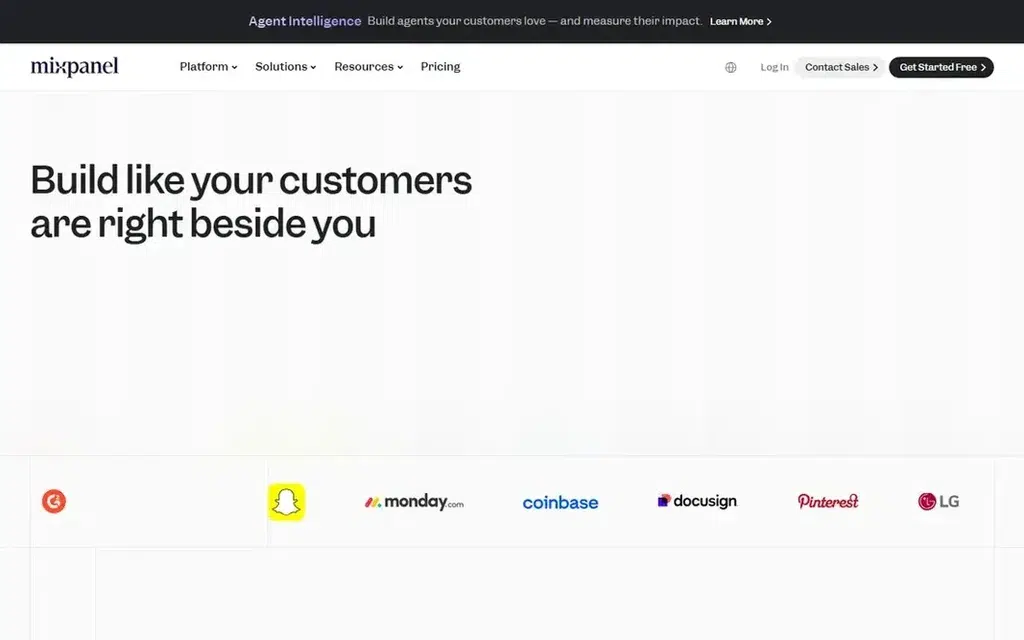
For Analytics with replay and experiments, Mixpanel is a natural candidate. If your priority is proving which marketing channels drive installs, an attribution system is the more direct choice.
The main drawbacks: Breadth of features takes time to configure.
The breadth of Mixpanel means setup and governance take real effort, and teams without clear ownership can end up with inconsistent tracking. Its center of gravity is product intelligence instead of premium acquisition measurement. Mixpanel pricing: $100 per month. Free access exists with Mixpanel.
- AI-powered insights on product data
- Experiments and feature flags in one product
- Marketing attribution is not the core focus
Braze works best for live customer engagement messaging. Braze is a customer engagement system built to power real-time, customer-centric interactions between consumers and brands. If you only need measurement, a dedicated analytics vendor is the more straightforward fit.
For iOS teams, it is most handy when analytics insight needs to turn into messaging across channels. In practice, Braze is an engagement product rather than a pure analytics tool. So teams looking primarily for exploration and dashboards should start elsewhere and consider Braze for activation. Its value relies on having a messaging strategy in place. Braze shows no starting price here, so confirm the cost on the vendor site. Trial and free access: Free trial.
Limits to weigh: Best value when you also send campaigns.
- Complements analytics with messaging actions
- Engagement focus across consumer touchpoints
- Not a standalone analytics suite
Adobe Analytics makes the most sense for enterprise digital experience analytics. It suits organizations that already run on Adobe products and have analysts to interpret the data.
It is most valuable when app measurement ties into a broader digital experience program. This comparison lists no price for Adobe Analytics; ask the vendor. Free plan details: Not stated.
Watch-outs: Enterprise orientation can feel heavy for small teams.
- Suits organizations already on Adobe tools
- Brings together customer data across digital channels
- Needs implementation and analyst resources
Singular
Best for: Unified marketing data and ROI analysis
Singular was built for unified marketing data and ROI analysis. Singular presents an AI-powered attribution and analytics system that aims to unify marketing data, measure true ROI and surface actionable insights.
If your priority is understanding user behavior inside the app, a product analytics tool is the better starting point. Singular cost at the entry level: $0.05 per conversion. You can start on Singular without paying.
The main drawbacks: Value relies on connecting your ad data.
- AI-powered insights on marketing data
- Merges attribution with analytics
- Not a dedicated product analytics workspace
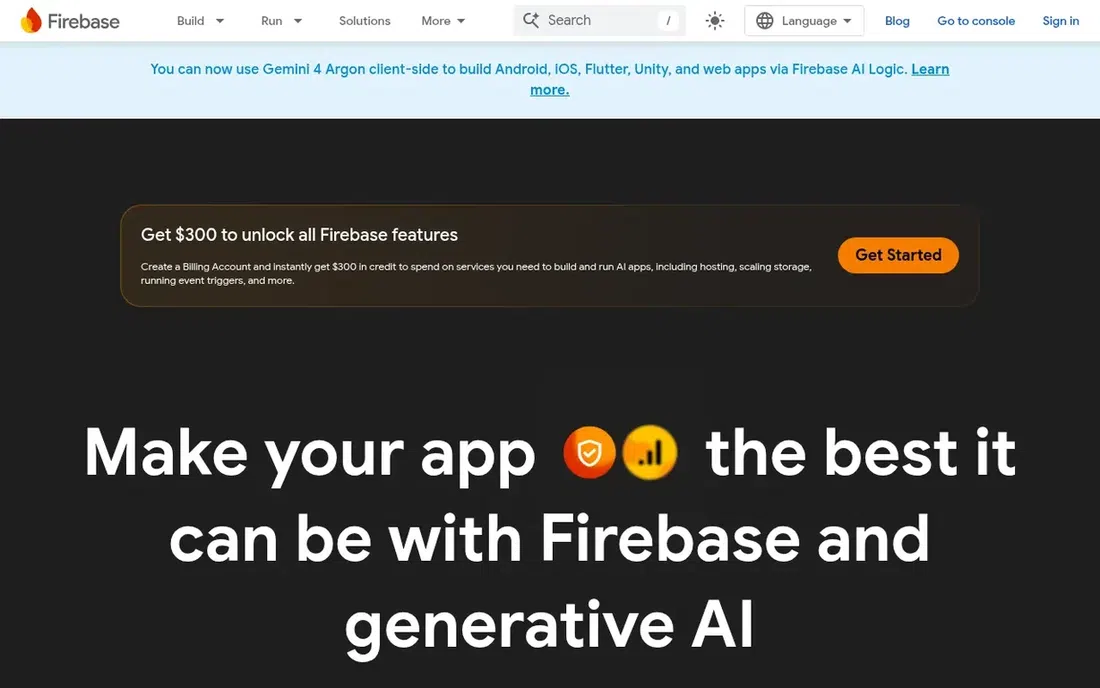
Firebase is a good fit for all-in-one iOS app development and analytics. Firebase is Google's mobile and web app development system, and its analytics sits alongside tools for messaging, crash reporting and backend services. For iOS teams that want one place to instrument an app and link analytics to development workflows, it removes the need to stitch multiple vendors together.
Honest limits: Tied closely to the Google ecosystem.
From a buyer's view, consider pairing it with a specialist tool if behavioral analysis is central to your roadmap. On top of that, since Firebase spreads across numerous services, its analytics is wide instead of deep. So teams needing advanced funnels, cohort exploration or experimentation may want a dedicated product analytics tool. Firebase cost at the entry level: $9.37 per month. A free plan is available with Firebase.
- Analytics bundled with app development services
- Works across mobile and web projects
- Analytics depth is lighter than dedicated product tools
How we built this list
For each of the 6 tools we noted price, free plan or trial, fit for mobile app analytics tools for iOS and the main limit, using vendor pages and documentation. Seat minimums, billing terms and add-ons can move the real cost, so the starting prices here are a guide and not a quote. The sequence is a judgement call: typical use case first, then pricing transparency, then free access. Use the profiles to check fit.
Before you commit
- Ask AppsFlyer, Braze and Adobe Analytics for a written quote, since no starting price is shown.
- Look at free plan limits closely: Mixpanel, Singular and Firebase have one, and the caps decide whether it is usable for real work.
- Use real work to test the free trial from Braze, rather than a demo project.
- Before choosing AppsFlyer, weigh its main limit: less suited to in-app product analysis.
- Before you load data into Firebase, check what an export looks like and who can run it.
- See whether AppsFlyer offers onboarding or training, and whether it is included in the price.
FAQ
Is AppsFlyer the right pick for everyone comparing mobile app analytics tools for iOS?
No single tool suits every team. AppsFlyer comes first because it fits mobile marketing attribution and measurement, while Mixpanel suits Analytics with replay and experiments and Braze suits real-time customer engagement messaging. Match the tool to your own size, budget and workflow before deciding.
How are the tools for mobile app analytics tools for iOS ordered?
AppsFlyer sits first and Firebase last because the order follows typical fit for mobile app analytics tools for iOS, then price clarity and free access. It is a judgement call, so read each profile for fit and limits.
Where does Braze fit alongside analytics tools?
Braze is an engagement product, so it is most solid when you already have behavioral insight and want to act on it through messaging. Teams commonly pair a product analytics vendor with an engagement product.
Do these tools publish their prices?
Not all of them. AppsFlyer, Braze and Adobe Analytics publish no starting price, so expect a quote request for those. The rest, Mixpanel included, show a starting price, though seats and billing terms still change the final cost.
Can I try these tools before paying?
Often, yes. Mixpanel, Singular and Firebase have a free plan and Braze offers a free trial. Use your own data and a real task during the test, and check what the free tier or trial limits before you rely on it.
Sources
- https://www.appsflyer.com
- https://mixpanel.com
- https://www.braze.com
- https://business.adobe.com/products/analytics/adobe-analytics.html
- https://www.singular.net
- https://firebase.google.com