Best Product Analytics Tools for Mobile Apps in 2026: 9 Tools Compared
Looking for the best product analytics tools for mobile apps? We compare 9 tools for funnels, retention, sessions and mobile SDKs, with pricing checked.
- Editor's choice
 Mixpanel
Event funnels and retention for mobile
Starts atFreeVisit mixpanel.comFull review - Great alternative
 Amplitude
Product analytics at scale
Starts atFreeVisit amplitude.comFull review - Also consider
 Firebase Analytics
Free analytics for Google mobile teams
Starts atFreeVisit firebase.google.comFull review
TL;DR:
- Mixpanel and Amplitude suit event-based product analytics, with funnels, retention and cohort analysis for mobile teams.
- Firebase Analytics suits teams already using Google tools, since it is free to start and links to Crashlytics and Remote Config.
- Smartlook, UXCam and Fullstory add session replay and heatmaps, which explain why users struggle, not just where they drop off.
- PostHog and Countly suit teams that want open-source or self-hosted options with strong privacy controls.
Quick comparison
| Tool | Best for | Starts at | Free plan? | |
|---|---|---|---|---|
| Mixpanel | Event funnels and retention for mobile | Free | Yes | Visit |
| Amplitude | Product analytics at scale | Free | Yes | Visit |
| Firebase Analytics | Free analytics for Google mobile teams | Free | Yes | Visit |
 PostHog | Open-source analytics with session replay | Free | Yes | Visit |
 Heap | Automatic event capture for mobile | Free | Yes | Visit |
 Smartlook | Session replay and heatmaps for mobile | Free | Yes | Visit |
 UXCam | Mobile session replay and UX insight | Free | Yes | Visit |
 Countly | Self-hosted mobile analytics | Free | Yes | Visit |
 Fullstory | Session replay at product scale | Free | Yes | Visit |
The best product analytics tools for mobile apps
Mobile product analytics is different from web analytics, because you need to track screens, sessions, crashes and in-app behaviour on iOS and Android, often without cookies. The tools below help product teams see where users drop off, which features they use, and whether a release helps retention. Some focus on events and funnels, others on session replay and qualitative insight.
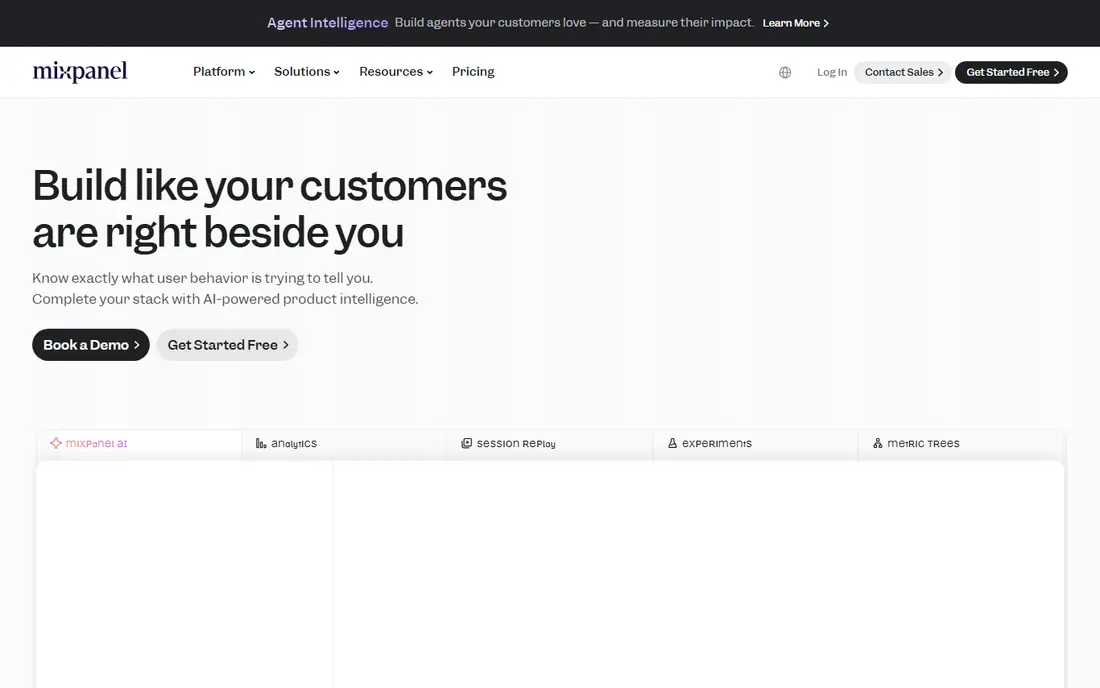
Mixpanel tracks events, funnels, retention and cohorts for mobile apps, with SDKs for iOS, Android and cross-platform frameworks, which suits product teams that want to test features and releases.
The honest catch is usually not a missing feature, but the cost of change. Budget time for setup, training and data cleanup, and check whether your team will actually use the new tool every week. A simpler tool that is used daily beats a fuller tool that is opened once a month.
In practice, this option rewards teams that plan the rollout. Give one person ownership of setup, define the core workflows in week one, and review usage after a month. That discipline matters more than any single feature, and it is where many otherwise good tools fail.
- Strong funnels, retention and cohorts
- Good mobile SDKs
- Clear dashboards
- Free plan caps events
- Costs rise with volume
- Setup needs event planning
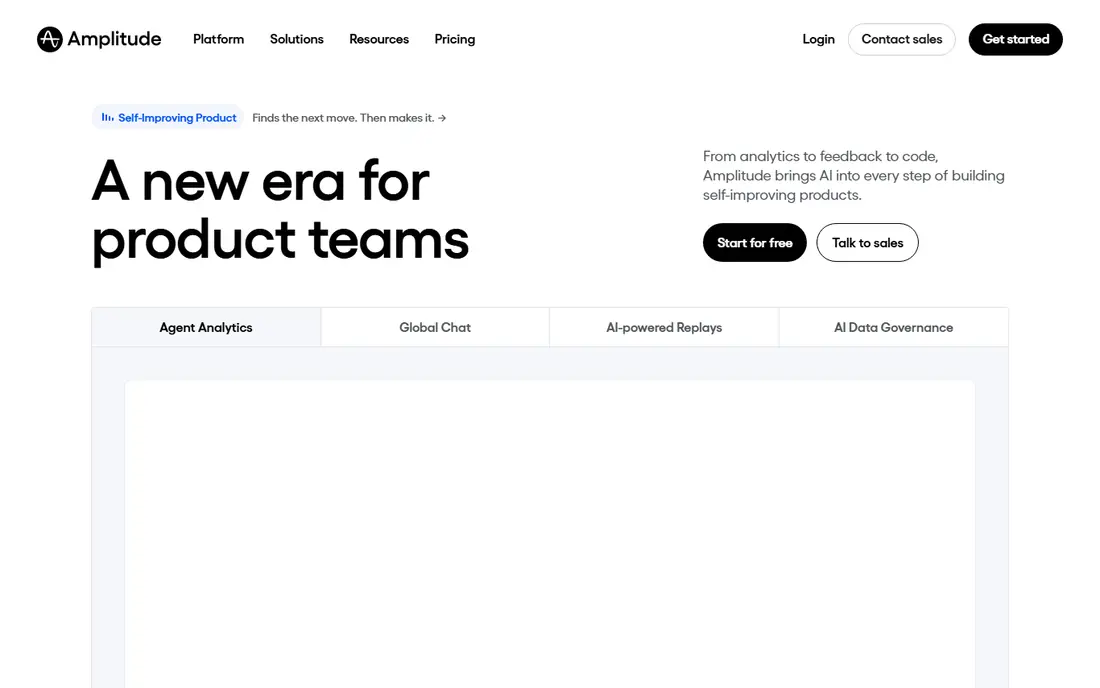
Amplitude offers behavioural product analytics for mobile, with funnels, retention, cohorts and experimentation links, which suits larger product teams that need depth and scale.
On value, compare total cost over a year, not just the starting price. Include seats, add-ons, implementation and the time your team spends maintaining the tool. Ask for a written quote for your exact team size and use case before you sign.
For buyers comparing on price alone, this option is worth a closer look at the free plan or trial. Test the features you will use daily, check the limits that apply at your volume, and confirm the upgrade path before you commit to a paid plan.
- Strong behavioural analysis
- Good cohorts and funnels
- Broad integrations
- Free plan caps events
- Enterprise pricing is by quote
- Learning curve for new analysts

Firebase Analytics, part of Google Firebase, offers free app analytics for iOS and Android, with links to crash reporting, remote configuration and app distribution that suit teams already using Google tools.
For day-to-day use, the key question is whether the tool fits your existing workflow. Check the integration list, the export options and the support terms before a trial, and test it with a real project rather than a demo dataset. That test will show gaps in permissions, reporting and onboarding that a feature list hides.
This pick stands out for a specific kind of buyer, and that focus is its strength. It does one job well, with a clear workflow and a support path you can test during a trial. The trade-off is that buyers outside that core use case may find gaps, so match the tool to your main job first.
- Free to start
- Links to Crashlytics and Remote Config
- Good Android and iOS support
- Analysis is less flexible than Mixpanel or Amplitude
- Google ecosystem lock-in
- BigQuery export needs setup
PostHog combines product analytics, session replay, feature flags and surveys in one open-source platform, with self-hosted options that suit privacy-focused mobile teams.
The honest catch is usually not a missing feature, but the cost of change. Budget time for setup, training and data cleanup, and check whether your team will actually use the new tool every week. A simpler tool that is used daily beats a fuller tool that is opened once a month.
In practice, this option rewards teams that plan the rollout. Give one person ownership of setup, define the core workflows in week one, and review usage after a month. That discipline matters more than any single feature, and it is where many otherwise good tools fail.
- Open-source and self-hosted options
- Product analytics plus replay
- Generous free tier
- Self-hosting needs maintenance
- Interface can feel busy
- Mobile SDKs are newer than web
Heap automatically captures taps, screens and other mobile events, so teams can analyse behaviour without tagging every event in advance, which speeds up early product work.
On value, compare total cost over a year, not just the starting price. Include seats, add-ons, implementation and the time your team spends maintaining the tool. Ask for a written quote for your exact team size and use case before you sign.
For buyers comparing on price alone, this option is worth a closer look at the free plan or trial. Test the features you will use daily, check the limits that apply at your volume, and confirm the upgrade path before you commit to a paid plan.
- Automatic event capture reduces manual tagging
- Good funnels and journeys
- Mobile SDKs
- Free plan caps sessions
- Costs rise with volume
- Analysis needs care to avoid noisy data
Smartlook records mobile sessions and builds heatmaps, which helps product teams see where users tap, scroll and struggle, alongside funnels and crash links.
For day-to-day use, the key question is whether the tool fits your existing workflow. Check the integration list, the export options and the support terms before a trial, and test it with a real project rather than a demo dataset. That test will show gaps in permissions, reporting and onboarding that a feature list hides.
This pick stands out for a specific kind of buyer, and that focus is its strength. It does one job well, with a clear workflow and a support path you can test during a trial. The trade-off is that buyers outside that core use case may find gaps, so match the tool to your main job first.
- Mobile session replay and heatmaps
- Crash and funnel links
- Free tier
- Free plan caps sessions
- Replay needs masking setup
- Analytics depth is lighter than Amplitude
UXCam is built for mobile UX insight, with session replay, heatmaps and screen flows that show how users move through an app, which suits UX and product teams fixing friction.
The honest catch is usually not a missing feature, but the cost of change. Budget time for setup, training and data cleanup, and check whether your team will actually use the new tool every week. A simpler tool that is used daily beats a fuller tool that is opened once a month.
In practice, this option rewards teams that plan the rollout. Give one person ownership of setup, define the core workflows in week one, and review usage after a month. That discipline matters more than any single feature, and it is where many otherwise good tools fail.
- Mobile-first session replay
- Heatmaps and screen flows
- Good for UX teams
- Free plan caps sessions
- Pricing is by quote for larger teams
- Analytics are lighter than event tools
Countly offers mobile analytics with self-hosted and cloud options, plus crash reporting and push tools, which suits teams that want control over where product data lives.
On value, compare total cost over a year, not just the starting price. Include seats, add-ons, implementation and the time your team spends maintaining the tool. Ask for a written quote for your exact team size and use case before you sign.
For buyers comparing on price alone, this option is worth a closer look at the free plan or trial. Test the features you will use daily, check the limits that apply at your volume, and confirm the upgrade path before you commit to a paid plan.
- Self-hosted and cloud options
- Strong privacy controls
- Mobile SDKs
- Self-hosting needs maintenance
- Community edition limits some features
- Smaller ecosystem than rivals
Fullstory combines session replay with product analytics signals, so teams can find frustrated sessions, watch them, and link them to funnels and releases for mobile and web.
For day-to-day use, the key question is whether the tool fits your existing workflow. Check the integration list, the export options and the support terms before a trial, and test it with a real project rather than a demo dataset. That test will show gaps in permissions, reporting and onboarding that a feature list hides.
This pick stands out for a specific kind of buyer, and that focus is its strength. It does one job well, with a clear workflow and a support path you can test during a trial. The trade-off is that buyers outside that core use case may find gaps, so match the tool to your main job first.
- Strong session replay and search
- Good funnel and frustration signals
- Broad integrations
- Pricing is by quote for larger use
- Replay needs privacy masking
- Setup needs planning
How we picked these
We compared official pricing pages, SDK documentation, mobile platform support and feature lists for each tool. We focused on event tracking, funnels, retention, cohorts, session replay, crash links and privacy controls, since those decide whether a mobile team can act on the data. Prices are as listed by each vendor, and free tiers usually cap events or sessions.
How to choose mobile product analytics
Start with the question you need to answer. If you need to know whether a new onboarding flow improves activation, you need funnels and cohorts. If you need to know why users abandon a checkout screen, session replay and heatmaps will help more than another funnel. Check SDK size and setup time, since a heavy SDK can slow an app and delay a release. Check privacy controls, data retention and consent handling, especially for health, finance or children's apps, and confirm whether data can be hosted in your region. Start with one or two core events, test tracking in a beta build, and only add more events once the first dashboards are actually used in product reviews.
FAQ
What is the best product analytics tool for mobile apps?
Mixpanel and Amplitude are the strongest all-round picks for mobile product analytics, with funnels, retention and cohorts. Firebase Analytics is the best free starting point for teams already using Google tools.
What is the best free mobile analytics tool?
Firebase Analytics is free to start and links to Crashlytics and other Google tools. PostHog and Mixpanel also offer free tiers, though event or session caps apply.
How is mobile analytics different from web analytics?
Mobile analytics tracks app screens, sessions, crashes and in-app purchases on iOS and Android, often without cookies. It needs mobile SDKs, handles offline use, and links to app store and release data.
Do these tools support session replay on mobile?
Yes, Smartlook, UXCam and Fullstory offer mobile session replay, with heatmaps and crash links. Check masking options for sensitive screens, since replay can capture personal data if not configured carefully.
Which tool is best for privacy-focused teams?
PostHog and Countly suit privacy-focused teams, with self-hosted options and data controls. Check data residency, retention and consent features in each plan before choosing.