8 Best Data Cleansing Tools
Compare the best data cleansing tools for duplicates, bad formats and messy fields, from free open source options to enterprise data quality suites today.
- Editor's choice
 OpenRefine
Analysts cleaning messy files with no licence budget
Starts atFreeVisit openrefine.orgFull review - Great alternative
 Alteryx Designer Cloud
Analysts who prefer visual data preparation
Starts atSee websiteVisit alteryx.comFull review - Also consider
 Talend Data Fabric
Enterprises needing governed data quality and integration
Starts atSee websiteVisit talend.comFull review
TL;DR:
- OpenRefine suits analysts cleaning messy files by hand with full control and no licence cost.
- Alteryx Designer Cloud suits analysts who prefer visual workflows over code.
- Talend and Informatica suit enterprises that need governed, repeatable data quality at scale.
- Melissa and WinPure suit teams focused on addresses, duplicates and customer records.
Quick comparison
| Tool | Best for | Starts at | Free plan? | |
|---|---|---|---|---|
| OpenRefine | Analysts cleaning messy files with no licence budget | Free | Yes | Visit |
| Alteryx Designer Cloud | Analysts who prefer visual data preparation | See website | No | Visit |
| Talend Data Fabric | Enterprises needing governed data quality and integration | See website | No | Visit |
 Informatica Data Quality | Large teams needing deep matching and validation | See website | No | Visit |
 Melissa Data | Teams focused on address and contact data quality | See website | No | Visit |
 WinPure Clean and Match | Excel and Access users needing deduplication | See website | No | Visit |
 Ataccama | Enterprises needing unified data quality and governance | See website | No | Visit |
 DataCleaner | Technical users wanting free, open source profiling | Free | Yes | Visit |
The best best data cleansing tools in detail
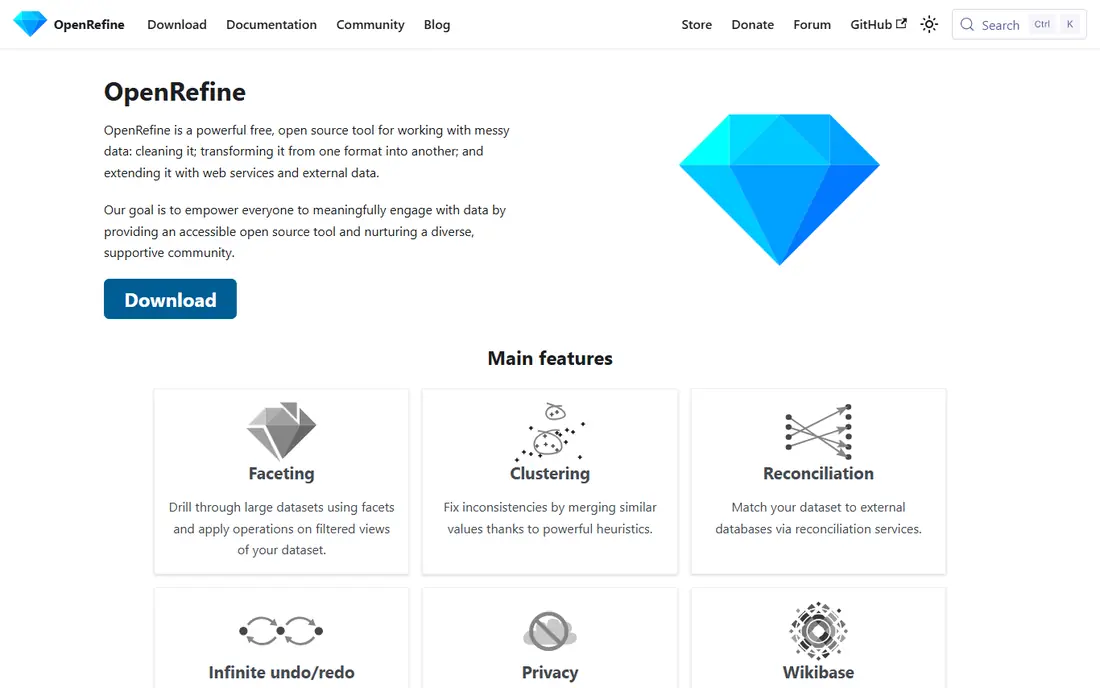
OpenRefine remains the best free starting point for messy text data because it lets you explore, cluster and fix values visually. We like it for analysts cleaning messy files with no licence budget because faceting, clustering and full undo history on your own computer. Its clustering finds spelling variants of the same value, so you can merge them in bulk instead of editing row by row. The trade-off is that less suited to scheduled enterprise workflows. That limit matters most when your team is growing or when the tool must cover more than its core job. Check the current plan details on the vendor site before you commit, and test the exact workflow you will use every week.
- Faceting, clustering and full undo history on your own computer
- Less suited to scheduled enterprise workflows
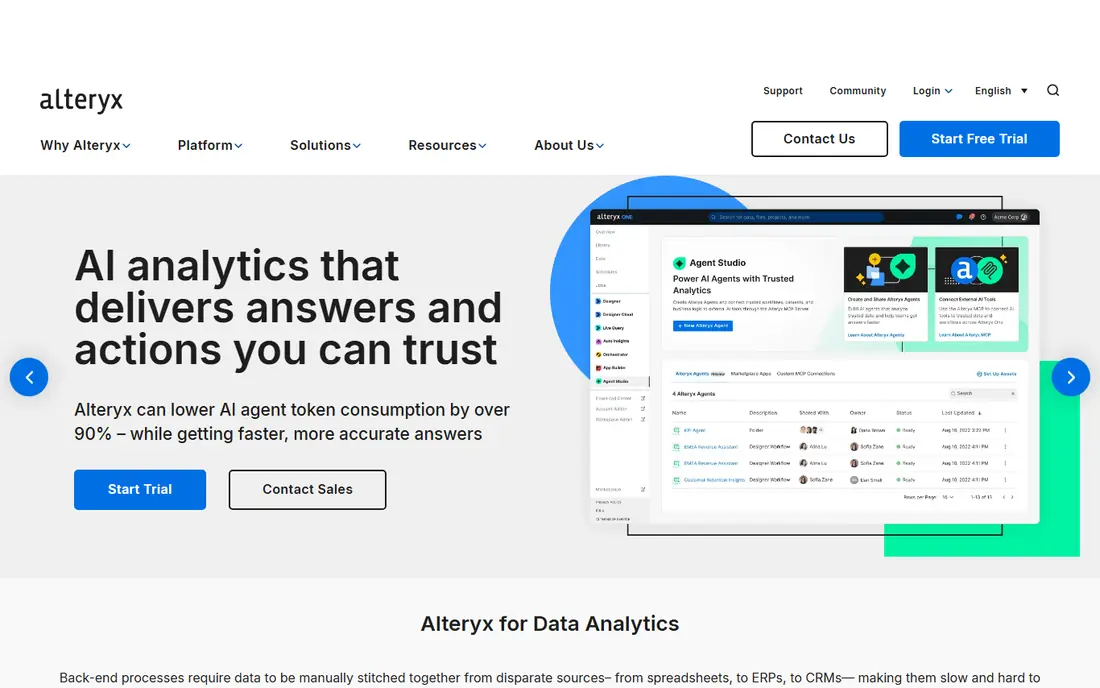
Its suggestions help spot common transformations, which speeds up work on files with mixed formats and inconsistent fields. Alteryx Designer Cloud suits analysts who want to build cleaning workflows by dragging steps into place rather than writing code. For teams focused on analysts who prefer visual data preparation, the draw is visual workflows with AI-assisted transformation suggestions. On the other side, cost can be high for small teams. That does not rule it out, but it does change who should shortlist it. Run a short trial with real data and a real deadline, then judge it on the result, not on the demo.
- Visual workflows with AI-assisted transformation suggestions
- Cost can be high for small teams
Talend Data Fabric
Best for: Enterprises needing governed data quality and integration
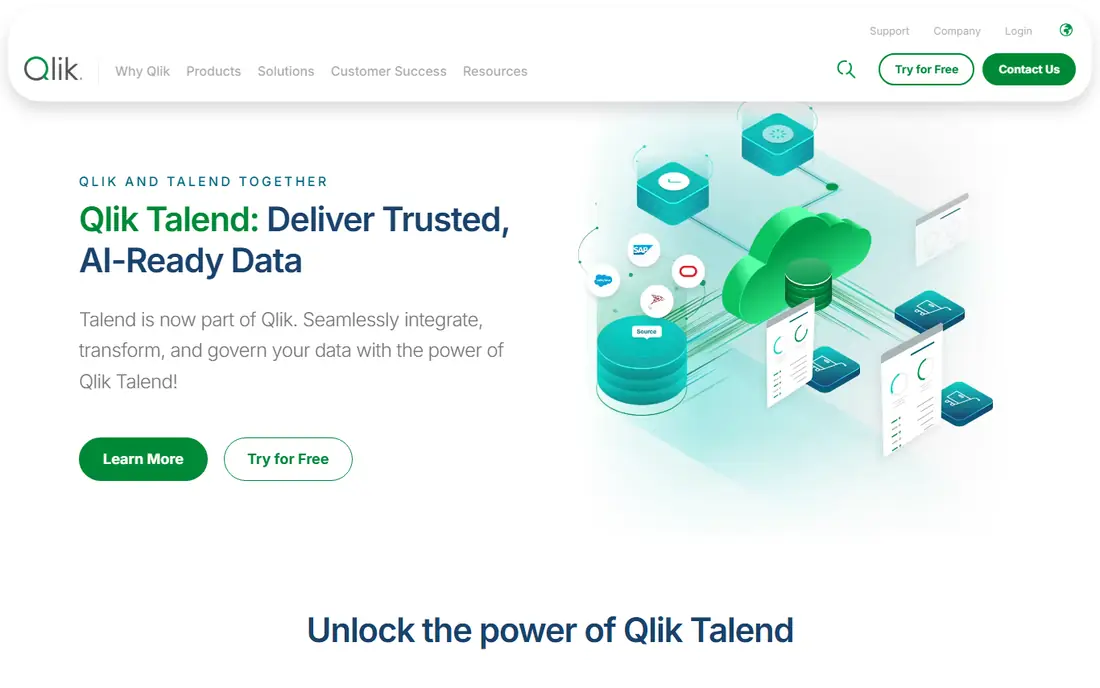
For enterprises needing governed data quality and integration, Talend Data Fabric earns a place because profiling, cleansing and matching inside a broader data platform. Talend Data Fabric fits organisations that need cleaning rules to run as part of larger data pipelines, not as one-off fixes. Its profiling and matching tools work alongside integration, so cleaned data flows into downstream systems with fewer manual steps. The weakness to weigh is that enterprise scope needs planning and admin time. If that weakness touches your main workflow, look at a stronger alternative in this list. If it does not, the core strength may be enough for your team.
- Profiling, cleansing and matching inside a broader data platform
- Enterprise scope needs planning and admin time
Informatica Data Quality
Best for: Large teams needing deep matching and validation
Informatica Data Quality is the heavyweight pick when matching accuracy and governance matter more than a low starting price. We like it for large teams needing deep matching and validation because advanced matching, standardisation and data quality rules. Its matching and rule engine handles complex customer and product data where simple duplicate checks would miss or wrongly merge records. The trade-off is that enterprise pricing and implementation effort. That limit matters most when your team is growing or when the tool must cover more than its core job. Check the current plan details on the vendor site before you commit, and test the exact workflow you will use every week.
- Advanced matching, standardisation and data quality rules
- Enterprise pricing and implementation effort
Its verification tools standardise addresses and flag bad contacts, which helps mail, shipping and customer records stay usable. Melissa Data specialises in the contact fields that cause the most delivery and billing problems: addresses, names and emails. For teams focused on teams focused on address and contact data quality, the draw is address verification, name parsing and enrichment. On the other side, narrower focus than full data quality suites. That does not rule it out, but it does change who should shortlist it. Run a short trial with real data and a real deadline, then judge it on the result, not on the demo.
- Address verification, name parsing and enrichment
- Narrower focus than full data quality suites
For excel and Access users needing deduplication, WinPure Clean and Match earns a place because deduplication and cleansing designed around spreadsheet data. WinPure Clean and Match appeals to business users who live in Excel and need to find duplicates without learning a new platform. Its matching tools compare customer lists and flag likely duplicates for review before any merge happens. The weakness to weigh is that desktop focus suits smaller data sets. If that weakness touches your main workflow, look at a stronger alternative in this list. If it does not, the core strength may be enough for your team.
- Deduplication and cleansing designed around spreadsheet data
- Desktop focus suits smaller data sets
Ataccama targets organisations that want data quality, governance and master data managed together, not in separate tools. We like it for enterprises needing unified data quality and governance because data quality, governance and master data in one platform. Its unified view helps data teams set rules once and apply them across domains, which cuts conflicting definitions. The trade-off is that enterprise scope suits larger teams. That limit matters most when your team is growing or when the tool must cover more than its core job. Check the current plan details on the vendor site before you commit, and test the exact workflow you will use every week.
- Data quality, governance and master data in one platform
- Enterprise scope suits larger teams
Its profiling views show patterns and anomalies clearly, which helps teams decide which cleaning rules to apply first. DataCleaner gives technical users a free way to profile and clean data with a desktop tool they can extend. For teams focused on technical users wanting free, open source profiling, the draw is profiling, cleansing and standardisation with no licence fee. On the other side, community support and a steeper setup for some users. That does not rule it out, but it does change who should shortlist it. Run a short trial with real data and a real deadline, then judge it on the result, not on the demo.
- Profiling, cleansing and standardisation with no licence fee
- Community support and a steeper setup for some users
How we picked these
We looked for tools that are still sold or maintained, that handle profiling, standardisation, deduplication or validation, and that fit a clear use case. We checked vendor positioning and pricing approach, and we used See website where pricing is quote-based or depends on volume. We left out general spreadsheet tools and one-off scripts, because they do not provide repeatable cleaning rules or audit trails. That keeps the list focused on tools built for data quality work.
How to choose a data cleansing tool
Profile before you clean
Start by profiling the data: how many blanks, duplicates, odd formats and out-of-range values exist in each column. Profiling shows whether you need simple standardisation or deeper matching and validation. A tool that only fixes formats will not solve duplicate customers. A tool built for matching will be too much for a single messy spreadsheet. Let the profile guide the shortlist.
Decide how repeatable the work must be
One-off file cleaning needs a different tool from daily customer data quality. For repeat work, look for saved rules, scheduled runs and a log of what changed. For regulated or shared data, access controls and lineage matter too. If only one analyst can run the cleaning, the process will break when that person is away, so choose a tool the wider team can operate.
Test matching on your real data
Deduplication quality depends on your data, not on a demo file. Test with real customer or product records, including typos, nicknames and address variants. Check false matches as well as missed matches, because merging two different people is worse than leaving a duplicate. Tune thresholds with a sample, then review results by hand before you automate merges.
FAQ
What is a data cleansing tool?
A data cleansing tool finds and fixes errors in data, such as duplicates, bad formats, missing values and inconsistent spellings. It can standardise fields, validate addresses and match similar records. The goal is data that reports and teams can trust without manual fixes each time.
How are data cleansing tools different from data integration tools?
Integration tools move and combine data between systems. Cleansing tools focus on quality inside that data. Many enterprise platforms do both, but a cleansing-first tool may offer stronger profiling, matching and rule management. Check which job matters most for your project.
Can free tools handle enterprise data cleansing?
Free tools such as OpenRefine handle many file-based tasks well, but they are less suited to scheduled, governed, enterprise-scale monitoring. Enterprises often need Talend, Informatica or Ataccama for volume, access control and audit trails. Start with data size and how often cleaning must run.
What does data cleansing software cost?
Prices range from free open source tools to quote-based enterprise suites, so we list See website where no public price is confirmed. Some tools charge by user, others by data volume or deployment size. Model your row count, user count and refresh frequency before comparing prices.
Should I clean data before or after loading it into a warehouse?
Both stages help. Cleaning early stops bad data from spreading, while warehouse checks catch issues that only appear after joins. Many teams profile at source, clean key fields before loading, and monitor quality after loading. The right mix depends on where errors enter your pipeline.
Sources
https://openrefine.org https://www.alteryx.com https://www.talend.com https://www.informatica.com https://www.melissa.com https://www.winpure.com https://www.ataccama.com https://datacleaner.org