5 Best Data Analytics Tools to Learn for 2026, Vetted and Compared
Best data analytics tools to learn: 5 contenders ranked by fit, with entry costs and free tiers. Every pick gets a straight assessment. Numbers first.
- Editor's choice
 Alteryx
Automating data preparation workflows
Starts at$250 per user a monthVisit alteryx.comFull review - Great alternative
 Domo
Governed data for AI agents
Starts atSee websiteVisit domo.comFull review - Also consider
 Tableau
Visual analytics and dashboard building
Starts at$15 per user a monthVisit tableau.comFull review
Direct answer
Alteryx comes first here, mainly for automating data preparation workflows. Listed starting prices: Alteryx from $250 per user a month and Tableau from $15 per user a month. Look at Domo for governed data for AI agents, and at Tableau for visual analytics and dashboard building. All 5 tools are compared below on price, free plan and limits.
TL;DR:
- Number one here is Alteryx, a fit for automating data preparation workflows.
- Tableau is the lowest-priced starter here at $15 per user per month.
- Qlik Sense is the one to check for data integration and analytics.
- Only Tableau offers a free plan among these 5 tools.
- Check the limits for Looker before you commit: needs understanding of data modeling.
Last checked November 2026. Prices and plan details were read from the vendors' own pages in November 2026; vendors change plans often, so confirm the current price on the vendor site before you buy.
Quick comparison
| Tool | Best for | Starts at | Free plan? | |
|---|---|---|---|---|
| Alteryx | Automating data preparation workflows | $250 per user a month | Free trial | Visit |
| Domo | Governed data for AI agents | See website | Free trial | Visit |
| Tableau | Visual analytics and dashboard building | $15 per user a month | Yes | Visit |
 Looker | Governed metrics and embedded analytics | See website | Not stated | Visit |
 Qlik Sense | Data integration and analytics | See website | Not stated | Visit |
Our 5 picks for data analytics tools to learn
Short on time? The summary and table above give the quick view of 5 tools for data analytics tools to learn, and the profiles that follow give the detail behind each entry.
Alteryx is aimed squarely at automating data preparation workflows. Alteryx is not primarily a visualization or dashboarding tool, so learners seeking chart-building skills may find it indirect. Its workflow automation can become complicated without guided training.
Limits to weigh: Can need training for advanced automation.
Alteryx is presented as a system to automate data workflows, cut manual work, and deliver insights quicker with Alteryx One. If your primary goal is interactive dashboards, a BI-centric tool may be a better starting point. On cost, Alteryx starts like this: $250 per user per month. As for free access: Free trial.
- Cuts manual work
- Plugs into Snowflake and Databricks
- Focus on preparation over visualization
Where Domo fits: governed data for AI agents. Domo strengthens the whole data journey with its AI and data products.
If you want a straightforward introduction to visualization, a more straightforward tool may be a better fit. Domo does not show a starting price in this comparison, so check the vendor site for current pricing. As for free access: Free trial.
The main drawbacks: Focus on governed data may be advanced for beginners.
- Links and moves data from any source
- Accelerates business insights
- Less emphasis on traditional dashboarding
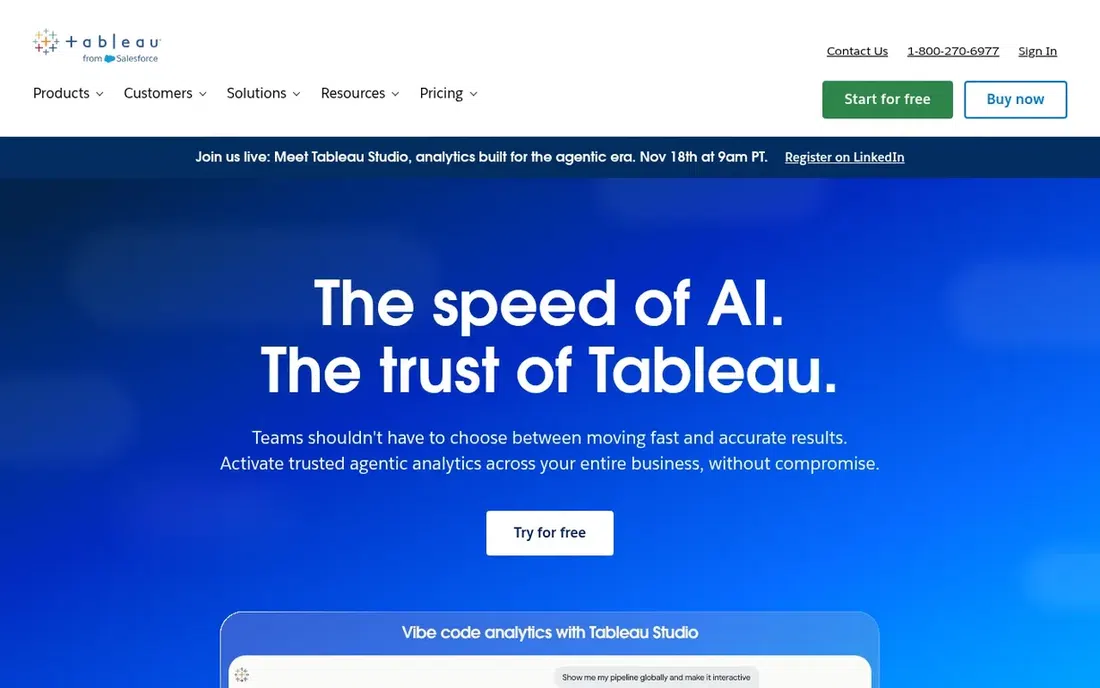
Tableau works best for visual analytics and dashboard building. Tableau is a business intelligence and analytics product that lets users link to almost any database, drag-and-drop to produce visualizations, and share results with a click. It is well suited to learners who want to build visual dashboards and explore data interactively without deep coding.
Where it falls short: Can need training for advanced features.
Its homepage emphasizes seeing and understanding data rapidly, making it a typical starting point for aspiring analysts. In daily use, Tableau is primarily a visualization and BI tool, so learners seeking heavy data engineering or advanced AI workflows may need complementary systems. Its drag-and-drop approach can obscure underlying query logic for beginners. As for the details, pick something else if your goal is governed semantic modeling or large-scale data processing rather than visual exploration. Tableau cost at the entry level: $15 per user per month. Tableau has a free plan.
- Simple sharing of dashboards
- Links to plenty of databases
- Less concentrated on data preparation
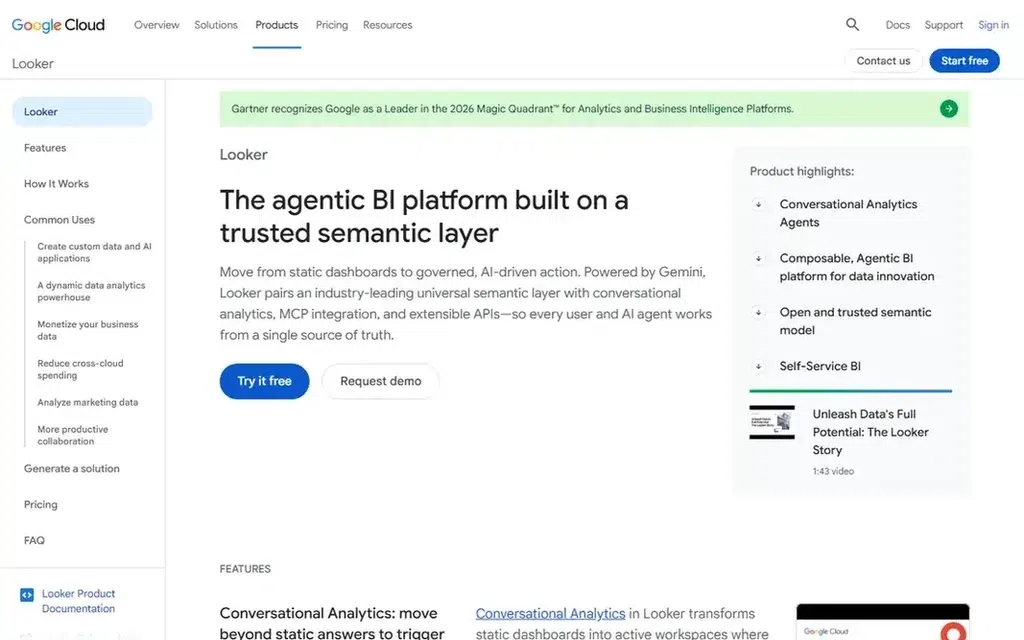
Looker serves governed metrics and embedded analytics. Looker, part of Google Cloud, is described as an agentic business intelligence and embedded analytics product. It brings together metrics with a trusted semantic layer and Gemini agents.
Points against: Needs understanding of data modeling.
This makes it a solid choice for learners interested in data governance, consistent metric definitions, and embedding analytics into applications. More specifically, Looker's semantic layer approach means learners have to grasp data modeling concepts, which can be a steeper start than drag-and-drop tools. In daily use, if you want fast, freeform chart building without modeling, another tool may be more appropriate. Looker does not show a starting price in this comparison, so check the vendor site for current pricing. Free access: Not stated.
- Embedded analytics support
- AI agents for business intelligence
- Less emphasis on freeform visualization
Qlik Sense is aimed squarely at data integration and analytics. Qlik, now with Talend, gives a data fabric and next-level insights with end-to-end data integration, data quality, and analytics options.
Where it is weaker: Product naming can confuse beginners.
From a buyer's view, Qlik Sense is the analytics component, a good match for learners interested in how data integration and quality feed into visualization and discovery. Learners seeking a straightforward, self-contained visualization tool may find the ecosystem overwhelming. Qlik Sense does not show a starting price in this comparison, so check the vendor site for current pricing. Free options: Not stated.
- Data quality and analytics options
- End-to-end data integration
- Less emphasis on open-source community
What went into this list
LinkVetted looked at what each vendor publishes: pricing, plan limits, feature coverage for data analytics tools to learn and stated drawbacks. No hands-on testing is claimed. Figures are shown as the vendors publish them. Billing terms, seat minimums and add-ons can change the real cost. We ordered the tools by general fit, then by how clearly pricing is shown, then by free access. A buyer with unusual needs may reorder them.
What to confirm before you sign up
- Confirm the entry price on the vendor page. For Domo, Looker and Qlik Sense that means a quote rather than a fixed price.
- Test the free plan from Tableau against your real workload before relying on it.
- Run a trial of Alteryx and Domo with real work before paying for a year; your own workflow is the best test.
- Before choosing Alteryx, weigh its main limit: focus on preparation over visualization.
- Map your must-have features to a specific Looker plan before you compare prices.
- Look at the renewal terms for Tableau: auto-renewal, notice periods and price changes can matter more than the first-year price.
FAQ
Is Alteryx the right pick for everyone comparing data analytics tools to learn?
No single tool suits every team. Alteryx comes first because it fits automating data preparation workflows, while Domo suits governed data for AI agents and Tableau suits visual analytics and dashboard building. Match the tool to your own size, budget and workflow before deciding.
Which options for data analytics tools to learn have a free plan?
Tableau is the only tool in this list with a free plan. Free plans usually cap users, projects or features, so check the limits on the vendor page. Several others offer a trial instead. For the full picture, the cards above cover all 5 entries of this data analytics tools to learn list, including price, free plan and limits.
How are the tools for data analytics tools to learn ordered?
The order follows typical fit for data analytics tools to learn, with Alteryx first and Qlik Sense last, then price clarity and free access. It is editorial judgement, not a score, so another team could rank the tools differently.
Are these tools a good match for learning data governance?
Looker and Domo explicitly highlight governed data and semantic layers. Qlik with Talend also spans data quality and integration. These tools can help you understand how governance supports analytics.
What is the cheapest option for data analytics tools to learn in this list?
On published monthly entry prices, Tableau is the lowest here at $15 per user per month. Entry price is only part of the cost, because seats, add-ons and billing terms can change the total. Prices, free plan details and limits for all 5 tools in this data analytics tools to learn roundup sit on the individual cards above.
Sources
- https://www.alteryx.com
- https://www.domo.com
- https://www.tableau.com
- https://looker.com
- https://www.qlik.com