Best BI Software for Nonprofits (2026): 6 Picks Checked on Vendor Pages
Searching for the best BI software for nonprofits? Here are 6 options with prices and free plans. The weak spots sit next to the strengths. Plain facts.
- Editor's choice
 Qlik Sense
End-to-end data integration and analytics
Starts atSee websiteVisit qlik.comFull review - Great alternative
 Looker Studio
Free dashboards with Google integration
Starts atSee websiteVisit lookerstudio.google.comFull review - Also consider
 Domo
Governed data for AI and exploration
Starts atSee websiteVisit domo.comFull review
Direct answer
Qlik Sense is the first pick on this list for end-to-end data integration and analytics. Listed starting prices: Tableau from $15 per user per month. For a different need, Looker Studio covers free dashboards with Google integration and Domo covers governed data for AI and exploration. Prices, free plans and limits for all 6 tools follow.
TL;DR:
- Qlik Sense sits first on this list: end-to-end data integration and analytics.
- Before buying Tableau, weigh this: can be complicated for beginners.
- Amazon QuickSight is the one to check for AI-powered BI on AWS.
- Just one of the 6 tools, Tableau, has a free plan.
- The lowest published monthly entry price here is $15 per user per month, from Tableau.
Last checked November 2026. Prices and plan details were read from the vendors' own pages in November 2026; vendors change plans often, so confirm the current price on the vendor site before you buy.
Quick comparison
| Tool | Best for | Starts at | Free plan? | |
|---|---|---|---|---|
| Qlik Sense | End-to-end data integration and analytics | See website | Not stated | Visit |
| Looker Studio | Free dashboards with Google integration | See website | Not stated | Visit |
| Domo | Governed data for AI and exploration | See website | Free trial | Visit |
 Tableau | Visual analytics and data exploration | $15 per user per month | Yes | Visit |
 Sisense | Embedded analytics for custom applications | See website | Free trial | Visit |
 Amazon QuickSight | AI-powered BI on AWS | See website | Not stated | Visit |
The full BI software for nonprofits list
Choosing BI software for nonprofits usually comes down to price, fit and limits. This LinkVetted guide sets 6 tools side by side on those three points, with the facts kept short and checkable.
Where Qlik Sense fits: end-to-end data integration and analytics. Qlik Sense, part of Qlik's data fabric and analytics options, provides end-to-end data integration, data quality, and analytics. It is built for organizations that require to combine data from several systems and perform sophisticated analysis.
Where it is weaker: May need IT support.
From a buyer's view, nonprofits with complicated data environments, like those managing large donor databases and program data, can benefit from its solid integration and governance features. The ramp-up time is steeper than more straightforward BI tools. From a buyer's view, consider Qlik Sense if you have the resources to support it and need a feature-rich, integrated data system. In daily use, Qlik Sense commonly needs technical expertise to set up and maintain, which can be a barrier for nonprofits without dedicated IT staff. No starting price is listed for Qlik Sense here; confirm pricing on the vendor site. Free plan details: Not stated.
- Advanced analytics capabilities
- Scalable for expanding data needs
- Steeper ramp-up time
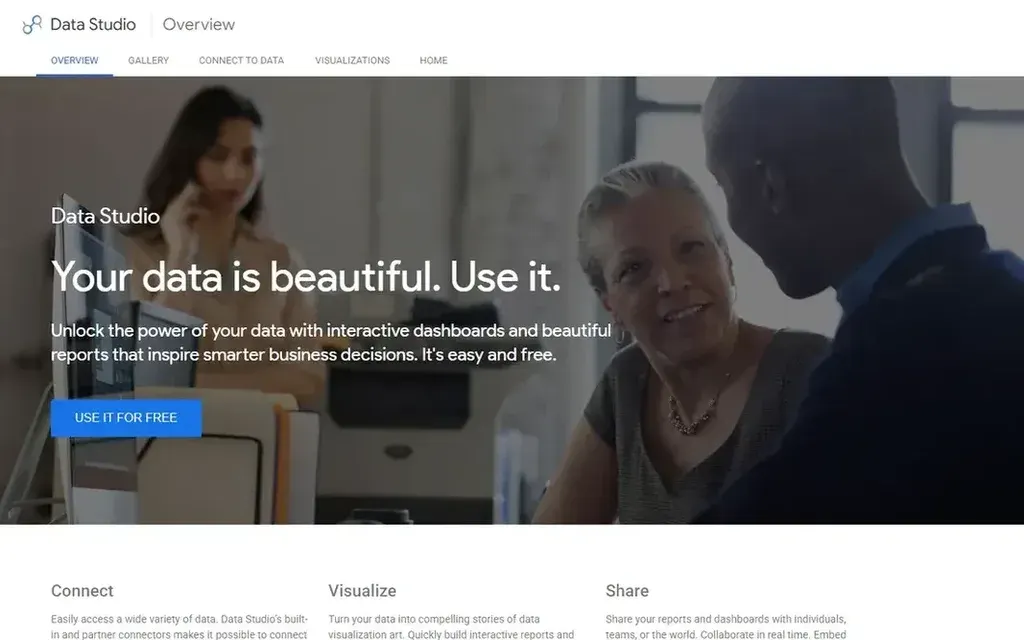
Looker Studio makes the most sense for free dashboards with Google integration. If you need complicated modeling or connections to numerous external databases, a more solid tool may be necessary.
It fits best for organizations whose data primarily lives in Google systems. Check the vendor site for Looker Studio pricing; none is listed in this comparison. Free access: Not stated.
Points against: A good match for Google-centric data.
- No cost for core features
- Smooth connection to Google services
- Restricted advanced analytics features
Domo is aimed squarely at governed data for AI and exploration. Consider Domo when governance and AI readiness are key priorities and you can allocate time for training. Domo's thorough feature set can be overwhelming for small nonprofits without dedicated data roles, and getting started may involve a learning period.
The main drawbacks: Can be overwhelming for small teams.
It is most useful for organizations with a clear data strategy. Nonprofits that require to ensure data governance whereas enabling broad access to insights will find Domo's approach valuable, notably as they adopt AI tools. This comparison lists no price for Domo; ask the vendor. Free access: Free trial.
- Solid data governance features
- Supports AI-driven insights
- May need training to use completely
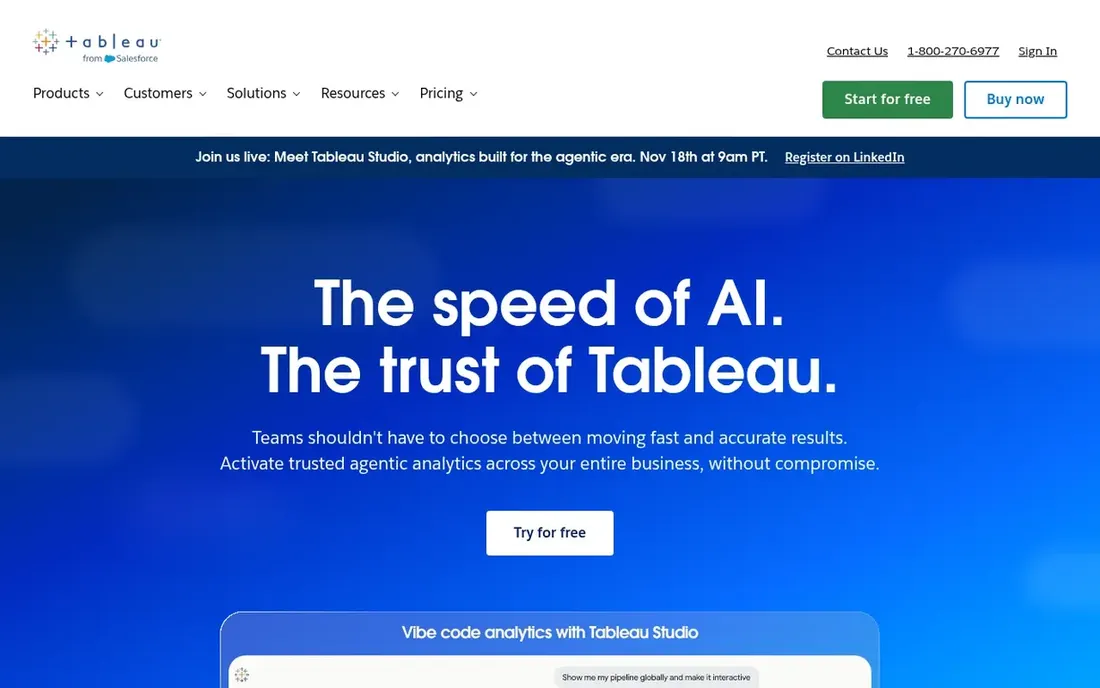
For visual analytics and data exploration, Tableau is a natural candidate. Tableau is a business intelligence and analytics product that helps users see and understand their data. It permits connecting to almost any database, then dragging and dropping to build visualizations and share them with a click.
Points against: May need training for advanced features.
This makes it a good fit for nonprofits that require to explore data deeply and communicate insights through compelling visuals, notably those with dedicated data staff or volunteers. As for the details, Tableau's depth can be overwhelming for small teams without analytics experience. Setup may need more time than more straightforward tools. Nonprofits with restricted technical resources might prefer a more guided option. Consider Tableau when visual storytelling and solid data connectivity are priorities and you can invest in training. What you pay to start with Tableau: $15 per user per month. You can start on Tableau without paying.
- Links to almost any database
- Easy sharing of visualizations
- Can be complicated for beginners
Sisense targets embedded analytics for custom applications. Sisense provides AI-powered embedded analytics that allow organizations to unlock insights and convert data into revenue, with adaptability across pro-code, low-code, and no-code approaches. Worth adding: pick Sisense when you have to integrate analytics into your own software and have the technical capacity to run it.
Main advantages: AI-powered insights.
Sisense is optimized for embedded use cases, so nonprofits seeking a standalone BI dashboard may find it less straightforward. In practice, nonprofits that build custom portals or member-facing applications can embed analytics straight into their tools, offering tailored insights to stakeholders without switching products. Setup and customization can require development resources. Check the vendor site for Sisense pricing; none is listed in this comparison. Free plan details: Free trial.
Points against: Implementation can be complicated.
- Supports pro-code to no-code development
- Adaptable embedding choices
- Focus on embedding may not suit all
Amazon QuickSight is aimed squarely at AI-powered BI on AWS. Amazon QuickSight is an AI-powered business intelligence service that transforms data into strategic insights through unified intelligence, actionable analytics, and democratized data access. In practice, familiarity with AWS services is useful for setup.
Choose QuickSight if your data infrastructure is on AWS and you want AI-driven BI that scales with your cloud usage. For everyday use, nonprofits already using Amazon Web Services can use QuickSight to build dashboards and share insights without leaving the AWS environment, making it a natural fit for cloud-centric organizations. Amazon QuickSight shows no starting price here, so confirm the cost on the vendor site. As for free access: Not stated.
Limits to weigh: Tied to AWS ecosystem.
- AI-driven insights
- Democratized data access
- May need AWS familiarity
How these tools were picked
We compared the tools on published pricing, free plan or trial availability, feature coverage for BI software for nonprofits, and the limits each vendor documents. Prices and plan limits come from vendor pages and can change, so confirm them on the vendor site before you buy. Order on the page follows fit for the typical buyer first, then price transparency and free access. Your own requirements should decide the final pick.
Things to verify first
- Get a written quote from Qlik Sense, Looker Studio, Domo and others; the list shows no starting price for them.
- Look at the free plan from Tableau closely: its caps decide whether it is usable for real work.
- Take the trial from Domo and Sisense and push a live task through it before you pay.
- Before choosing Qlik Sense, weigh its main limit: steeper ramp-up time.
- Verify that exporting from Sisense is possible on your plan and covers all your records.
- Check the support hours and onboarding help Tableau offers; smaller vendors vary a lot here.
FAQ
Is Qlik Sense the right pick for everyone comparing BI software for nonprofits?
No single tool suits every team. Qlik Sense comes first because it fits end-to-end data integration and analytics, while Looker Studio suits free dashboards with Google integration and Domo suits governed data for AI and exploration. Match the tool to your own size, budget and workflow before deciding.
Which options for BI software for nonprofits have a free plan?
Tableau is the only tool in this list with a free plan. Free plans usually cap users, projects or features, so check the limits on the vendor page. Several others offer a trial instead. Prices, free plan details and limits for all 6 tools in this BI software for nonprofits roundup sit on the individual cards above.
What is the best BI software for small nonprofits?
Start with Qlik Sense if you need end-to-end data integration and analytics. Looker Studio is the better match for free dashboards with Google integration, and Domo for governed data for AI and exploration. The best choice depends on budget, team size and workflow.
What is the cheapest option for BI software for nonprofits in this list?
On published monthly entry prices, Tableau is the lowest here at $15 per user per month. Entry price is only part of the cost, because seats, add-ons and billing terms can change the total. Each of the 6 options in this BI software for nonprofits guide has its own card above with the price, free plan and limits.
Do these tools publish their prices?
Not all of them. Qlik Sense, Looker Studio, Domo and others publish no starting price, so expect a quote request for those. The rest, Tableau included, show a starting price, though seats and billing terms still change the final cost.
Sources
- https://www.qlik.com
- https://lookerstudio.google.com
- https://www.domo.com
- https://www.tableau.com
- https://www.sisense.com
- https://aws.amazon.com/quicksight