Best BI Software for Analytics in 2026: 9 Tools Compared
Compare the best bi software for analytics in 2026, with dashboards, pricing, governance, and the right fit for Microsoft, Google, and mixed data teams.

- Editor's choice
 Microsoft Power BI
Microsoft teams and best overall value
Starts at$14 per user per monthVisit powerbi.microsoft.comFull review - Great alternative
 Tableau
Visualization-led analytics teams
Starts at$15 per user per monthVisit tableau.comFull review - Also consider
 Looker
Governed modeling at enterprise scale
Starts atSee websiteVisit cloud.google.comFull review
TL;DR:
- The best BI analytics tools turn warehouse and spreadsheet data into dashboards that non-technical teams can actually read and trust.
- Microsoft Power BI offers the best value for Microsoft shops, while Tableau leads on visual depth and Looker leads on governed modeling.
- Free options such as Looker Studio and open source Metabase can cover many small-team needs without a per-user bill.
- Pricing models differ sharply, from per-user seats to flat monthly plans, so model your real viewer count before you choose.
- Our pick for most small and mid-size teams is Power BI for value, with Metabase as the budget alternative and Tableau for visualization-led teams.
Quick comparison
| Tool | Best for | Starts at | Free plan? | |
|---|---|---|---|---|
| Microsoft Power BI | Microsoft teams and best overall value | $14 per user per month | Yes | Visit |
| Tableau | Visualization-led analytics teams | $15 per user per month | Free trial | Visit |
| Looker | Governed modeling at enterprise scale | See website | No | Visit |
 Looker Studio | Free reporting for Google-centric teams | Free | Yes | Visit |
 Qlik Sense | Associative exploration and guided apps | $300 per month | Free trial | Visit |
 ThoughtSpot | Search-driven analytics for business users | $25 per user per month | Free trial | Visit |
 Domo | Executive dashboards and large deployments | See website | Free trial | Visit |
 Zoho Analytics | Small businesses already using Zoho | $24 per month | Yes | Visit |
 Metabase | Open source self-service BI | Free | Yes | Visit |
The best BI software for analytics
Each tool below can build dashboards, but they differ in modeling, ease of use, and cost. Pick based on your data stack and who will build and read reports.
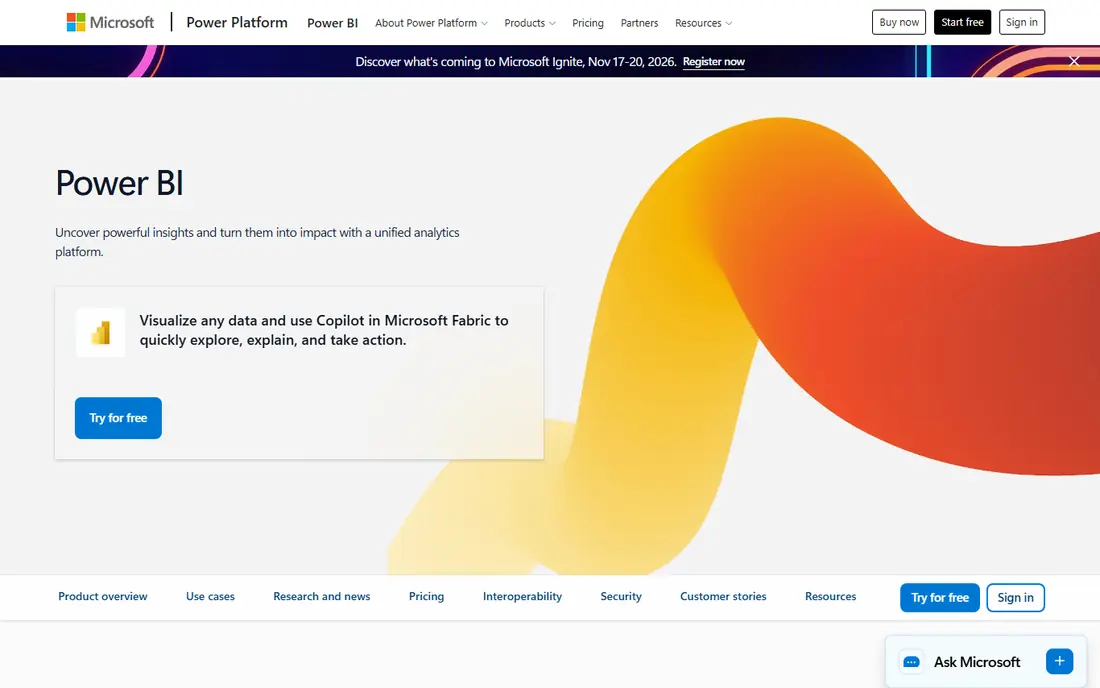
Power BI is the default choice for most Microsoft-centered teams, and for good reason. It connects well to Excel, SQL Server, Azure, and Microsoft 365, and its Pro price remains far below most enterprise rivals. Dashboards, paginated reports, and AI-assisted insights sit in one service, which keeps training and admin simple.
The catch is licensing detail. Desktop is free to build with, but sharing and collaboration generally need Pro or Premium capacity, so count viewers, not just builders, when you budget. Teams outside the Microsoft world can still use Power BI, but Google-native teams may prefer Looker Studio or Looker instead.
- Low per-user cost
- Strong Excel and Azure integration
- Copilot AI assistance
- Full sharing needs paid licenses for viewers in many cases
- Windows-first desktop app

Tableau remains the benchmark for visual analysis. Dragging fields onto a canvas and seeing patterns instantly is still its core strength, and its community, templates, and training make it easier to staff than many rivals. Viewer pricing starts low, which helps when many people only need to read dashboards.
Creator pricing is higher, and large deployments need care around extracts, permissions, and data management add-ons. If your team values deep exploration and polished visuals over the lowest bill, Tableau earns its price. If you mainly need simple scheduled reports, a cheaper tool may serve you just as well.
- Excellent visual exploration
- Large community and learning resources
- Flexible deployment
- Creator licenses cost more
- Governance needs planning at scale
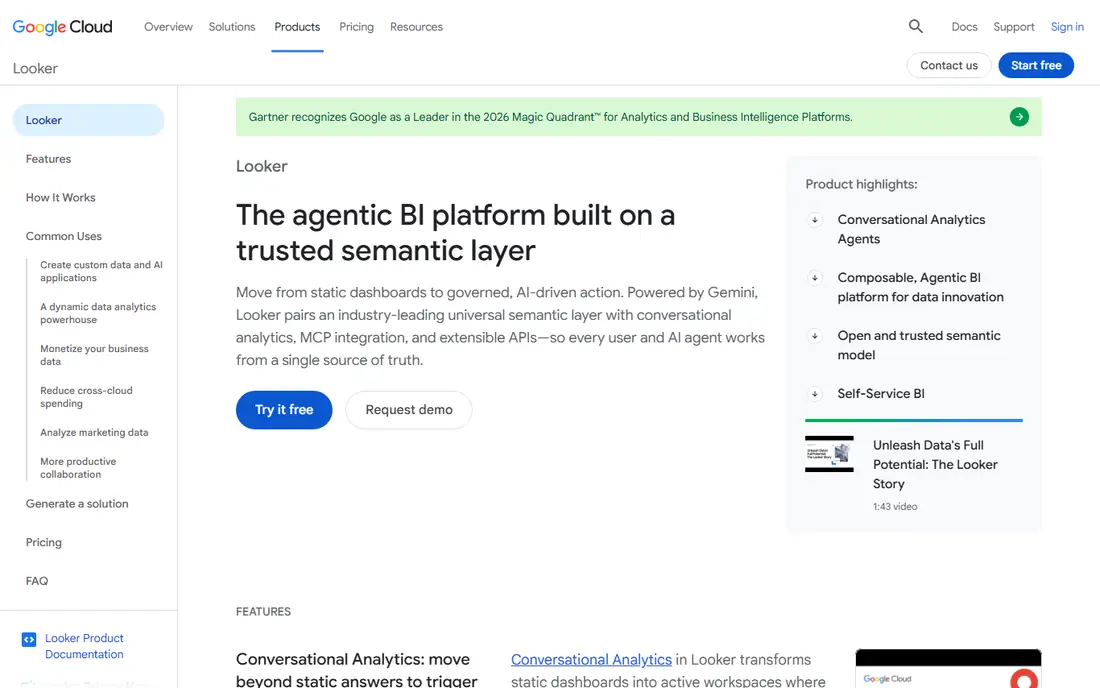
Looker, now part of Google Cloud, suits companies that need one definition of revenue, churn, or active users across every dashboard. Its LookML modeling layer lets data teams define metrics once in code, version them in Git, and reuse them everywhere. That discipline prevents the common problem of two dashboards showing different numbers for the same metric.
The trade-off is effort. LookML takes time to learn, and pricing is quoted, which puts Looker out of reach for many small teams. For larger Google Cloud companies with a central data team, though, that governed model is exactly the point, and Looker Studio can cover lighter reporting needs alongside it.
- LookML semantic layer keeps metrics consistent
- Git-based version control
- Strong Google Cloud fit
- Quote-only pricing
- LookML learning curve for new modelers
Looker Studio is the fastest free path to a decent dashboard for teams using Google Analytics, Google Ads, Search Console, Sheets, or BigQuery. Native connectors are free, sharing is simple, and most marketers can build a first report in under an hour. For agencies and small businesses, that combination is hard to beat.
Limits appear as needs grow. Row-level security and advanced controls are limited, and many non-Google connectors come from paid partners. If your data lives mostly in Google tools, start here and only pay for a BI platform when security or modeling needs force the move.
- Free for core use
- Strong native Google connectors
- Easy sharing
- No row-level security in the free tier
- Third-party connectors often cost extra
Qlik Sense uses an associative engine that shows how selections relate across all fields, not just the chart in front of you. That helps analysts spot connections they might miss in a fixed dashboard, and its in-memory speed handles large data sets well. Deployment options include cloud and client-managed installs, which suits firms with strict hosting rules.
Pricing starts as a flat monthly plan for a set number of users, so very small teams may find per-user rivals cheaper. The interface also rewards training. Teams that invest in Qlik skills, however, get a flexible analytics app builder rather than a simple chart tool.
- Associative engine surfaces related data
- Strong in-memory performance
- Flexible cloud or client-managed deployment
- Flat monthly entry cost
- Interface takes time to learn
ThoughtSpot lets business users type questions in plain language and get charts back, which lowers the barrier for teams without SQL skills. Its search-first design suits executives and managers who want answers on demand, and its AI assistant can explain trends and suggest follow-up questions. Live connections keep results fresh without constant extracts.
The catch is data preparation. Search works best when tables and metrics are modeled cleanly, so data teams still have work to do behind the scenes. Some enterprise controls sit on higher tiers, so check the plan that matches your security needs. For search-led cultures, ThoughtSpot is a strong pick.
- Natural language search over data
- AI assistant features
- Live query options
- Needs a well-modeled data source to shine
- Higher tiers add SAML and advanced controls
Domo is built for organizations that need many dashboards, many connectors, and executive-ready reporting in one platform. It handles ingestion, transformation, visualization, and distribution, which reduces the need for separate ETL tools in some stacks. Its mobile experience and alerting also suit leaders who check numbers on the go.
Pricing is credit based and quoted, so small teams should expect a sales process and a budget well above the per-user tools here. For mid-size and large companies that want an all-in-one analytics cloud, Domo is worth evaluating against Tableau and Power BI on total cost.
- Broad connector library
- Strong executive reporting
- Consumption-based scale
- Quote-only, credit-based pricing
- Can be costly for smaller teams
Zoho Analytics gives small businesses a capable BI tool at a fraction of enterprise prices. It connects to spreadsheets, databases, cloud apps, and other Zoho products, and its AI assistant can build charts from plain-language questions. A free plan lets tiny teams start without a card, and paid plans stay affordable as they grow.
Limits are real. Row counts, user counts, and advanced features vary by tier, so fast-growing teams should check the plan they will need in a year, not just today. For Zoho shops and budget-conscious teams, though, Zoho Analytics covers most everyday reporting needs well.
- Low starting price
- Free plan
- Broad connectors and AI assistant
- Row caps and user limits vary by plan
- Less depth than enterprise rivals
Metabase is the friendly open source option. Non-technical users can ask questions with a visual builder, while SQL users can write queries directly, and dashboards are quick to share. The open source edition is free to self-host, and the cloud edition removes hosting work for teams that prefer a subscription.
Paid features such as granular permissions, white labeling, and advanced serialization sit on Pro and Enterprise plans, and self-hosting needs someone to run upgrades. Still, for startups, internal tools, and SQL-literate teams, Metabase offers remarkable value and a gentle learning curve.
- Free self-hosted open source edition
- Simple question builder
- Easy to learn
- Advanced permissions and white labeling need paid plans
- Needs hosting effort if self-hosted
How we picked these
We compared official pricing pages, feature documentation, and independent 2026 BI comparisons for tools with real adoption across business sizes. We favored tools that cover dashboarding, data connections, sharing, and security, and we kept a mix of enterprise, mid-market, free, and open source options. We did not claim hands-on testing. Where pricing is quoted or varies by tier, we say so rather than presenting a single unverified figure.
What to check before you buy
Start with who builds and who reads. If analysts build and hundreds of people only view, per-user pricing can balloon, while flat or viewer-friendly pricing may win. If business users must self-serve, prioritize a simple question builder and search, and test it with real users during a trial, not just with the data team.
Next, check your data sources and refresh needs. Live connections suit fresh operational data, while extracts suit heavy historical analysis, and some tools charge more for one model. Also check governance: row-level security, metric definitions, and version control matter more as dashboards become the source of truth for decisions. A trial with your own data, your own viewers, and your own toughest dashboard will tell you more than any demo.
Matching the tool to your stack
Microsoft shops usually land on Power BI, Google shops on Looker or Looker Studio, and mixed stacks on Tableau, Qlik, ThoughtSpot, or Metabase. Zoho shops should try Zoho Analytics first. Stack fit reduces connector costs and training time, which often matter more than small feature differences.
FAQ
What is the best BI analytics software?
Power BI is the best value pick for most teams, Tableau leads on visual depth, and Looker leads on governed modeling. The right answer depends on your stack, your viewer count, and whether business users need search or analysts need modeling control.
What are the best BI analytics tools for small businesses?
Looker Studio, Zoho Analytics, and Metabase are the strongest low-cost options. Looker Studio is free for Google-centric reporting, Zoho Analytics starts near $24 per month, and Metabase is free to self-host. Power BI Pro can also work for small Microsoft teams.
What are the best BI analytics platforms for enterprises?
Tableau, Looker, Power BI with Premium capacity, Qlik Sense, ThoughtSpot, and Domo all serve enterprises, with different strengths in visuals, modeling, search, and scale. Enterprises should pilot two finalists on real data and compare governance, security, and total license cost.
How much does BI software cost?
Entry costs range from free to hundreds of dollars per month, and enterprise costs vary widely with viewers and capacity. Power BI Pro starts near $14 per user per month, ThoughtSpot near $25, and Tableau viewer pricing near $15, while Looker and Domo are quoted. Always model total cost for builders plus viewers.
Is Looker Studio enough for serious analytics?
For Google-centric reporting, yes, up to a point. It handles marketing and operational dashboards well and costs nothing for core use. It falls short on row-level security, governed modeling, and advanced enterprise controls, which is where Looker, Tableau, or Power BI earn their price.
Do I need SQL skills to use BI software?
Not necessarily. Tools such as ThoughtSpot, Metabase, Zoho Analytics, and Looker Studio let business users build with visual builders or search. SQL still helps for complex analysis, and data teams will need it to model sources cleanly behind any self-service tool.