Best Big Data Analytics Software in 2026: 8 Tools Compared
We compared the best big data analytics software on scale, speed, cost and ease of use, so data teams can pick a platform that fits their data and team skills.
- Editor's choice
 Databricks
Large mixed workloads
Starts atSee websiteVisit databricks.comFull review - Great alternative
 Snowflake
Cloud data warehousing
Starts atSee websiteVisit snowflake.comFull review - Also consider
 Google BigQuery
Google Cloud analytics
Starts atSee websiteVisit cloud.google.comFull review
TL;DR:
- Databricks and Snowflake suit teams that run large, mixed workloads across structured and unstructured data.
- Google BigQuery and Amazon Redshift fit teams already committed to Google Cloud or AWS.
- Microsoft Fabric suits firms that want data, analytics and reporting inside the Microsoft stack.
- Tableau, Domo and Sisense focus on turning analyzed data into dashboards people actually use.
- Start with your data volume and team skills, since the best engine is the one your team can run well.
Quick comparison
| Tool | Best for | Starts at | Free plan? | |
|---|---|---|---|---|
| Databricks | Large mixed workloads | See website | Free trial | Visit |
| Snowflake | Cloud data warehousing | See website | Free trial | Visit |
| Google BigQuery | Google Cloud analytics | See website | Free trial | Visit |
 Amazon Redshift | AWS data warehousing | See website | Free trial | Visit |
 Microsoft Fabric | Microsoft-stack analytics | See website | Free trial | Visit |
 Tableau | Visual dashboards | See website | Free trial | Visit |
 Domo | Business dashboards | See website | Free trial | Visit |
 Sisense | Embedded analytics | See website | Free trial | Visit |
The best big data analytics software
Big data analytics software stores, processes and analyzes very large data sets. The tools below cover data platforms, warehouses and visualization, since most teams need more than one layer.
We also weighed how easy each tool is to learn, since a big data analytics software tool that staff avoid using rarely delivers value. The picks below balance depth with day-to-day usability, and we note where a tool needs more setup or training than a busy team may want to give it.

Databricks combines data engineering, analytics and machine learning on one platform built around Apache Spark. Teams can process streaming and batch data, build pipelines and run models without moving data between many systems. Governance tools help control access as teams grow.
The platform rewards teams with data engineering skills. Smaller teams without that skill may find setup and cost control harder. For firms with large, varied data, Databricks is a leading choice.
- Unified data and AI work
- Strong Spark engine
- Good governance tools
- Needs data engineering skill
- Costs need active control
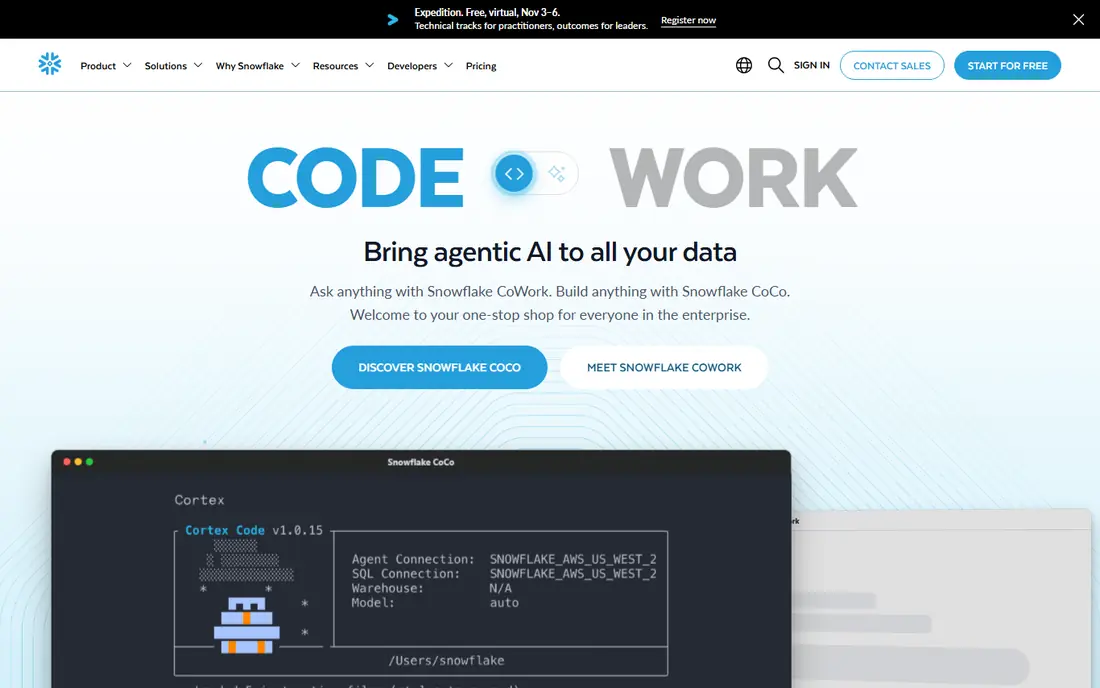
Snowflake is a cloud data warehouse that separates storage from compute, so teams can scale queries without scaling stored data. Data sharing lets partners and teams use the same data without copies. It connects to a wide range of BI and data tools.
Cost control needs attention, since heavy or poorly written queries can run up bills. Teams that monitor use and set limits get a fast, flexible warehouse for large analytic work.
- Scales compute and storage separately
- Strong sharing
- Wide tool support
- Costs can rise fast
- Needs cost monitoring
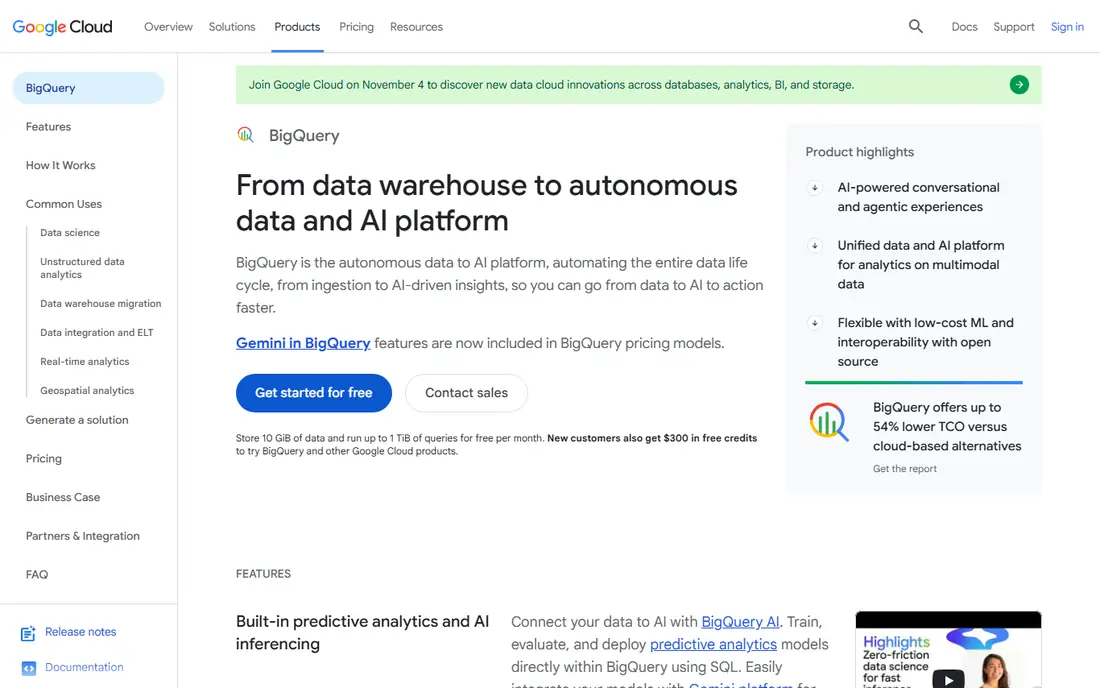
Google BigQuery is a serverless warehouse that runs SQL over very large data sets without managing servers. Teams can query terabytes in seconds and pay for the queries they run, plus storage. Links to Google Sheets, Looker and AI tools help analysts work across the stack.
Teams outside Google Cloud get less benefit, since data movement adds cost and delay. For Google Cloud firms, BigQuery offers a low-admin path to big data analytics.
- Serverless scale
- Fast SQL queries
- Links to Google tools
- Best inside Google Cloud
- Pricing needs query care
Amazon Redshift is AWS data warehouse service, built for large analytic queries over structured data. It links to S3, Glue and QuickSight, and offers both provisioned and serverless options. Teams can tune clusters for heavy reporting or ad hoc analysis.
AWS skill matters, especially for cluster tuning and cost control. Firms already on AWS will find Redshift a natural warehouse choice with strong scale.
- Deep AWS integration
- Strong performance options
- Serverless choice
- Needs AWS skill
- Tuning matters for large loads
Microsoft Fabric brings data engineering, warehousing, real-time analytics and Power BI reporting into one SaaS service. Teams can store data once in OneLake and use it across workloads. That unity reduces the copy-and-move work that slows many data projects.
Fabric is newer than rivals, so some features still evolve. Microsoft shops gain the most, since Power BI and Azure links make adoption smoother than a standalone warehouse.
- Data, BI and AI in one service
- Power BI links
- Unified storage
- Newer platform with changing features
- Microsoft-centric
Tableau turns analyzed data into interactive dashboards and visual stories. Analysts can drag fields onto a canvas, explore patterns and publish dashboards for managers. The community and template range help new users learn fast.
Tableau is a visualization layer, not a warehouse, so teams still need a data source such as Snowflake or BigQuery. For the presentation layer of big data work, it remains a top pick.
- Strong visual analysis
- Large community
- Many data links
- Needs a data source underneath
- Pricing per user
Domo combines data connectors, storage, transformation and dashboards in one cloud platform. Business teams can pull data from sales, marketing and operations systems and build live dashboards without waiting for IT each time.
Pricing is quote-based, which makes early comparison harder. Mid-size to large firms that want business users to build dashboards will find Domo a practical option.
- Connectors for many sources
- Business dashboards
- Mobile access
- Pricing is quote-based
- Can be heavy for small teams
Sisense helps product teams embed analytics inside their own apps, so customers see charts and reports without leaving the product. It handles large data sets and offers APIs for custom work.
Technical skill is needed to set up embedded use well. Firms that sell software and want analytics as a product feature will get the most from Sisense.
- Embedded dashboards
- Handles large data
- API flexibility
- Setup needs technical skill
- Pricing is quote-based
How we picked these
We compared official product pages, pricing information and public reviews for tools that analyze large data sets as a core job. We kept platforms still sold in 2026 with real scale, security and tool support. We favored a mix of warehouses, unified platforms and visualization tools, since big data work usually needs more than one layer.
For big data analytics software, we also checked whether vendors publish clear documentation, support options and security information. Tools with vague pricing or missing support pages scored lower, even when their feature lists looked strong. That check matters because buyers often learn about limits only after purchase, when switching costs are already high.
What to check before you buy
Measure your data and query load
List your data volume, growth rate and typical queries before a trial. A warehouse sized for gigabytes will struggle with terabytes, while an enterprise platform may be overkill for modest data.
Check team skills honestly
Spark-based platforms need engineering skill, while SQL warehouses suit analyst teams. Pick the tool your current team can run, or budget for training and hiring.
Test cost with real queries
Run your heaviest reports during a trial and watch the bill. Set alerts and limits early, since big data costs rise with careless queries and unused compute.
Confirm governance and security
Large data sets often hold sensitive records. Check access controls, audit logs, encryption and region options before you load production data.
Check support and updates
Support quality matters as much as features, especially when a tool is used every day. Check support hours, response times and whether help is offered by chat, email or phone on the plan you will buy. Read the documentation for a task you will do often, and look at how often the vendor ships fixes and improvements. A tool with stale docs and slow support can cost more in lost time than a slightly higher subscription.
Plan the switch from your current tool
Moving tools takes more than signing up. List the data you must move, such as templates, customer records or past reports, and test an export before you cancel the old tool. Run the new tool alongside the old one during a trial, and train a small group first so they can help colleagues. A planned switch avoids lost work and gives staff time to learn new habits.
Budget for the full first year
Price the first year in full, not just the monthly rate. Add seats for every user, any required add-ons and the cost of training or setup help. Check whether annual billing saves money and whether that saving is worth the commitment. A clear first-year total makes plans easier to compare and avoids surprise renewals.
Ask about data ownership and exit options
Before you commit, ask who owns your data, how you can export it and what happens if you cancel. Check contract length, renewal terms and whether prices change after an introductory period. Clear exit options protect you if the tool no longer fits, and they also signal a vendor that is confident in keeping customers by quality rather than by lock-in.
FAQ
Which tool is best for big data analytics?
There is no single winner. Databricks and Snowflake suit large mixed workloads, BigQuery and Redshift suit their home clouds, and Tableau or Domo suit dashboard work on top of a warehouse.
Do I need a data warehouse first?
Most teams do. A warehouse or lakehouse gives analytics tools a clean, governed place to query. Visualization tools alone cannot replace that foundation for large data.
Can small teams use these tools?
Yes, with serverless options and free trials. Small teams should start with one warehouse and one BI tool, rather than buying a full enterprise stack at once.
How much does big data software cost?
Costs vary by data volume, query load and users. Serverless tools charge for use, while other platforms charge for capacity or users. Always test with real workloads before signing.
How long does it take to get value from big data analytics software?
That depends on setup and team size. Simple tools can show value within a week, while enterprise platforms may need a month or more for setup, data migration and training. A focused pilot with one team and clear goals gives the fastest honest answer.
What mistakes do buyers often make with big data analytics software?
Common mistakes include buying for a feature list instead of a daily workflow, skipping a trial with real data, and undercounting users who will need access. Another frequent error is ignoring support and exit terms until a problem appears. A short trial and a clear list of must-have tasks prevent most of these errors.