The 6 Best Big Data Analytics Software for Remote Teams in 2026, Ranked
Best big data analytics software for remote teams in 2026: 6 contenders with entry costs and free tiers. Includes honest limits for each tool. No hype.
- Editor's choice
 Looker
Semantic layer and embedded analytics
Starts atSee websiteVisit cloud.google.comFull review - Great alternative
 Domo
End-to-end data journey
Starts atSee websiteVisit domo.comFull review - Also consider
 Amazon Redshift
Completely managed cloud data warehouse
Starts atSee websiteVisit aws.amazon.comFull review
Direct answer
For semantic layer and embedded analytics, Looker is where this list starts. Listed starting prices: Tableau from $15 per user a month. If your case is different, Domo suits end-to-end data journey and Amazon Redshift suits completely managed cloud data warehouse. The other 3 tools in the list cover narrower or pricier cases.
TL;DR:
- The list opens with Looker, aimed at semantic layer and embedded analytics.
- Before buying Domo, weigh this: can be overwhelming with numerous features.
- Tableau fits visual analytics and dashboards.
- Only Tableau offers a free plan among these 6 tools.
- Tableau is the lowest-priced starter here at $15 per user per month.
Last checked November 2026. Prices and plan details were read from the vendors' own pages in November 2026; vendors change plans often, so confirm the current price on the vendor site before you buy.
Quick comparison
| Tool | Best for | Starts at | Free plan? | |
|---|---|---|---|---|
| Looker | Semantic layer and embedded analytics | See website | Not stated | Visit |
| Domo | End-to-end data journey | See website | Free trial | Visit |
| Amazon Redshift | Completely managed cloud data warehouse | See website | Not stated | Visit |
 Databricks | Unified data and AI collaboration | See website | Not stated | Visit |
 Google BigQuery | Serverless data warehousing | See website | Not stated | Visit |
 Tableau | Visual analytics and dashboards | $15 per user a month | Yes | Visit |
The 6 tools in detail
If you are comparing big data analytics software for remote teams, this page covers 6 tools in one place: what each is best for, what it costs to start, whether it has a free plan, and the main limit to know about.
Looker works best for semantic layer and embedded analytics. Looker is Google Cloud's agentic business intelligence and embedded analytics system. It brings together metrics with a trusted semantic layer and Gemini agents, enabling remote teams to access consistent data insights.
For more straightforward visualization, Tableau might be preferred. Looker is suitable for organizations that require governed, embedded analytics and want to use AI for data exploration. This comparison lists no price for Looker; ask the vendor. Trial and free access: Not stated.
Limits to weigh: May be complicated for non-technical users.
- Brings together metrics with a trusted semantic layer
- Supports embedded analytics
- Requires setup of semantic layer
Where Domo fits: end-to-end data journey. Domo strengthens the whole data journey with its AI and data products. It permits remote teams to link and move data from any source, prepare and expand data access for exploration, and accelerate business-critical insights.
For everyday use, for teams focused primarily on visualization, Tableau could be a more straightforward choice. Also, Domo is a good match for organizations seeking an all-in-one data system to support remote collaboration and analytics. Check the vendor site for Domo pricing; none is listed in this comparison. As for free access: Free trial.
Honest limits: May need training for full utilization.
- Prepares and expands data access
- Accelerates business-critical insights
- Can be overwhelming with numerous features
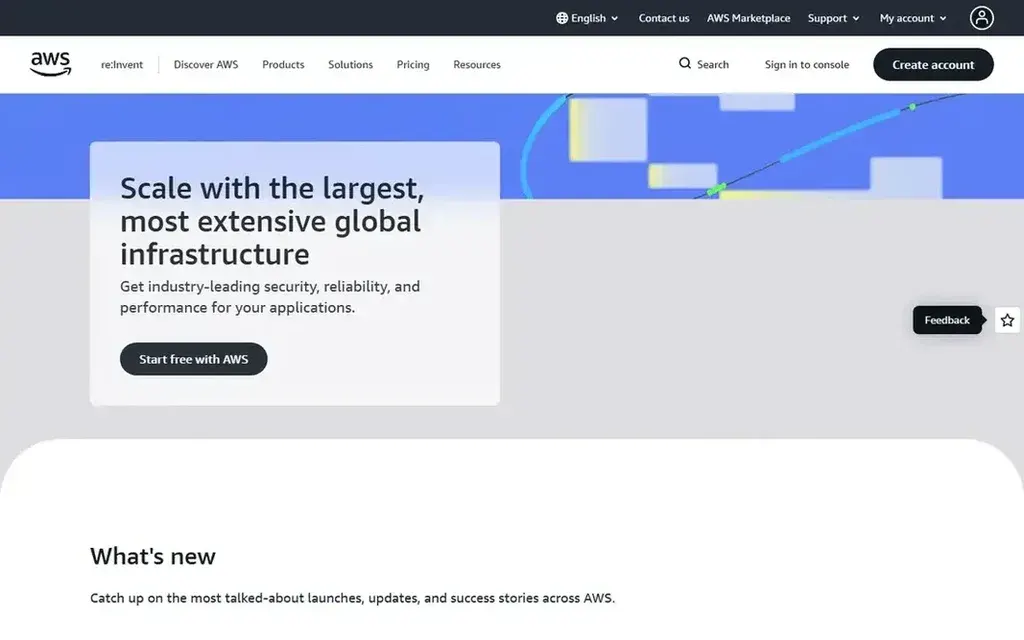
Choose Amazon Redshift for completely managed cloud data warehouse. Amazon Redshift is a fast, completely managed cloud data warehouse that makes it straightforward and economical to analyze all your data. It is made for remote teams that require a steady, scalable data warehouse with integration into the AWS ecosystem.
Where it falls short: Optimization needs tuning.
Redshift supports complicated queries and can manage large volumes of data, making it right for analytics workloads. Redshift may need tuning for optimal performance and is a good match for teams already using AWS. On top of that, for teams seeking a more autonomous system, Google BigQuery could be an alternative. In practice, Redshift is a strong match for organizations that require a managed data warehouse with solid AWS integration. Amazon Redshift shows no starting price here, so confirm the cost on the vendor site. As for free access: Not stated.
- Completely managed cloud data warehouse
- Plugs into AWS ecosystem
- Restricted to AWS environment
Databricks works best for unified data and AI collaboration. Remote teams can collaborate on data projects using shared notebooks and workflows, making it suitable for organizations that require an integrated environment for data engineering and machine learning. In daily use, Databricks is a good match for teams with dedicated data engineers and a need for advanced analytics and AI capabilities.
Points against: Needs cloud infrastructure setup.
In practice, the system can be complicated to set up and may need significant cloud expertise. Databricks offers a unified system for data, analytics, and AI, with a data-centric approach. It eases ETL, data warehousing, governance, and AI on the Data + AI Platform. Databricks does not show a starting price in this comparison, so check the vendor site for current pricing. Free plan details: Not stated.
- Eases ETL, warehousing, governance
- Unified system for data, analytics, AI
- Can be complicated for beginners
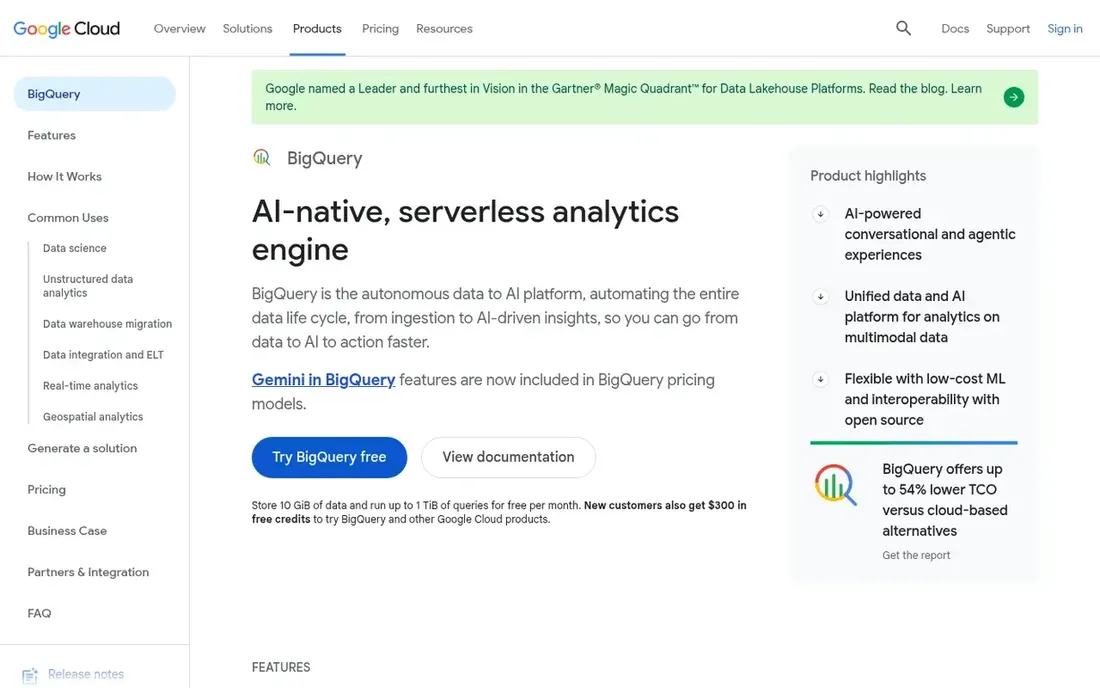
Think of Google BigQuery for serverless data warehousing. Google BigQuery is an autonomous data and AI product that automates the whole data life cycle, enabling teams to go from data to AI to action quicker. Its integration with Google Cloud services supports collaborative analytics.
Also, BigQuery may not be the best fit for teams already invested in other cloud ecosystems, and cost management can be challenging without proper monitoring. For everyday use, BigQuery fits organizations that prefer a completely managed, serverless approach to data warehousing. Google BigQuery shows no starting price here, so confirm the cost on the vendor site. As for free access: Not stated.
Points against: Costs can be unpredictable with heavy usage.
- Automates the data life cycle
- Serverless architecture scales automatically
- Needs familiarity with Google Cloud
Tableau is aimed squarely at visual analytics and dashboards. Tableau helps anyone see and understand their data.
Tableau is a strong match for teams that prioritize visual analytics and have to collaborate on dashboards and reports, enabling data-driven decision-making across distributed teams. On cost, Tableau starts like this: $15 per user per month. Tableau includes a free tier.
Downsides: Can be costly for large teams.
- Links to almost any database
- Simple sharing with a click
- Advanced analytics may need extras
How we built this list
We compared the tools on published pricing, free plan or trial availability, feature coverage for big data analytics software for remote teams, and the limits each vendor documents. Prices and plan limits come from vendor pages and can change, so confirm them on the vendor site before you buy. The order reflects how well each tool fits the most common buying scenario for big data analytics software for remote teams, then price clarity, then free plan access. It is a starting point, not a verdict.
Pre-purchase checklist
- Ask Looker, Domo, Amazon Redshift and others for a written quote, since no starting price is shown.
- Test the free plan from Tableau against your real workload before relying on it.
- Run a trial of Domo with real work before paying for a year; your own workflow is the best test.
- Before choosing Looker, weigh its main limit: needs setup of semantic layer.
- Ask Domo which support channels and response times come with the plan you would buy.
- Check whether Databricks bills monthly or annually, and what cancelling early costs.
FAQ
Can I try these tools before paying?
Often, yes. Tableau has a free plan and Domo offers a free trial. Use your own data and a real task during the test, and check what the free tier or trial limits before you rely on it. Each of the 6 options in this big data analytics software for remote teams guide has its own card above with the price, free plan and limits.
How are the tools for big data analytics software for remote teams ordered?
The order follows typical fit for big data analytics software for remote teams, with Looker first and Tableau last, then price clarity and free access. It is editorial judgement, not a score, so another team could rank the tools differently.
What is the best big data analytics software for remote teams?
Start with Looker if you need semantic layer and embedded analytics. Domo is the better match for end-to-end data journey, and Amazon Redshift for completely managed cloud data warehouse. The best choice depends on budget, team size and workflow.
Is Looker the right pick for everyone comparing big data analytics software for remote teams?
No single tool suits every team. Looker comes first because it fits semantic layer and embedded analytics, while Domo suits end-to-end data journey and Amazon Redshift suits fully managed cloud data warehouse. Match the tool to your own size, budget and workflow before deciding.
Do these tools publish their prices?
Not all of them. Looker, Domo, Amazon Redshift and others publish no starting price, so expect a quote request for those. The rest, Tableau included, show a starting price, though seats and billing terms still change the final cost.
Sources
- https://cloud.google.com/looker
- https://www.domo.com
- https://aws.amazon.com/redshift
- https://www.databricks.com
- https://cloud.google.com/bigquery
- https://www.tableau.com