Best Big Data Software in 2026: 6 Tools Compared
6 products for the best big data software, ranked by fit, with starting costs and free tiers. Fit, price and catches for every tool. Refreshed for 2026.
- Editor's choice
 Amazon EMR
Big data processing for AWS-native teams
Starts atSee websiteVisit aws.amazon.comFull review - Great alternative
 Confluent
Live event streaming on managed Kafka
Starts at$385 a month (Standard, approximate)Visit confluent.ioFull review - Also consider
 Cloudera
Hybrid and on-premises data products
Starts atSee websiteVisit cloudera.comFull review
TL;DR:
- The list opens with Amazon EMR, aimed at big data processing for AWS-native teams.
- Starting prices begin at $385 per month with Confluent.
- Only 2 of the 6 tools have a free plan (Apache Spark, MongoDB Atlas), so check the caps.
- What to know about Confluent first: standard level starts around $385 per month, which prices out experiments.
- For operational data at scale with adaptable schemas, MongoDB Atlas is worth a look.
Direct answer
Amazon EMR comes first here, mainly for big data processing for AWS-native teams. For a different need, Confluent covers live event streaming on managed Kafka and Cloudera covers hybrid and on-premises data products. Prices, free plans and limits for all 6 tools follow.
Quick comparison
| Tool | Best for | Starts at | Free plan? | |
|---|---|---|---|---|
| Amazon EMR | Big data processing for AWS-native teams | See website | No | Visit |
| Confluent | Live event streaming on managed Kafka | $385 a month (Standard, approximate) | Free trial | Visit |
| Cloudera | Hybrid and on-premises data products | See website | Free trial | Visit |
 Databricks | Unified analytics, engineering and ML at scale | See website | Free trial | Visit |
 Apache Spark | Free open-source processing engine | Free (open source) | Yes | Visit |
 MongoDB Atlas | Operational data at scale with adaptable schemas | $0.011 per hour (Flex tier) | Yes | Visit |
Big Data Software compared in detail
Choosing big data software usually comes down to price, fit and limits. This LinkVetted guide sets 6 tools side by side on those three points, with the facts kept short and checkable.
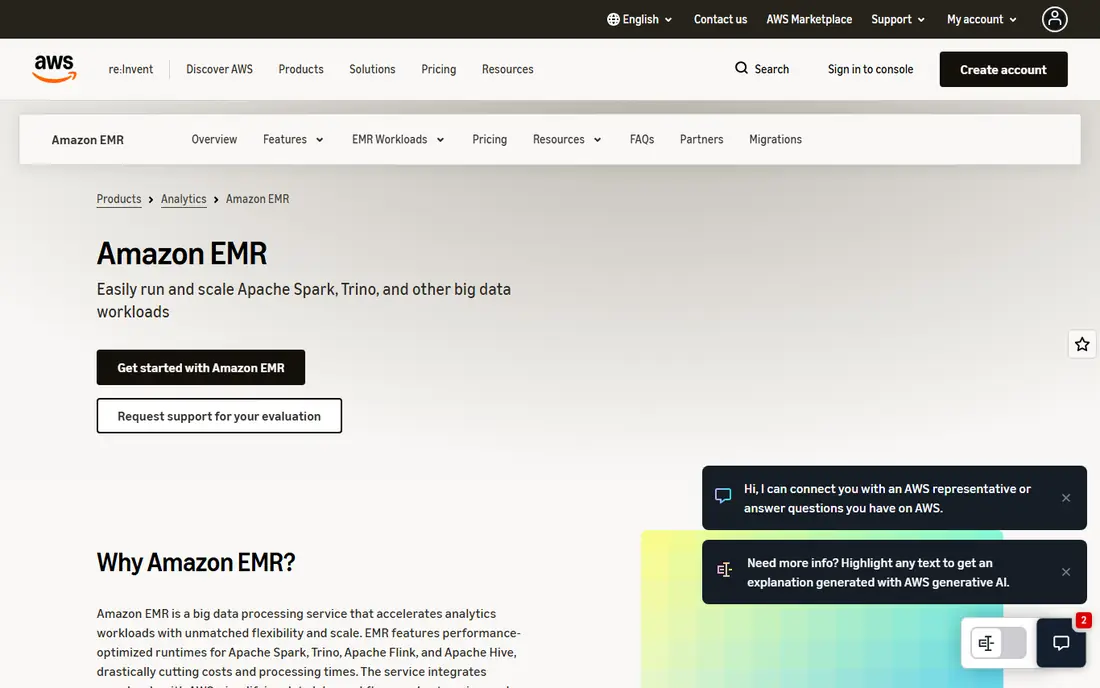
In short, Amazon EMR is for big data processing for AWS-native teams. Amazon EMR is the workhorse for teams already living in AWS. It runs open-source frameworks like Spark, Hadoop, Hive and Flink on EC2 with tight integration to S3.
Best features of Amazon EMR: Adaptable pricing including Spot instances.
Watch-outs: Pricing is a matrix of instance types and add-ons.
Pricing follows the familiar AWS model down to fractions of a cent per instance-hour, with Spot pricing for fault-tolerant batch work. On top of that, if your data lake is S3 and your team knows AWS, EMR keeps everything in one bill and one IAM model. It is also the least managed-feeling managed service here. Check the vendor site for Amazon EMR pricing; none is listed in this comparison. Amazon EMR has no free tier.
- Flink and more on AWS with deep service integration
- Scales from experiment to production
- You still handle clusters and tuning
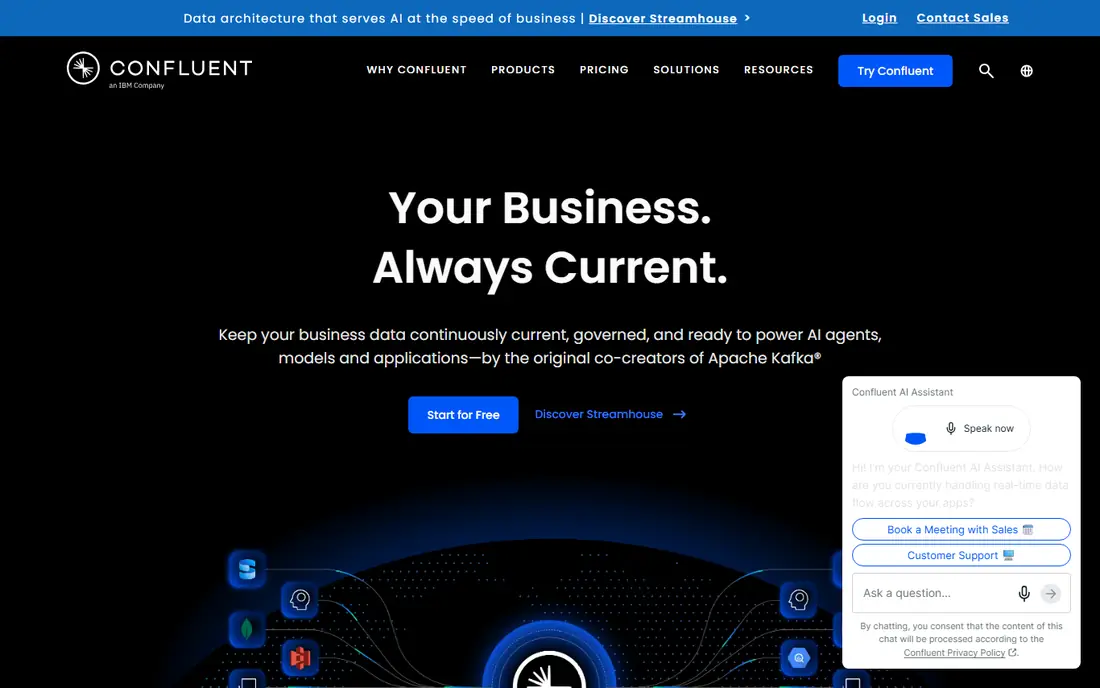
Where Confluent fits: live event streaming on managed Kafka. Partitions, consumer groups and schema evolution still need someone who understands streaming concepts, and throughput-based pricing means a busy event pipeline costs accordingly.
But for live use cases like fraud detection, live personalization or operational dashboards, Confluent is the serious managed answer. Confluent cost at the entry level: $385 per month. On free options: Free trial.
Where it falls short: Kafka concepts still leak through the managed abstraction.
- Solid exactly-once and schema governance features
- 80-plus managed connectors
- Costs scale with throughput
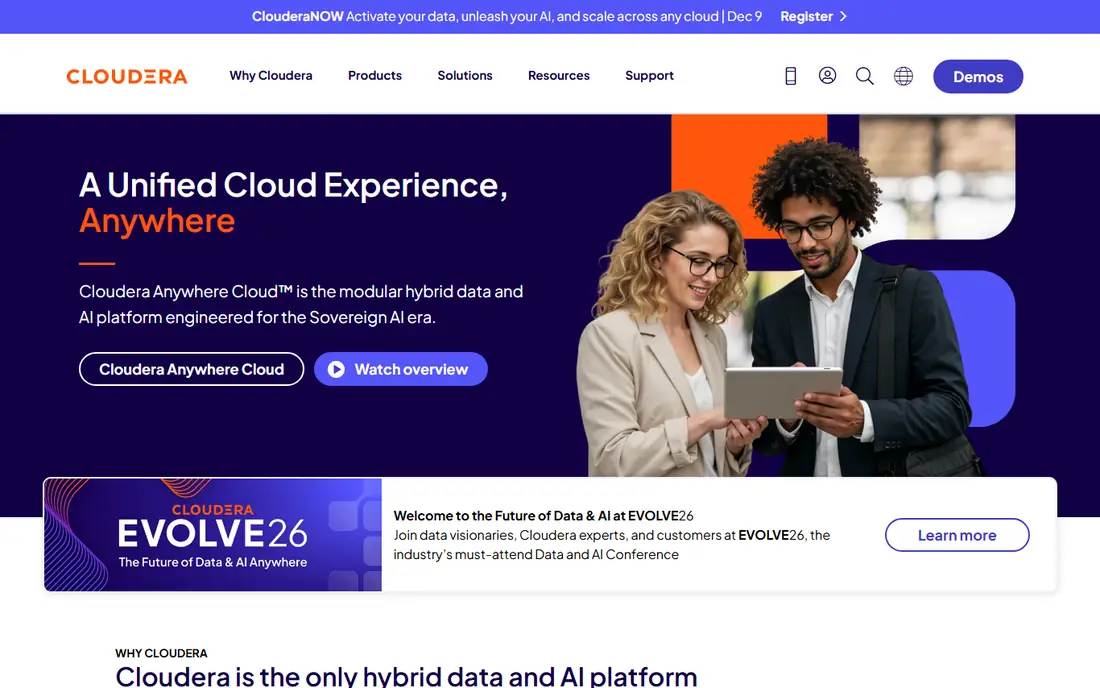
Cloudera targets hybrid and on-premises data systems. Regulated industries, governments and businesses with big on-premises investments get a consistent product across data centers and clouds, with the governance, lineage and security controls auditors demand. It handles the full lifecycle from ingestion through analytics to machine learning.
What to check first: Heavier to operate than cloud-native alternatives.
In practice, everything about the buying experience is enterprise: quote-only pricing, sales-led evaluation, and real operational weight. If you are a cloud-native startup, Cloudera is the wrong century. Cloudera does not show a starting price in this comparison, so check the vendor site for current pricing. Free options: Free trial.
- True hybrid story across on-premises and several clouds
- Full system from ingestion to ML
- Quote-only pricing with enterprise sales cycles
Databricks is built with unified analytics, engineering and ML at scale in mind. The pitch is unification: the same system that runs your ETL pipelines also serves your BI dashboards and trains your models, on open formats rather than proprietary storage. Databricks charges in Databricks Units for processing, and you pay your cloud provider separately for the underlying virtual machines and storage.
Where it falls short: Usage-based DBU pricing plus separate cloud VM bills make costs hard to forecast.
What Databricks does well: SQL analytics and machine learning.
From a buyer's view, the honest catch is the bill. Teams building complicated ML and data engineering pipelines get the most from it. From a buyer's view, Databricks is for teams with serious data engineering needs and the staff to match. Pricing for Databricks is not stated here, so ask the vendor for current figures. Free plan details: Free trial.
- Capable AI and ML workload support
- One system for data engineering
- Entry costs trend high for small teams
Apache Spark is aimed squarely at free open-source processing engine. If you have the engineers, Spark on your own infrastructure costs nothing but servers. That "if" carries the entire paragraph.
On top of that, batch processing, streaming, SQL and machine learning libraries in one framework, with a community large enough that any problem you hit has been solved publicly. Cluster tuning, version upgrades and performance debugging are your team's job, and Spark expertise is pricey to hire. More specifically, there is no support line, no managed console, no one to call at 2am. Starting cost for Apache Spark: Free. Apache Spark has a free plan.
Trade-offs to know: You supply the infrastructure and the expertise.
Where Apache Spark stands out: Fully free and open source under Apache license.
- Massive community and library ecosystem
- EMR and others
- No vendor support without a commercial distribution
For operational data at scale with adaptable schemas, MongoDB Atlas is a natural candidate. For application data at serious volume, Atlas is the proven managed choice. In practice, be honest about the workload split.
And the famous schema adaptability becomes a governance job at scale. Also, the document model deals with evolving, nested data that would fight a relational schema. The pricing ladder is clear: a free-forever level with 512MB for learning, Flex at $0.011 an hour (capped around $30 per month) for prototypes, and Dedicated clusters from $0.08 an hour for production. MongoDB Atlas starts at: $0.011 per hour. You can start on MongoDB Atlas without paying.
Honest limits: Schema adaptability needs discipline at scale.
- Free-forever level for learning and small projects
- Global clusters with solid availability story
- Analytics workloads are not its strength
Selection criteria
The comparison looks at four things: starting price, free access, how well the feature set matches big data software, and the main limit of each tool. Seat minimums, billing terms and add-ons can move the real cost, so the starting prices here are a guide and not a quote. The ranking is editorial: typical fit first, then clear pricing, then free access. If your needs are unusual, read the profiles rather than relying on position.
What to check before you buy
- Confirm the entry price on the vendor page. For Amazon EMR, Cloudera and Databricks that means a quote rather than a fixed price.
- Check what the free option really includes: Apache Spark and MongoDB Atlas offer a free plan, and usage caps differ.
- Take the trial from Confluent, Cloudera and Databricks and push a live task through it before you pay.
- Before choosing Amazon EMR, weigh its main limit: you still handle clusters and tuning.
- Find out what support Amazon EMR includes on your plan, and whether onboarding help costs extra.
- Get the contract term, renewal terms and any onboarding fees from Apache Spark in writing.
FAQ
How do we keep cloud data costs under control?
Partition large tables and avoid full scans, set billing alerts and per-project budgets, right-size warehouses and shut them down when idle, and review the bill monthly with the team that generated it.
Can I try these options before paying?
Often, yes. Apache Spark and MongoDB Atlas have a free plan and Confluent, Cloudera and Databricks offer a free trial. Use your own data and a real task during the test, and check what the free tier or trial limits before you rely on it.
What is the cheapest option for big data software in this list?
On published monthly entry prices, Confluent is the lowest here at $385 per month. Entry price is only part of the cost, because seats, add-ons and billing terms can change the total.
Do these tools publish their prices?
Not all of them. Amazon EMR, Cloudera and Databricks publish no starting price, so expect a quote request for those. The rest, Confluent included, show a starting price, though seats and billing terms still change the final cost.
Should we build on open source or buy managed?
Open source (Spark, and the engines under several managed services) minimizes license cost and maximizes control. But you pay in engineering time and operational risk. Teams with solid engineers and unusual needs lean open source; teams that require results this quarter buy managed.
What is the difference between a data lake and a data warehouse?
A data warehouse keeps structured, cleaned data optimized for SQL analytics and BI. A data lake keeps raw data of any type cheaply in object storage.