Best Big Data Analytics Software for Small Business for 2026: Our 6 Vetted Picks
Searching for the best big data analytics software for small business? Here are 6 options with prices and free plans. Read the caveats before you buy. No hype.
- Editor's choice
 Zoho Analytics
Companies already using Zoho apps
Starts atSee websiteVisit zoho.comFull review - Great alternative
 Sisense
Embedding analytics into your own product
Starts atSee websiteVisit sisense.comFull review - Also consider
 Amazon QuickSight
Teams already working in AWS
Starts atSee websiteVisit aws.amazon.comFull review
Direct answer
Zoho Analytics leads the list, best for companies already using Zoho apps. Listed starting prices: Tableau from $15 per user per month. For a different need, Sisense covers embedding analytics into your own product and Amazon QuickSight covers teams already working in AWS. The full list of 6 tools follows, with prices and free plan facts.
TL;DR:
- Zoho Analytics takes the first slot, best suited to companies already using Zoho apps.
- Tableau is the only tool of the 6 with a free plan.
- For the cheapest start, look at Tableau: $15 per user per month.
- A fair warning about Amazon QuickSight: most natural inside AWS.
- Domo fits connecting and governing data across sources.
Last checked November 2026. Prices and plan details were read from the vendors' own pages in November 2026; vendors change plans often, so confirm the current price on the vendor site before you buy.
Quick comparison
| Tool | Best for | Starts at | Free plan? | |
|---|---|---|---|---|
| Zoho Analytics | Companies already using Zoho apps | See website | Not stated | Visit |
| Sisense | Embedding analytics into your own product | See website | Free trial | Visit |
| Amazon QuickSight | Teams already working in AWS | See website | Not stated | Visit |
 Tableau | Adaptable visual analysis for expanding teams | $15 per user per month | Yes | Visit |
 Qlik Sense | End-to-end data integration and analytics | See website | Not stated | Visit |
 Domo | Connecting and governing data across sources | See website | Free trial | Visit |
Our 6 picks for big data analytics software for small business
LinkVetted compared 6 tools for big data analytics software for small business. The goal is a practical shortlist: published prices, free plan facts, best-fit use cases and honest limits for every entry.
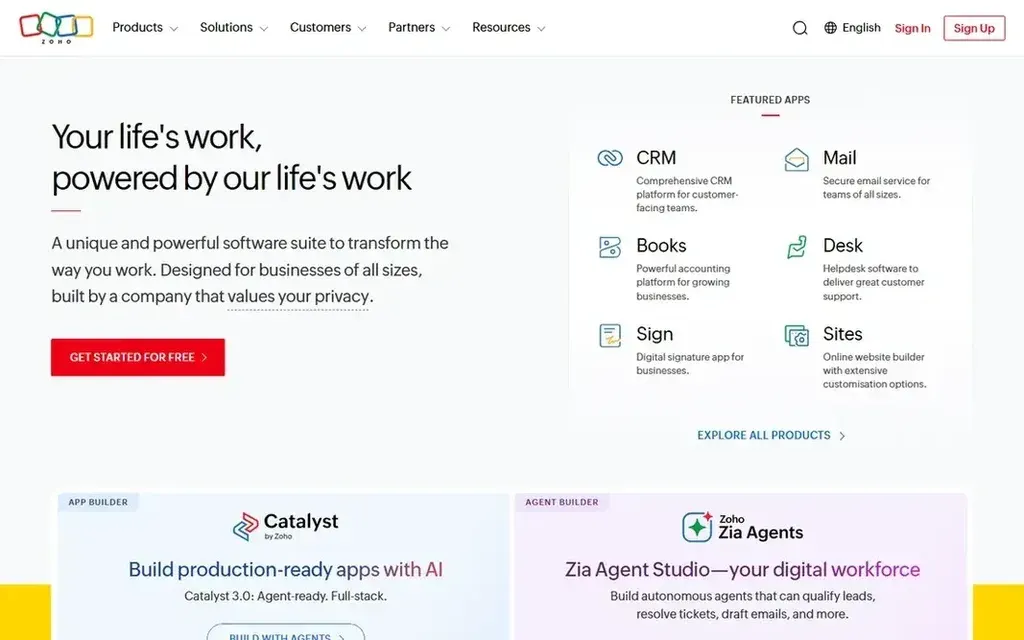
For companies already using Zoho apps, Zoho Analytics is a natural candidate. It fits small firms that want one place to blend data from sales, finance and marketing tools, particularly teams already running other Zoho products.
In practice, compare setup effort against the number of sources you actually plan to combine. No starting price is listed for Zoho Analytics here; confirm pricing on the vendor site. Free options: Not stated.
Limits to weigh: Interface can feel dense at first.
- AI-assisted analysis features
- Links to plenty of business apps
- Best value inside the Zoho ecosystem
Sisense is aimed squarely at embedding analytics into your own product. Consider more straightforward tools when analytics stays internal and does not have to live inside another application. On top of that, Sisense positions itself as an AI-powered embedded analytics system, with its homepage emphasizing adaptability across pro-code, low-code and no-code approaches.
Reasons to shortlist it: AI-powered insight delivery.
That makes it a fit for small software firms or product teams that want to put dashboards and insights straight inside their own applications instead of only analyzing internal operations. Expect to involve technical staff during implementation. Check the vendor site for Sisense pricing; none is listed in this comparison. Free options: Free trial.
Points against: Needs technical planning.
- Low-code and no-code choices
- Embedded analytics focus
- Embedding focus may exceed entry-level needs
Amazon QuickSight was built for teams already working in AWS. Amazon QuickSight is described by AWS as AI-powered business intelligence that turns data into strategic insights through unified intelligence, actionable analytics and democratized data access.
QuickSight is most comfortable for teams familiar with AWS services and permissions. Firms running entirely outside that ecosystem may prefer a standalone reporting tool with a more straightforward onboarding path. No starting price is listed for Amazon QuickSight here; confirm pricing on the vendor site. Free options: Not stated.
The main drawbacks: Most natural inside AWS.
- AI-powered business intelligence
- Unified intelligence and actionable analytics
- Less appealing outside that ecosystem
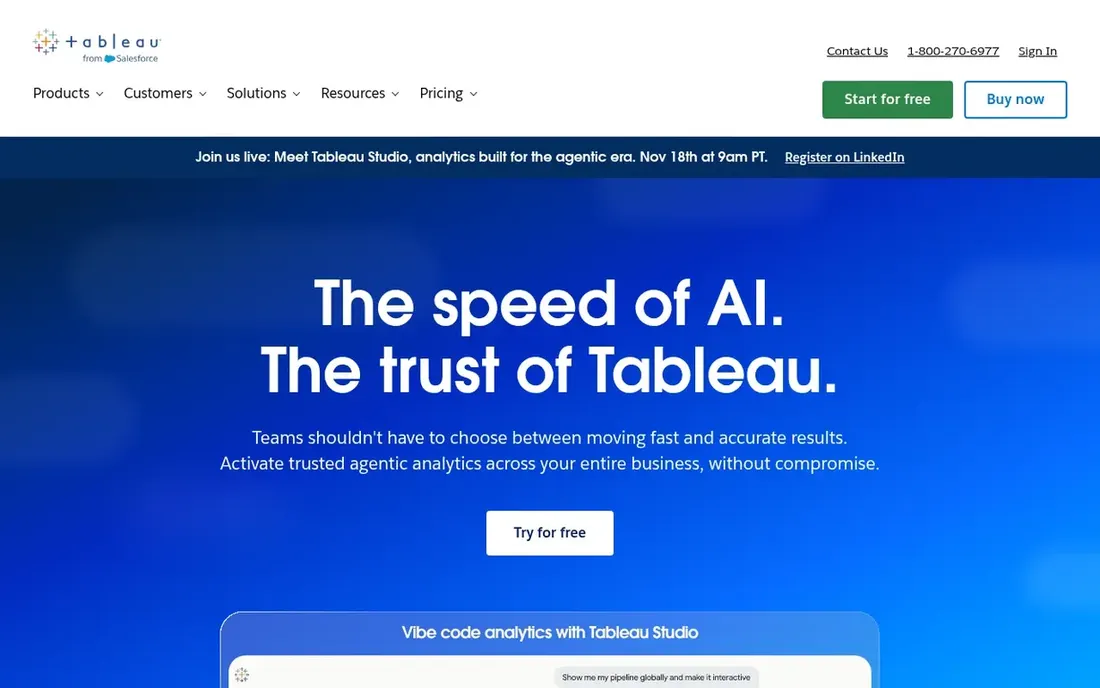
Choose Tableau for adaptable visual analysis for expanding teams. Consider alternatives when your priority is light, browser-based reporting instead of deep visual analysis.
Points against: Can feel complicated for beginners.
For a small business that wants to move beyond spreadsheets and let a handful of analysts or managers explore data visually, Tableau supplies a wide and well-documented feature set that scales as reporting needs grow. Tableau is a business intelligence and analytics product built around visual exploration. Price to start with Tableau: $15 per user per month. Tableau offers a free plan.
- Drag-and-drop visualization building
- Links to almost any database
- Full analysis may need dedicated staff
Think of Qlik Sense for end-to-end data integration and analytics. If your reporting needs are straightforward and your sources are few, a lighter dashboard tool will be quicker to adopt.
No starting price is listed for Qlik Sense here; confirm pricing on the vendor site. Free access: Not stated.
Drawbacks to consider: Feature depth needs training.
- Suited to blended data environments
- Data integration and quality capabilities
- May be more than small teams need
Domo targets connecting and governing data across sources. Domo describes a system for strengthening the data journey with AI and data products, connecting and moving data from any source, preparing it, and expanding access for exploration. Companies with one or two data sources may not need that breadth.
The product spans lots of ground, which can mean more configuration than a tiny team expects. More specifically, pick Domo when data integration and governance across several systems are real priorities, and plan time for setup. Check the vendor site for Domo pricing; none is listed in this comparison. Trial and free access: Free trial.
Trade-offs to know: System breadth can overwhelm small teams.
- Wide data connection choices
- Data preparation and access tools
- Needs planning to govern data well
Selection criteria
LinkVetted used vendor pricing pages and product documentation as the base, then compared plans, free access and documented limits for 6 tools. Seat minimums, billing terms and add-ons can move the real cost, so the starting prices here are a guide and not a quote. Order on the page follows fit for the typical buyer first, then price transparency and free access. Your own requirements should decide the final pick.
Questions to settle before buying
- Confirm the entry price on the vendor page. For Zoho Analytics, Sisense, Amazon QuickSight and others that means a quote rather than a fixed price.
- Test the free plan from Tableau against your real workload before relying on it.
- Use real work to test the free trial from Sisense and Domo, rather than a demo project.
- Before choosing Zoho Analytics, weigh its main limit: best value inside the Zoho ecosystem.
- Run a one or two week pilot of Domo with the people who will use it every day.
- Verify that exporting from Sisense is possible on your plan and covers all your records.
FAQ
Is Zoho Analytics the right pick for everyone comparing big data analytics software for small business?
No single tool suits every team. Zoho Analytics comes first because it fits businesses already using Zoho apps, while Sisense suits embedding analytics into your own product and Amazon QuickSight suits teams already working in AWS. Match the tool to your own size, budget and workflow before deciding.
Do these tools publish their prices?
Not all of them. Zoho Analytics, Sisense, Amazon QuickSight and others publish no starting price, so expect a quote request for those. The rest, Tableau included, show a starting price, though seats and billing terms still change the final cost.
How are the tools for big data analytics software for small business ordered?
Zoho Analytics sits first and Domo last because the order follows typical fit for big data analytics software for small business, then price clarity and free access. It is a judgement call, so read each profile for fit and limits.
Which options for big data analytics software for small business have a free plan?
Tableau is the only tool in this list with a free plan. Free plans usually cap users, projects or features, so check the limits on the vendor page. Several others offer a trial instead. Prices, free plan details and limits for all 6 tools in this big data analytics software for small business roundup sit on the individual cards above.
Do small companies need embedded analytics?
Only if you plan to display dashboards inside your own software or customer-facing product. On top of that, Sisense is built around that use case.
How should I choose between Zoho Analytics and Amazon QuickSight?
Amazon QuickSight suits teams whose data already lives in AWS. Match the tool to where your data sits and which apps you use daily.
Sources
- https://www.zoho.com/analytics
- https://www.sisense.com
- https://aws.amazon.com/quicksight
- https://www.tableau.com
- https://www.qlik.com
- https://www.domo.com