5 Best Card Recovery Software for 2026, Vetted and Compared
5 tools for the best card recovery software, compared on pricing, free plans and best-fit use. Every pick includes one clear drawback. Full profiles inside.
- Editor's choiceStellar Photo Recovery
Photo and media card recovery
Starts atSee websiteVisit stellarinfo.comFull review - Great alternativeWondershare Recoverit
AI-assisted recovery on Windows and Mac
Starts at$99.95 per yearVisit recoverit.wondershare.comFull review - Also considerEaseUS Data Recovery Wizard
Recovery plus backup utilities
Starts at$19.90 a monthVisit easeus.comFull review
Direct answer
Stellar Photo Recovery is the first pick on this list for Photo and media card recovery. Listed starting prices: Wondershare Recoverit from $99.95 per year and EaseUS Data Recovery Wizard from $19.90 a month. Alternatives: Wondershare Recoverit for AI-assisted recovery on Windows and Mac, and EaseUS Data Recovery Wizard for Recovery plus backup utilities. Prices, free plans and limits for all 5 tools follow.
TL;DR:
- Number one here is Stellar Photo Recovery, a fit for Photo and media card recovery.
- Ontrack EasyRecovery suits Recovery backed by professional services.
- For the cheapest start, look at EaseUS Data Recovery Wizard: $19.90 per month.
- What to know about Wondershare Recoverit first: AI messaging may raise expectations.
- Just one of the 5 tools, Wondershare Recoverit, has a free plan.
Last checked November 2026. Prices and plan details were read from the vendors' own pages in November 2026; vendors change plans often, so confirm the current price on the vendor site before you buy.
Quick comparison
| Tool | Best for | Starts at | Free plan? | |
|---|---|---|---|---|
| Stellar Photo Recovery | Photo and media card recovery | See website | Not stated | Visit |
| Wondershare Recoverit | AI-assisted recovery on Windows and Mac | $99.95 per year | Yes | Visit |
| EaseUS Data Recovery Wizard | Recovery plus backup utilities | $19.90 a month | Not stated | Visit |
 Disk Drill | Mac and mobile device recovery | See website | Not stated | Visit |
| Ontrack EasyRecovery | Recovery backed by professional services | See website | Not stated | Visit |
Tool-by-tool breakdown
Short on time? The summary and table above give the quick view of 5 tools for card recovery software, and the profiles that follow give the detail behind each entry.
Stellar Photo Recovery
Best for: Photo and media card recovery
Stellar Photo Recovery works best for Photo and media card recovery. Stellar also sells in-lab services, which are distinct from the software, so confirm which choice matches your situation.
Drawbacks to consider: Services and software are separate offerings.
Beyond that, choose it when media files are the priority and you may need repair or professional help. Pricing for Stellar Photo Recovery is not stated here, so ask the vendor for current figures. Free access: Not stated.
- In-lab recovery services available
- Recovery concentrated on photo and media files
- Media focus may not handle all file types
EaseUS Data Recovery Wizard
Best for: Recovery plus backup utilities
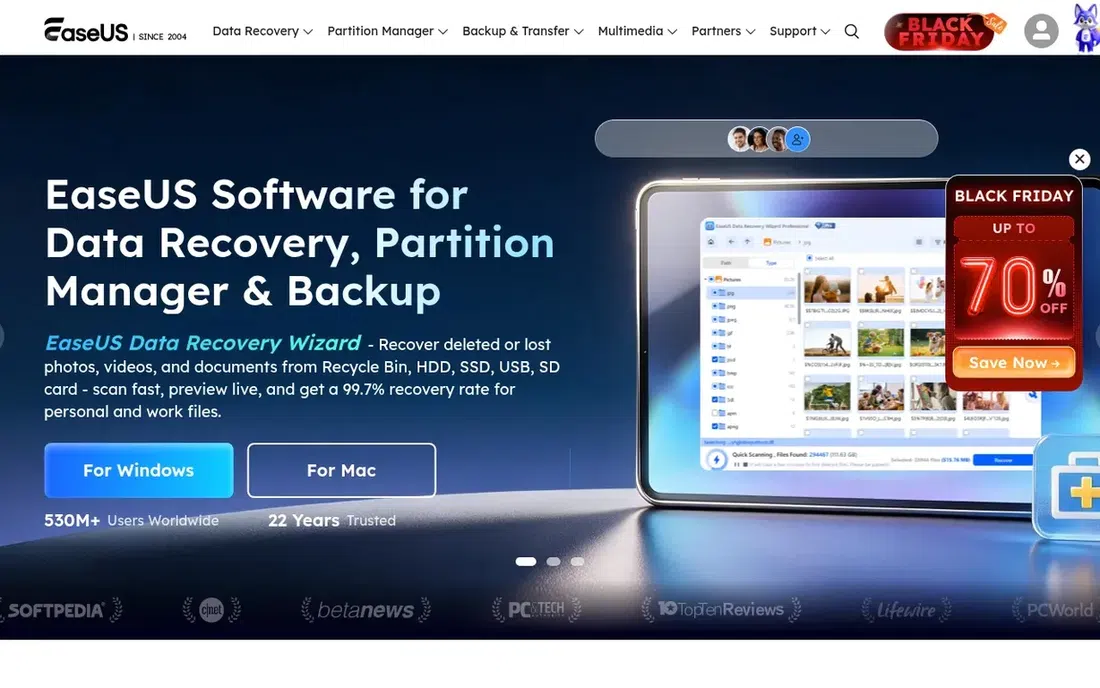
EaseUS Data Recovery Wizard works best for Recovery plus backup utilities. EaseUS Data Recovery Wizard is the recovery product in a wider EaseUS lineup that contains backup software, a partition manager, a data transfer tool and a video editor.
The homepage describes utilities meant to safeguard data and boost productivity. If you only have to undelete a handful of files from a card, a narrower tool may be quicker to learn. Starting cost for EaseUS Data Recovery Wizard: $19.90 per month. As for free access: Not stated.
Points against: Recovery is one product among plenty of.
- Recovery from cards and drives
- Backup and transfer tools in the same lineup
- Feature set can be more than needed
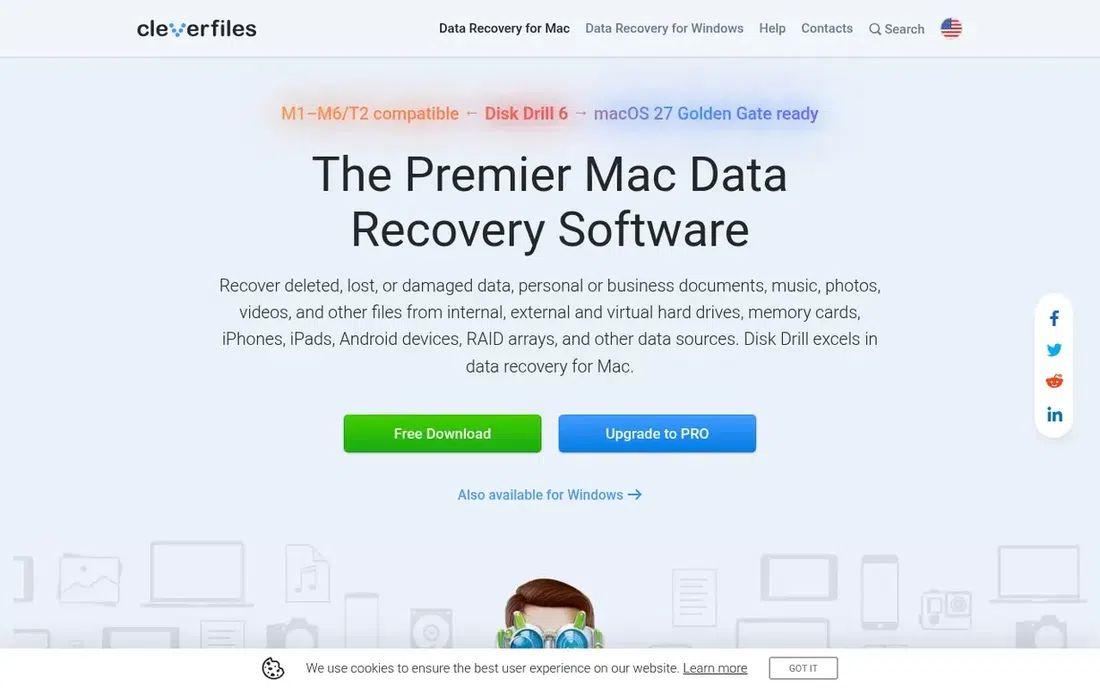
For Mac and mobile device recovery, Disk Drill is a natural candidate. Disk Drill from CleverFiles is data recovery software built with macOS in mind, and it also recovers from storage devices, iOS and Android.
Drawbacks to consider: Interface may feel busy for straightforward jobs.
If you chiefly need a fast undelete on a Windows PC, a more straightforward tool may be enough. Check the vendor site for Disk Drill pricing; none is listed in this comparison. Trial and free access: Not stated.
- Includes iOS and Android recovery
- Scanning available before recovery
- Recovery step needs the full product
Ontrack EasyRecovery
Best for: Recovery backed by professional services
Ontrack EasyRecovery works best for Recovery backed by professional services. Choose Ontrack when you value a vendor with in-lab recovery capabilities as a backup plan.
Honest limits: Professional services may be overkill for straightforward undelete.
Beyond that, Ontrack's core business contains professional services, and the software is one part of that offering, so clarify what is included in the product you choose. Pricing for Ontrack EasyRecovery is not stated here, so ask the vendor for current figures. Trial and free access: Not stated.
- Recovery software from a data recovery company
- Long-standing data recovery focus
- Services and software are separate
Selection criteria
We compared the tools on published pricing, free plan or trial availability, feature coverage for card recovery software, and the limits each vendor documents. Prices and plan limits come from vendor pages and can change, so confirm them on the vendor site before you buy. Order on the page follows fit for the typical buyer first, then price transparency and free access. Your own requirements should decide the final pick.
Pre-purchase checklist
- Ask Stellar Photo Recovery, Disk Drill and Ontrack EasyRecovery for a written quote, since no starting price is shown.
- Test the free plan from Wondershare Recoverit against your real workload before relying on it.
- Read the limits listed for Stellar Photo Recovery first: media focus may not handle all file types.
- Check whether the features you need in EaseUS Data Recovery Wizard sit on the entry plan or only on higher tiers.
- Make sure Ontrack EasyRecovery lets you export your data in a format another tool can read.
FAQ
What is the cheapest option for card recovery software in this list?
On published monthly entry prices, EaseUS Data Recovery Wizard is the lowest here at $19.90 per month. Entry price is only part of the cost, because seats, add-ons and billing terms can change the total. All 5 picks in this card recovery software comparison list a starting price, free plan details and the main limits on their cards above.
Can I try these options before paying?
Often, yes. Wondershare Recoverit has a free plan. Use your own data and a real task during the test, and check what the free tier or trial limits before you rely on it. For the full picture, the cards above cover all 5 entries of this card recovery software list, including price, free plan and limits.
How are the tools for card recovery software ordered?
The order follows typical fit for card recovery software, with Stellar Photo Recovery first and Ontrack EasyRecovery last, then price clarity and free access. It is editorial judgement, not a score, so another team could rank the tools differently.
Do these tools work on both Windows and Mac?
Support varies. Disk Drill emphasizes macOS, whereas Recoverit advertises Windows and Mac versions, and MiniTool concentrates on Windows. Check the vendor site for the operating systems and card readers supported before you choose.
What should I do if the card is physically damaged?
Software recovery is not made for physically damaged cards. Avoid repeated read attempts and seek professional help if the card is cracked, hot or unrecognized.
Which options for card recovery software have a free plan?
Wondershare Recoverit is the only tool in this list with a free plan. Free plans usually cap users, projects or features, so check the limits on the vendor page. Prices, free plan details and limits for all 5 tools in this card recovery software roundup sit on the individual cards above.
Sources
- https://www.stellarinfo.com
- https://recoverit.wondershare.com
- https://www.easeus.com
- https://www.cleverfiles.com
- https://www.ontrack.com