Best Data Recovery Software for Enterprise in 2026: Prices, Free Plans and 6 Picks
6 tools for the best data recovery software for enterprise, compared on pricing, free plans and best-fit use. Each pick lists its main limit. Plain facts.
- Editor's choiceDell PowerProtect Data Manager
Software-defined protection with straightforward operations
Starts atSee websiteVisit dell.comFull review - Great alternativeMiniTool Power Data Recovery
Straightforward file recovery on Windows and Mac
Starts atSee websiteVisit minitool.comFull review - Also consider
 Acronis Cyber Protect
Backup and cybersecurity in one product
Starts atSee websiteVisit acronis.comFull review
Direct answer
Dell PowerProtect Data Manager is the first pick on this list for software-defined protection with straightforward operations. Listed starting prices: Wondershare Recoverit from $99.95 a year. If your case is different, MiniTool Power Data Recovery suits straightforward file recovery on Windows and Mac and Acronis Cyber Protect suits Backup and cybersecurity in one platform. The remaining 3 options are covered below with prices and limits.
TL;DR:
- This list starts with Dell PowerProtect Data Manager, which is built for software-defined protection with simple operations.
- For wide device and file type recovery, Wondershare Recoverit is worth a look.
- No starting price is published for Dell PowerProtect Data Manager, MiniTool Power Data Recovery, Acronis Cyber Protect and others; expect a quote.
- Wondershare Recoverit stands alone as the one tool in this list with a free plan.
- Before buying Ontrack EasyRecovery, weigh this: enterprise scope needs careful scoping.
Last checked November 2026. Prices and plan details were read from the vendors' own pages in November 2026; vendors change plans often, so confirm the current price on the vendor site before you buy.
Quick comparison
| Tool | Best for | Starts at | Free plan? | |
|---|---|---|---|---|
| Dell PowerProtect Data Manager | Software-defined protection with straightforward operations | See website | Not stated | Visit |
| MiniTool Power Data Recovery | Straightforward file recovery on Windows and Mac | See website | Not stated | Visit |
| Acronis Cyber Protect | Backup and cybersecurity in one product | See website | Not stated | Visit |
| Ontrack EasyRecovery | Dedicated recovery with expert service backup | See website | Not stated | Visit |
 Rubrik Security Cloud | Ransomware recovery and cyber resilience | See website | Not stated | Visit |
| Wondershare Recoverit | Wide device and file type recovery | $99.95 a year | Yes | Visit |
6 options for data recovery software for enterprise in detail
LinkVetted compared 6 tools for data recovery software for enterprise. The goal is a practical shortlist: published prices, free plan facts, best-fit use cases and honest limits for every entry.
Dell PowerProtect Data Manager
Best for: Software-defined protection with straightforward operations
Pick Dell PowerProtect Data Manager if this describes you: software-defined protection with straightforward operations. Dell PowerProtect Data Manager is positioned as modern software-defined data protection that gives secure cyber resiliency through a straightforward, smooth user experience.
Its value is most solid where Dell storage and protection components are already in place, and mixed-vendor environments may need extra integration work. Also, pick PowerProtect when operational simplicity and cyber resiliency are central, and look to vendor-neutral recovery utilities for ad hoc file recovery tasks. Pricing for Dell PowerProtect Data Manager is not stated here, so ask the vendor for current figures. Free access: Not stated.
Watch-outs: Tied to Dell ecosystem strengths.
- Smooth user experience
- Software-defined data protection
- Enterprise setup needs planning
MiniTool Power Data Recovery
Best for: Straightforward file recovery on Windows and Mac
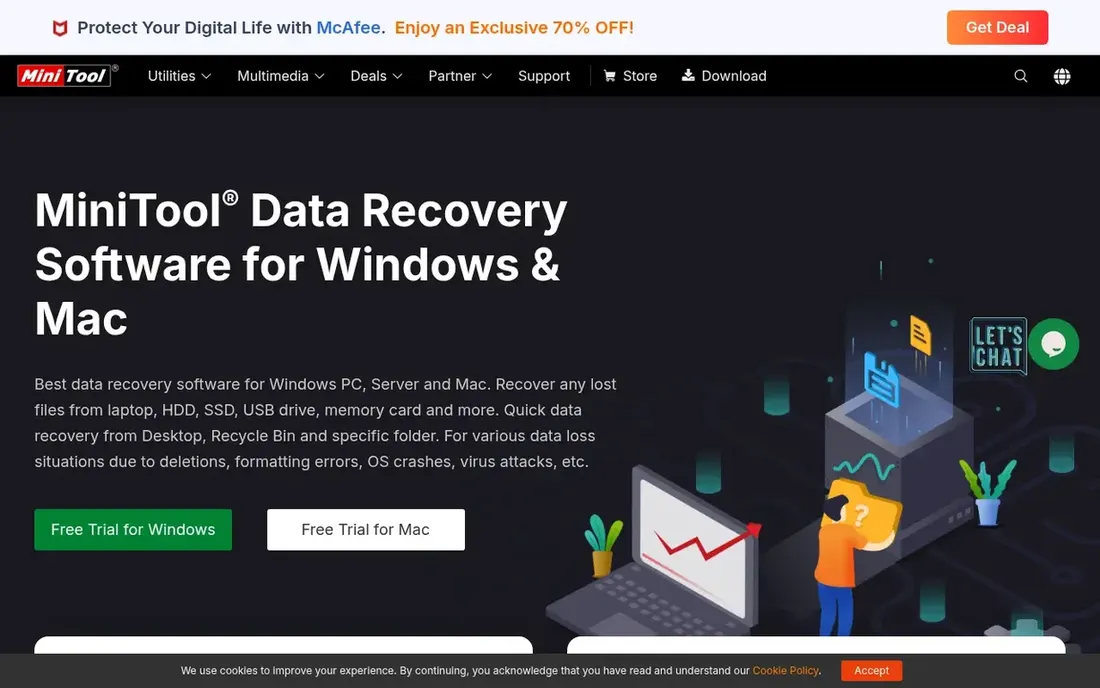
In short, MiniTool Power Data Recovery is for straightforward file recovery on Windows and Mac. MiniTool Power Data Recovery is presented as recovery software for Windows and Mac that helps recover lost files under different data loss situations. Pick it for targeted recovery tasks, and depend on a dedicated protection system when you need continuous backup across numerous systems.
For everyday use, the homepage positions it as recovery software instead of an enterprise backup or cyber resilience suite. So it lacks the orchestration and policy depth bigger environments often need. MiniTool Power Data Recovery shows no starting price here, so confirm the cost on the vendor site. On free options: Not stated.
The main drawbacks: Not positioned for large-scale resilience.
- Manages common data loss situations
- Approachable interface for IT generalists
- Restricted enterprise orchestration
Acronis Cyber Protect was built for Backup and cybersecurity in one platform. Acronis Cyber Protect is presented as cybersecurity and data protection software for consumers, businesses and managed service providers, with backup at its core and an emphasis on protecting sensitive information.
More specifically, since Acronis frames its value around integrated protection, teams seeking only raw file recovery may find it broader than needed. No starting price is listed for Acronis Cyber Protect here; confirm pricing on the vendor site. Free options: Not stated.
What to check first: Recovery depth varies by configuration.
- Serves firms and service providers
- Emphasizes protecting sensitive information
- May overlap with existing security tools
Ontrack EasyRecovery
Best for: Dedicated recovery with expert service backup
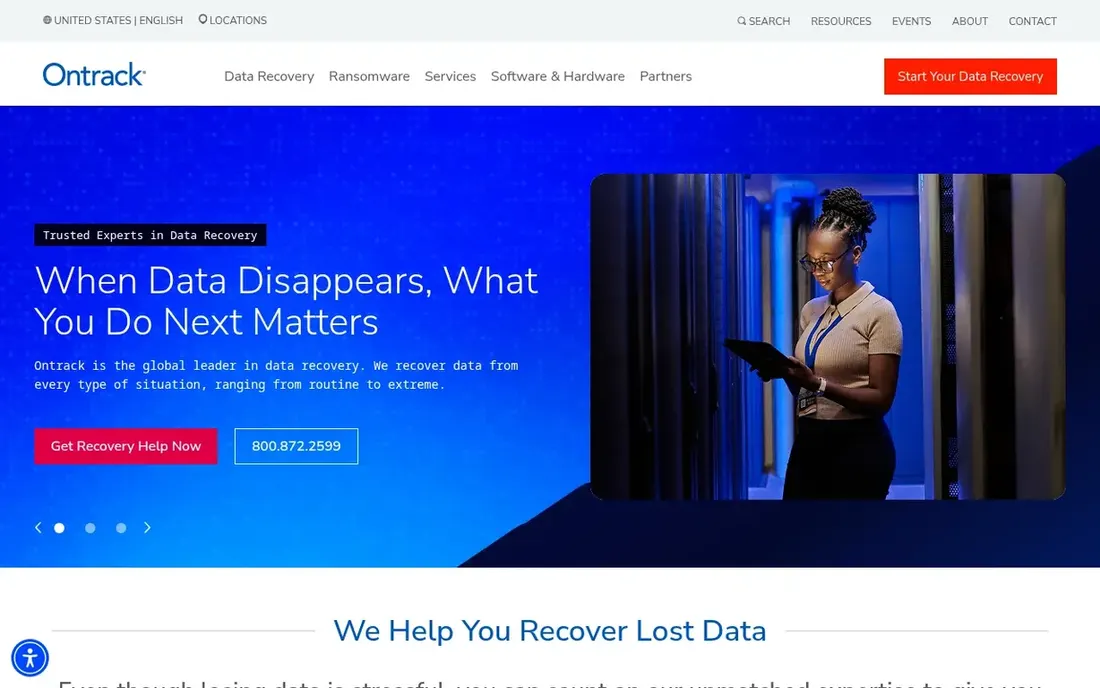
Ontrack EasyRecovery is a good fit for dedicated recovery with expert service backup. Choose Ontrack when the priority is getting lost data back from damaged or unusual media, and pair it with a broader resilience strategy elsewhere.
Also, Ontrack EasyRecovery comes from Ontrack, a business of KLDiscovery, whose homepage frames the offering around recovering your data around the clock. In daily use, beyond recovery software, the vendor describes email extraction and restoration, data destruction and tape management, which makes it a fit for organizations facing serious loss events or legacy media projects instead of routine file restores. Ontrack EasyRecovery shows no starting price here, so confirm the cost on the vendor site. Trial and free access: Not stated.
Where it is weaker: Not a full backup product.
- Handles email extraction and tape management
- Backed by a data recovery business
- Enterprise scope needs careful scoping
Rubrik Security Cloud is a good fit for ransomware recovery and cyber resilience. Choose Rubrik when ransomware readiness and quick bulk restoration are the driving requirements, and confirm integration details on the vendor site.
Where it falls short: Enterprise-scale deployment effort.
Rubrik Security Cloud does not show a starting price in this comparison, so check the vendor site for current pricing. As for free access: Not stated.
- Machine-speed restore capability
- Immutable backups for ransomware recovery
- Resilience focus over file-level recovery
Wondershare Recoverit
Best for: Wide device and file type recovery
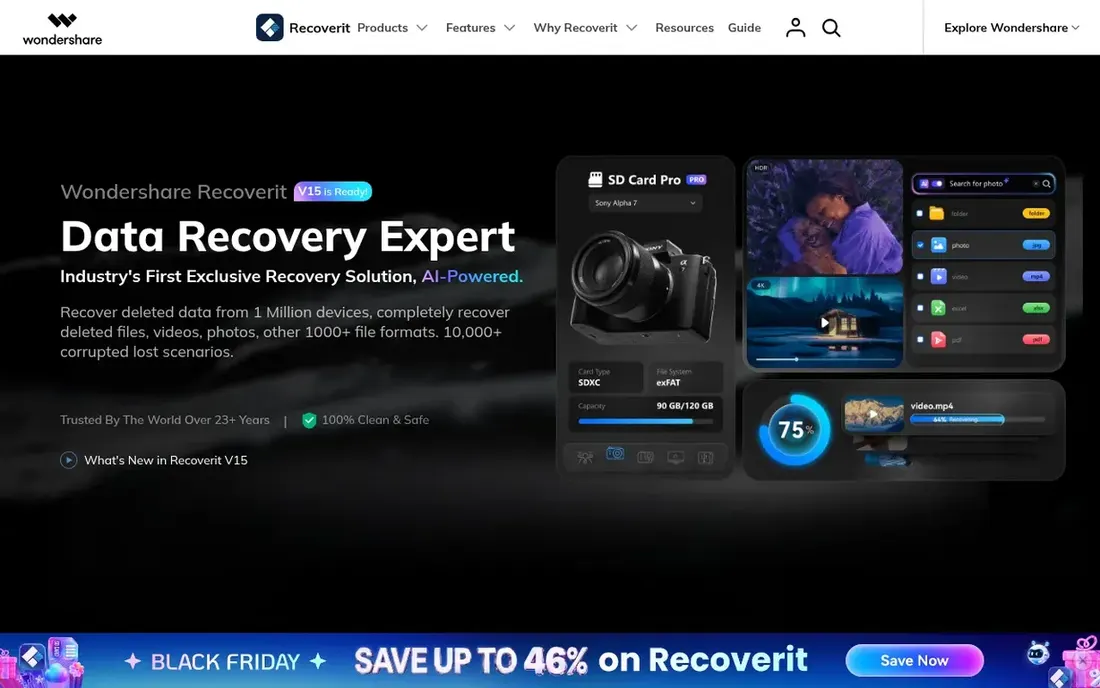
Where Wondershare Recoverit fits: broad device and file type recovery. The vendor frames Recoverit around recovery instead of enterprise-wide backup policy, so centralized management and cyber resilience are not its focus.
The starting price for Wondershare Recoverit: $99.95 per year. A free plan is available with Wondershare Recoverit.
Watch-outs: Not a centralized enterprise console. What Wondershare Recoverit does well: videos and documents.
- Recovers photos
- Addresses crashed PC and Mac scenarios
- Consumer-oriented positioning
How we compared the tools
For each of the 6 tools we noted price, free plan or trial, fit for data recovery software for enterprise and the main limit, using vendor pages and documentation. Where a vendor does not publish a price, the entry says quote. Where a price depends on seats or billing term, the entry says so. Order on the page follows fit for the typical buyer first, then price transparency and free access. Your own requirements should decide the final pick.
What to check before you buy
- Confirm the entry price on the vendor page. For Dell PowerProtect Data Manager, MiniTool Power Data Recovery, Acronis Cyber Protect and others that means a quote rather than a fixed price.
- Test the free plan from Wondershare Recoverit against your real workload before relying on it.
- Read the limits listed for Dell PowerProtect Data Manager first: tied to Dell ecosystem strengths.
- Confirm that Acronis Cyber Protect connects to the apps your team already uses, on the plan you would actually buy.
- Test how quickly MiniTool Power Data Recovery answers a pre-sales question; it hints at how support will feel later.
FAQ
Can these tools recover data from failed drives in-house?
Software-based recovery can help with logical failures for example deletion or corruption, but physical drive failures commonly need specialist services. Ontrack pairs recovery software with a recovery business, which can matter when in-house attempts are not enough.
What is the difference between data recovery software and backup software?
Recovery software targets lost or damaged files after deletion, corruption or device failure, whereas backup software maintains copies so systems can be restored after incidents. Plenty of enterprises need both: recovery tools for isolated cases and backup systems for organization-wide resilience.
Do these tools publish their prices?
Not all of them. Dell PowerProtect Data Manager, MiniTool Power Data Recovery, Acronis Cyber Protect and others publish no starting price, so expect a quote request for those. The rest, Wondershare Recoverit included, show a starting price, though seats and billing terms still change the final cost.
Is Dell PowerProtect Data Manager the right pick for everyone comparing data recovery software for enterprise?
No single tool suits every team. Dell PowerProtect Data Manager comes first because it fits software-defined protection with simple operations, while MiniTool Power Data Recovery suits simple file recovery on Windows and Mac and Acronis Cyber Protect suits Backup and cybersecurity in one platform. Match the tool to your own size, budget and workflow before deciding.
How are the tools for data recovery software for enterprise ordered?
Dell PowerProtect Data Manager sits first and Wondershare Recoverit last because the order follows typical fit for data recovery software for enterprise, then price clarity and free access. It is a judgement call, so read each profile for fit and limits.
Can I try these tools before paying?
Often, yes. Wondershare Recoverit has a free plan. Use your own data and a real task during the test, and check what the free tier or trial limits before you rely on it.
Sources
- https://www.dell.com/en-us/dt/data-protection/powerprotect-data-manager.htm
- https://www.minitool.com/data-recovery-software
- https://www.acronis.com/en-us/products/cyber-protect
- https://www.ontrack.com/en-us/data-recovery-software
- https://www.rubrik.com
- https://recoverit.wondershare.com